
Appearance
24. Find it on the map
When you need this: someone gives you an address and you want to see it on a map with your own system drawn on it. Every customer and every piece of equipment that has a map point shows as a pin, and a pin opens its record.
Steps
On the left side of the screen, click GIS Mapping. The map page opens. There is nothing to pick under it; the name itself is the map.
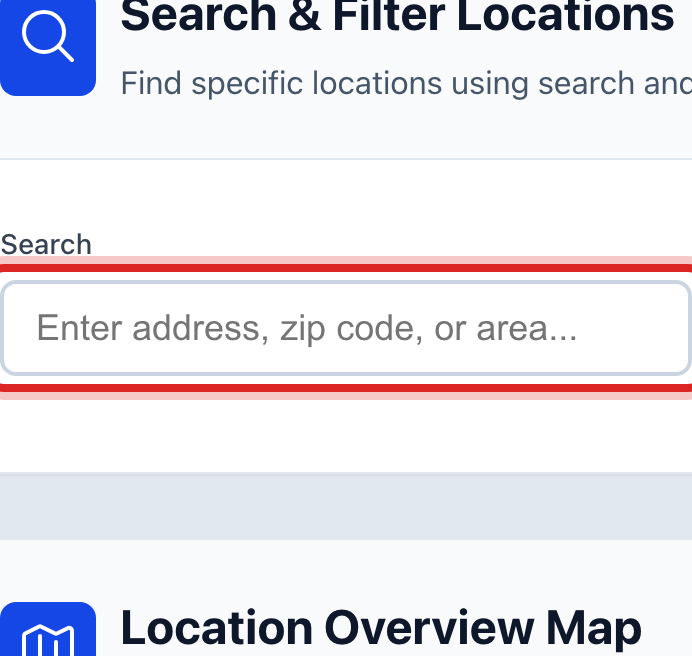
Click in the Search box and type the street or the ZIP code.
Click the blue Search button.
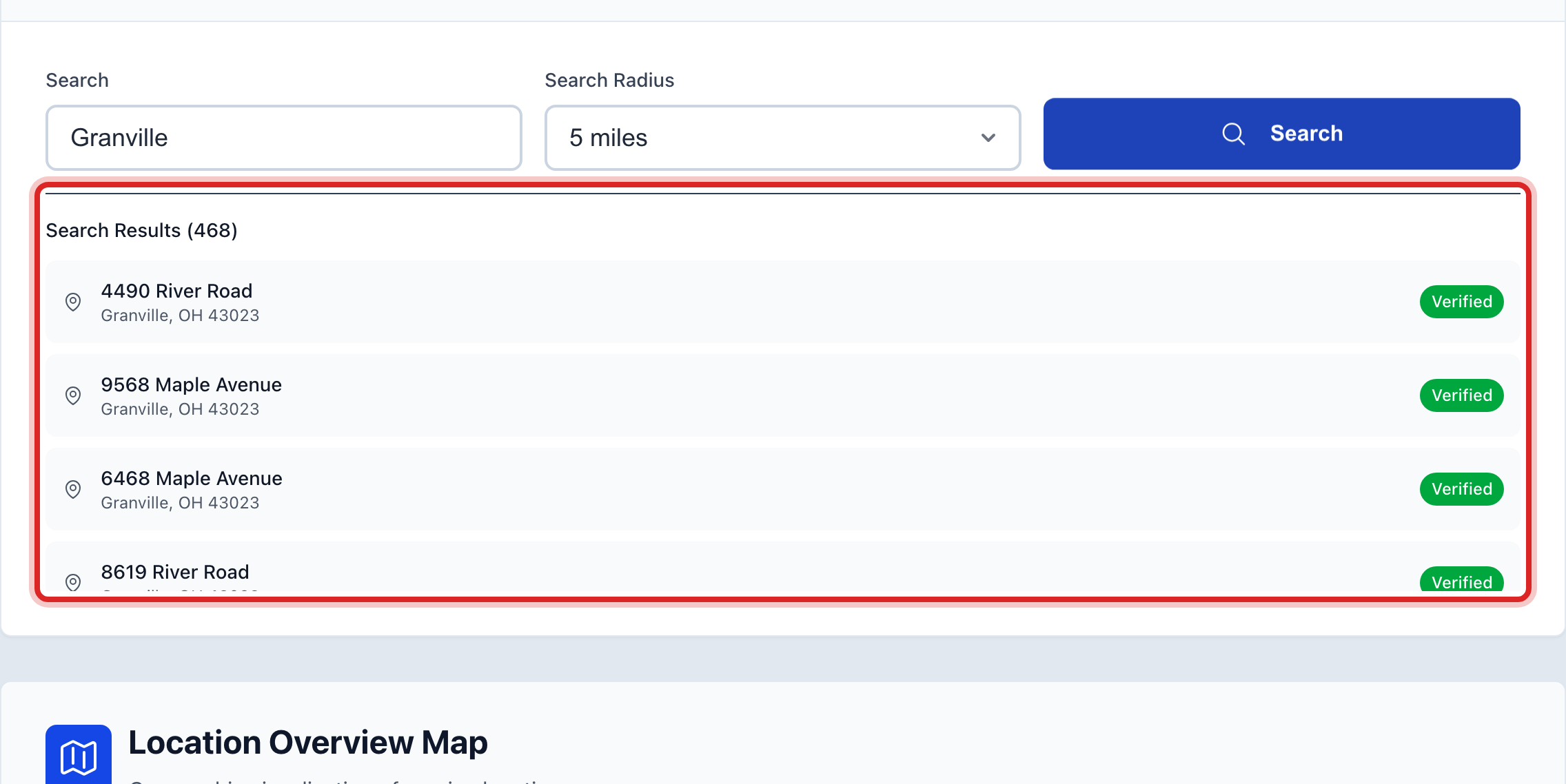
Search Results lists what matched: the street, the town and a Verified or Unverified mark. Read it to be sure the address is in your records. Clicking a line here does nothing. The map below is where you open things.
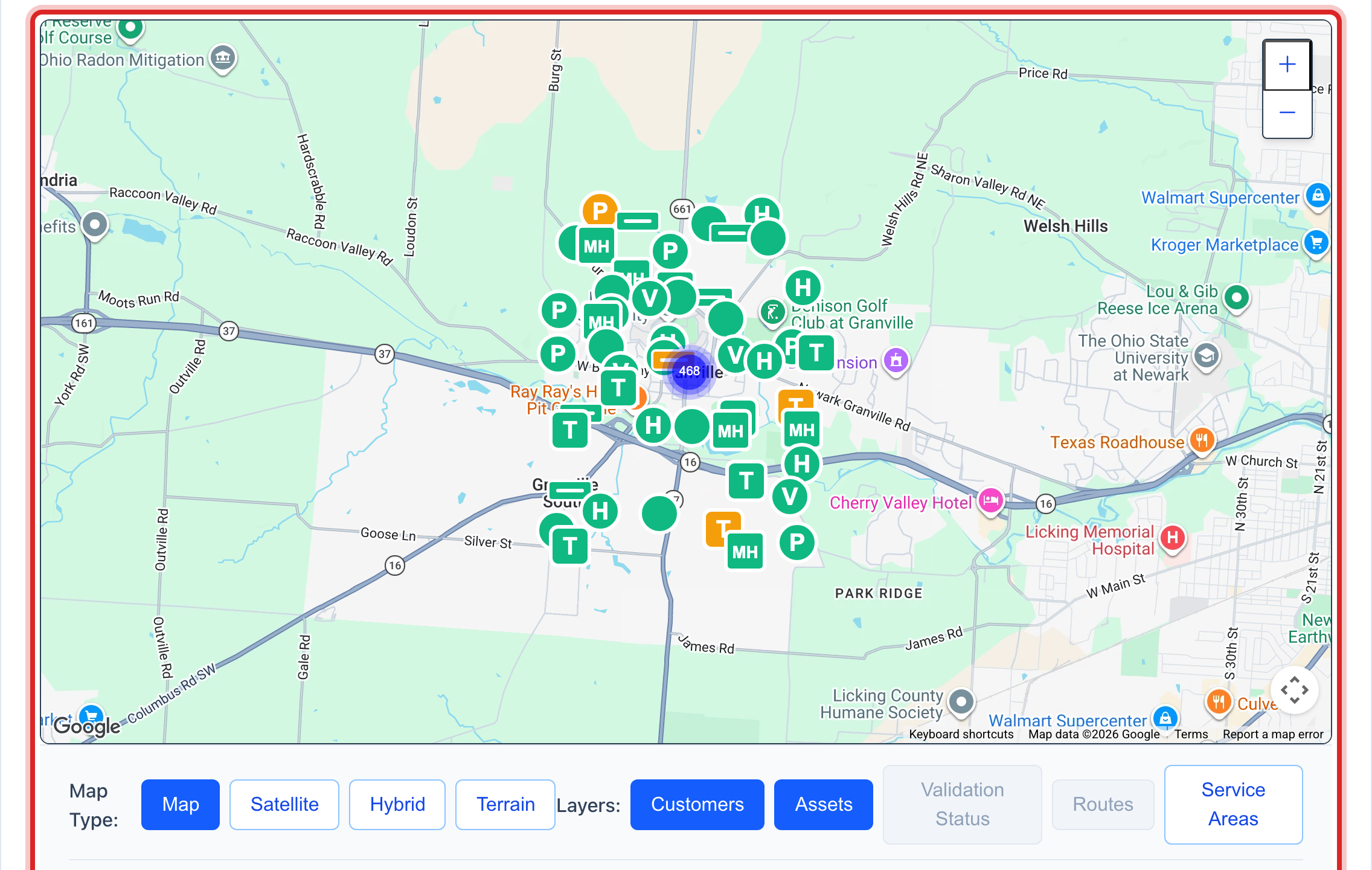
Scroll down to Location Overview Map. Each pin is a customer or a piece of equipment. Green means in service, yellow means work is planned, red means out of service. Click the pin you want.
Made a mistake? Click Undo on the green message that appears, or open Show me how at the top and pick Undo a mistake.
You are done when
The pin opens its record. A customer pin takes you to that account. An equipment pin takes you to Asset Management, Inventory, with that item already open on your screen.
If something looks different
You are looking for a valve or a main by name. The map search only looks at addresses, so a valve number finds nothing. On the left, click Asset Management, then Inventory. Type the name or the number in Search Assets, or pick Valves in the Category box.
You are looking for a meter. On the left, click Metering, then Meters, and type the meter number in Search. Meters are not drawn on the map.
A valve you know about has no pin. A pin only shows when someone saved the map point on that item. Open it under Asset Management, Inventory and add the map point there.
Nothing matched your search. Try less. One word of the street name is enough. The ZIP code alone brings up the whole town.
You do not see GIS Mapping on the left. Your account may not have permission to see maps. Ask your administrator.