
Appearance
4. Post the day's mailed and online payments
When you need this: the mail brought a stack of checks. You put them all in one deposit, put each one on the right account, and print a slip for the bank. One batch, one trip, one line in your books.
Steps
On the left side of the screen, click Accounting, then click Batch Deposits.
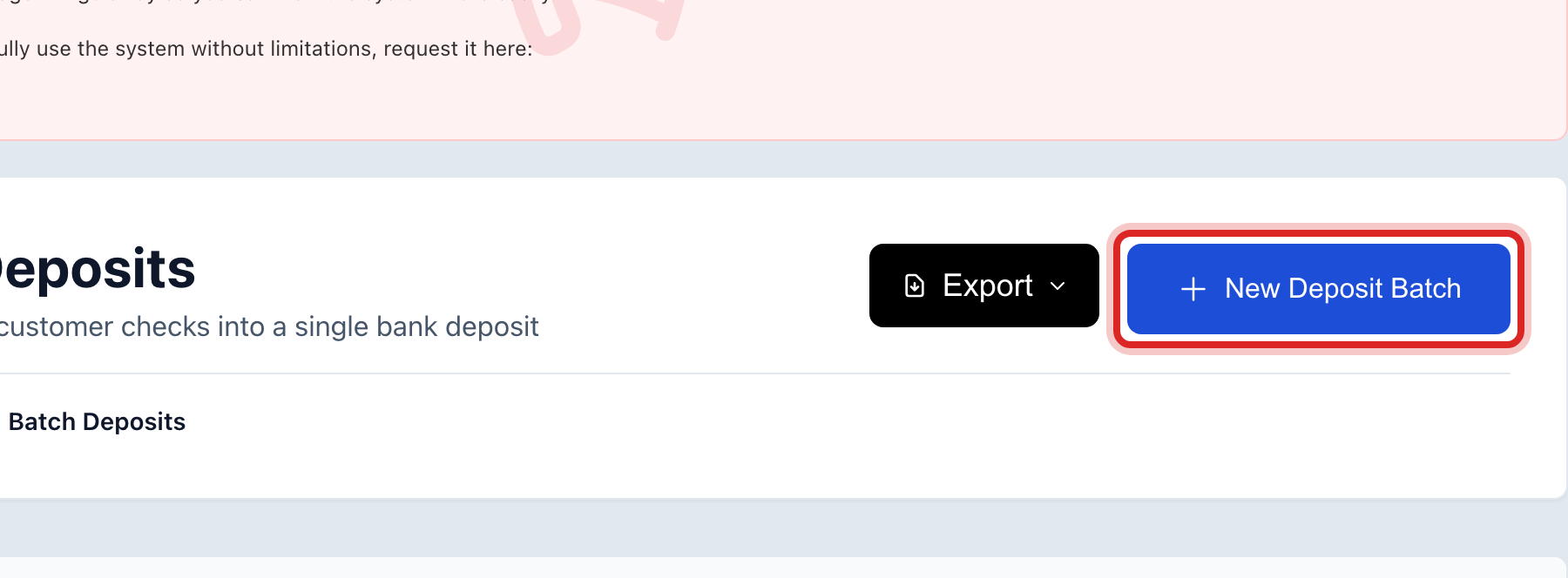
Click New Deposit Batch. A window opens.
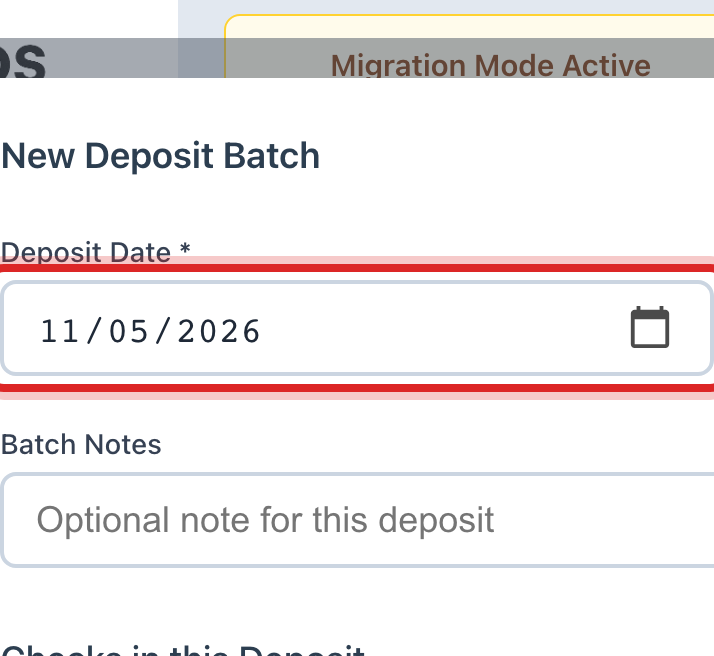
Set Deposit Date to the day the money goes to the bank. Today is already filled in.
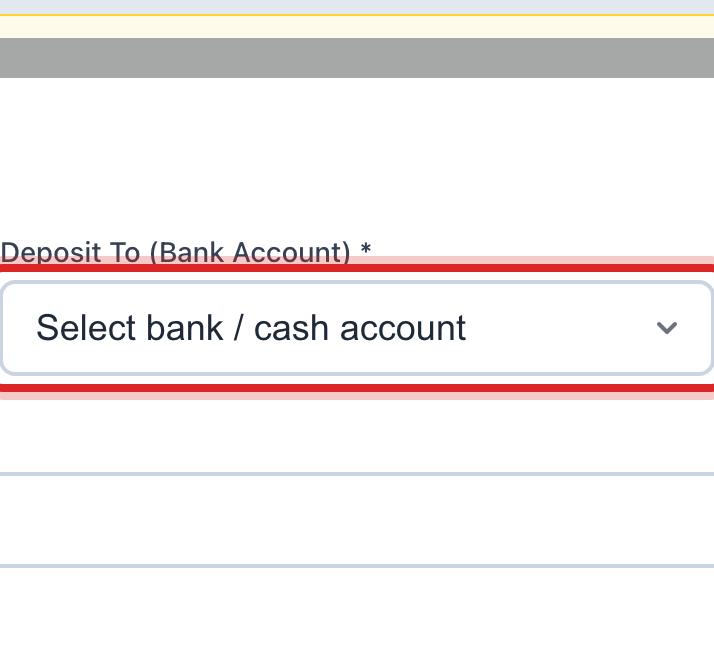
In Deposit To (Bank Account), pick the bank account the money goes into.
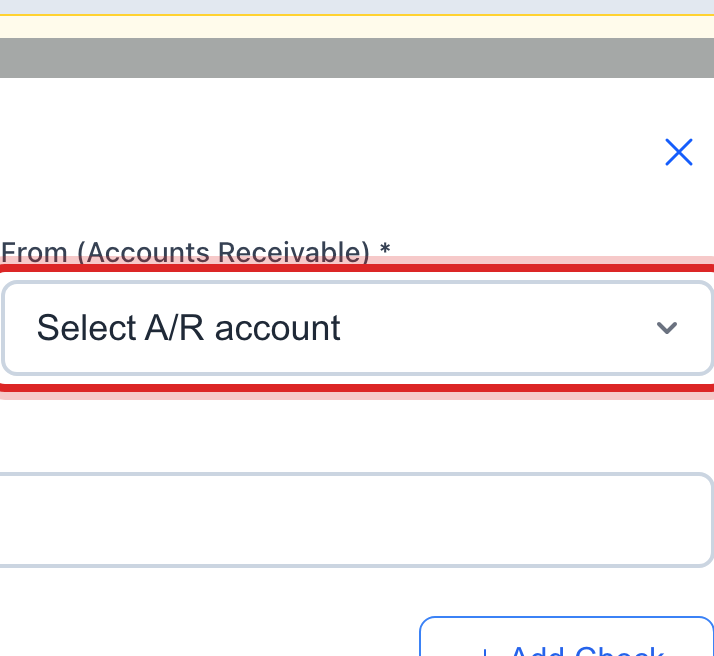
In From (Accounts Receivable), pick the account the money comes off. It is the same one every day.
Click Add Check. One row appears for one check.
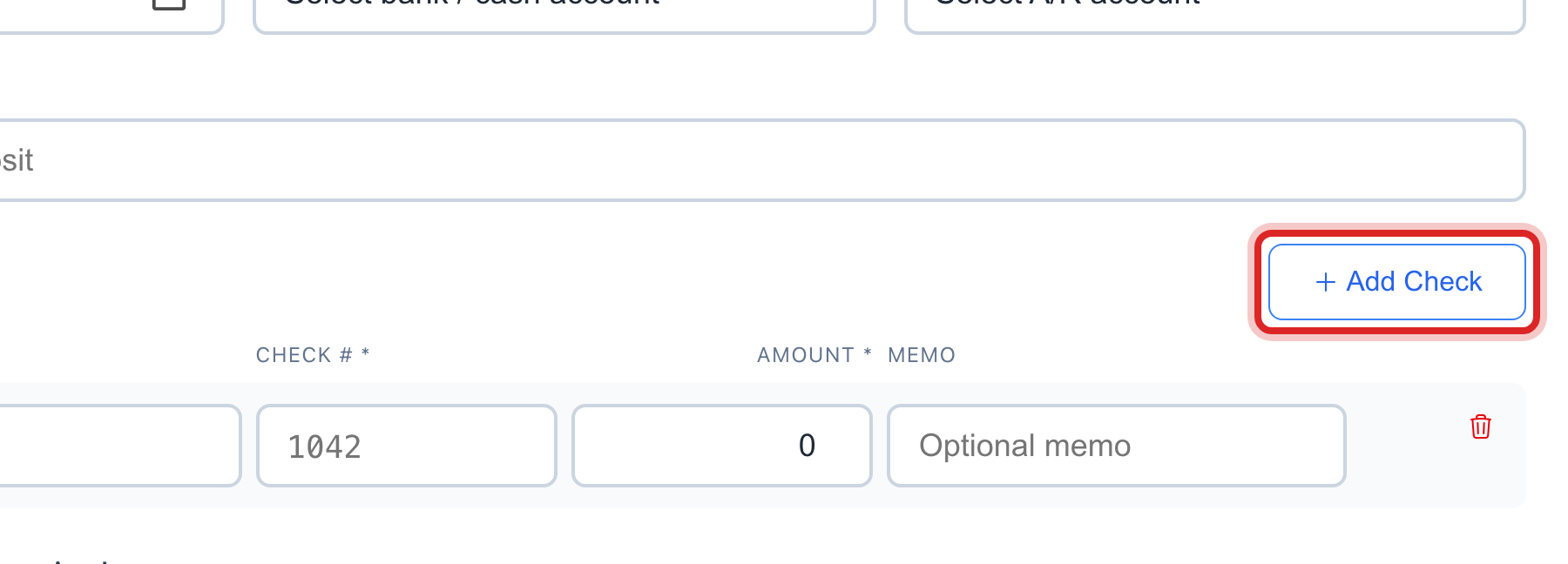
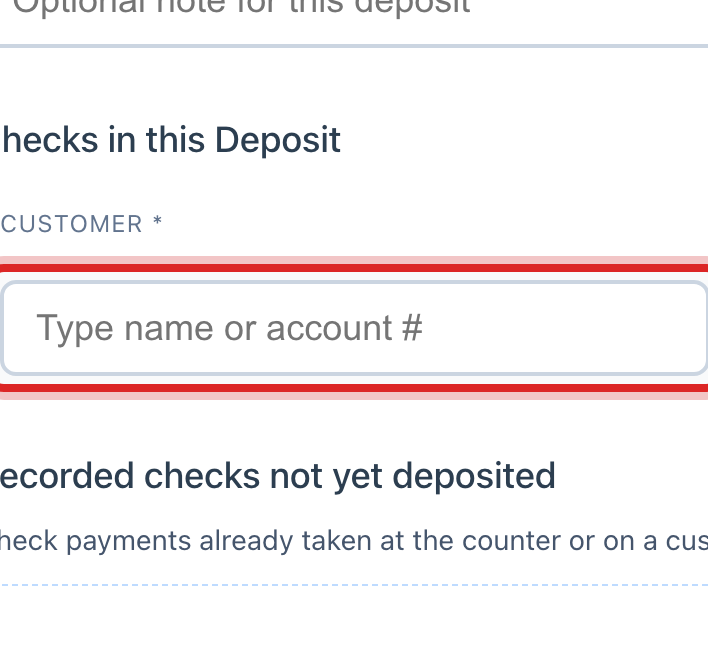
In the first box of the row, type the name or the account number. Click the right person in the list. Their balance shows under the box.
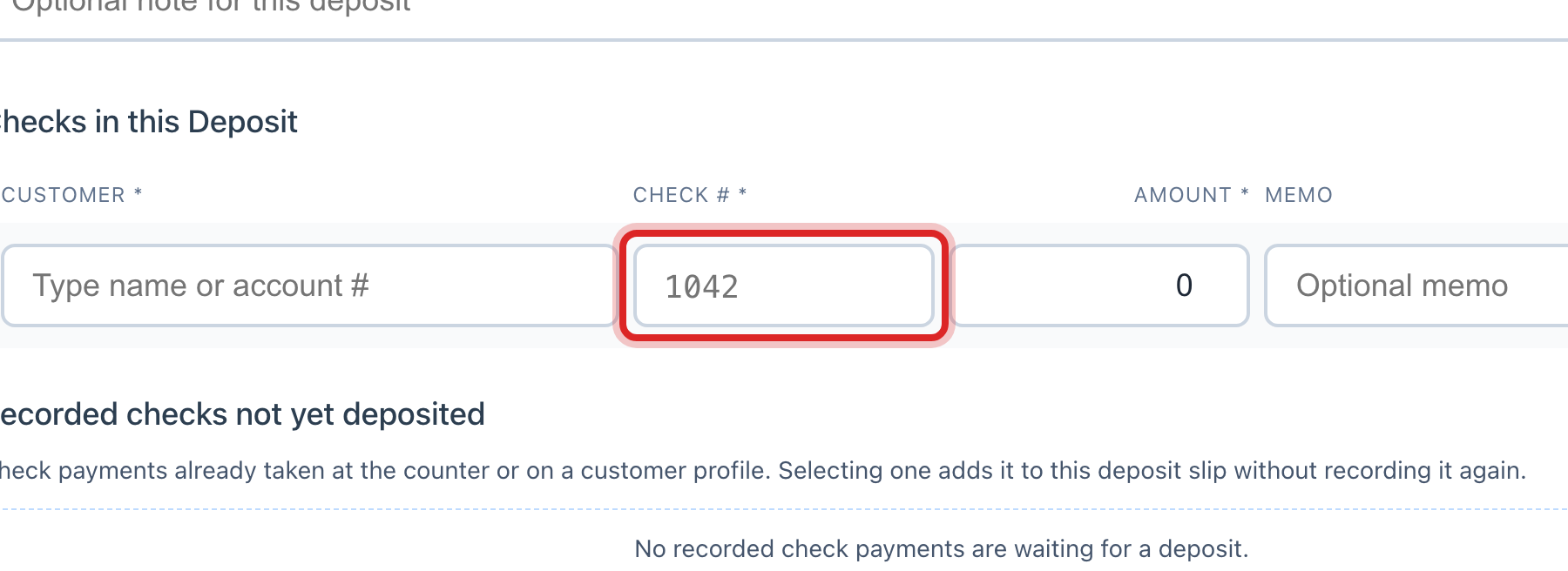
Type the Check # from the check.
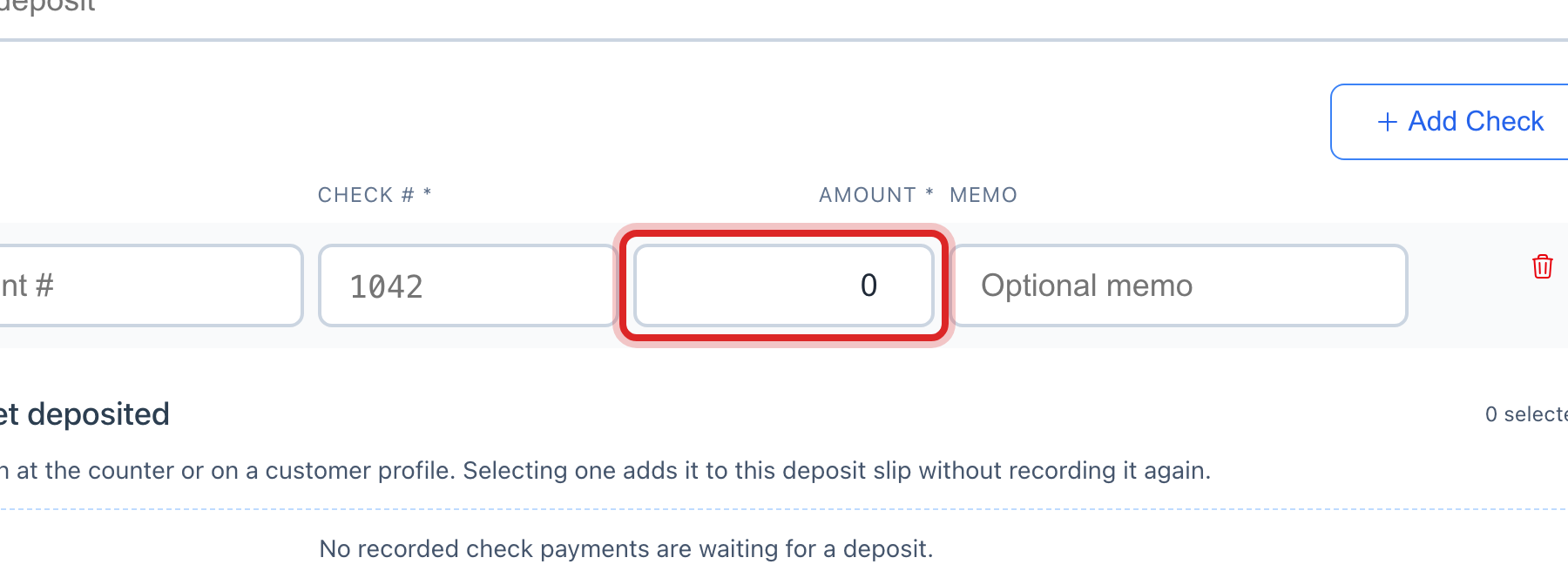
Type the Amount of the check.
Do steps 6 to 9 again for every check in the stack.
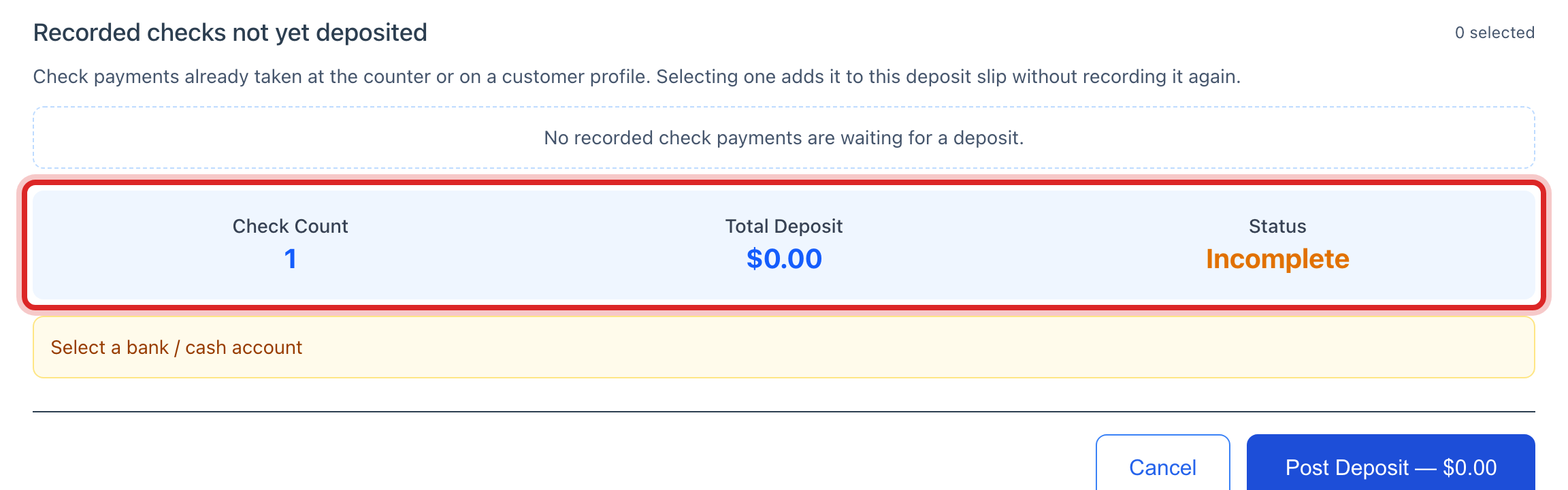
Read the Total Deposit in the blue panel. It must match your own total. Status says Ready to Post when nothing is missing.
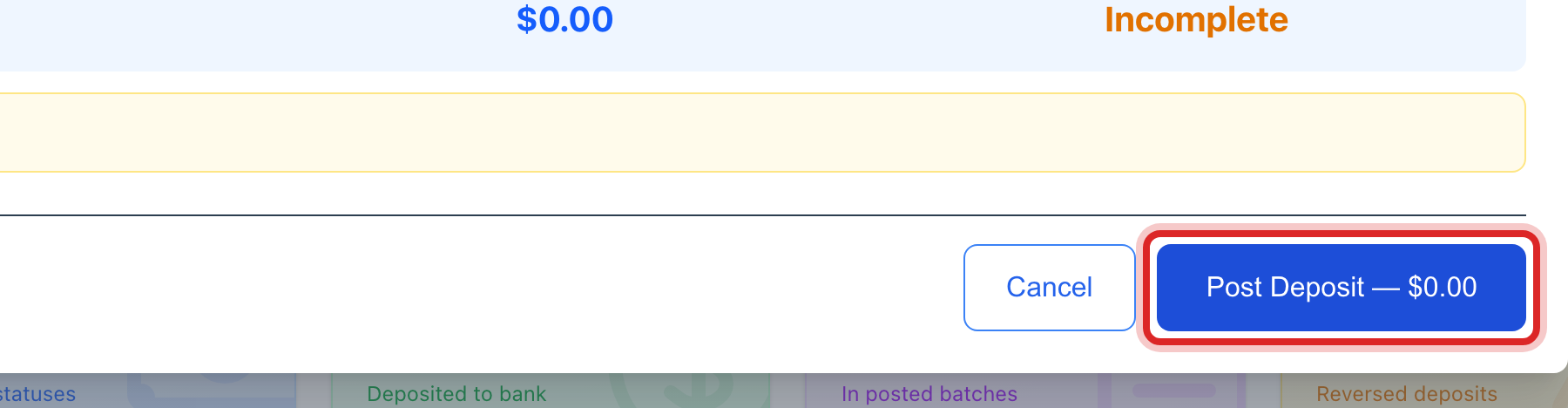
Click Post Deposit. The amount is printed on the button.
The batch opens. Click Print Deposit Slip. Put the slip and the checks in the bank bag.
Made a mistake? Click Undo on the green message that appears, or open Show me how at the top and pick Undo a mistake.
You are done when
The batch shows in the Deposit Batches table as Posted, and the Posted Total card at the top goes up by the deposit.
A posted deposit cannot be undone. It has already written a line in your books. If it is wrong, open the batch, click Void, and type why. Then build the batch again the right way.
If something looks different
Someone paid online or by card today. Those are not checks and do not go in this batch. On the left, click Accounting, then Payments in Progress. Check each row against your bank, then click the green check button at the right end of the row.
You already took some of these checks at the window. They are listed under Recorded checks not yet deposited. Tick each one instead of typing it again.
There is no New Deposit Batch button. Your account cannot create deposits. Ask your administrator.
The Post Deposit button is faded. Status says Incomplete. A row is missing a customer, a check number, or an amount.