
Appearance
23. File the monthly report to the state
When you need this: once a month, when the state wants your operating report. Utilops builds it from the daily logs you already filled in, so you are checking numbers, not copying them. Then you sign it, print it, send it the way your state asks, and mark it filed so the reminders stop.
Steps
On the left side of the screen, click Compliance, then click Report Generator.
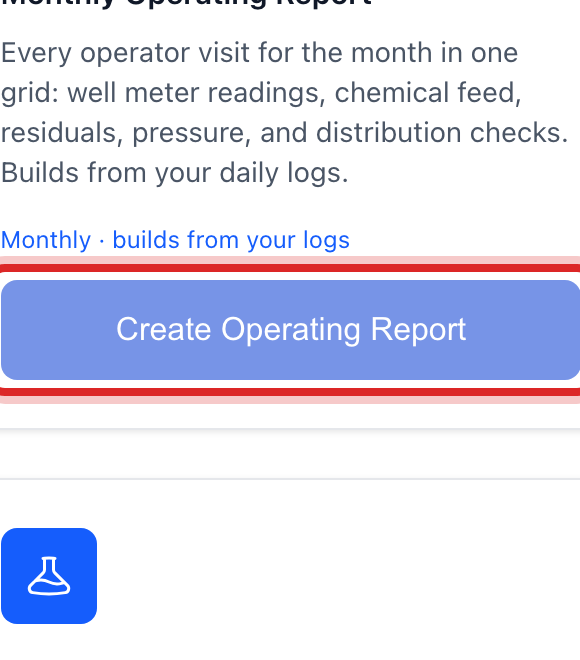
Under Quick Start Report Templates, find the Monthly Operating Report tile and click Create Operating Report.
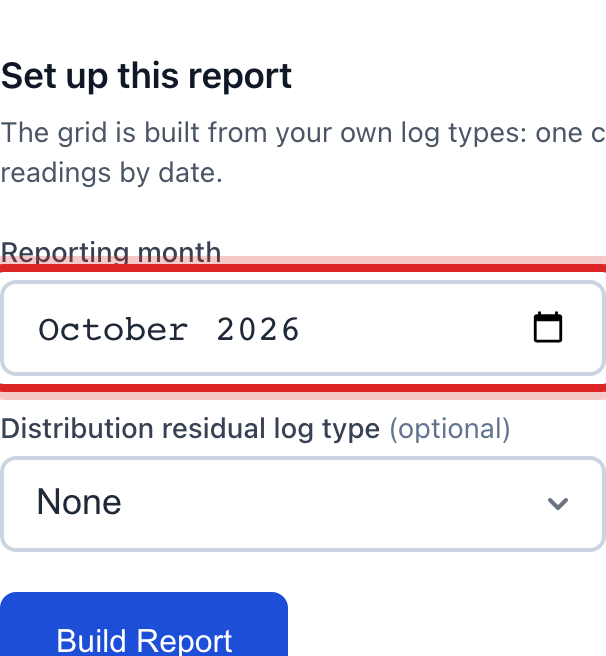
Pick the Reporting month. It is the month that just ended.
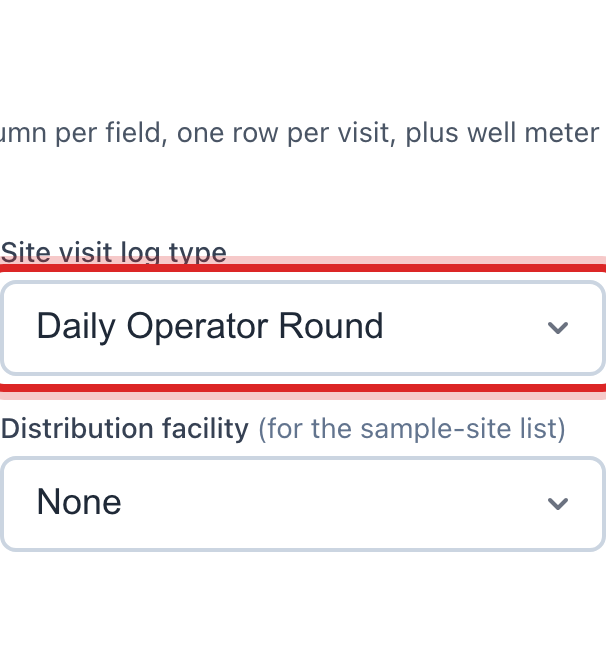
Pick your Site visit log type. It is the log you fill in on your rounds, like Well System Visit.
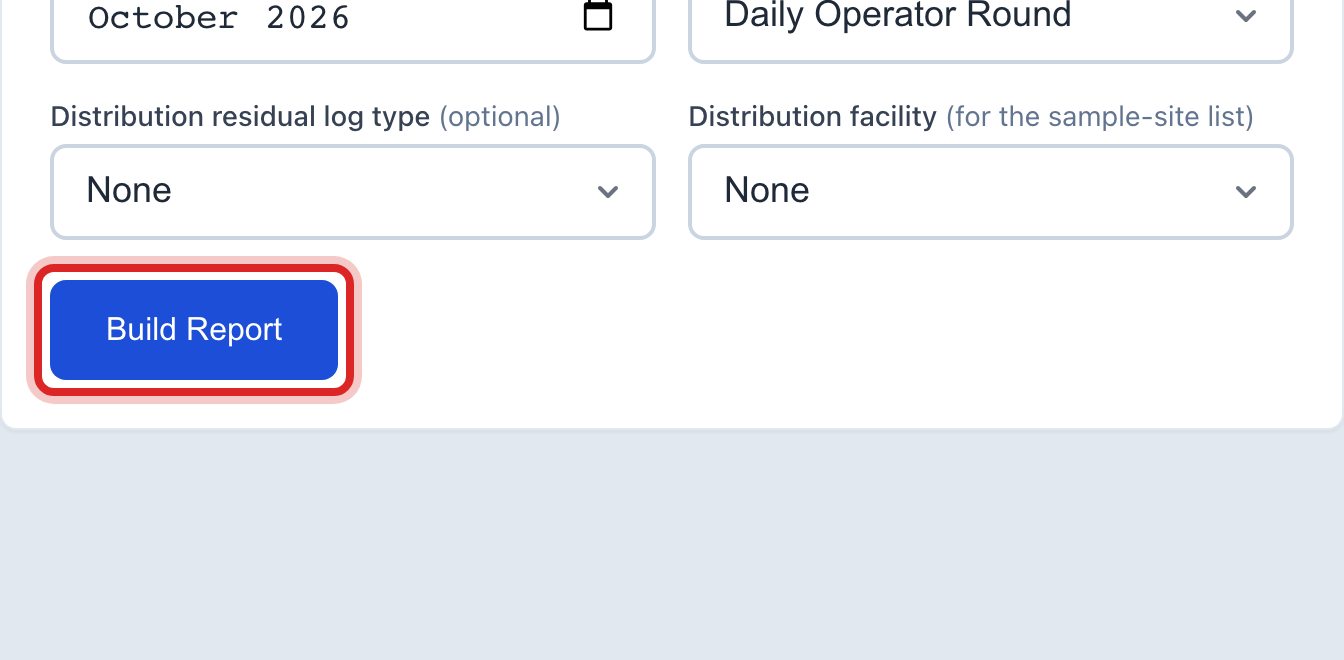
Click the blue Build Report button.
Read down the grid. One line per visit, one column per reading, straight out of your logs. Fix anything that looks wrong here.
Type your name in Operator in responsible charge and your grade in Title / certification.
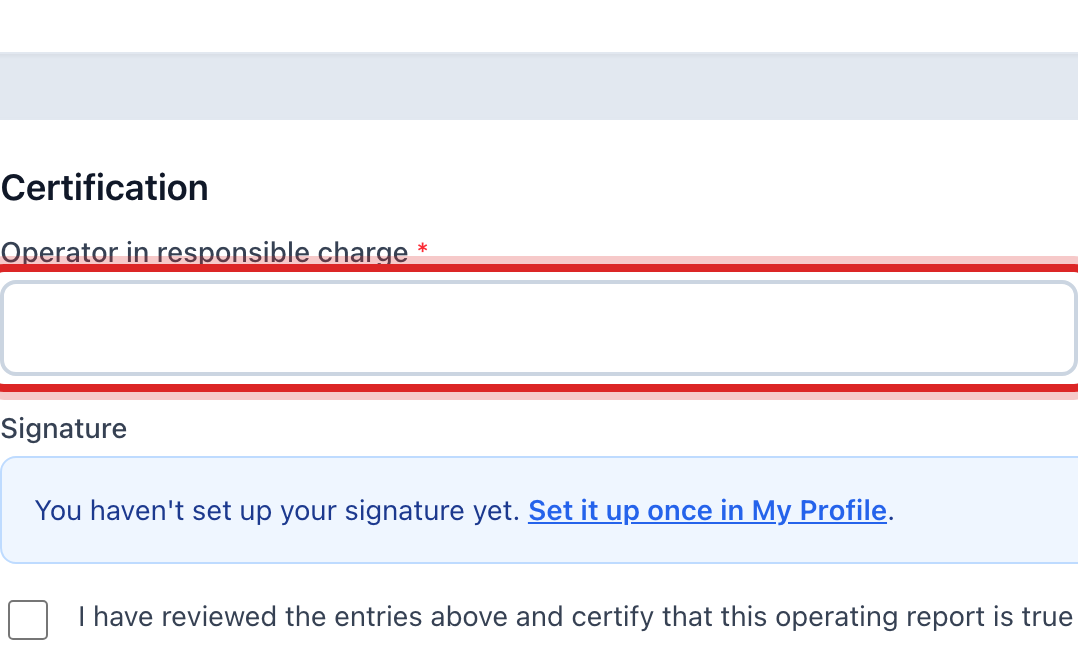
Tick the box that says you have read the report and it is true and complete.
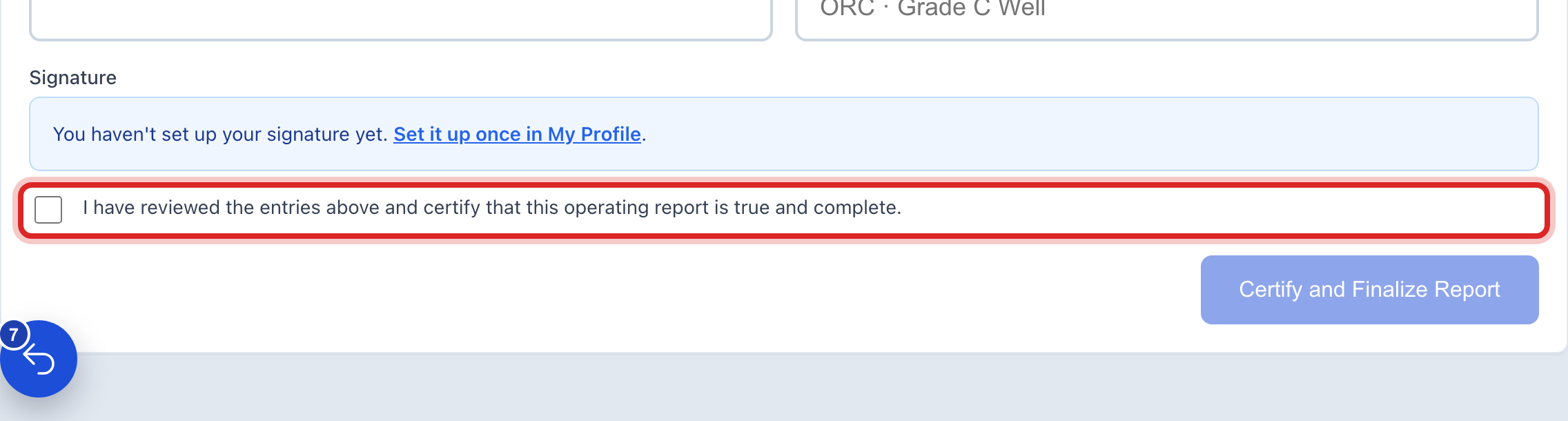
Click the blue Certify and Finalize Report button. A small window asks you to be sure. Click OK. The numbers lock after this.
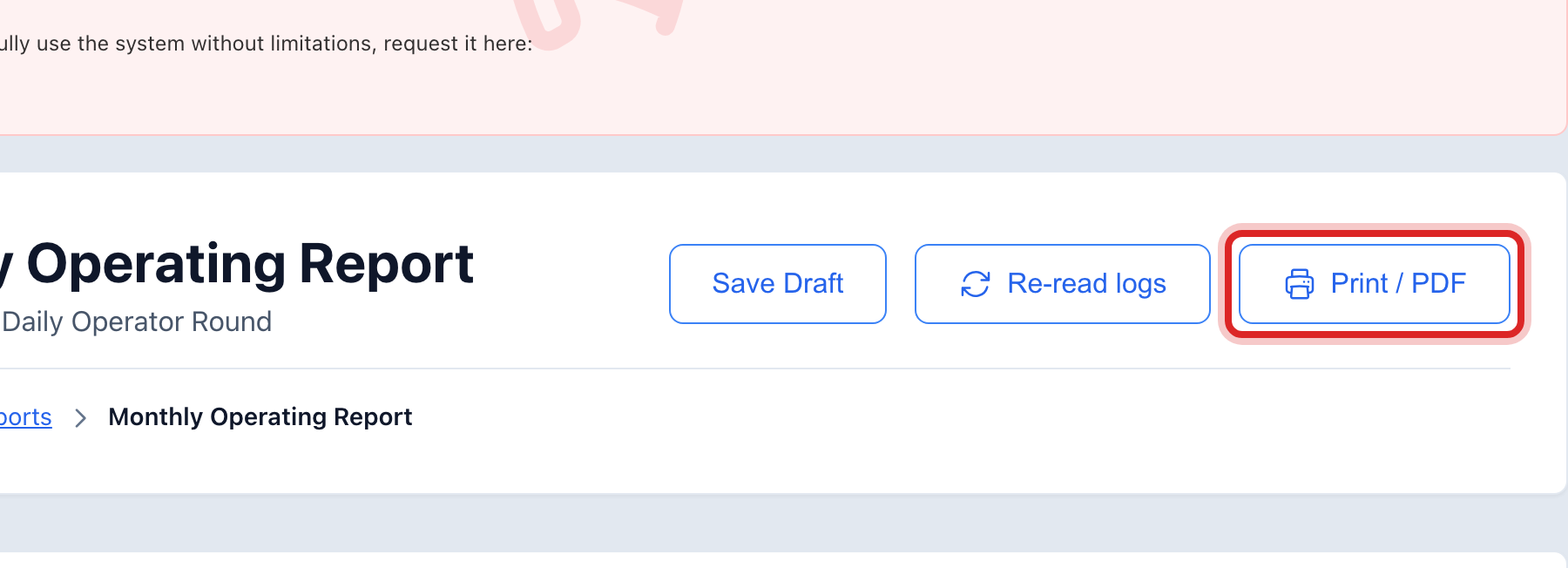
Click Print / PDF at the top. Send that file to the state the way your state asks for it.
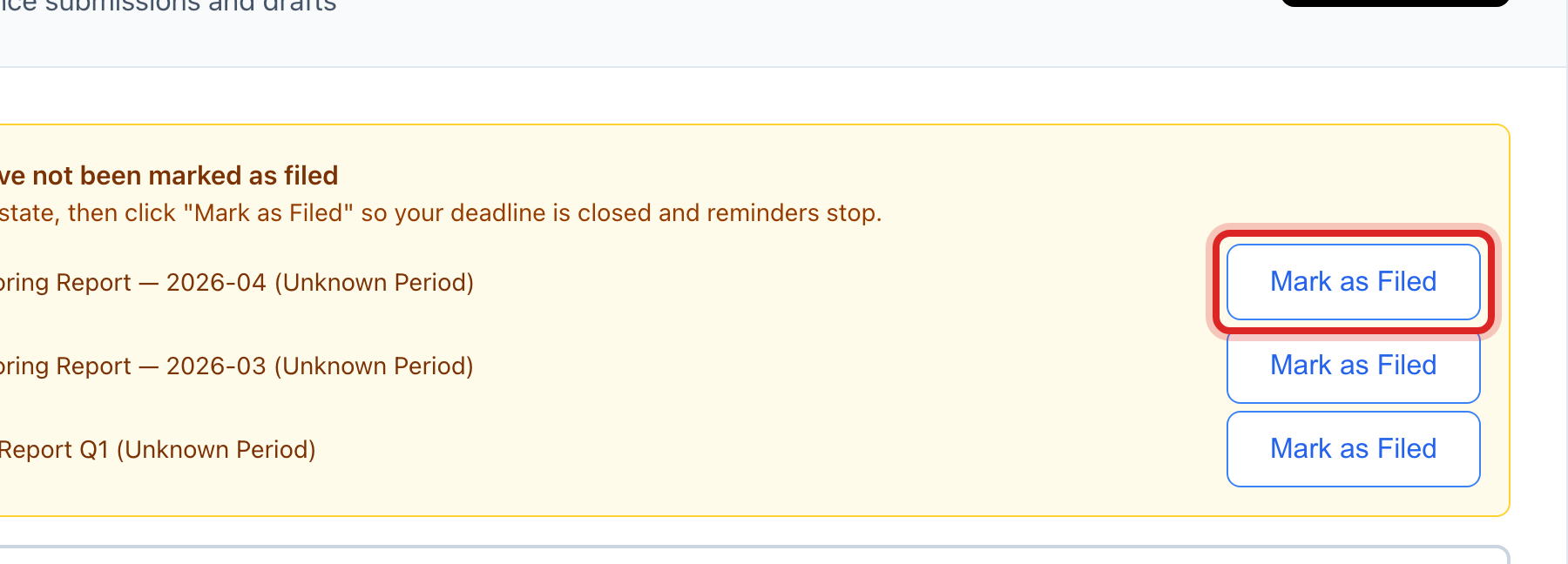
Go back to Report Generator. In the yellow box at the top, click Mark as Filed on the line for your report.
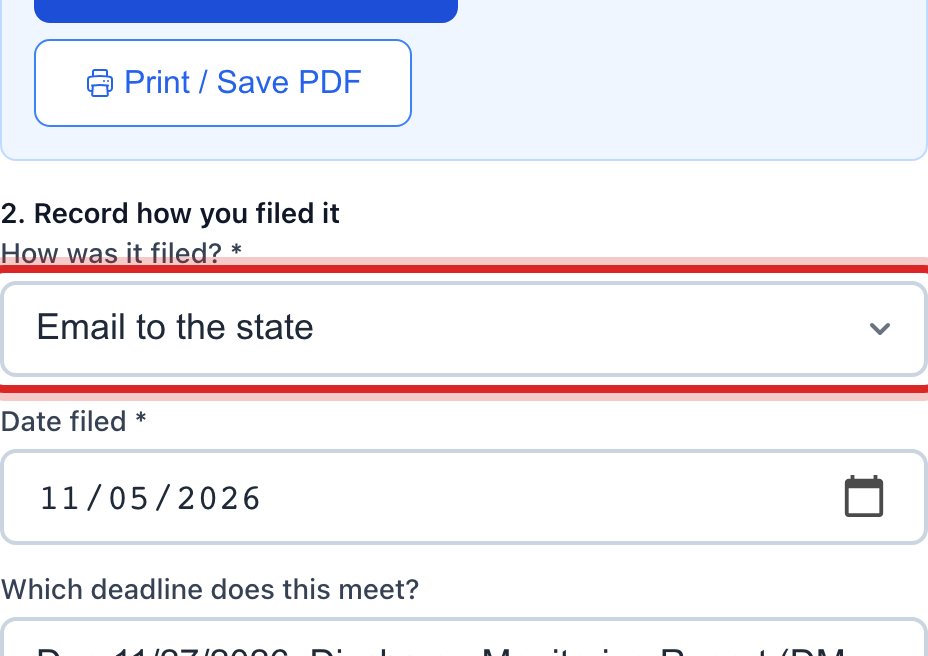
In How was it filed?, pick how you sent it. State online portal, email, EPA CMDP, mail by hand, or other.
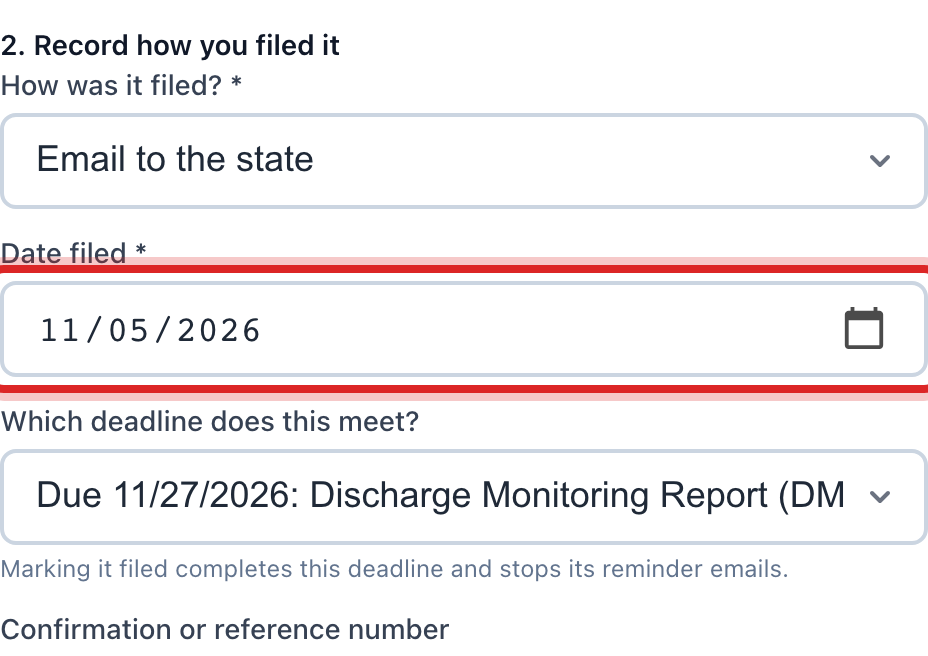
Set Date filed to the day you sent it.
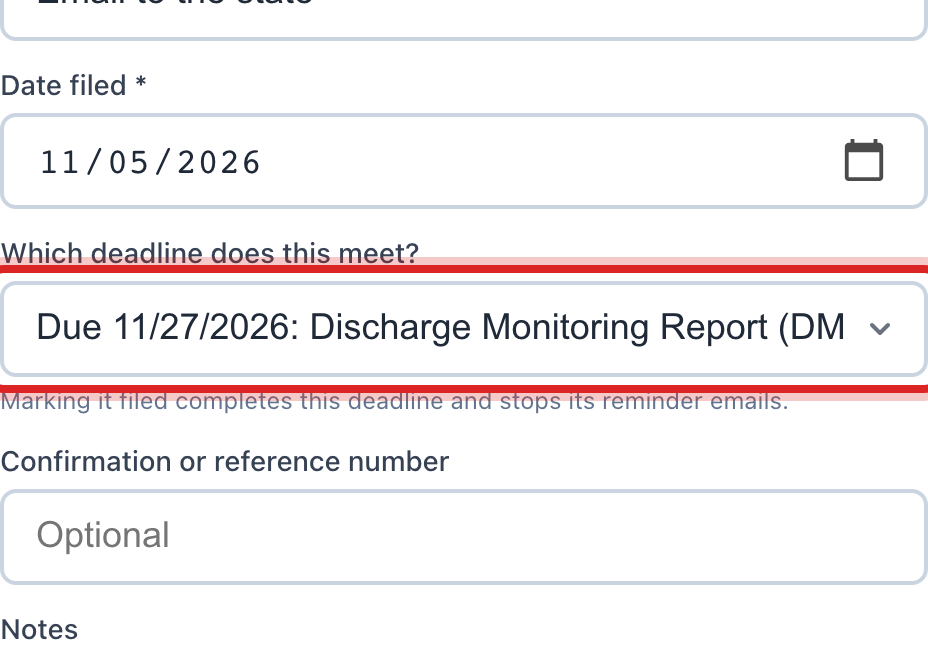
In Which deadline does this meet?, pick the due date this report covers. That closes the deadline and stops its reminder emails.
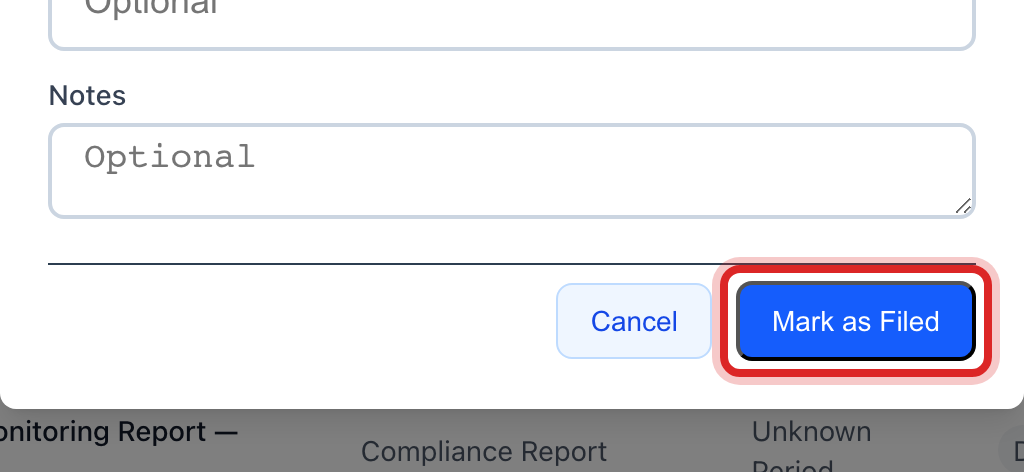
Click the blue Mark as Filed button.
Made a mistake? Click Undo on the green message that appears, or open Show me how at the top and pick Undo a mistake.
You are done when
The report's Status reads Submitted, and the yellow box at the top no longer lists it. The reminder emails for that deadline stop.
Two steps on this page cannot be undone. Once you click Certify and Finalize Report, the numbers are locked and Utilops will not let you change them. Once a report is marked filed, that button goes away. If you find a wrong number after you signed, call your state office and ask how they want the fix. Most want a new report for that month sent in as a correction. Build it the same way, write what changed in the notes, and keep the old one.
If something looks different
There is no Monthly Operating Report tile. The tiles follow what your utility sells. A water system gets this one. A gas system gets its own reports instead.
It says you have no log types yet. This report is built from your operator logs. Fill in your rounds first. See page 19.
You added a log after you built the report. Click Re-read logs at the top of the report. It reads your logs again and fills the grid in fresh.
The Certify and Finalize Report button is faded. Your name, your title, or the tick box is missing. Fill in all three.
Your state wants it through its own website. Use Print / PDF, upload that file on the state site, then come back here and mark it filed. Pick State online portal as the way you sent it.