
Appearance
2. Look up a customer account
When you need this: a customer is at the counter or on the phone and you need to see their account. Their balance, their bills, their meter and their notes are all on one page once you find them.
Steps
On the left side of the screen, click Customer Management, then click Search.
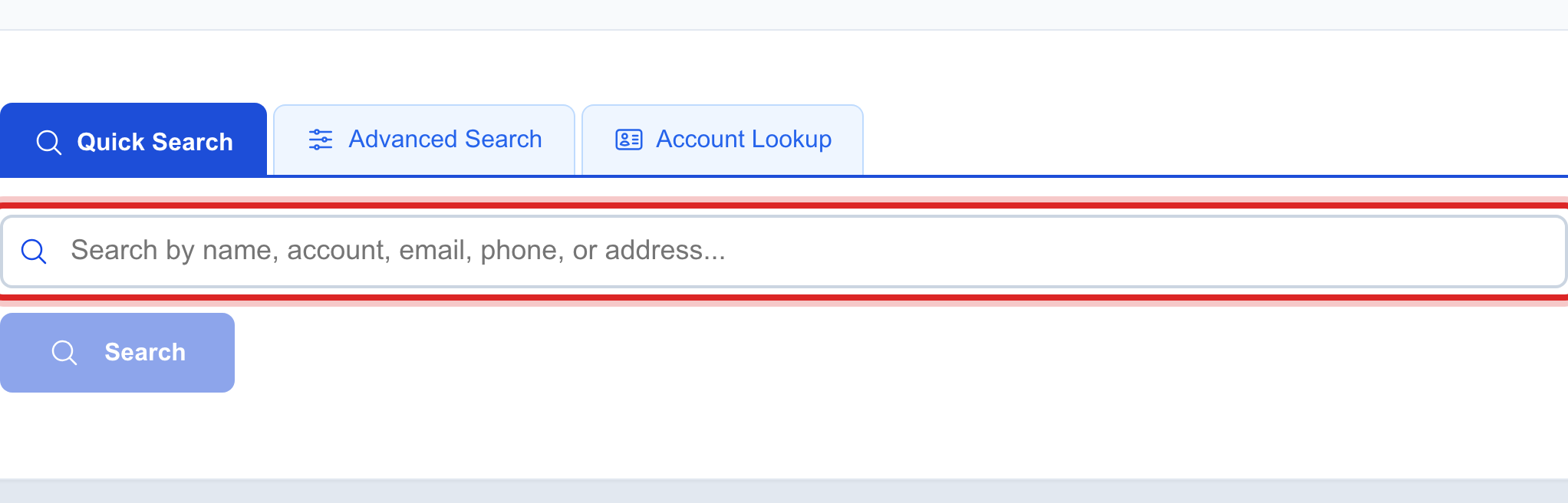
Click in the big search box. Type part of what you know. The last name is enough. The account number, phone number or street name also work.
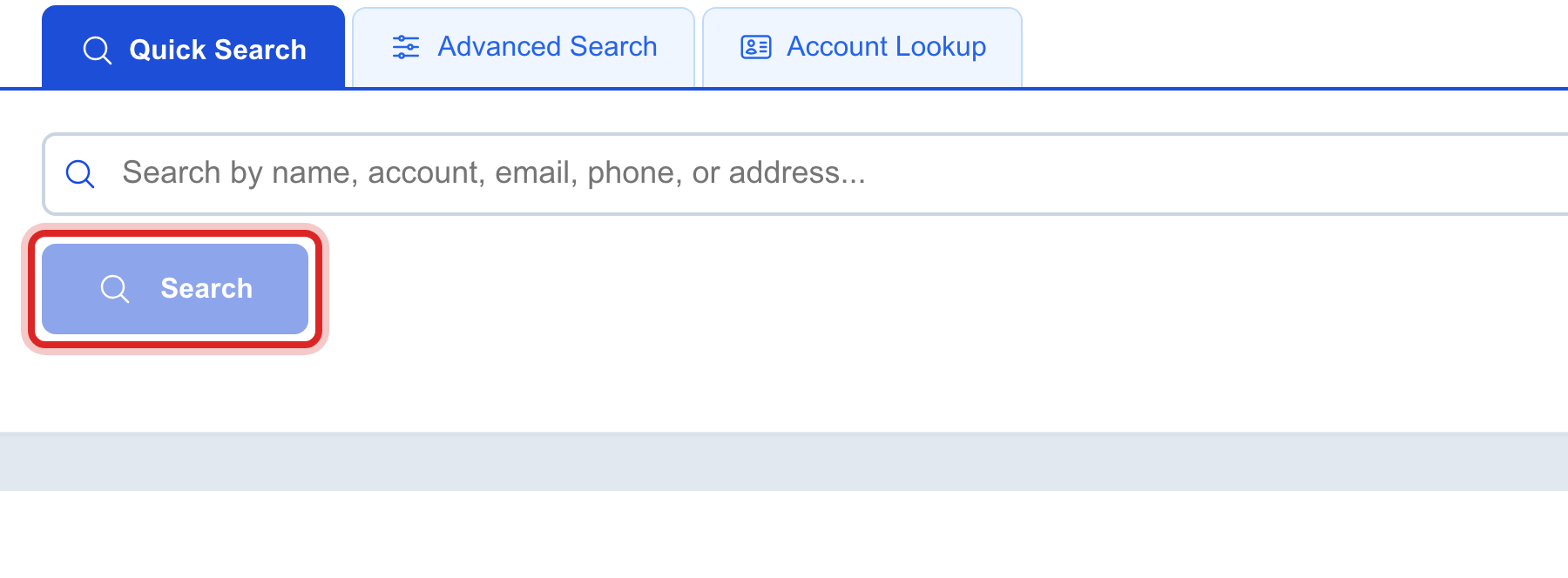
Click the blue Search button, or press Enter on your keyboard.
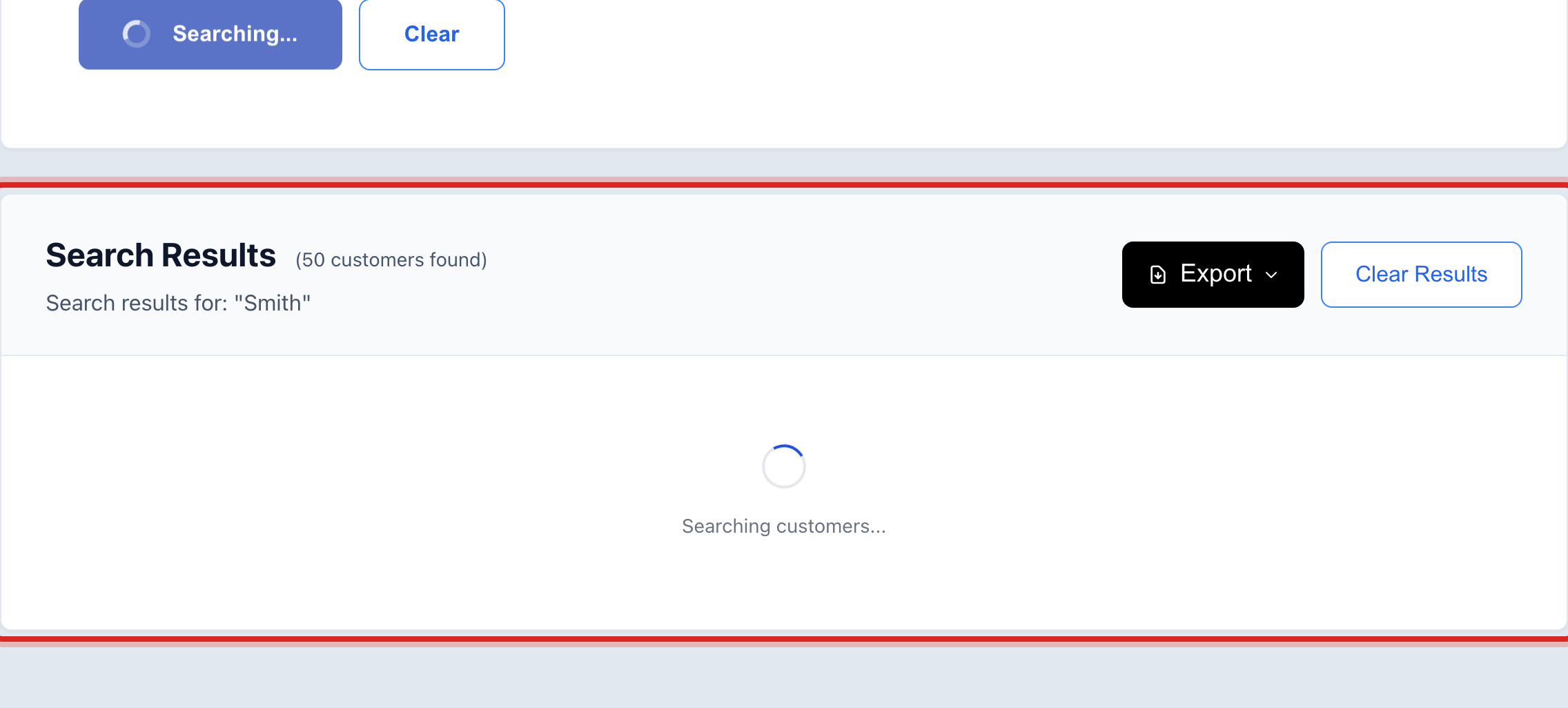
The matches appear in a list under the box. Find the right person and click their name.
You are done when
You see the customer's name at the top of the page, with their balance and their bills under it.
If something looks different
No one shows up. Check the spelling, then try fewer letters. "Smi" finds every Smith and Smithson.
Too many show up. Type the street name after the last name, like "Smith Main".
You know the account number. Type just the number. It finds that one account.