
Appearance
11. Leak adjustments and other credits
When you need this: a toilet ran all month and the board said to take half off. Or you charged a fee you should not have. You give the customer a credit. The credit sits on their account and comes off the next bill. There is no special leak screen. A leak credit is a credit with the word leak in the reason.
Steps
On the left side of the screen, click Accounting, then click Accounts Receivable.
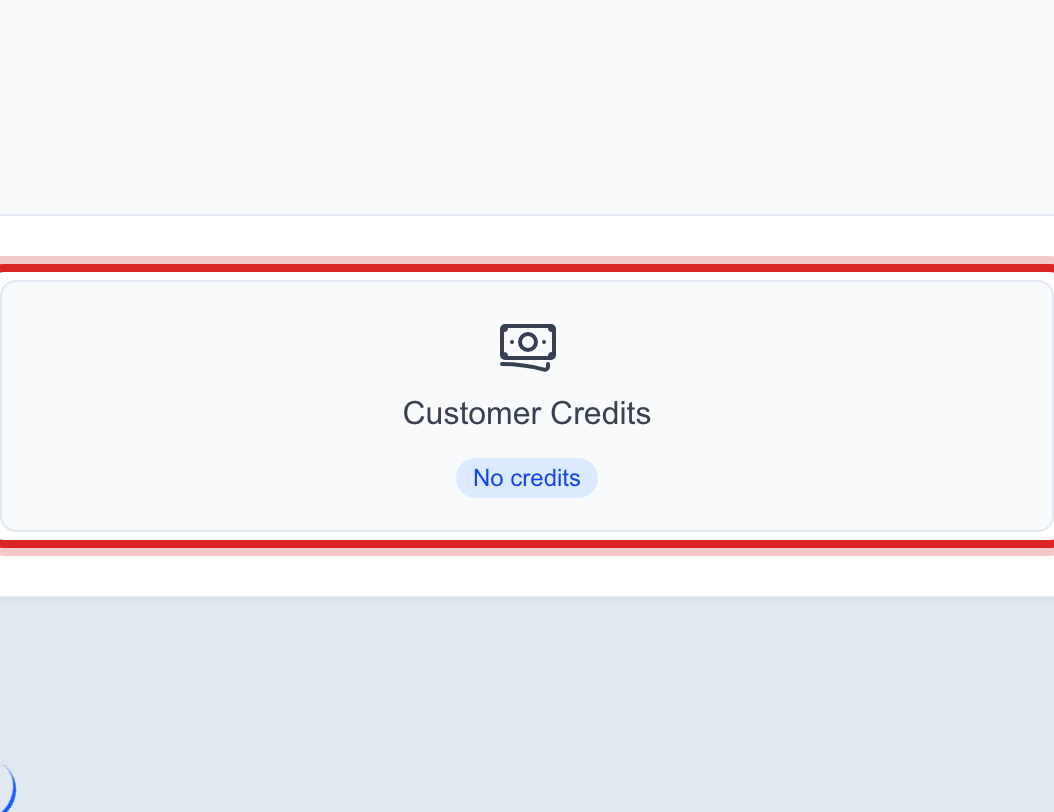
Click the Customer Credits tile near the top.
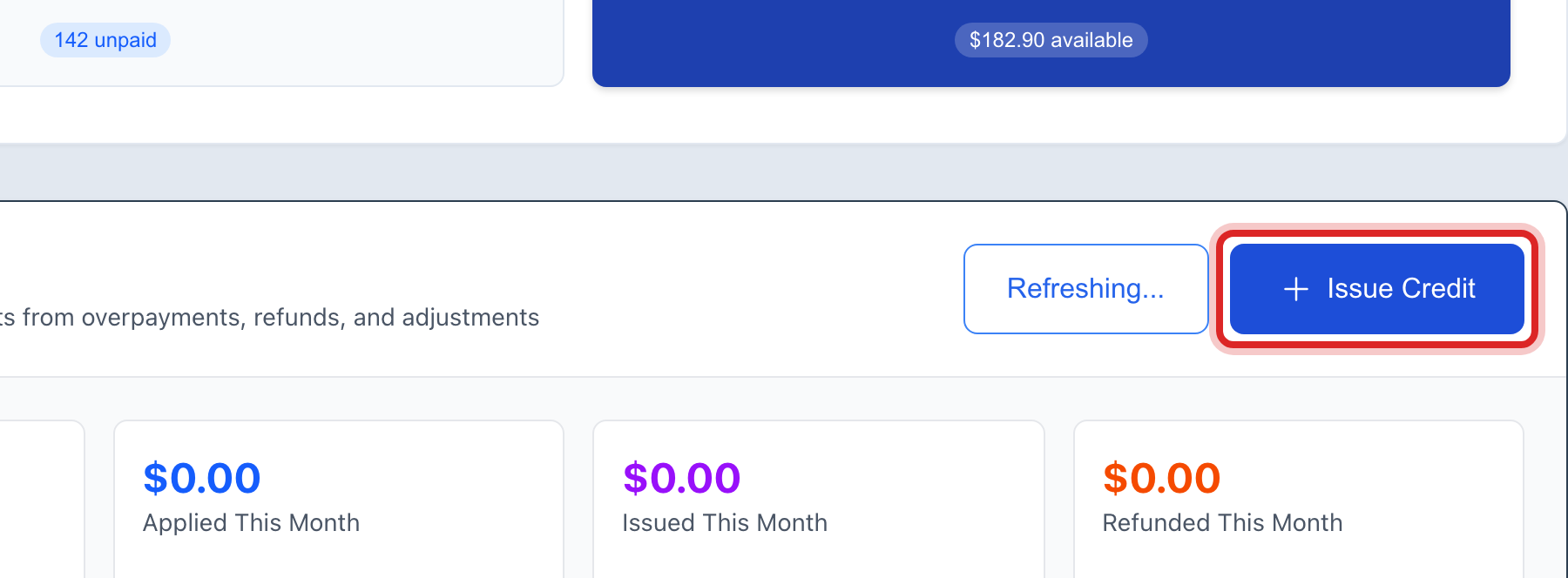
Click the Issue Credit button.
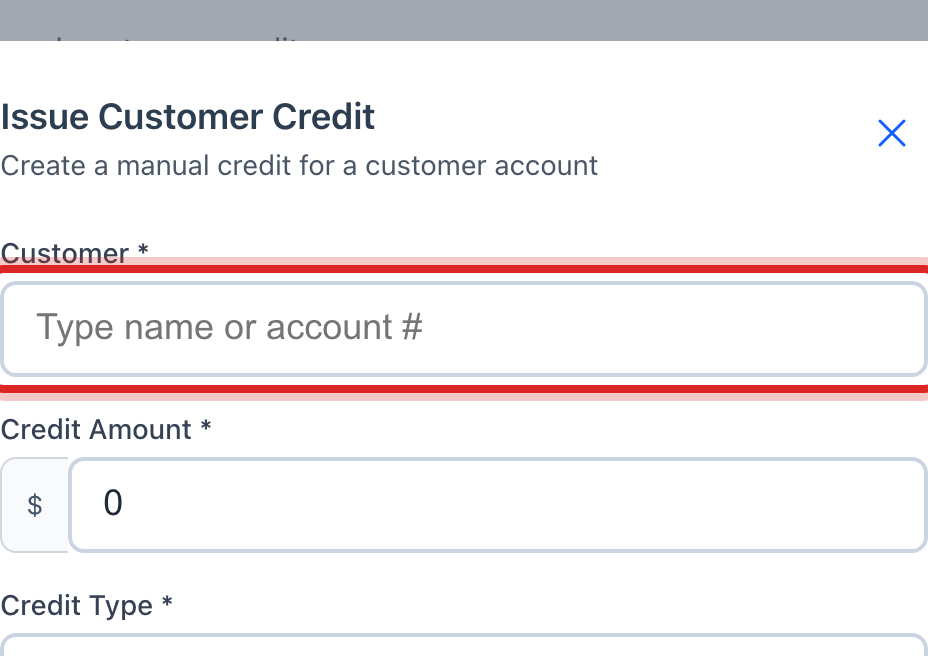
A window opens. Click the Customer box and type the name or the account number. Then click the right person in the list.
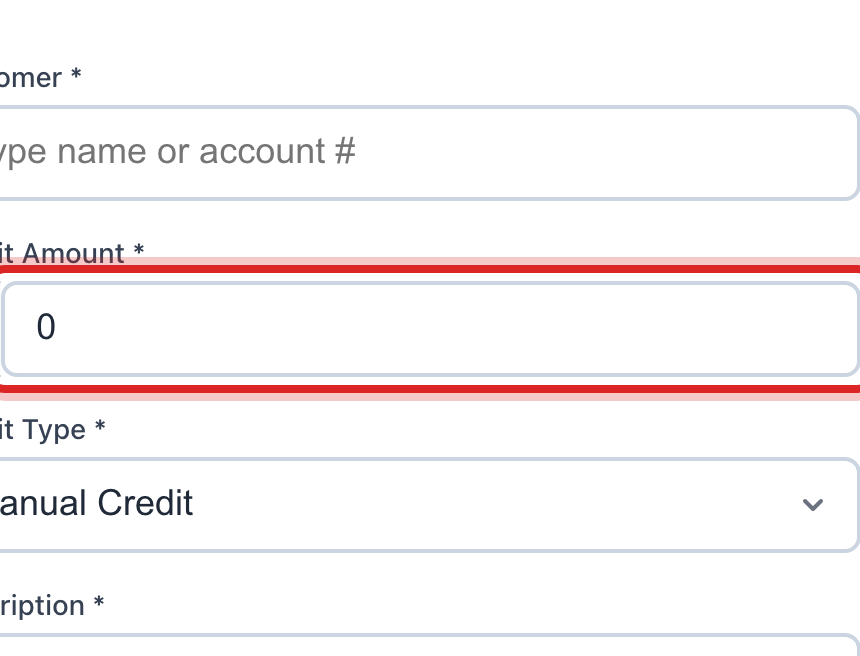
Type the dollars in Credit Amount. Type what you are taking off, not the new total.
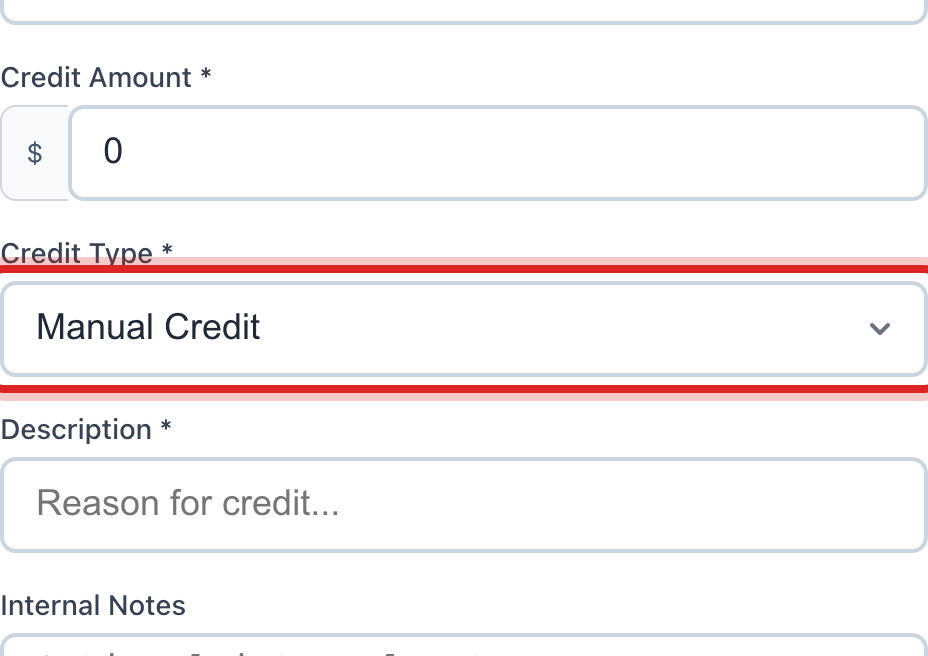
Click the Credit Type list. For a leak, pick Billing Adjustment.
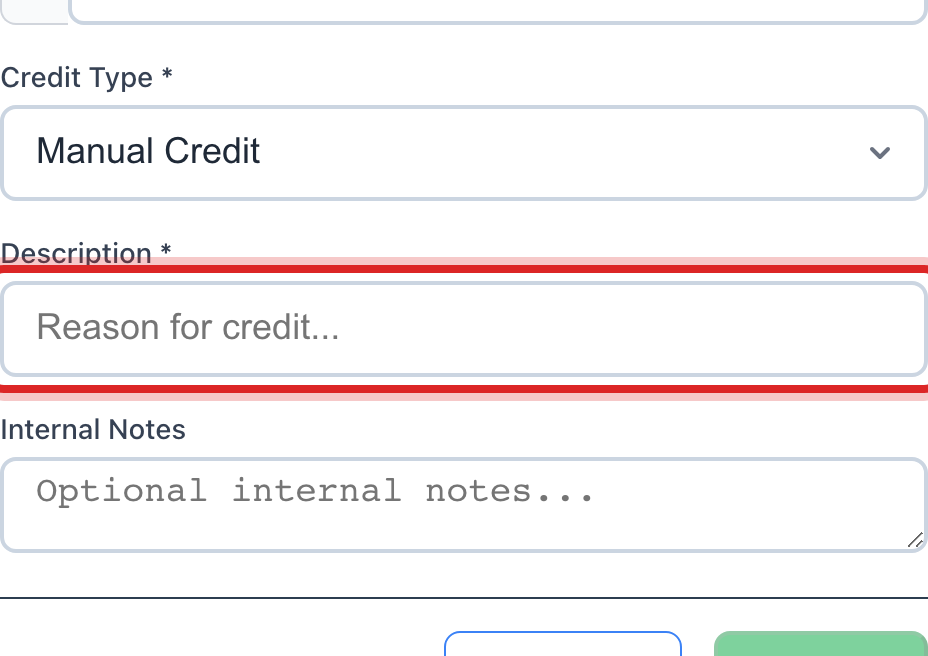
Type the reason in Description. Say it plainly, like half of April leak, board approved.
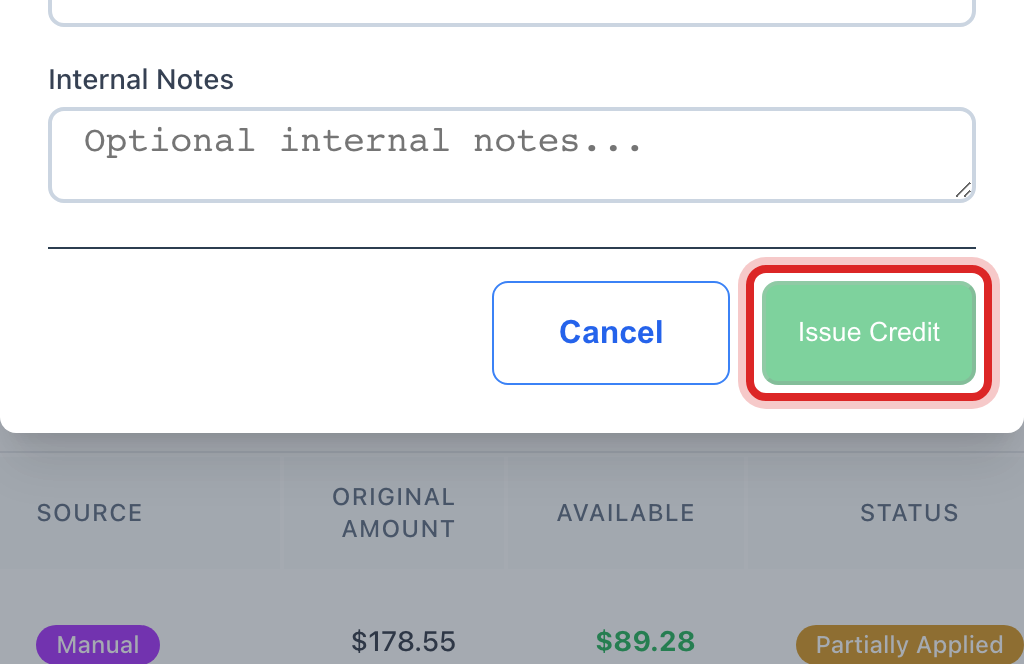
Click the green Issue Credit button at the bottom of the window.
Made a mistake? Click Undo on the green message that appears, or open Show me how at the top and pick Undo a mistake.
You are done when
The credit shows in the Customer Credits table. It reads Available. The Available Credits total at the top goes up by the same amount.
If something looks different
You want the gallons taken off the bill, not a flat credit. On the left, click Billing & Payments, then Bill Lookup. Find the bill and open it. Click Edit Bill. Change the Qty on the water line to the gallons they really used. Type why in the reason box. It is required. Then click Save Changes.
You tried to type a minus amount on a bill and it would not take. A bill line cannot go below zero. Give a credit here instead, or lower the gallons as above.
Save Changes stays faded on a bill. Every line you changed needs a reason typed in. Fill those in.
The customer overpaid. You do not have to do anything. The extra shows up here as a credit on its own.
You want to add a fee to a lot of bills at once. That is Cycle Adjustments under Billing & Payments. It adds fees only. It cannot give credits.
You do not see Accounts Receivable on the left. Your account may not have permission for the books. Ask your administrator.