
Appearance
17. Month end reports for the board
When you need this: the board meets next week and wants the month's numbers. One button builds the whole packet. Then it goes through four steps: build it, mark it read, approve it, send it. Do your bank statement first. Page 16 covers that.
Steps
On the left side of the screen, click Accounting, then click Board Reporting.
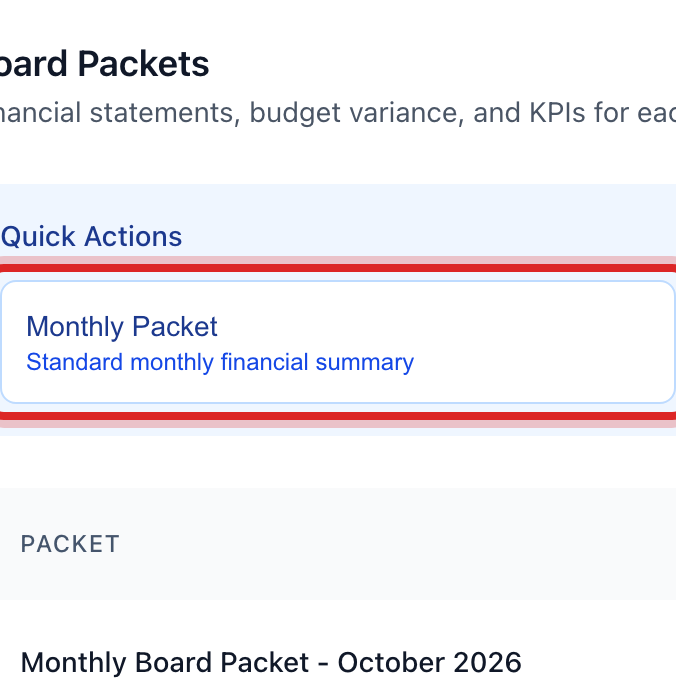
In the Quick Actions box, click Monthly Packet. It makes a packet with the usual reports in it.
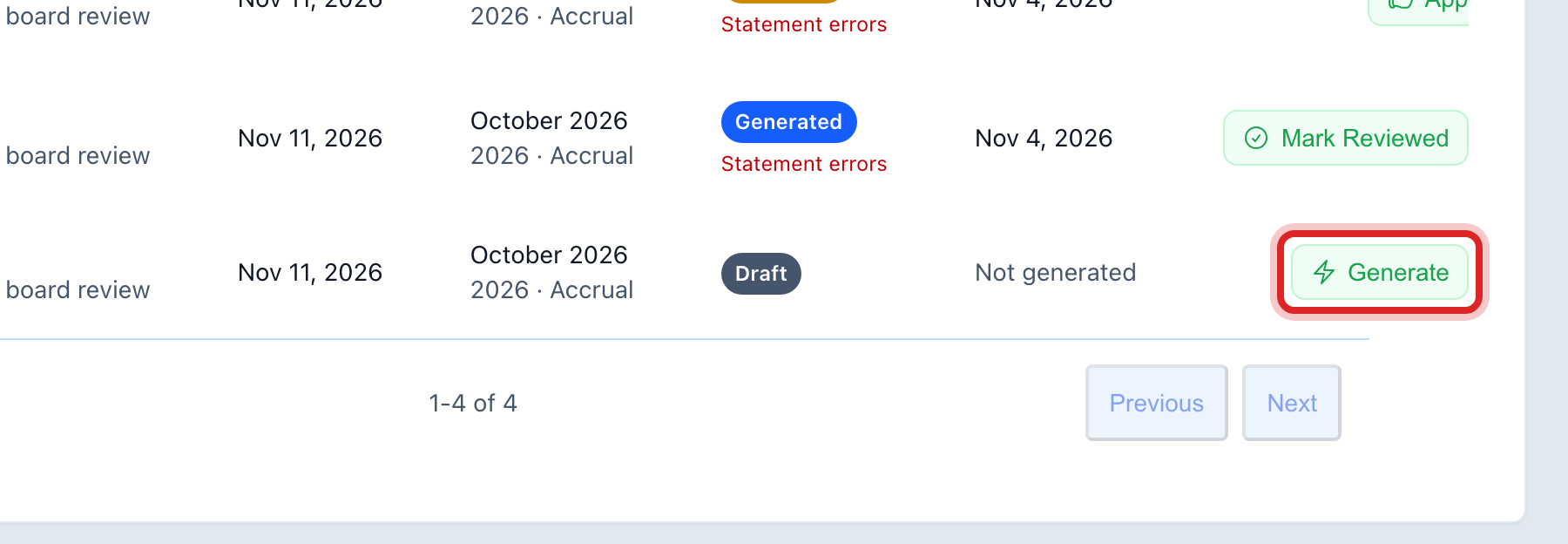
The new packet shows in the list below. Click the Generate button on its row. Wait for it to finish.
Click View to read the packet. Check the numbers against your books.
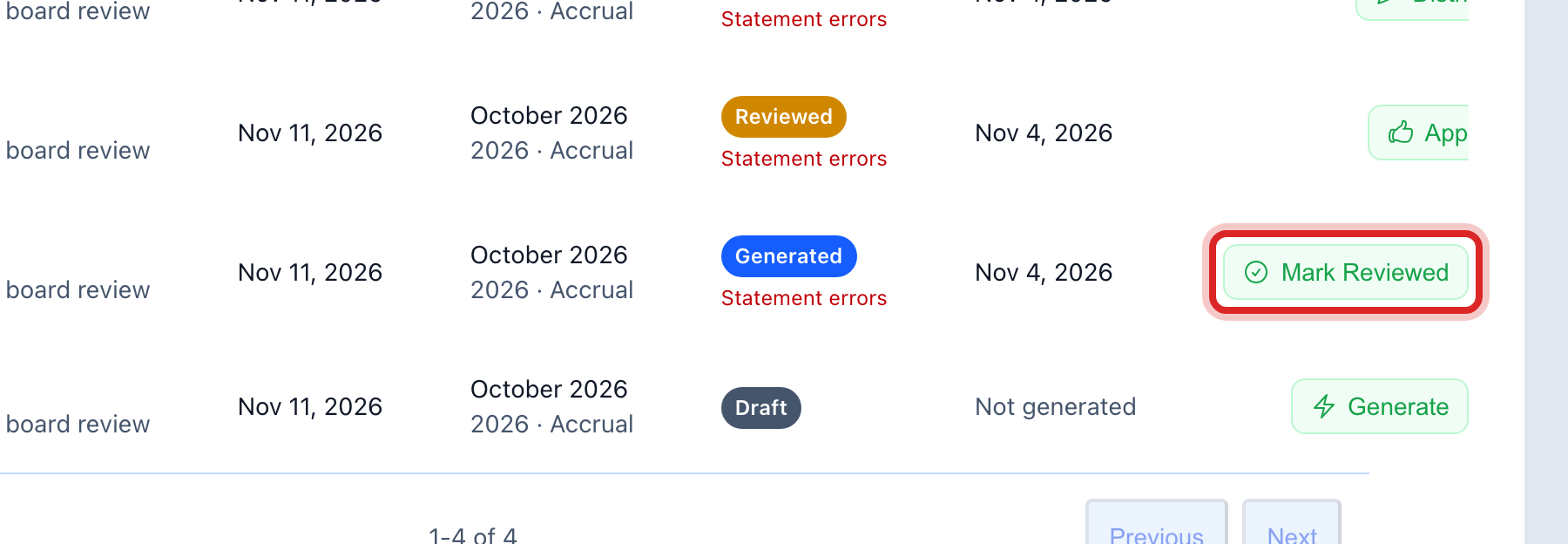
Click Mark Reviewed on the row.
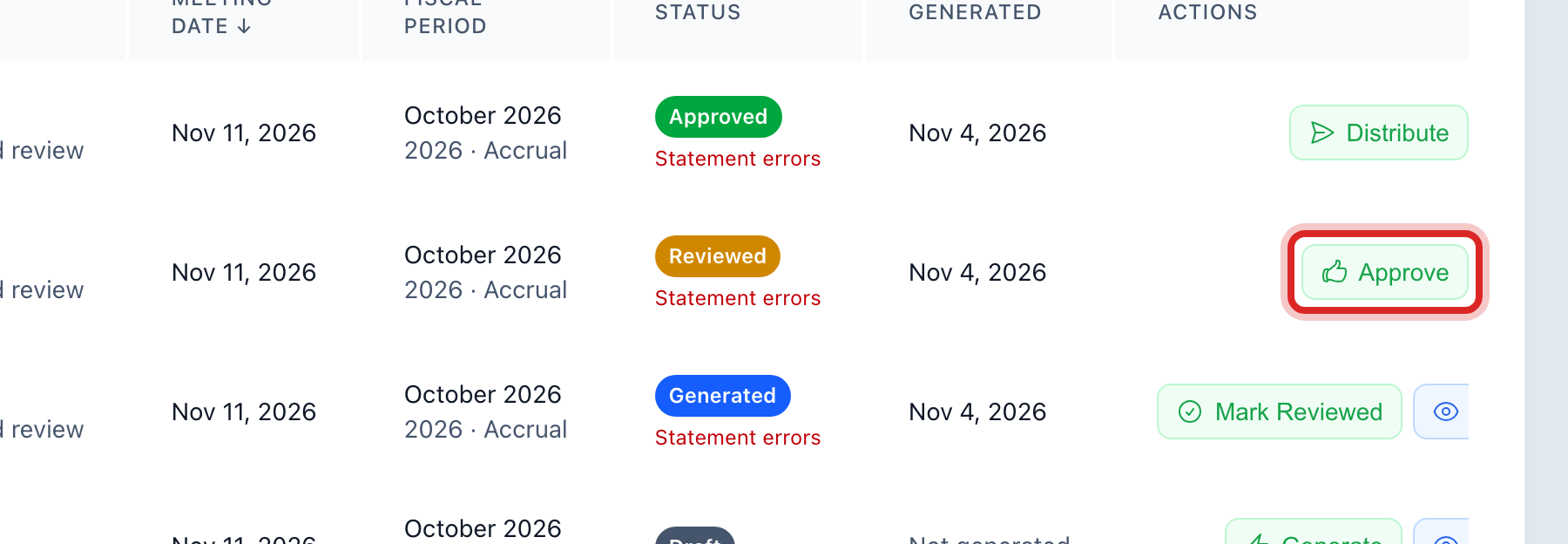
Click Approve.
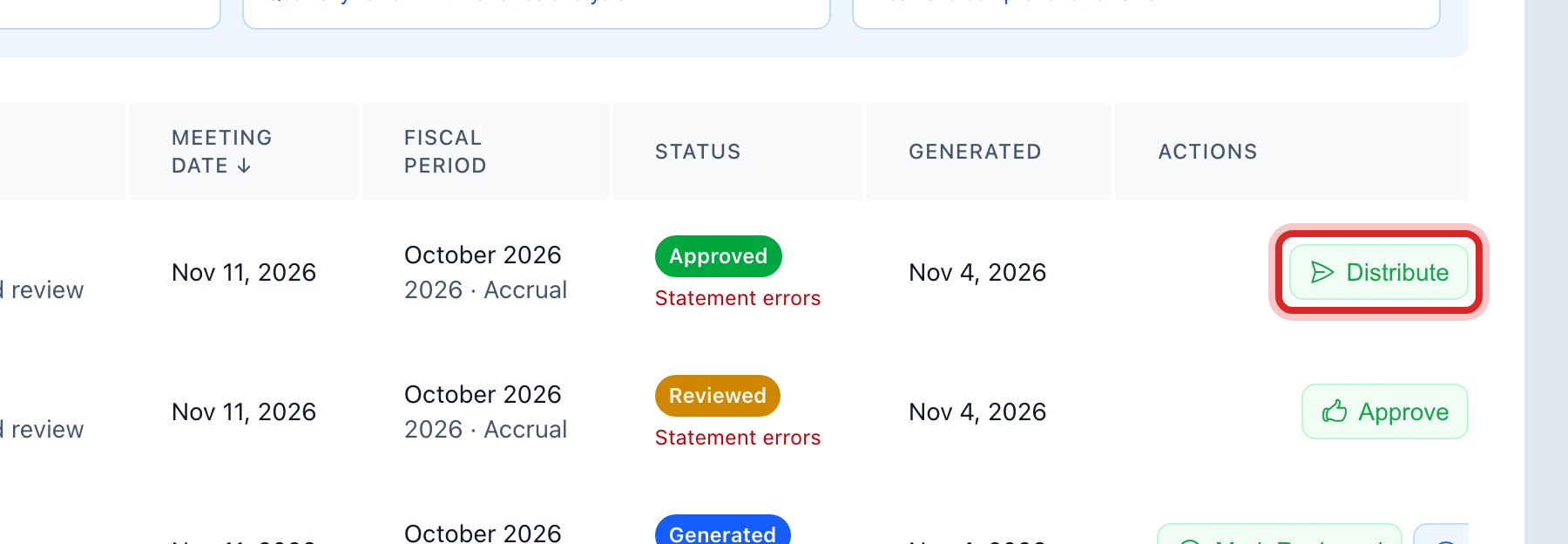
Click Distribute to Board. That sends it to them.
Made a mistake? Click Undo on the green message that appears, or open Show me how at the top and pick Undo a mistake.
You are done when
The packet row walks along as you go: draft, then generated, then reviewed, then approved, then distributed. Click View any time to open it.
A packet you sent out cannot be called back. The board has it. So read it at step 4, before you approve. If a number was wrong, build a new packet, send it, and tell the board which one to use.
If something looks different
The board wants three months at once. Click Quarterly Packet in the same box. There is a yearly one too.
You want to pick what goes in it. Click Create Packet instead. Name it, pick the meeting date, and tick the parts you want.
You only need one report, not a packet. On the left, click Reports & Analytics, then Basic Reports. Pick a group of reports with the buttons at the top. Then click Generate on the one you want.
You want the plain money statements. On the left, click Accounting, then Financial Reports.
You do not see Board Reporting on the left. Only some roles may open it. Ask your administrator.
The buttons on the row are faded. It is still working on the packet. Give it a minute.