
Appearance
15. Pay a vendor bill
When you need this: the power bill, the chemical bill and the lab bill are all due. You pay them in one pass. Tick the ones you are paying, say which bank account and how, and the books are written for you.
Steps
On the left side of the screen, click Accounting, then click Accounts Payable.
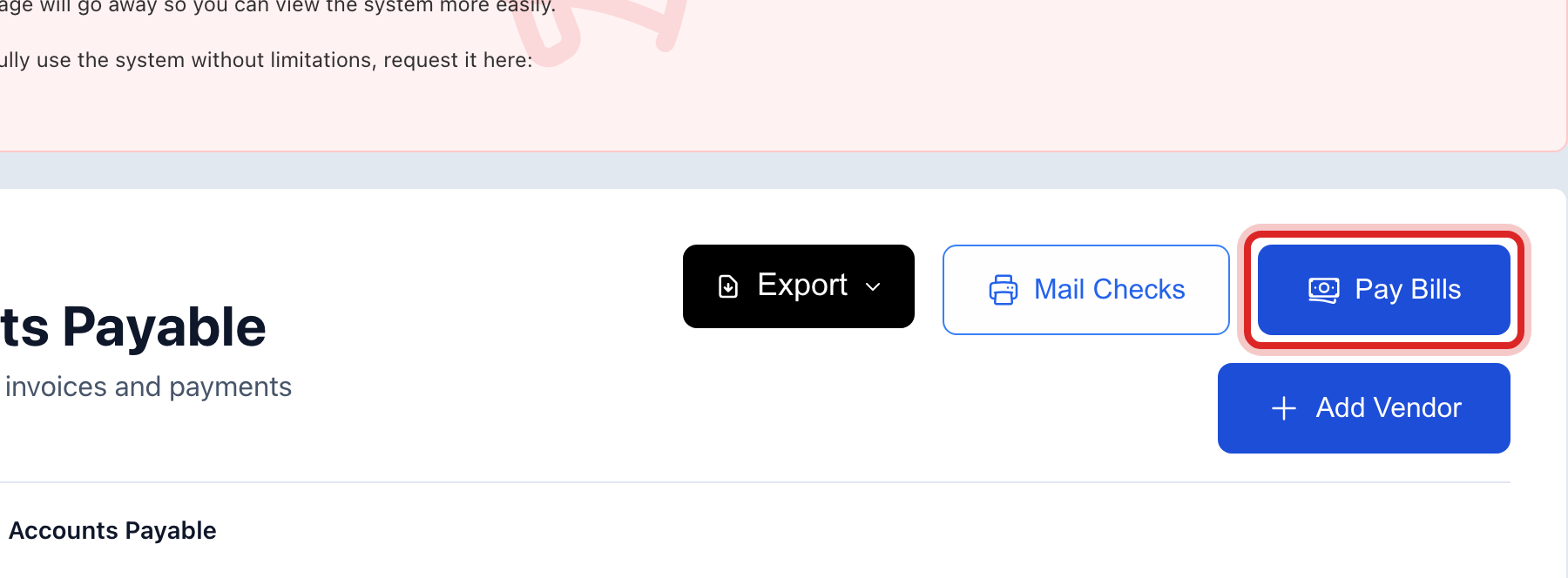
Click the Pay Bills button at the top of the page.
A window opens with every bill that is still owed. Tick the box at the left of each bill you are paying.
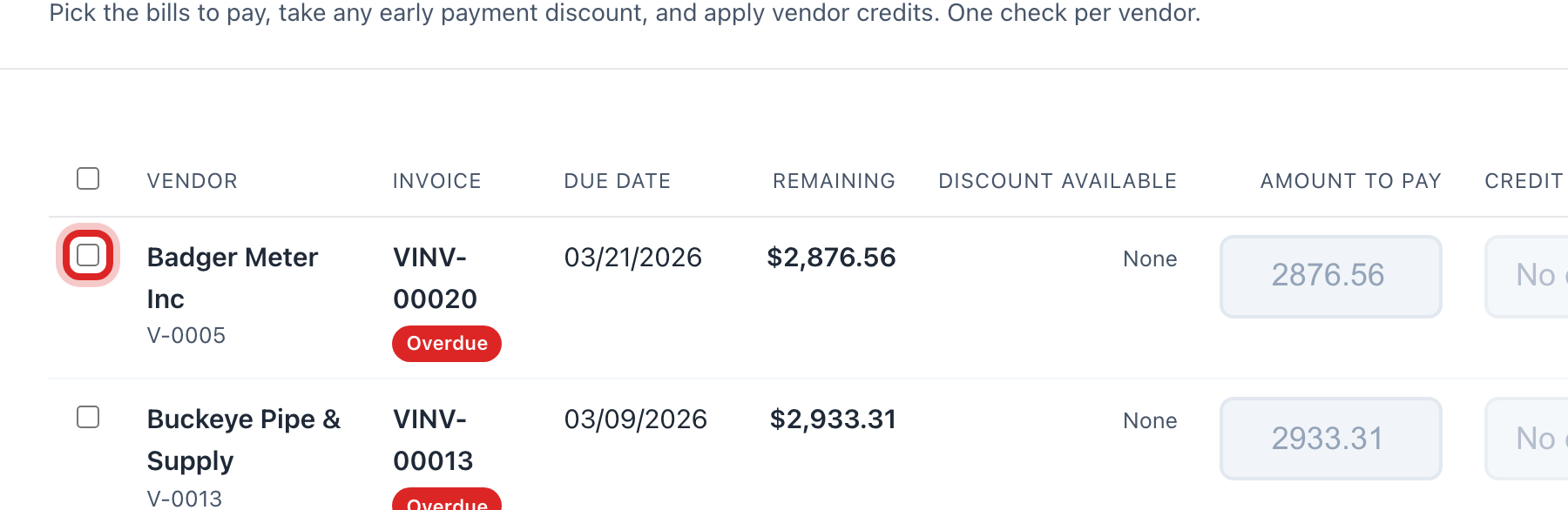
Check the Amount to pay on each row. It fills in the full amount. Type a smaller number if you are paying part of it.
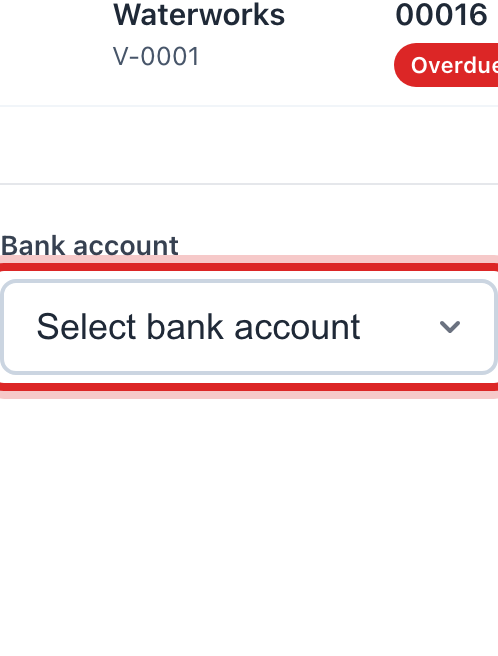
At the bottom, click the Bank account list. Pick the account the money comes out of.
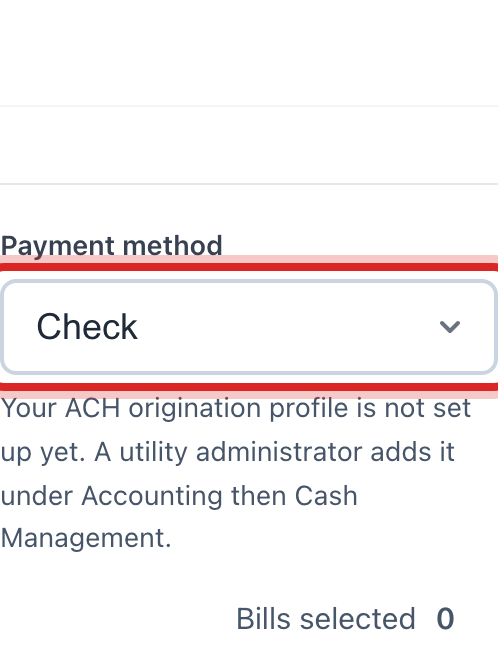
Click the Payment method list. Pick Check if you are writing checks.
Click the Payment date box and pick the day.
Read the Total to pay line. Make sure it is what you meant to spend.
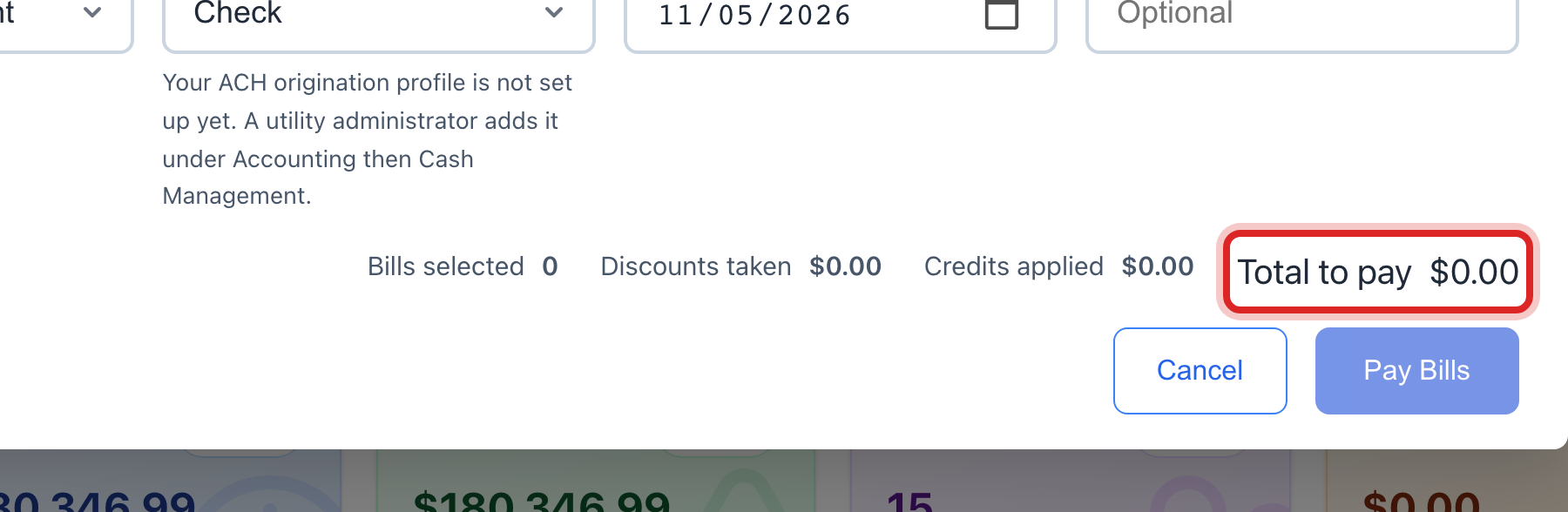
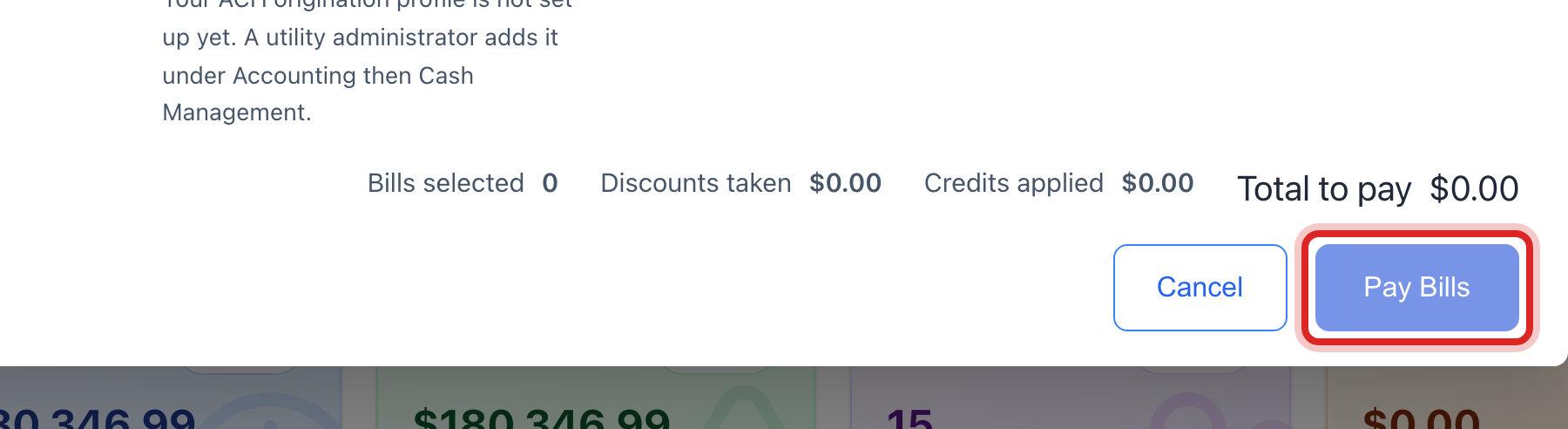
Click the blue Pay button at the bottom. It says how many vendors you are paying.
Made a mistake? Click Undo on the green message that appears, or open Show me how at the top and pick Undo a mistake.
You are done when
The window says Payments recorded. Back on the Invoices tab, each one you paid now reads Paid.
If something looks different
The bill is not in the system yet. Click the Invoices tab, then Enter Invoice. Type the vendor, the invoice number, the amount and the due date. Then come back to step 2.
You need to print the checks. Click Mail Checks at the top of the Accounts Payable page. Your check stock is set up under Accounting, then Check Stock.
You pay the bank by file instead of by check. Pick ACH as the method. After the run, click the button to build the bank file and download it. Then upload that file at your bank.
ACH is greyed out. The screen says why right beside it. Your bank setup may not allow it. Use a check.
There is a discount for paying early. The row shows it. Tick the discount box and the amount drops.
The vendor owes you a credit. Pick it in the Credit to apply list on that row. It comes off what you pay.
You do not see the Pay Bills button. Your account may not have permission to pay bills. Ask your administrator.