
Appearance
16. Reconcile the bank statement
When you need this: the bank statement came in the mail. You check it against your books, line by line. Six screens walk you through it. Have the paper statement in front of you.
Steps
On the left side of the screen, click Accounting, then click Bank Reconciliation.
Click the blue Reconcile a Statement button.
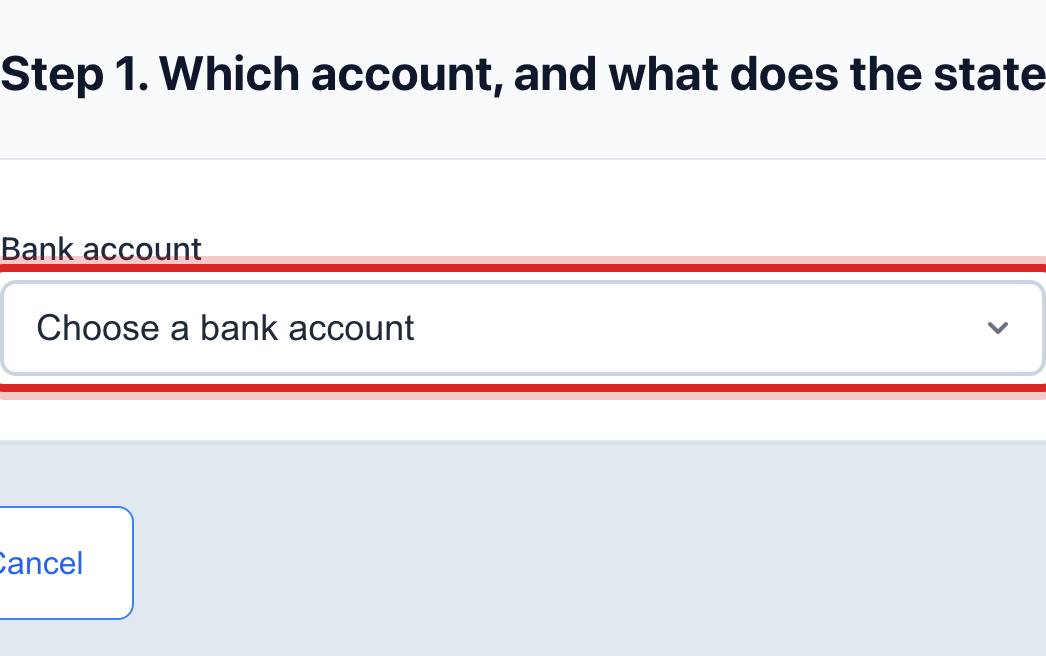
Click the Bank account list. Pick the account on the statement.
Click the Cash account list. Pick the matching account in your books.
Type the last date on the statement. Then type the starting balance from it.
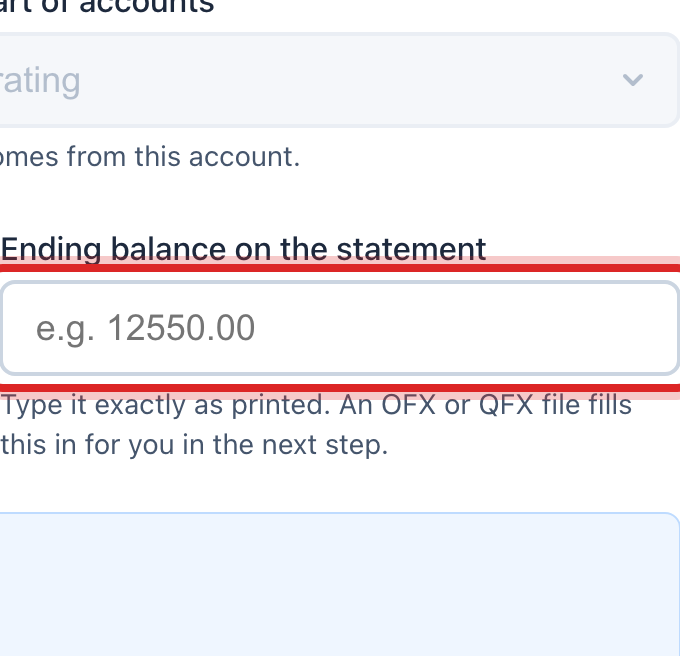
Type the ending balance from the statement. Then click the button to go on.
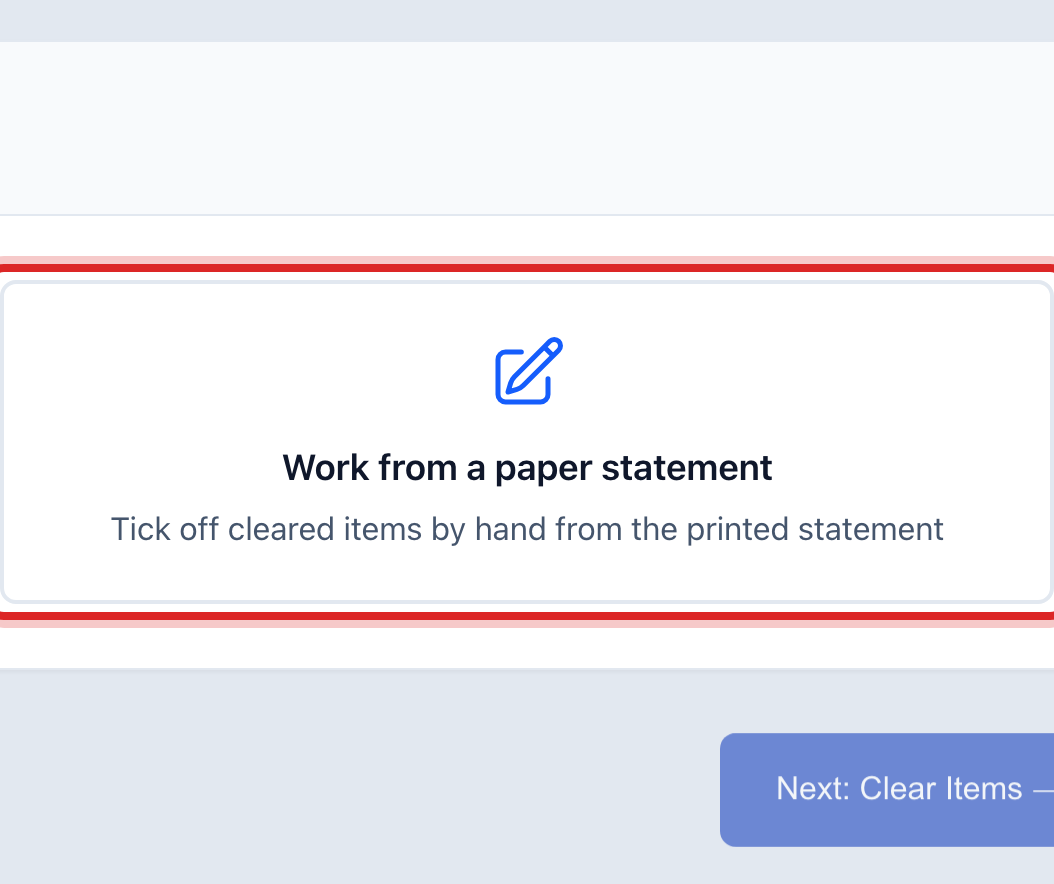
Click the Work from a paper statement tile. Then click the button to go on.
Now tick off what cleared. The screen lists the entries in your books. Use the search box to find a check number fast.

Tick each entry that is on the paper statement. Then click Next: Bank Items.
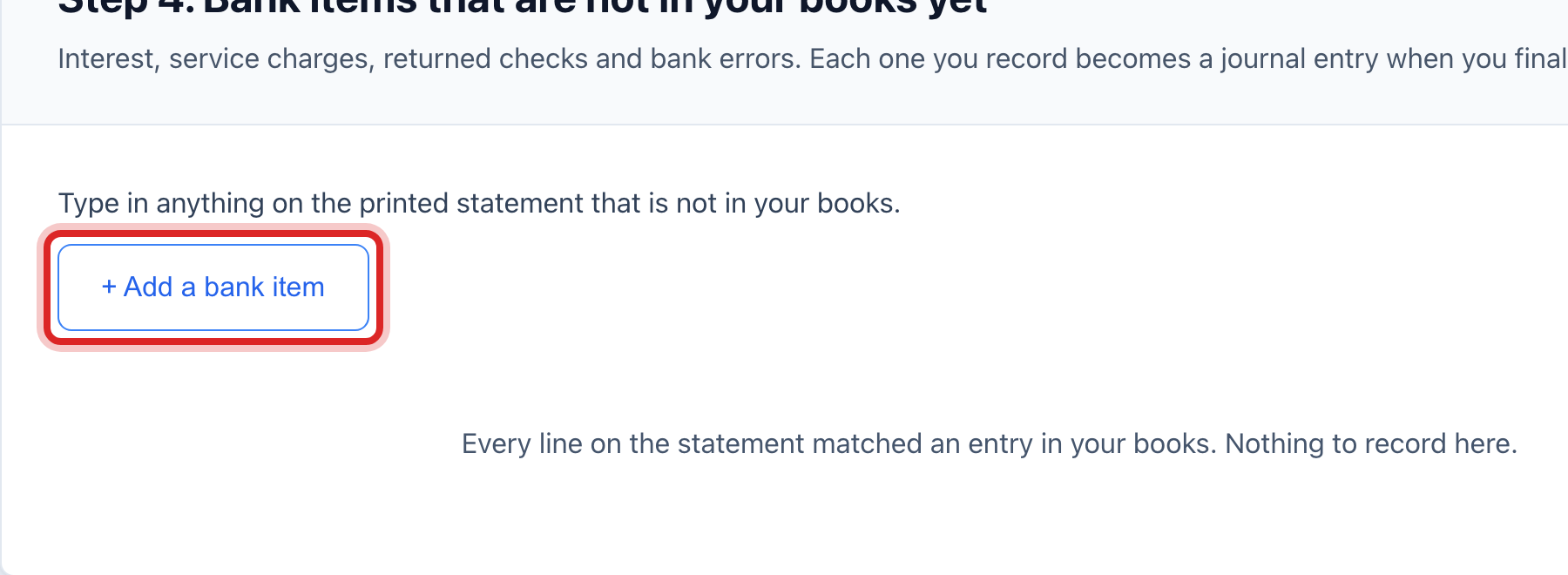
Add the things the bank did that are not in your books. Click Add a bank item. Type what it is and the amount. Use a minus for a fee. Pick the account it goes to.
Click Next: Balance.
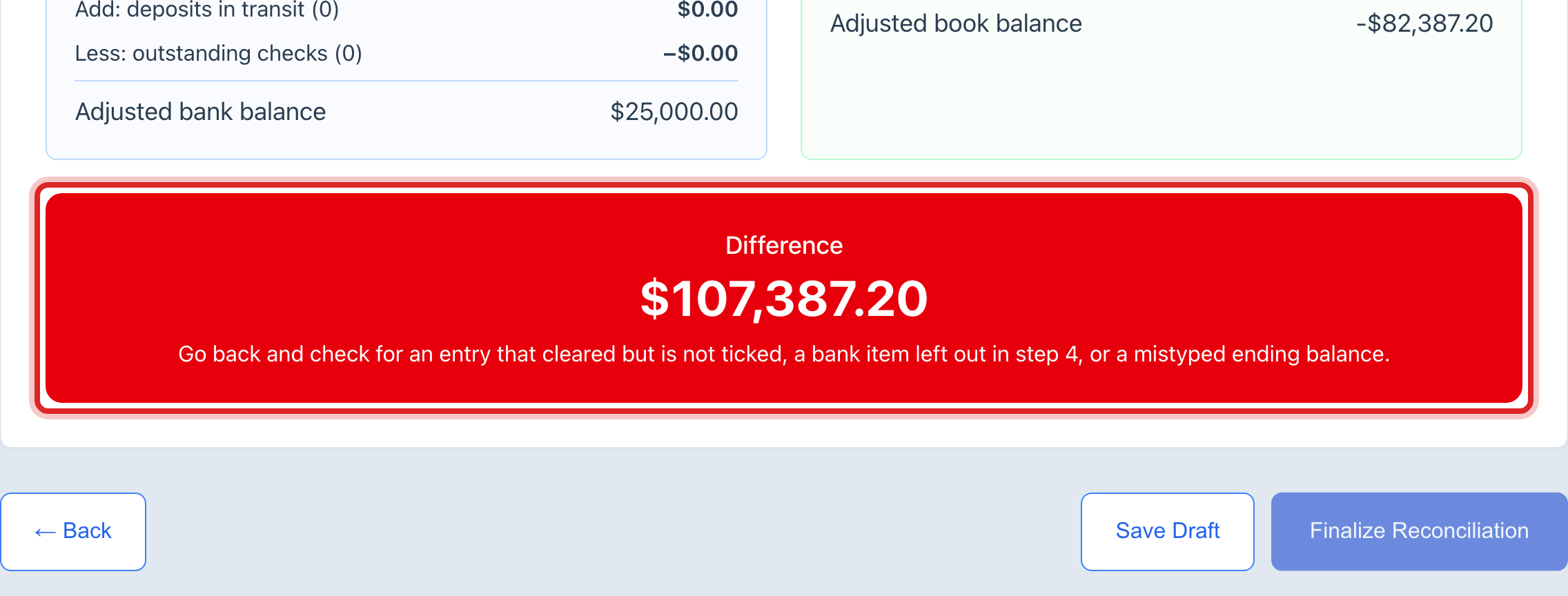
Read the box. Green means it balances. Red shows the gap. Go back and keep ticking until it is green.
Click the blue Finalize Reconciliation button.
Click Print Reconciliation Report. File it with the statement.
Made a mistake? Click Undo on the green message that appears, or open Show me how at the top and pick Undo a mistake.
You are done when
The last screen says the account is reconciled through the statement date. It lists the entries it wrote in your books. It also says how many checks are still out.
Finalizing cannot be undone. It writes in the books and closes the month for that account. So stop at step 12 if the box is red. Click Save Draft and come back to it. If you finalized and it was wrong, the fix is a new entry in the books, not an undo. Ask your accountant to do that one.
If something looks different
You can download the statement from your bank. Click the Upload a file tile in step 7 instead. Then pick the file. The screen asks which column holds the date, the amount and the memo.
The Finalize button stays faded. It does not balance yet, or your account may not have permission for the books. The screen says which. You can still click Save Draft.
Something will not match. You can mark it Leave it out for now. Be warned, it then keeps the statement from balancing until you deal with it.
You ticked the wrong pair. Click the unpair button beside it. Then tick the right one.
An amber warning shows at the end. The lines do not quite tie to the ending balance. Look again. You can still finalize if you know why.
This is your first time on this account. Fill in the box that says when the books were last reconciled. Leave it blank if nobody ever did it.