
Appearance
12. Undo a mistake
When you need this: you posted an entry to the wrong account. You deposited a check twice. Undo in Accounting is real, and it follows the rule your auditor wants: nothing posted is ever deleted. An entry you posted is cancelled by a new entry dated today. Both stay in your books, so the trail is whole.
Steps
When you post or save something, a green message shows at the top right of the screen. It has an Undo button. Click it and Utilops writes the entry that cancels it. The button stays for five minutes.

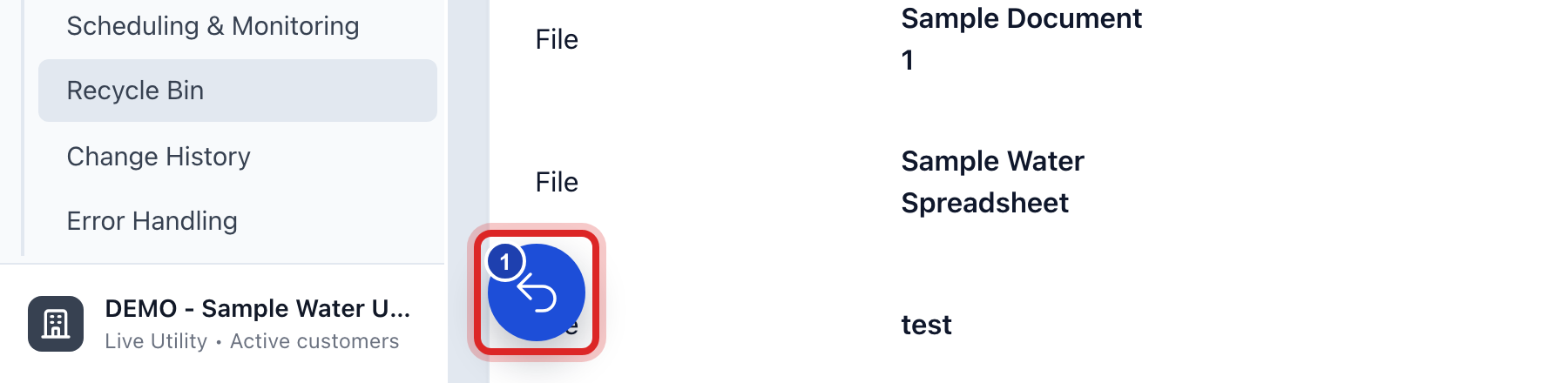
Missed the green message? Look in the bottom left corner for a round blue button with a number on it. Click it. The name of the button is Recent actions.
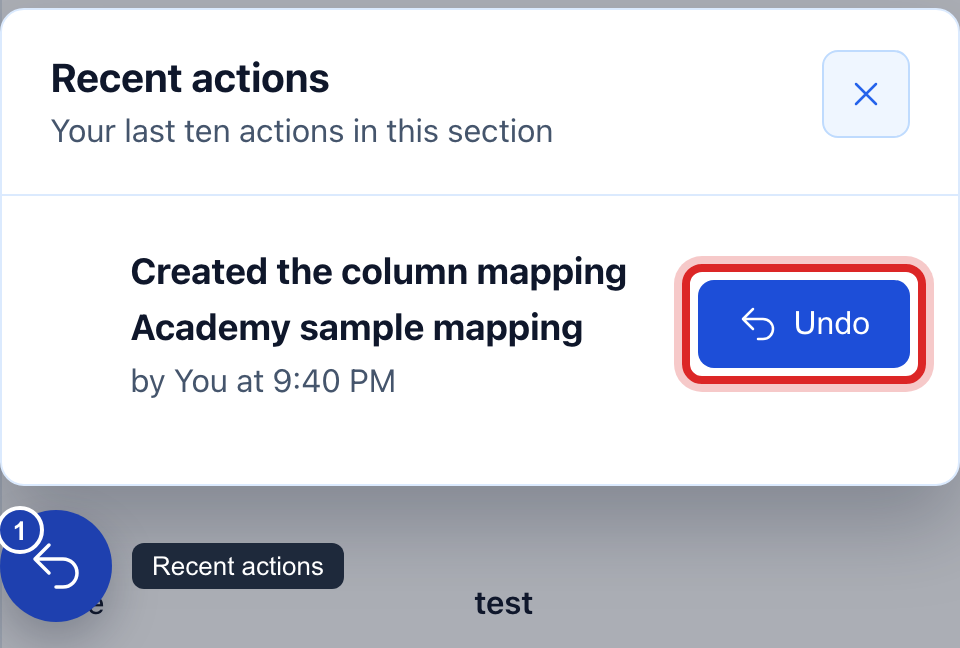
Your last ten actions in Accounting are listed, newest first. Click Undo beside the one you want back. A window names everything that will change, and says if other records go with it. Click to say yes.
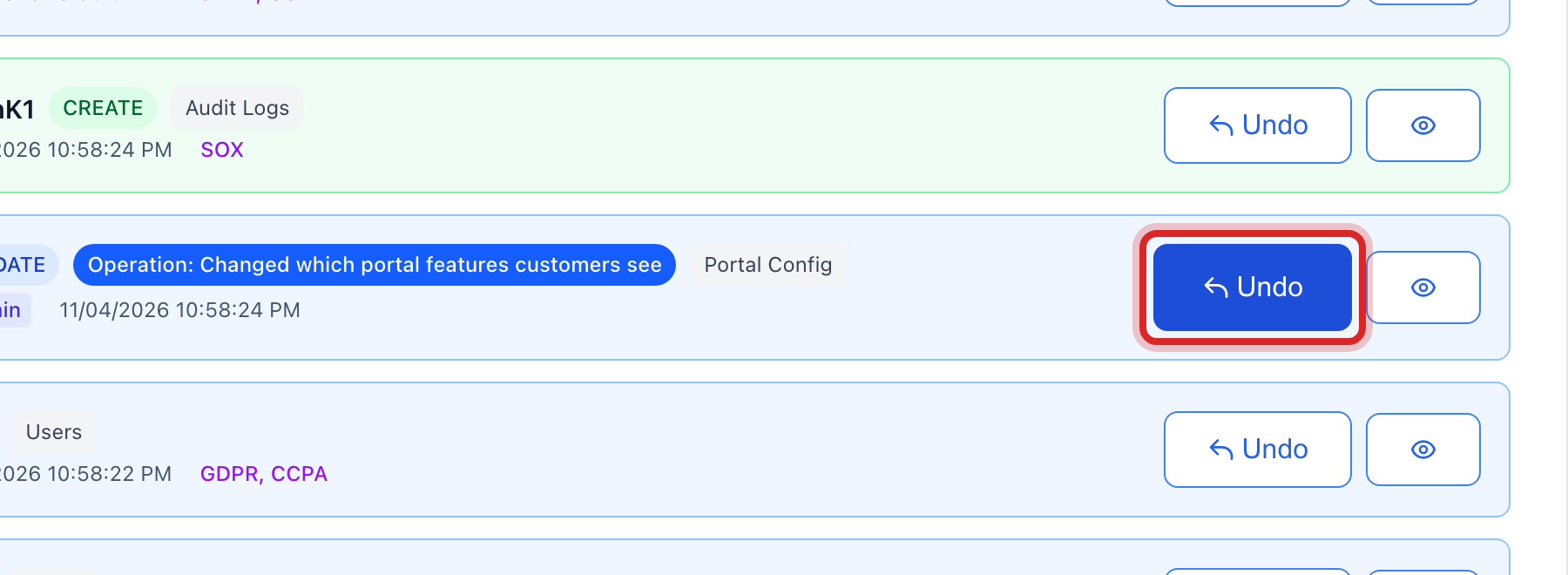
Older than that? On the left side of the screen, click Data Management, then click Change History. Pick a Time Period, click Apply Filters, find the row, and click Undo.
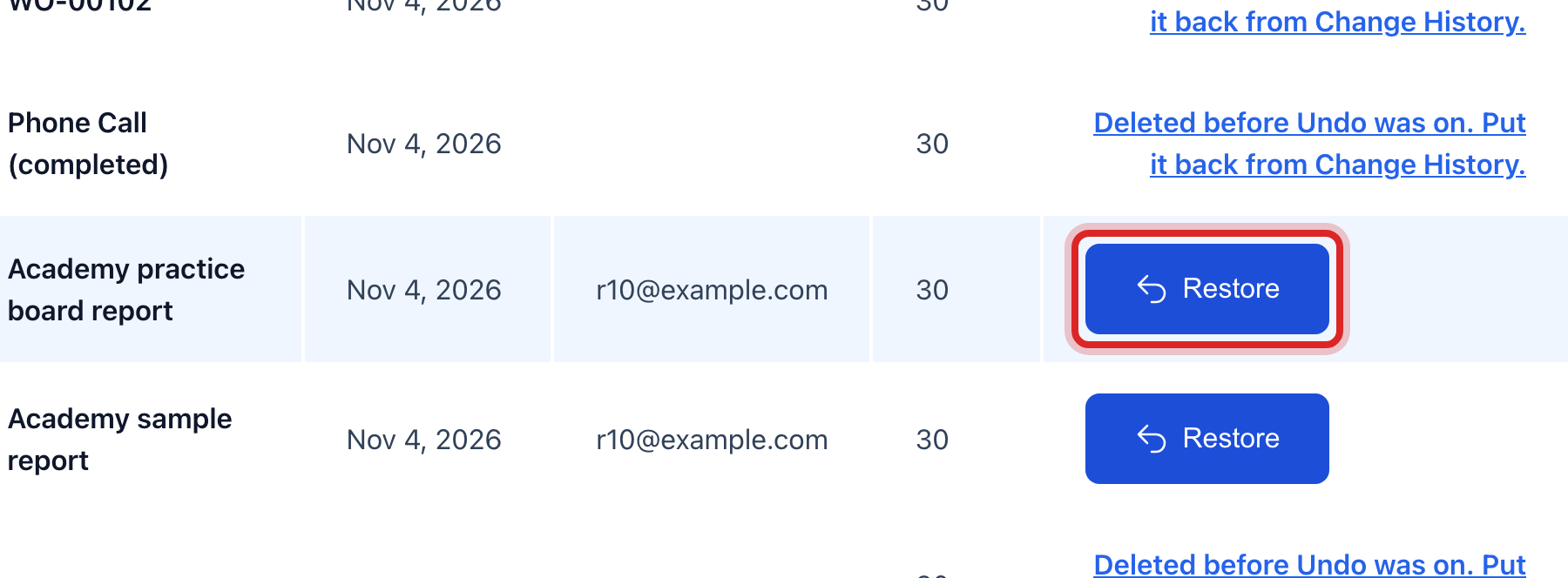
Deleted a record that has no money on it, like a vendor or a budget line? On the left, click Data Management, then Recycle Bin. It waits there for 30 days. Find the row and click Restore.
What you cannot take back here
- A posted deposit. It already wrote a line in your books. Open the batch, click Void, and type why. Then build the batch again the right way.
- A card or bank payment a customer made. The money is at the bank. Send it back as a refund from Accounts Receivable.
- A bank file you gave the bank. Call the bank. Utilops cannot pull it back.
- A check you printed and mailed. Void the payment in Accounts Payable and ask the bank to stop the check.
- A board packet you sent out. The board has it. Build a new packet, send it, and tell them which one to use.
- A reconciliation you finalized, and a period you locked. These are not five minute undos. An administrator reopens the reconciliation, or unlocks the period, and then you fix it and close again.
Made a mistake? Click Undo on the green message that appears, or open Show me how at the top and pick Undo a mistake.
You are done when
The balance reads the way it did before. For anything posted, you can see both lines in the general ledger: the first entry and the one dated today that cancels it.
If something looks different
The green message has no Undo button. That action cannot be taken back. The message says what to do instead.
Utilops says the period is locked. You cannot change a closed month. Ask your administrator to unlock it, or post a new entry in the open month instead.
The window names other records. Something else was built on what you are undoing. Read the list and undo them together, or stop and ask.
You do not see Data Management on the left. Only some roles may open it. Ask your administrator.