
Appearance
1. Find an entry in the general ledger
When you need this: the auditor asks about check 1042. The board wants to know what hit the repairs account in June. Every dollar that moved through your books is a line in the general ledger. You filter by date, type or a few words, and the line is there.
Steps
On the left side of the screen, click Accounting, then click General Ledger.
The top of the page lists your accounts with their balances. Click an account name to open its own ledger, every line in and out of that one account.
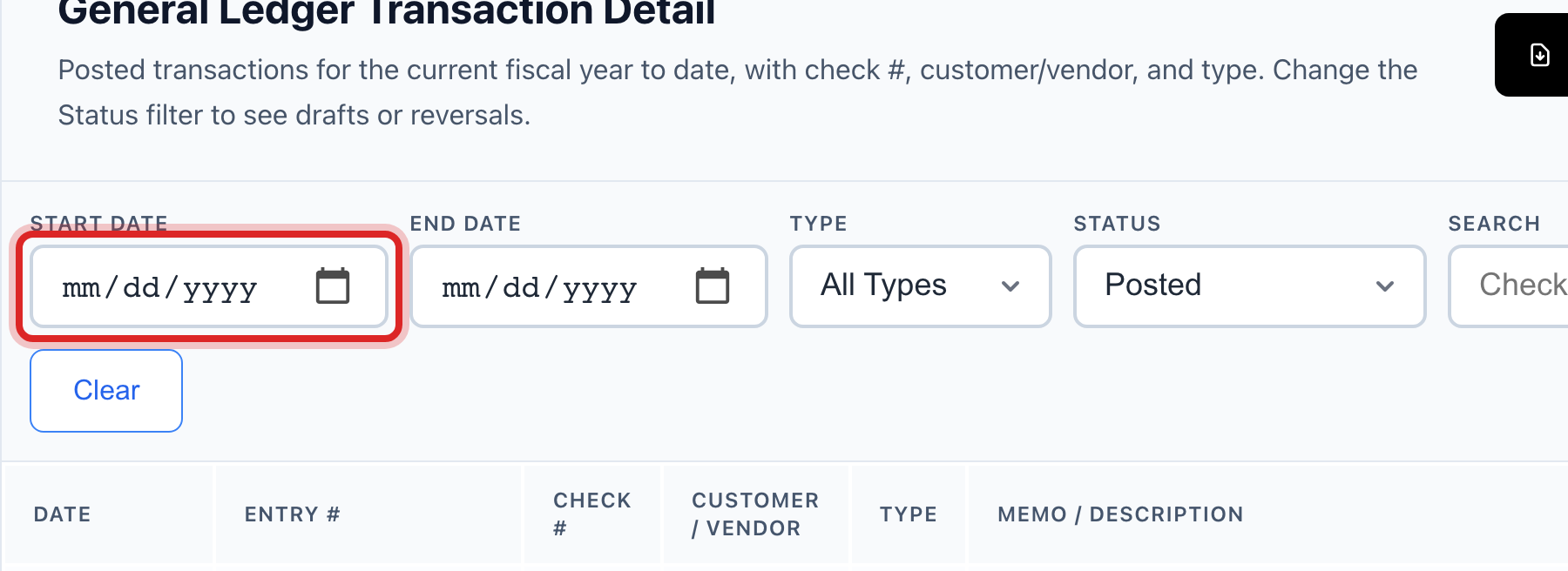
Scroll down to General Ledger Transaction Detail. Set Start Date and End Date to the days you care about.
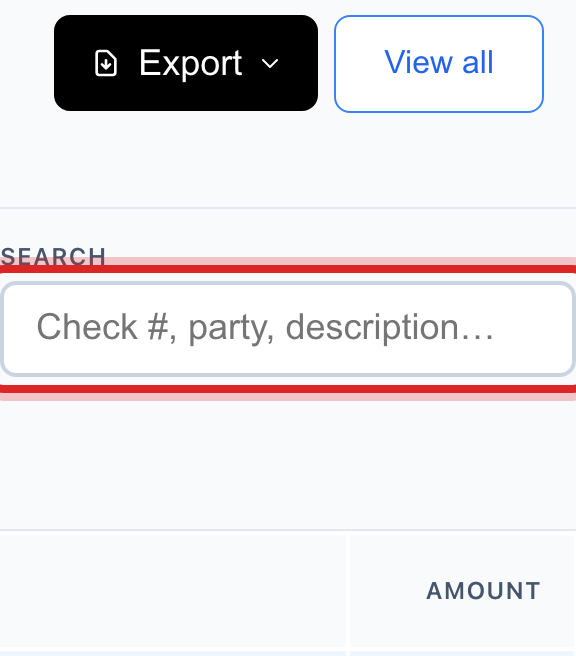
In the Search box, type a check number, a name or a word from the description.
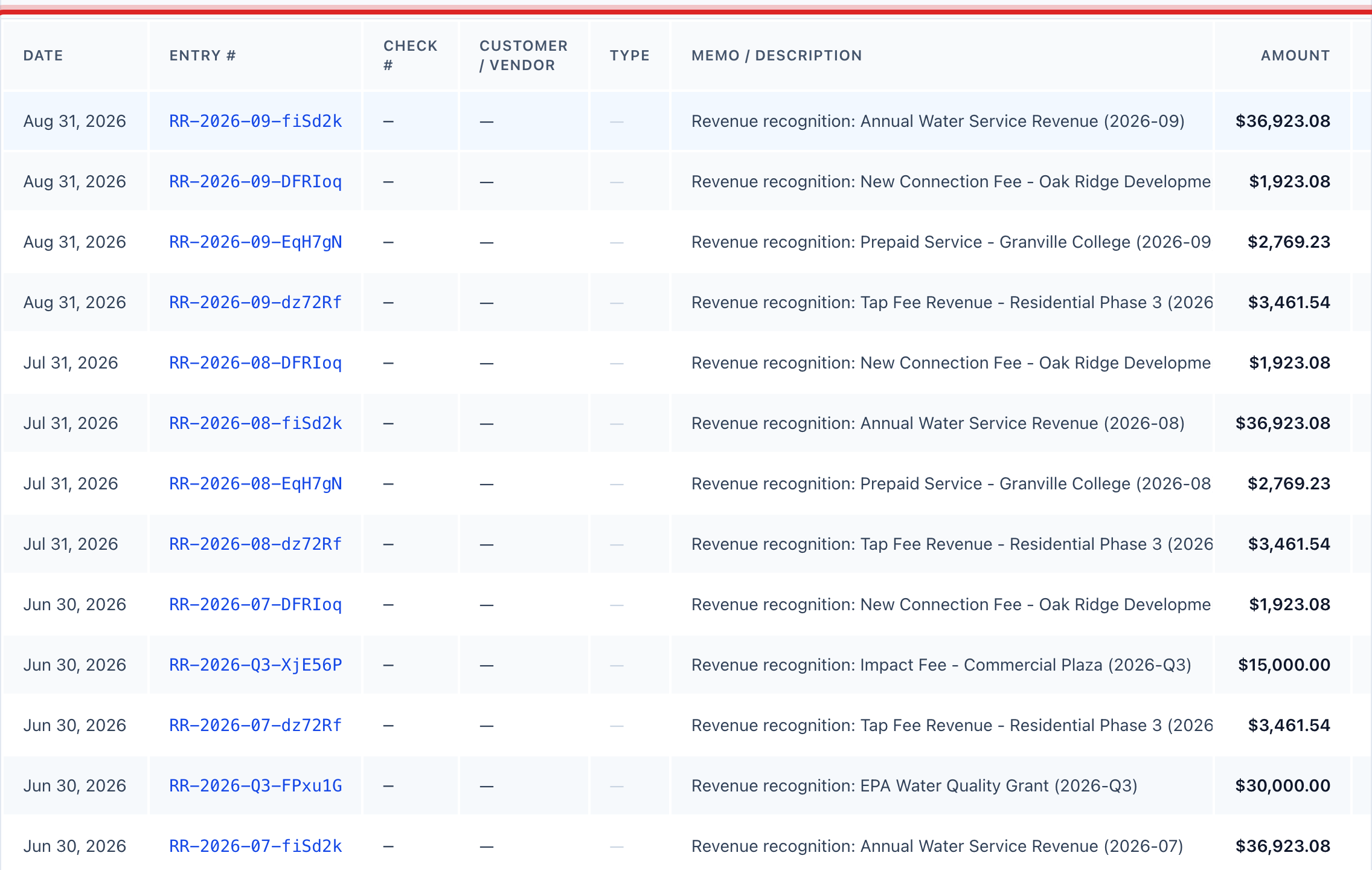
The lines that match show in the table under the filters: the date, the entry number, the description and the amounts.
Click View all to open the full Journal Entries page, where you can open any entry and see every line on it.
You are done when
The line you wanted is in the table with its date, entry number and amount.
If something looks different
The page says No Chart of Accounts Found. Your books are not set up yet. Click the button on that message to start from the standard water utility chart, or see lesson 2.
You want a printed copy. Click Export General Ledger at the top, or run General Ledger Detail under Financial Reports, lesson 11.
You only want the balances, not the lines. Click Trial Balance on the Chart of Accounts card. It lists every account with its debit or credit balance.
You see a Variance Report card. That is for utilities that moved their books over from their previous records. Most utilities can ignore it.