
Appearance
7. See who owes you and for how long
When you need this: the board asks how much is owed to the utility and how old it is. The auditor asks the same thing at year end. This page sorts every unpaid balance by age: current, 1 to 30 days, 31 to 60, and so on.
Steps
On the left side of the screen, click Accounting, then click AR Aging.
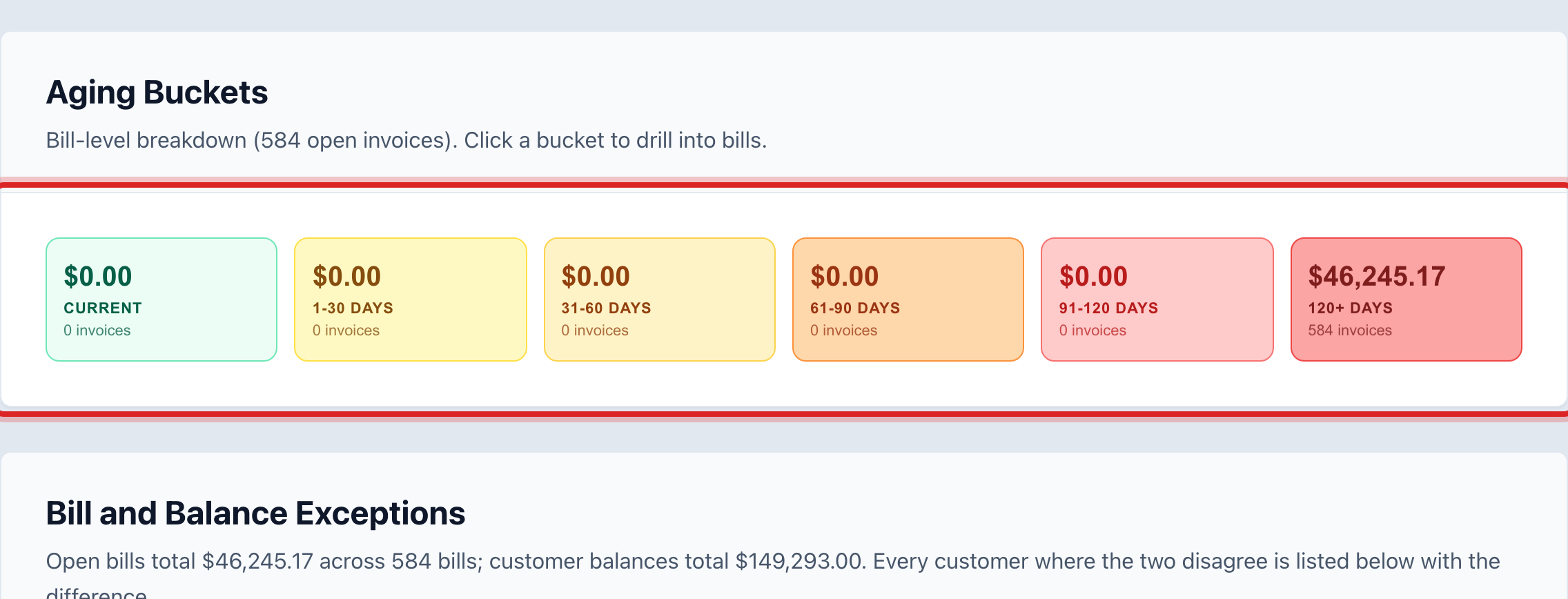
The Aging Buckets cards show the total in each age group. Click a card to see only the customers in it.
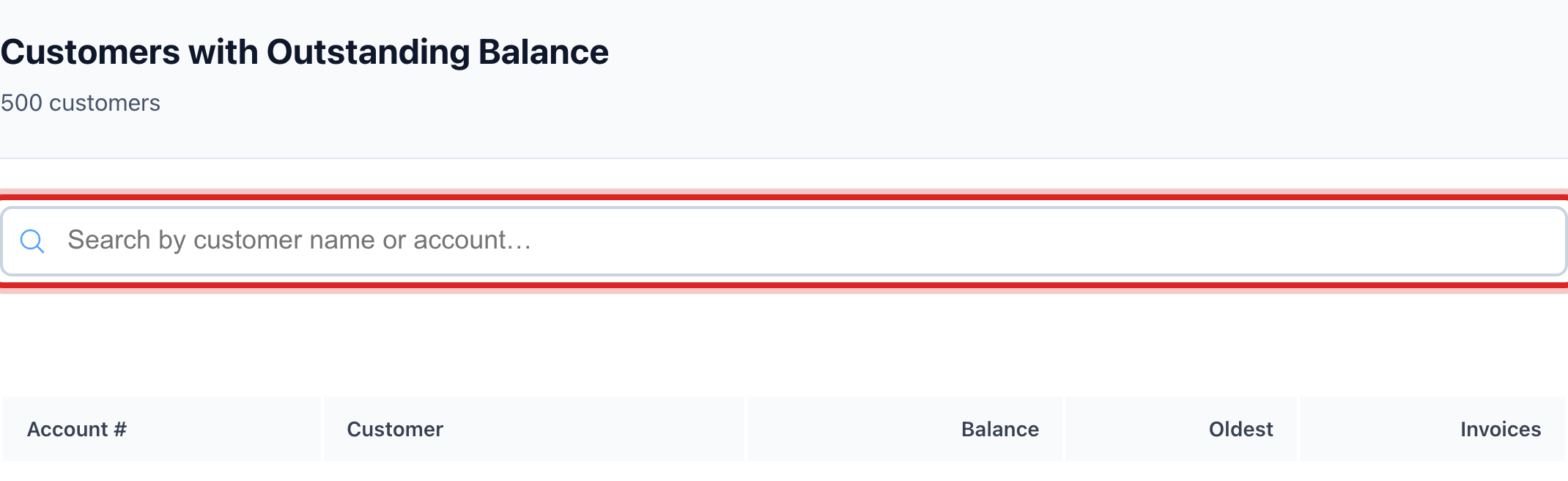
Scroll down to Customers with Outstanding Balance. Type a name or account number in the search box to find one person.
Click a customer row to open their account.
For a printed copy, click Export AR Aging at the top.
You are done when
You can see the total owed, how much of it is old, and who owes it.
If something looks different
You want last month's numbers, not today's. Click Historical Snapshots at the top and pick the date. Compare puts a snapshot next to today.
A customer shows under Bill and Balance Exceptions. Their bills and their balance do not add up. Click the row to look. Quick start page 11 shows how to fix it with a credit.
The A/R Reconciliation box shows a difference. The customer balances and the receivables account in the ledger do not match. Click Run to find the entries. Ask your administrator if it stays off.
You want to do something about the old balances. That is Collections under Billing and Payments, lesson 7 in that section.