
Appearance
10. Undo a mistake
When you need this: you typed the wrong number in a tier. You turned on the wrong rate. You put the wrong group of customers on a cycle. Almost everything in Rates and Tariffs can be put back. Here are the ways, quickest first.
Steps
When you save something, a green message shows at the top right of the screen. It has an Undo button. Click it and the change goes away. The button stays for five minutes.
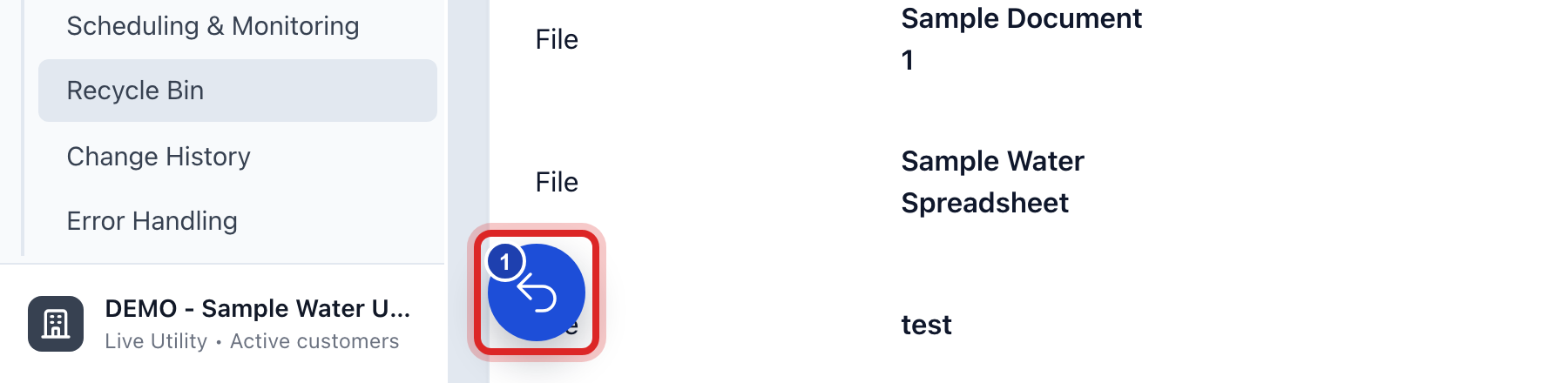
Missed the green message? Look in the bottom left corner for a round blue button with a number on it. Click it. The name of the button is Recent actions.
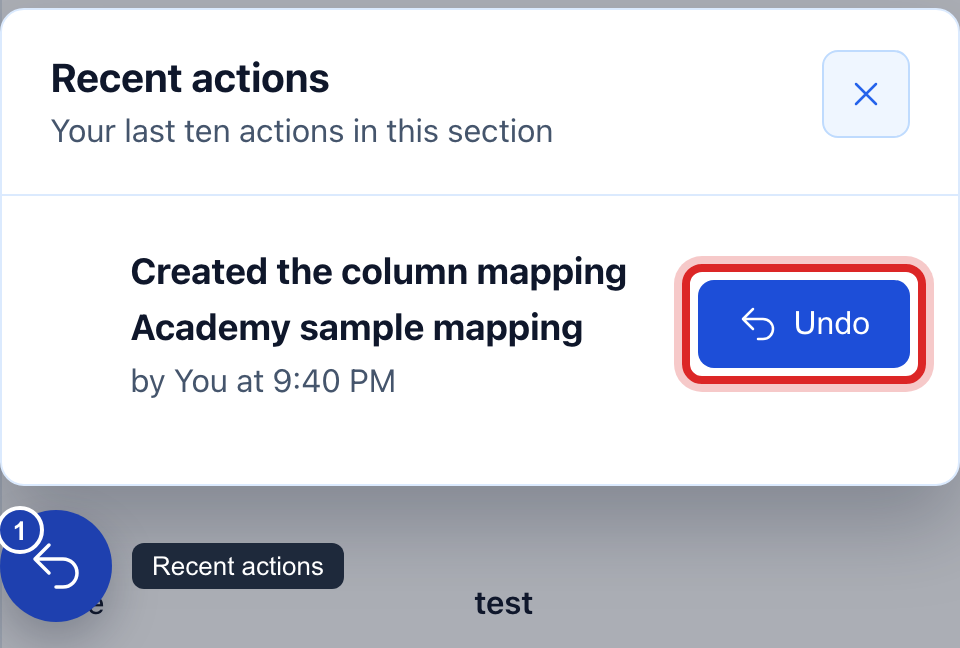
Your last ten actions in Rates and Tariffs are listed, newest first. Click Undo beside the one you want back. A window tells you what it will do. Click to say yes.
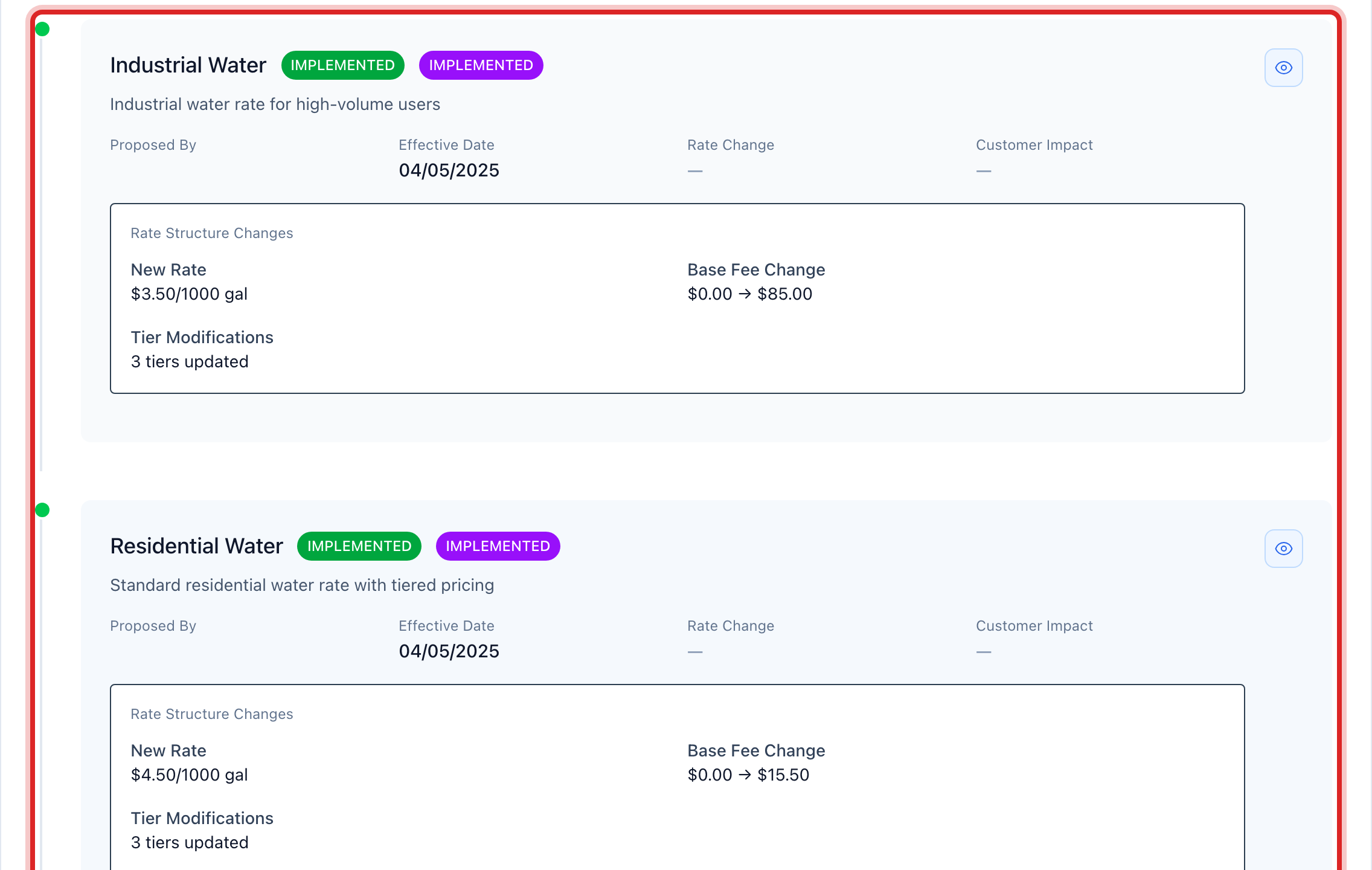
To see every rate change ever made, click Rates and Tariffs on the left, then click Rate History. Each row shows what changed, who changed it, and when.
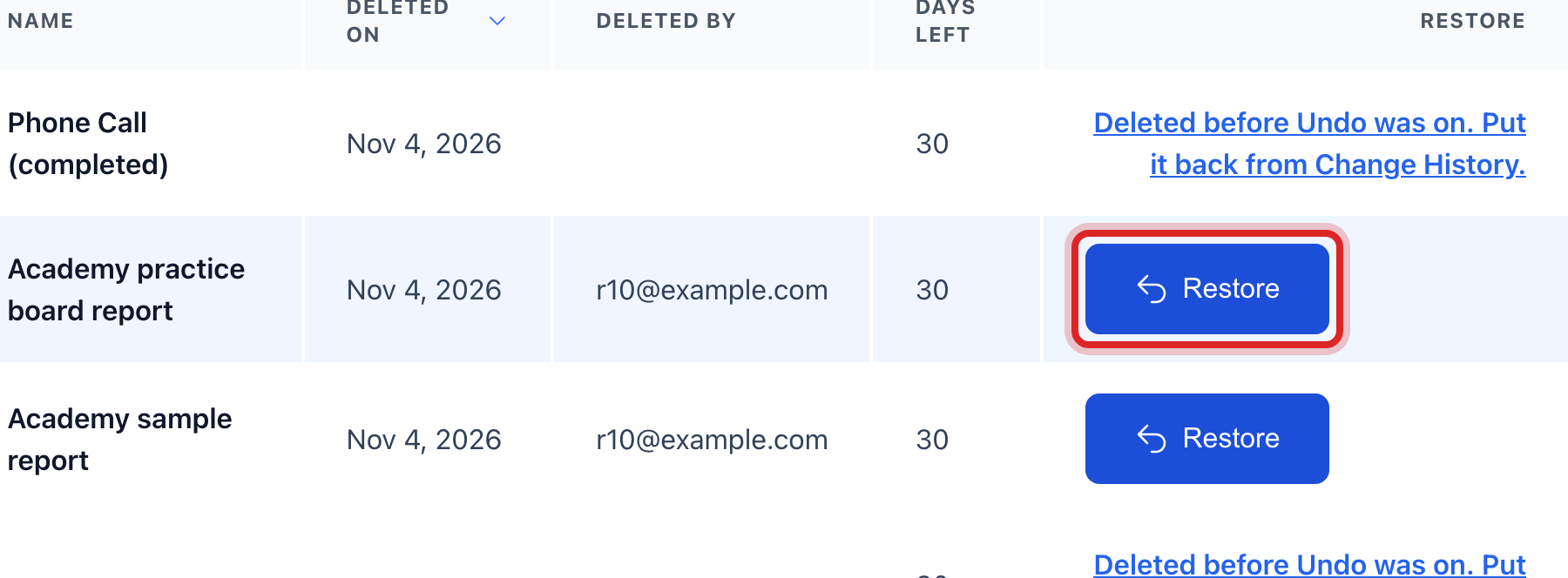
Older than your last ten actions? On the left, click Data Management, then Change History. Pick a Time Period, click Apply Filters, find the row, and click Undo. If you deleted something, click Recycle Bin instead. What you delete waits there for 30 days. Click Restore on the row.
What a rate change does not do
Changing a rate never makes new bills, and undoing a rate change never takes a bill away. A bill keeps the rate that was in force the day it was made. So:
- Bills you already sent stay the same. If they used the wrong rate, you fix those bills, not the rate. Issue a credit, or run the bills again for that cycle. Lesson 1 in Billing and Payments shows the bill.
- A rate that a finished billing run used can still be changed for next time. The old bills do not move.
- A new rate starts on the day you set. Nothing happens to bills made before that day.
Made a mistake? Click Undo on the green message that appears, or open Show me how at the top and pick Undo a mistake.
You are done when
The rate, the fee or the cycle reads the way it did before. The green message says it was undone, and the row in Rate History shows the change and the one that put it back.
If something looks different
The green message has no Undo button. That action cannot be taken back. The message says what to do instead.
You turned on a rate and want the old one back. Turn the old one on again, then put the new one away. Lesson 1 shows both buttons.
You put hundreds of customers on the wrong cycle. Undo it from Recent actions in one click, before you do anything else in this part of Utilops.
You can see the rates but no buttons to change them. Changing a rate needs the billing edit right. Ask your administrator.