
Appearance
9. See who changed a rate and when
When you need this: the auditor asks when the sewer rate went up. A customer says their rate changed and nobody told them. Every rate change is kept here, with who made it, when, and whether it was approved.
Steps
On the left side of the screen, click Rates and Tariffs, then click Rate History.
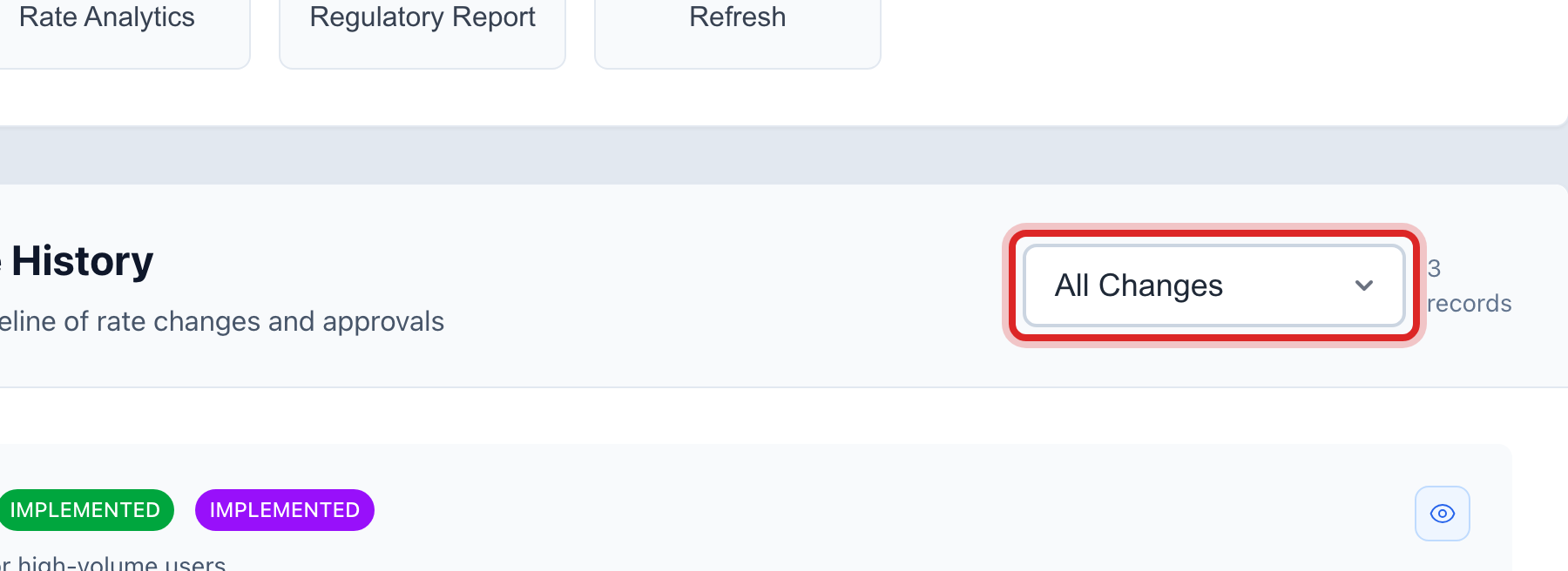
Under Rate Change History, pick a filter: All Changes, Approved Only, Pending Only or Implemented Only.
Each row is one change. It shows the title, the date it took effect, who made it, and its status.
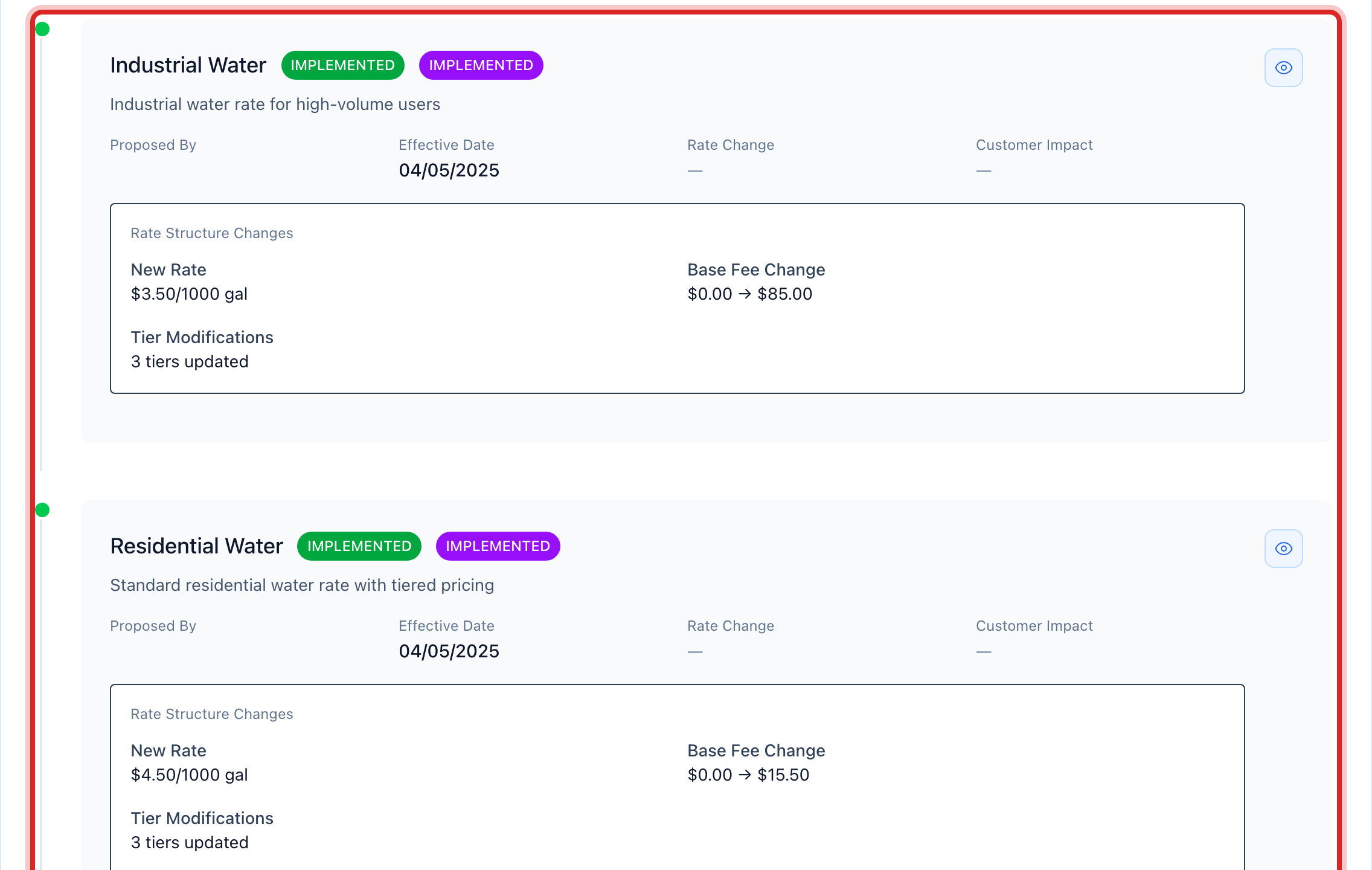
Click the eye button on a row to see the full details. Click Print in that window if the auditor wants a copy.
You are done when
You can see the change, the person, the date and the status, and print it.
If something looks different
The page says Advanced Features Required. Rate history is turned off for your utility. Ask your administrator to turn it on.
You want to propose a change for the board first. Click Propose Rate Change at the top. It goes on the list as Pending until someone approves it and puts it in place.
You want the actual price changes, not the proposals. Open Rate Structures and click the eye button on the rate. Or open Data Management, then Change History, which keeps every edit to every record.