
Appearance
1. Make a new rate structure
When you need this: a rate structure is one price list. Residential water. Commercial water. Sewer. Each one has a base fee and a price per thousand gallons, and it may step up as a customer uses more. You make one for each group of customers you bill differently.
Steps
On the left side of the screen, click Rates and Tariffs, then click Rate Structures.
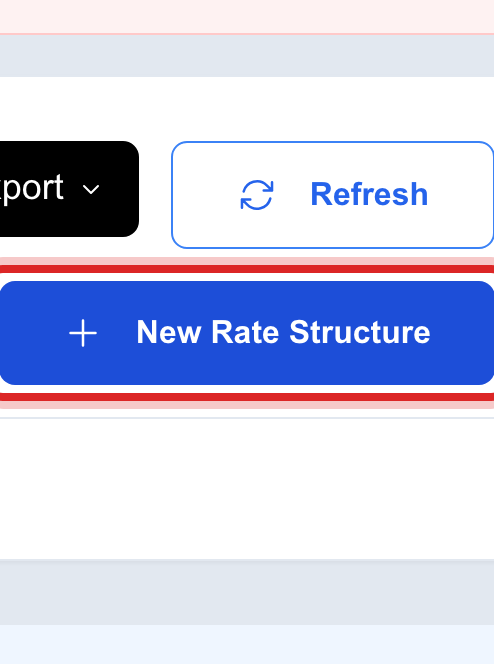
Click New Rate Structure at the top right.
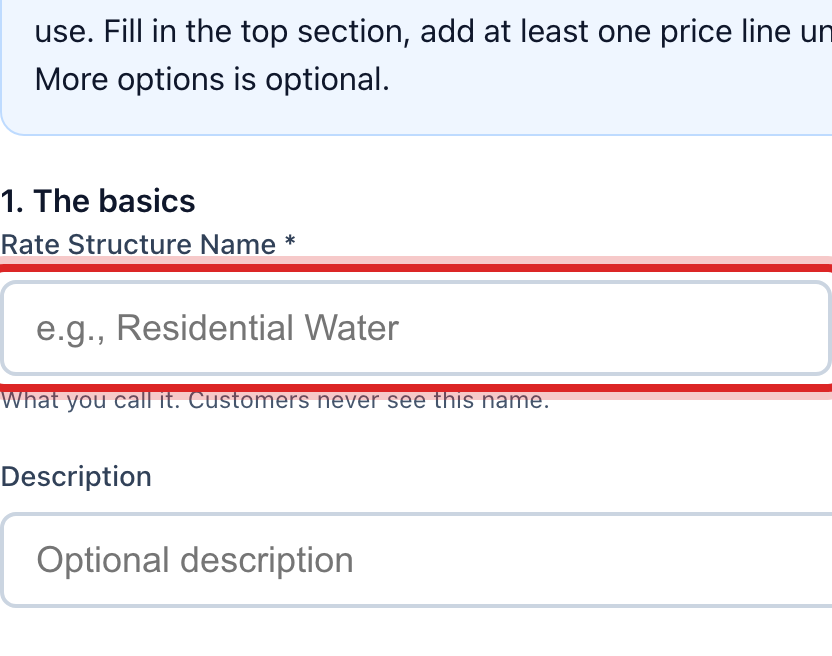
Type a Rate Structure Name people will recognize, like Residential Water.
Pick the Rate Type. Flat Rate is one price for every gallon. Tiered steps the price up as usage goes up.
Type the Base Fee. This is the fixed charge on every bill, even with no water used.
Set the Effective Date. Bills made on or after this day use the new rate. Pick the Service this rate is for.
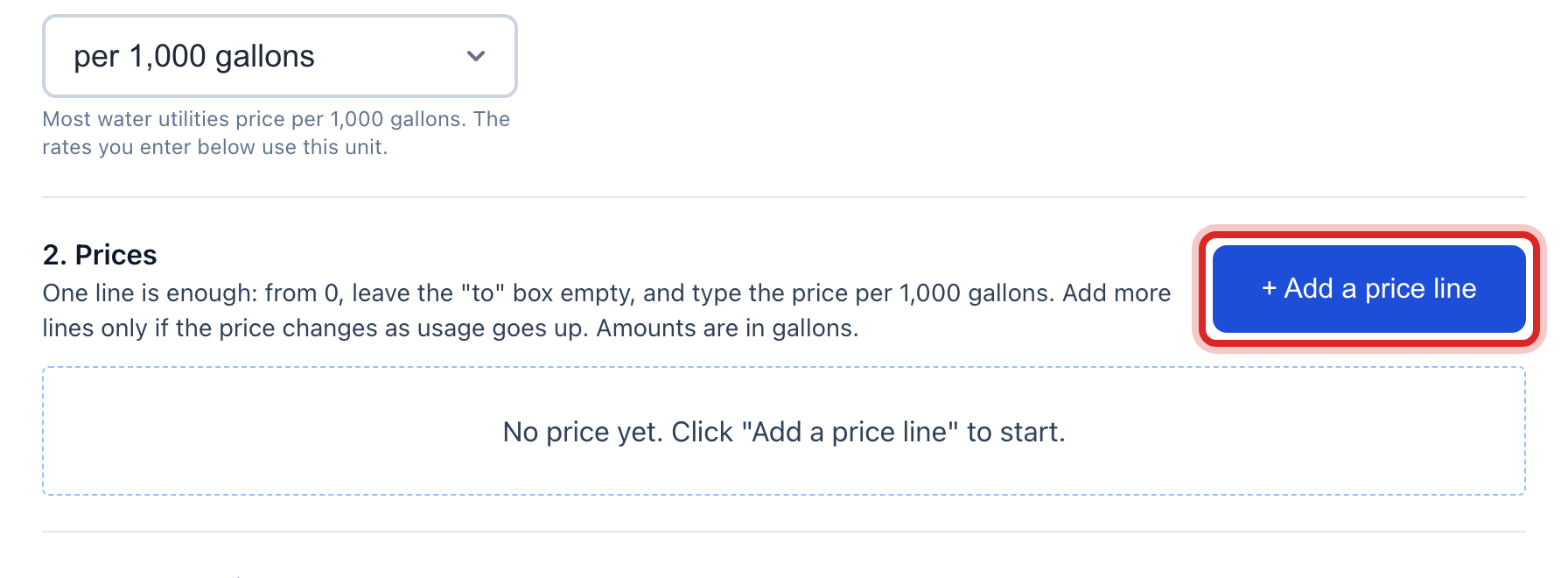
Under 2. Prices, click Add a price line. Type where the step starts, where it ends, and the price. For a flat rate, one line is enough: from 0, leave the "to" box empty, and type the price.
Under 3. Who gets this rate, tick the customer types it is for. Leave every box empty and it can be given to anyone.
Leave Status as Draft while you check it. Change it to Active when it is ready to use. Click Create Rate Structure.
Made a mistake? Click Undo on the green message that appears, or open Show me how at the top and pick Undo a mistake.
You are done when
The new rate shows in the Rate Structures list with its type, base fee, status and the date it starts.
If something looks different
No customer types to tick. Add them first under Settings. Then come back and edit the rate.
Your board has to approve rates. Set the status to Pending Approval. An approve button shows on the row for the person who signs off.
The rate needs a revenue account. Pick the GL Revenue Account near the bottom of the window so each bill posts to your books in the right place.
You sell gas too. Pick Natural Gas under Service, and the prices are per CCF or MCF instead of per gallon.