
Appearance
6. Set up a billing cycle and put customers on it
When you need this: you do not bill everyone on the same day. The east side is read the first week and billed on the 10th. The west side is read the third week and billed on the 25th. Each group is a billing cycle. A cycle has its own bill day and its own days to pay.
Steps
On the left side of the screen, click Rates and Tariffs, then click Billing Cycles.
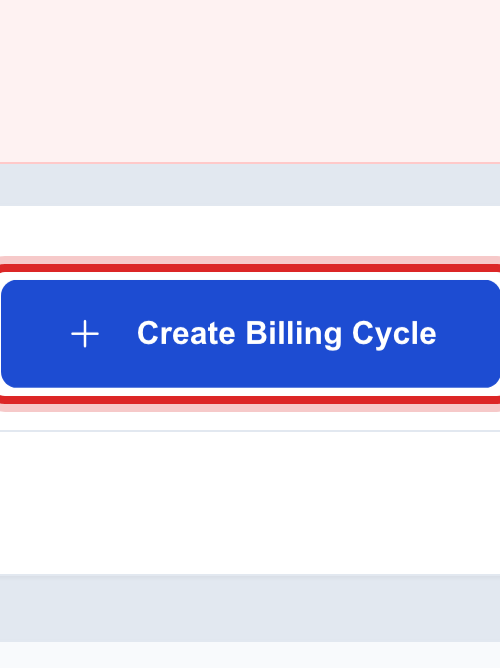
Click Create Billing Cycle at the top right.
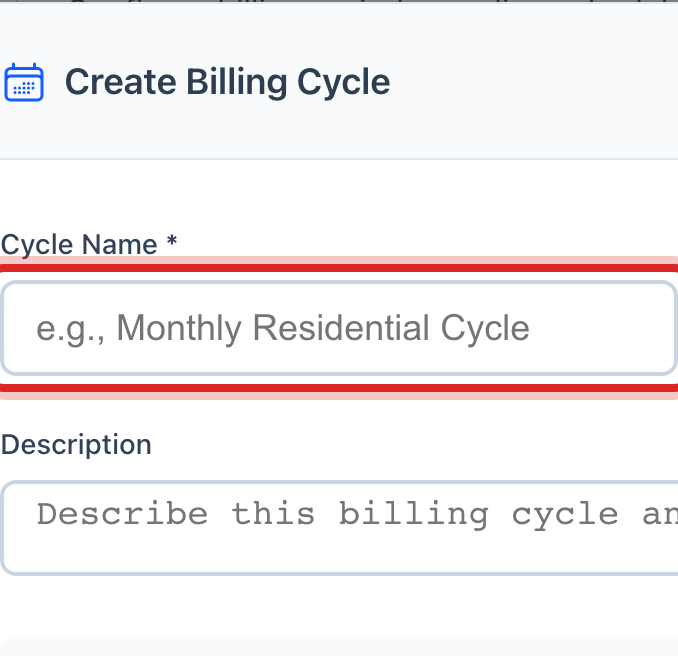
Type the Cycle Name, like East Side Monthly. Pick the Billing Frequency.
Pick the Bill Generation Day, the day of the month the bills are made.
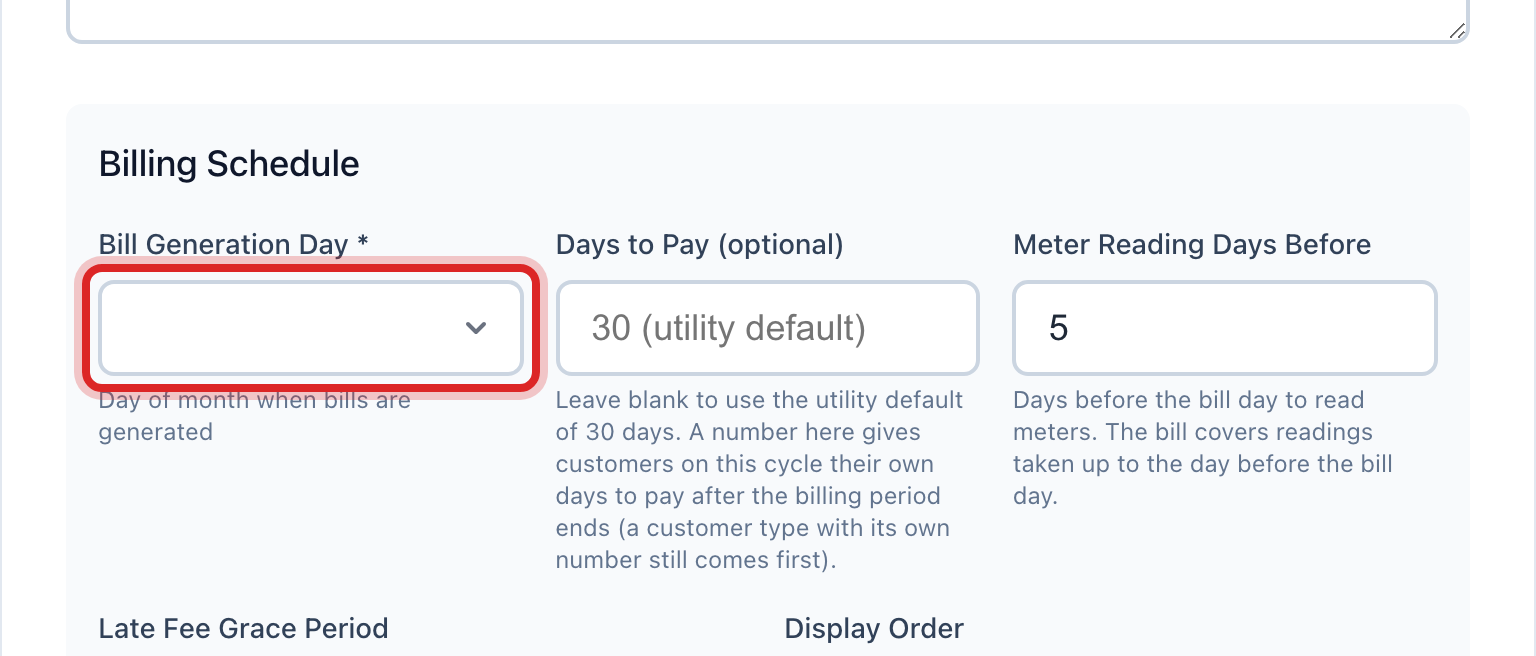
Type Days to Pay if this cycle is different from your usual. Leave it blank to use the utility default.
Tick Automatically generate bills on schedule if Utilops should make the bills on that day without you. Leave it off to run them yourself.
Click Create Cycle.
Now add customers. Find the cycle in the list and click the people button on its row. Click Assign Customers.
Pick Select Individual Customers, tick each customer in the list, and click Assign Customers.
Made a mistake? Click Undo on the green message that appears, or open Show me how at the top and pick Undo a mistake.
You are done when
The cycle shows under All Billing Cycles with its frequency and bill day. The customers you added are billed on that day from now on.
If something looks different
You put the wrong customers on a cycle. Open Recent actions in the bottom left corner and click Undo beside it. That takes them all off at once.
You want a whole street or customer type at once. Pick Bulk Assignment by Criteria in the assign window instead of ticking one by one.
You have a list from your old records. Pick Import from File and upload a CSV of account numbers.
A customer should get a reminder before the due date. Tick Send payment reminders to customers on the cycle and pick the days.