
Appearance
8. Set the gas cost adjustment
When you need this: gas utilities only. What you pay your supplier for gas goes up and down. The gas cost adjustment passes that cost through to customers as its own line on the bill. When your supplier price changes, you set a new rate here with the day it starts.
Steps
On the left side of the screen, click Rates and Tariffs, then click Gas Cost Adjustment.
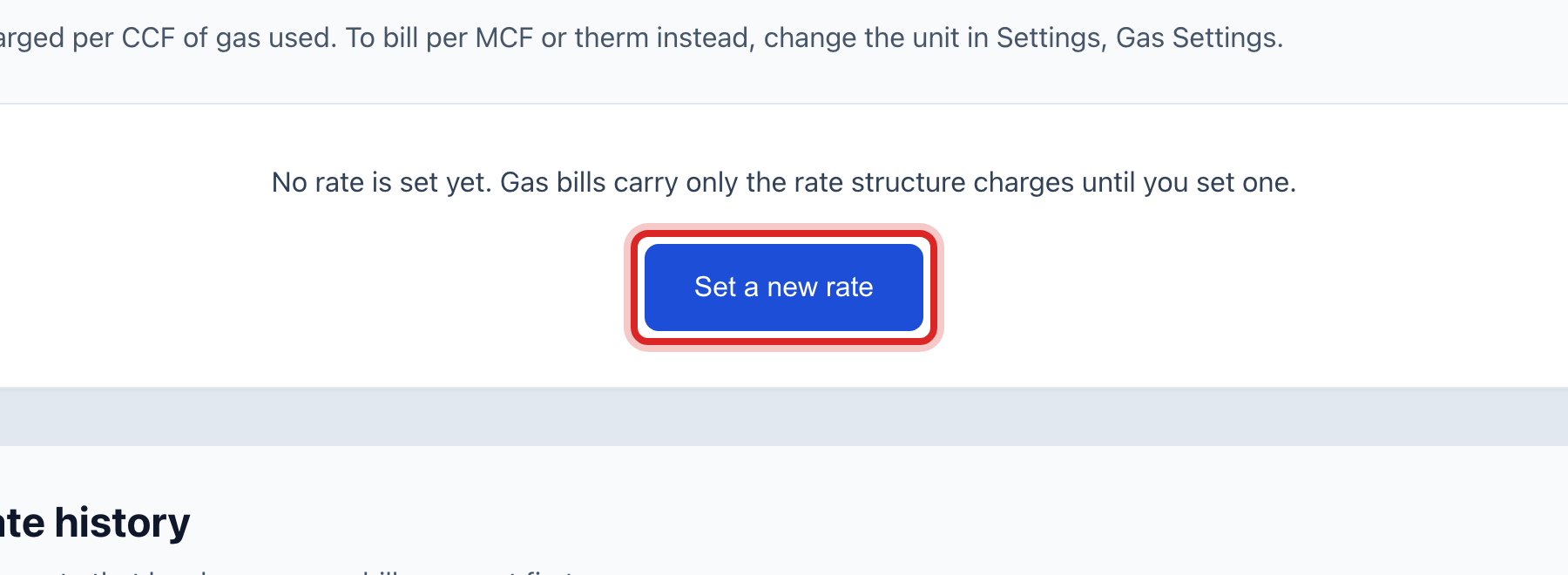
The box at the top shows the Rate on gas bills right now. Click Set a new rate.
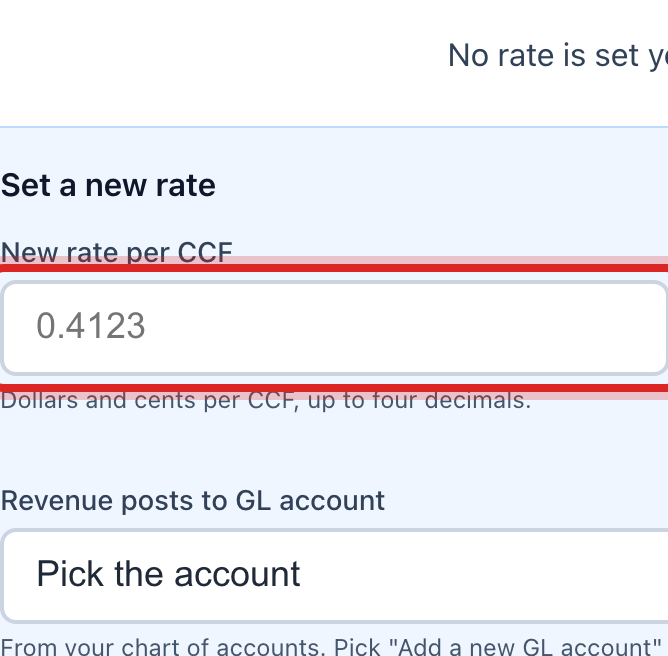
Type the New rate per unit. Use four decimal places if your supplier does.
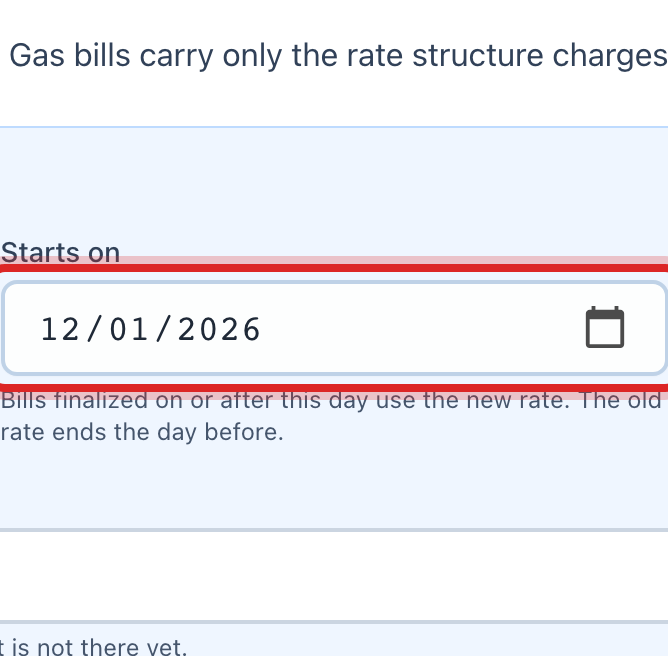
Set Starts on. Gas bills made on or after this day use the new rate.
Check the Name on the bill. Most utilities call it Purchased Gas Adjustment.
Click Save new rate.
Made a mistake? Click Undo on the green message that appears, or open Show me how at the top and pick Undo a mistake.
You are done when
The new rate shows at the top with its start date, and the old one moves down into Rate history.
If something looks different
You typed the rate wrong. Click Fix a typo in the current rate instead of setting a new one. That corrects the number without adding a line to the history.
You want Utilops to work out the rate for you. Under What you paid your supplier, add each month's purchase: the month, the supplier, the volume and the total cost. Utilops suggests a rate, and you click Use this rate.
You under or over collected last year. The Recovery balance box shows the difference for the fiscal year, so you can fold it into next year's rate.
You do not see this page. Your utility does not sell gas, or the page is turned off. Ask your administrator.