
Appearance
8. Run the water loss report
When you need this: you pump a certain amount of water each month and bill for less. The gap is water loss, from leaks, flushing, fires and meters that read low. The state asks about it, and so does the board. This report works it out. First you tell Utilops which meters measure water coming in. Then you run the report.
Steps
Part one: tell Utilops which meters are your source meters. You do this once.
On the left side of the screen, click Metering, then click Source / Master Meters.
Look at Suggested Source Meters. Utilops guesses from the names and the size of the readings. If a guess is right, click Yes, this is a source meter.
For one it missed, scroll to Add a Source Meter Yourself. Type the meter number or the well name in the search box.
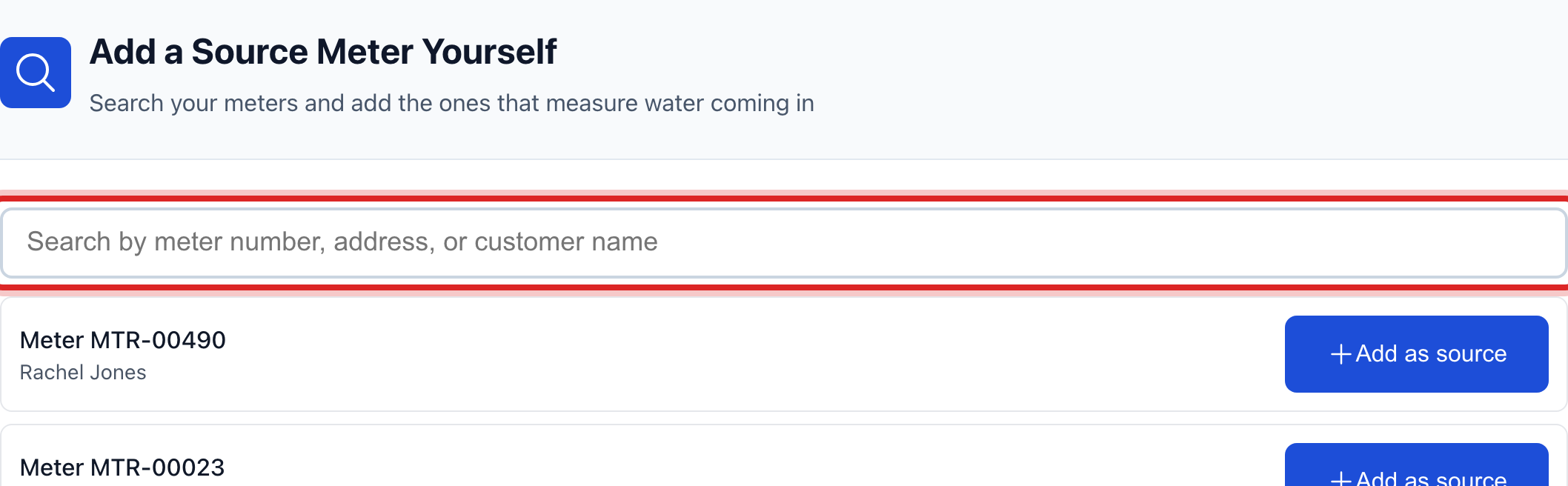
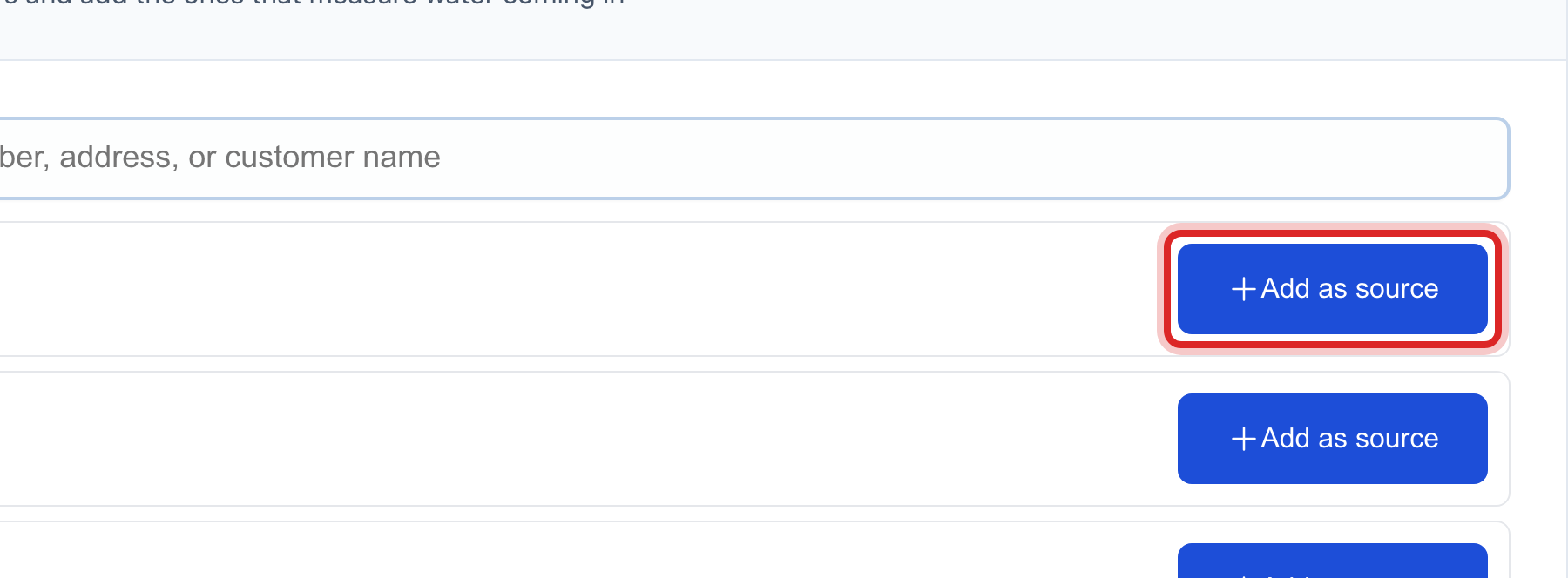
Click Add as source beside the right meter.
Part two: run the report. Do this each month after readings are in.
On the left side of the screen, click Metering, then click Water Loss Report.
Pick the From date and the To date. One billing month is the usual.
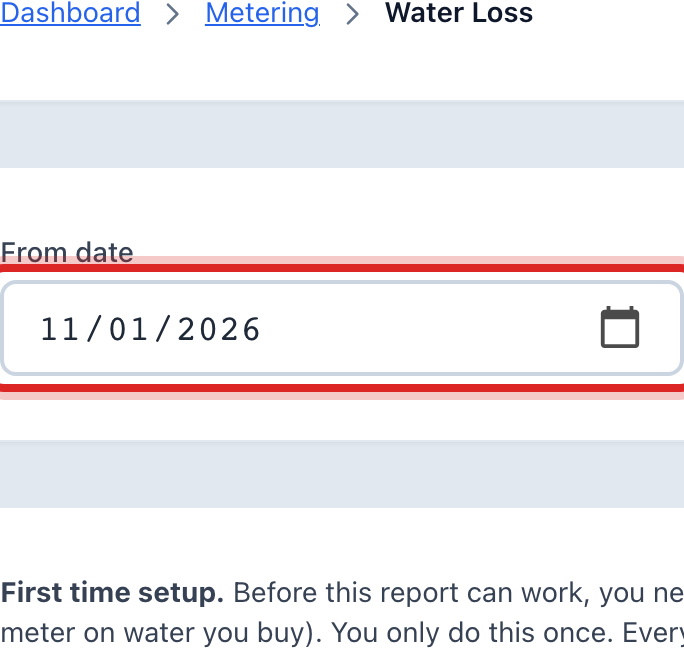
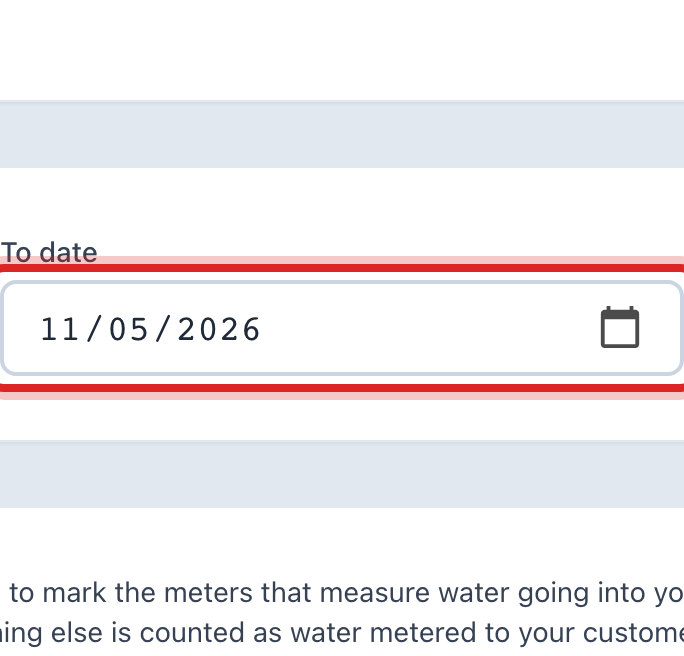
Click Run Report.
Read the result. It shows how much water the source meters measured, how much was billed, and the gap as a number and a percent.
You are done when
The report shows on the page with the water in, the water billed and the loss. The source meters it used are listed under it.
If something looks different
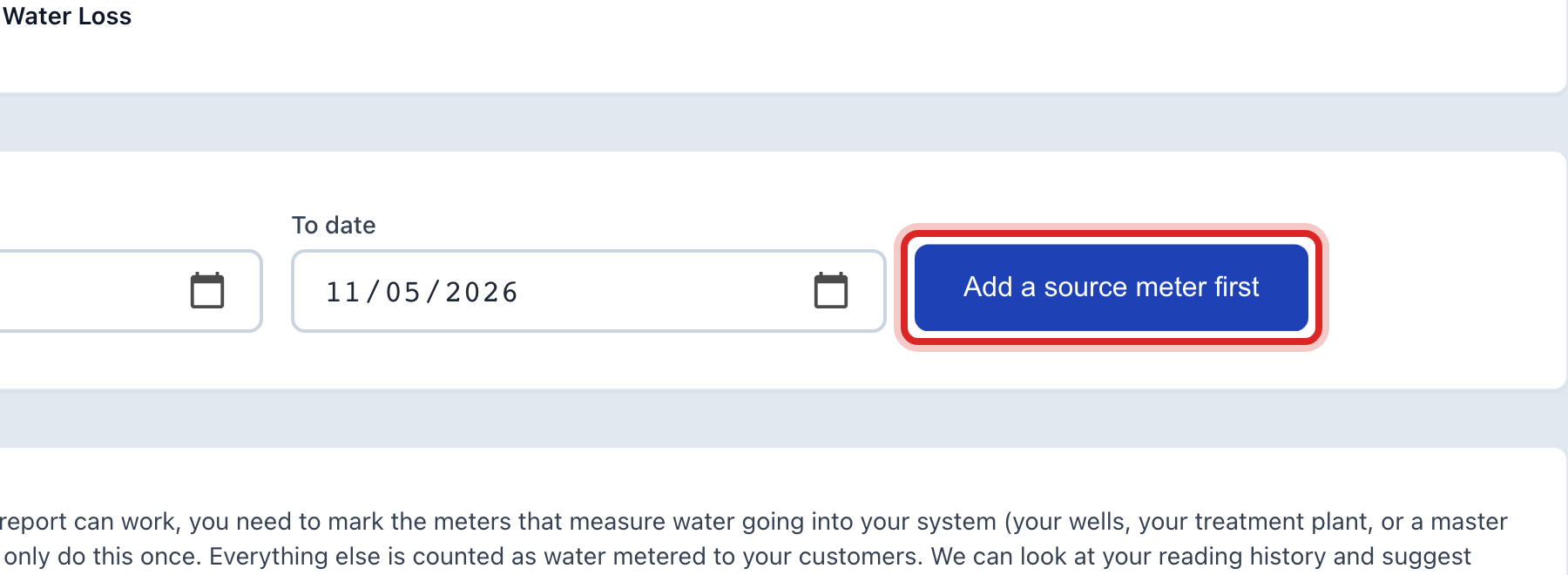
The button says Add a source meter first. No meter is marked as a source yet. Do part one.
The loss looks huge. Check the dates first. Then check that every source meter was read in that span. A source meter with no reading makes the gap look bigger than it is.
You sell gas too. Click Gas at the top of either page. The source meters are then your town border and city gate meters.
A meter should not be a source. Click Remove beside it on the Source / Master Meters page. Its readings stay; it just stops counting as water in.