
Appearance
6. Watch one customer for a leak
When you need this: a customer's bill jumped and you think there is a leak. A house is empty for the winter and should use nothing. You tell Utilops to watch that one account and tell you when the next reading is off.
Steps
On the left side of the screen, click Metering, then click Monitor Usage.
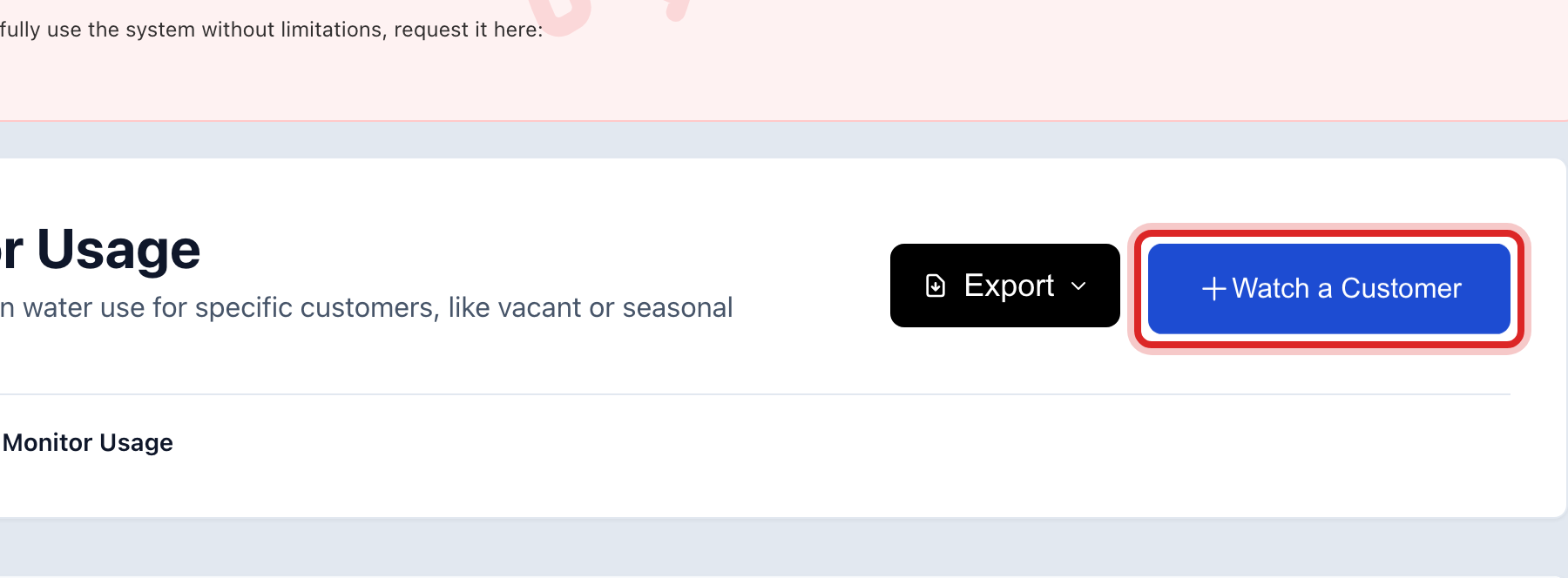
Click Watch a Customer at the top right.
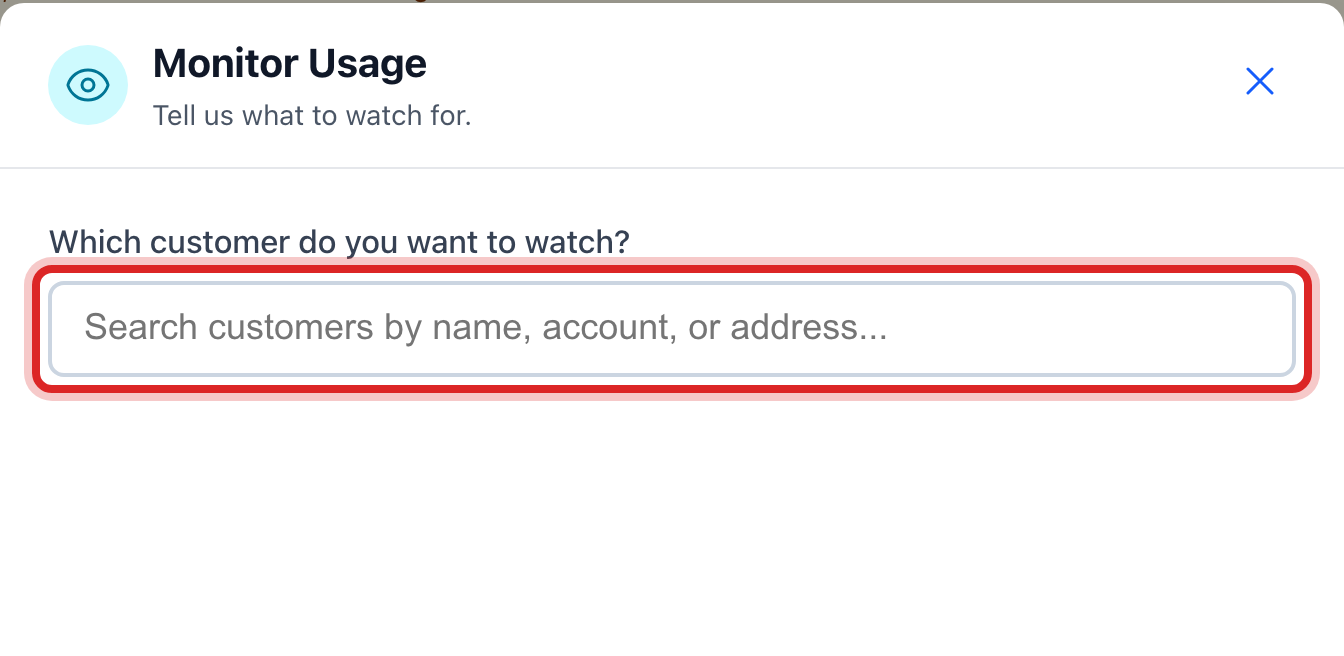
Under Which customer do you want to watch?, type the name or the account number and click the right one.
Under What is the situation?, click Worried about a leak. Utilops fills in sensible numbers for you.

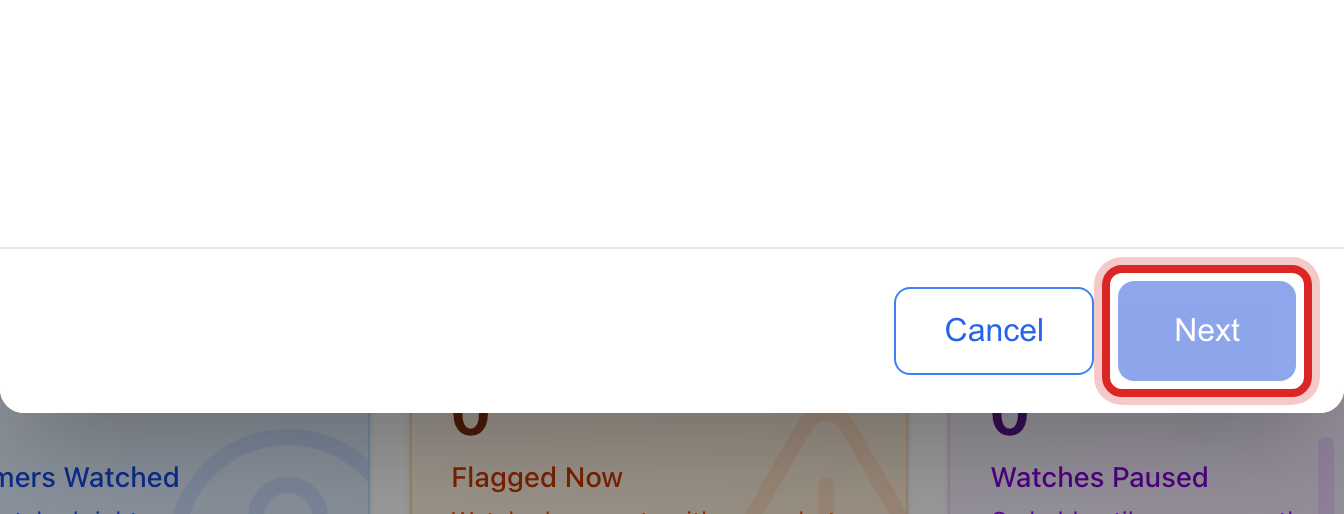
Click Next.
Tick Email me right away when it triggers if you want an email as well as the note on your dashboard. Tick Also tell the customer if they should get a message too.
Click Start Watching.
Made a mistake? Click Undo on the green message that appears, or open Show me how at the top and pick Undo a mistake.
You are done when
The customer is in the list under Watched Accounts with the status Active. When a reading breaks the rule, a note shows on your dashboard.
If something looks different
The house is empty. Click Vacant or vacation property instead. Any use at all gets flagged.
The meter may be stuck. Click Meter may be broken. A reading of zero on a lived in house gets flagged.
You want your own numbers. Click Something else, or click Adjust the numbers under the choice you made.
The leak is fixed. Find the row under Watched Accounts and click the pencil at the right end, then Stop Watching. Or click the pause button to keep it for later.
Texts and emails to the customer are included. There is no charge for a message and no limit.