
Appearance
5. Answer common questions before they call
When you need this: the same five questions come in every week. When is my bill due. How do I set up AutoPay. What do I do if I smell gas. Put the answers on the portal and the phone rings less.
Steps
On the left side of the screen, click Payment Portal, then click FAQs.
If the list is empty, click Restore the standard set. Utilops adds the questions most utilities get. Read them and change any that do not fit.
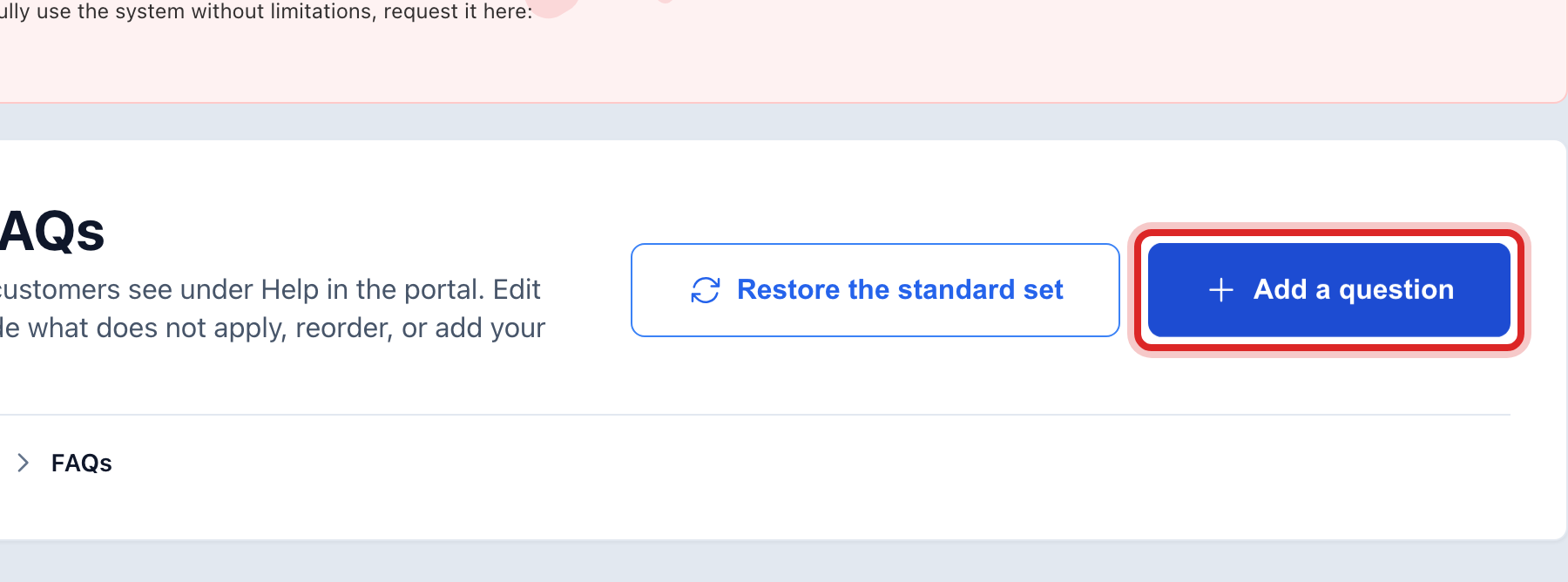
Click the blue Add a question button.
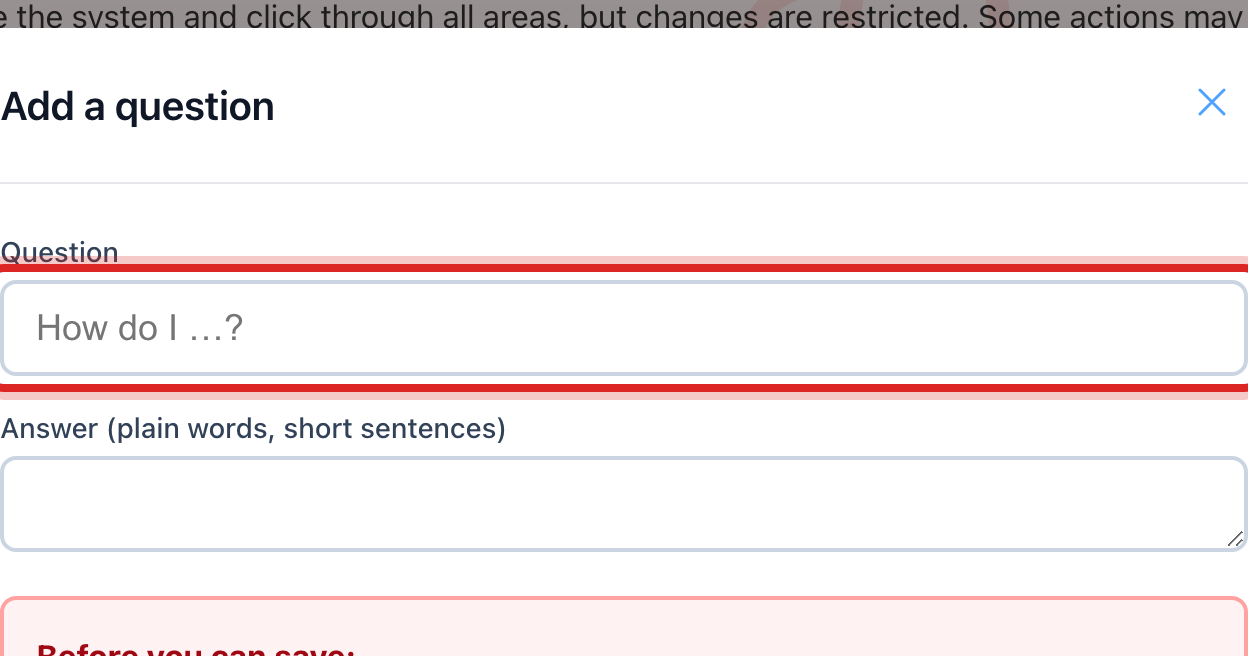
Type the Question the way a customer would ask it.
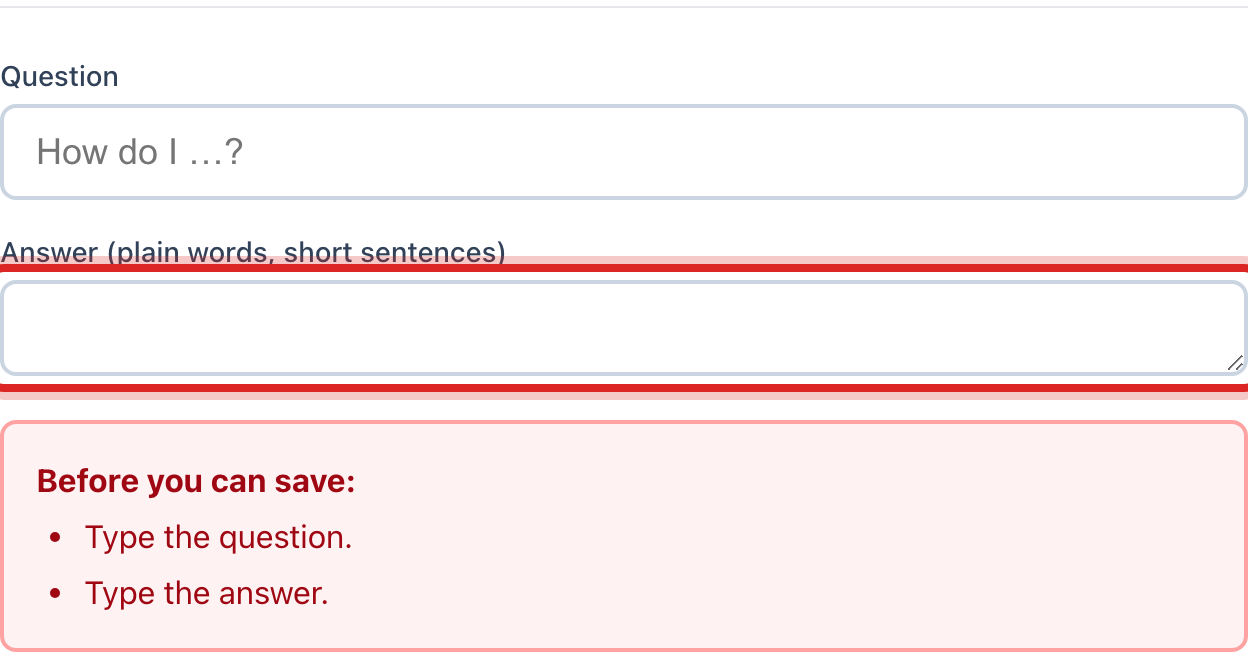
Type the Answer in plain words and short sentences. Say what to do, not how the system works.
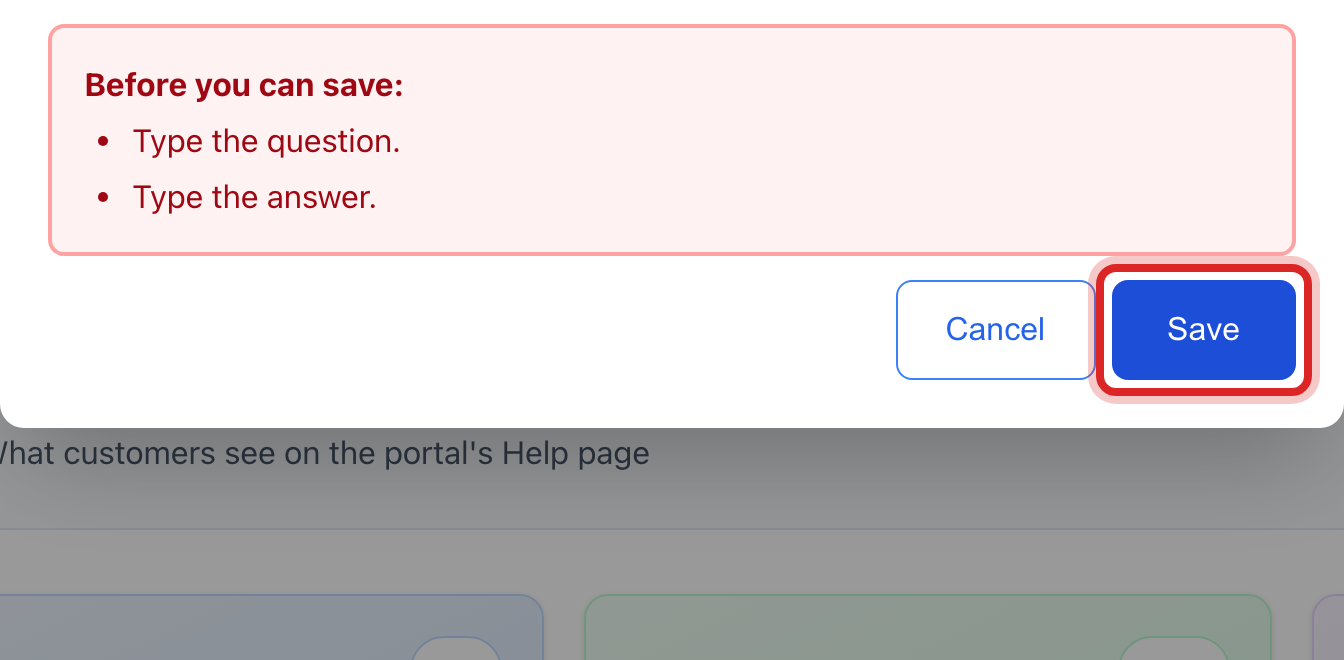
Click the blue Save button.
Made a mistake? Click Undo on the green message that appears, or open Show me how at the top and pick Undo a mistake.
You are done when
Your question is in the list with a green Showing mark. The green message says the portal shows it now.
If something looks different
A question does not apply to you. Click Hide on its row. It stays in the list with a grey Hidden mark, and you can click Show later.
You want the important ones at the top. Click the up and down arrows at the left of a row to move it.
A row says gas only or water only. Utilops shows that question only to customers with that service.
You cannot see the buttons. Only staff who may edit the portal can change questions. Ask your administrator.