
Appearance
7. See how your messages are doing
When you need this: the board asks how many people you reached with the rate notice. Or you want to know whether texts or emails get through better for your customers. This page adds it all up.
Steps
On the left side of the screen, click Customer Messaging, then click Analytics & Reports.
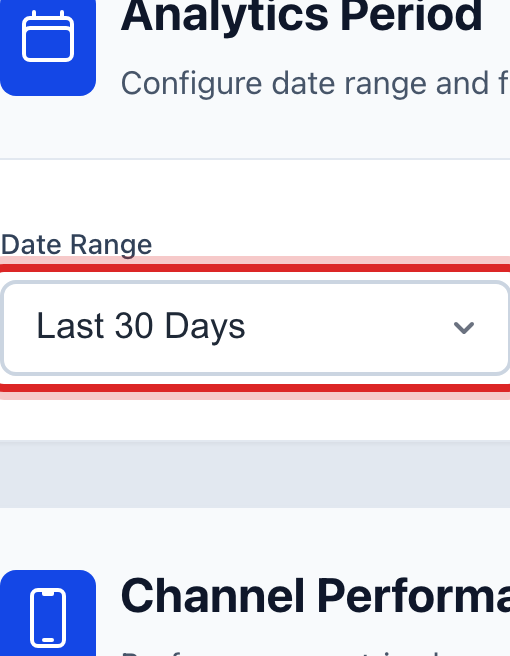
Pick the time span at the top. This month, last month, or your own dates.
The boxes below show how many messages went out, how many were delivered, how many failed, and how many people opted out, for that span.
Further down it is split by text, email and phone, so you can see which one reaches your customers best.
You are done when
You have the numbers for the span you picked. Use the Export button to save them for the board packet.
If something looks different
The numbers are all zero. No messages went out in that span. Pick a wider one.
Opt outs are climbing. People reply STOP when they get too many texts. Send fewer, and put routine notices in email instead.