
Appearance
4. Make a group of customers
When you need this: the same bunch of customers gets the same notices. Everyone on Route 3. Every business. Everyone on the hill that loses pressure. Make the group once, then send to it in one click.
Steps
On the left side of the screen, click Customer Messaging, then click Contacts & Groups.
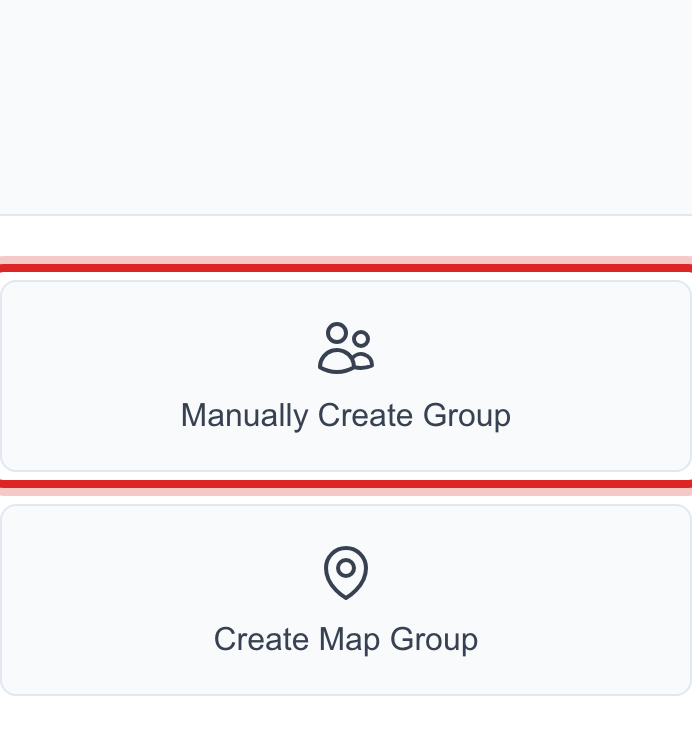
Click Manually Create Group.
Give the group a name that says who is in it, like Route 3 or Hill pressure zone.
Tick the customers who belong in it. You can search by name or street to find them faster.
Click Create Group.
You are done when
The group shows in the list with a member count. On the send page, pick Contact Group and choose it by name.
If something looks different
You have the list in a spreadsheet. Use Import from CSV instead. Utilops matches each row to a customer by account number or name.
You want a group that updates itself. Use Smart Group. You set a rule, like all businesses or everyone past due, and the group keeps itself current.
You want everyone on a map area. That is Geographic Targeting, lesson 6.