
Appearance
1. Read and answer replies
When you need this: a customer texts or emails back after a notice, or writes in with a question. Their message lands here, and you answer from here. You do not need your phone or your email program.
Steps
On the left side of the screen, click Customer Messaging, then click Reply Inbox. Unread replies show a count next to the name.
The customers who wrote in are listed on the left. Click one.
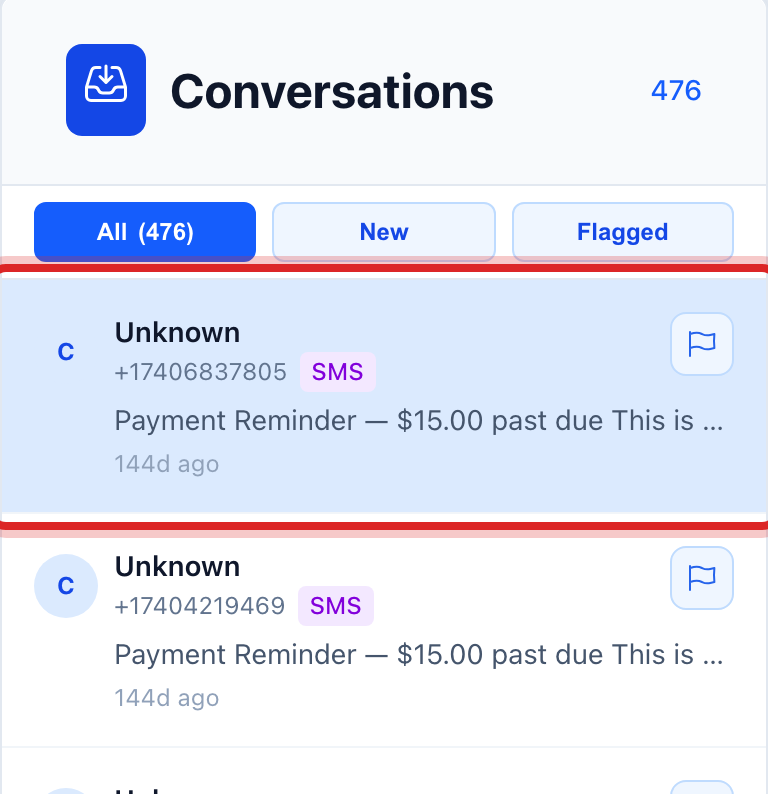
Their messages, and yours, show on the right in order, newest at the bottom. Read what they said.
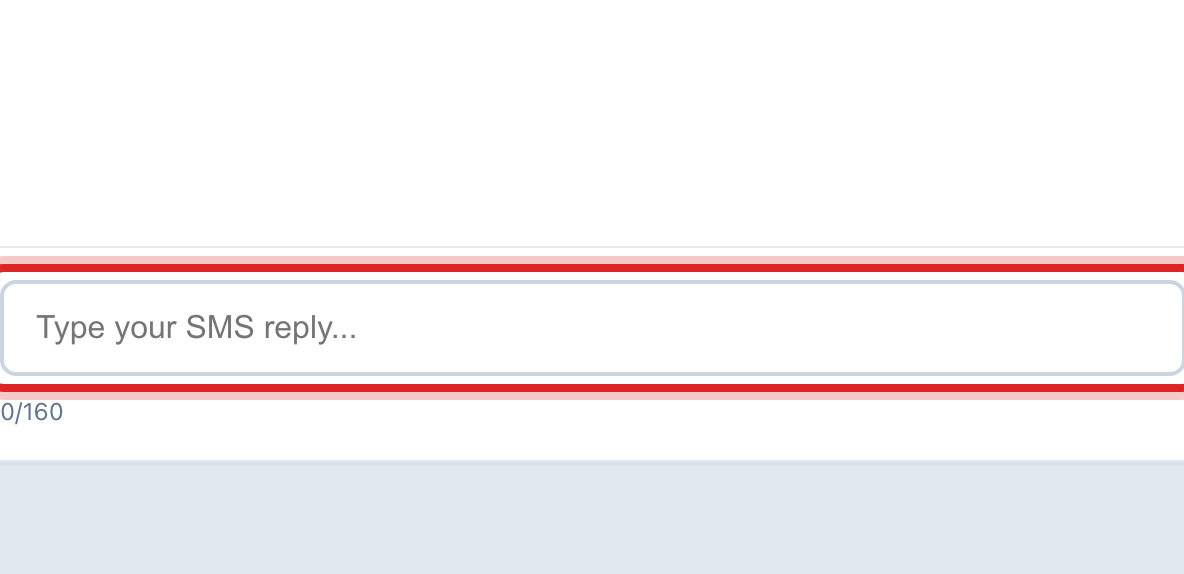
Click in the box at the bottom and type your answer.
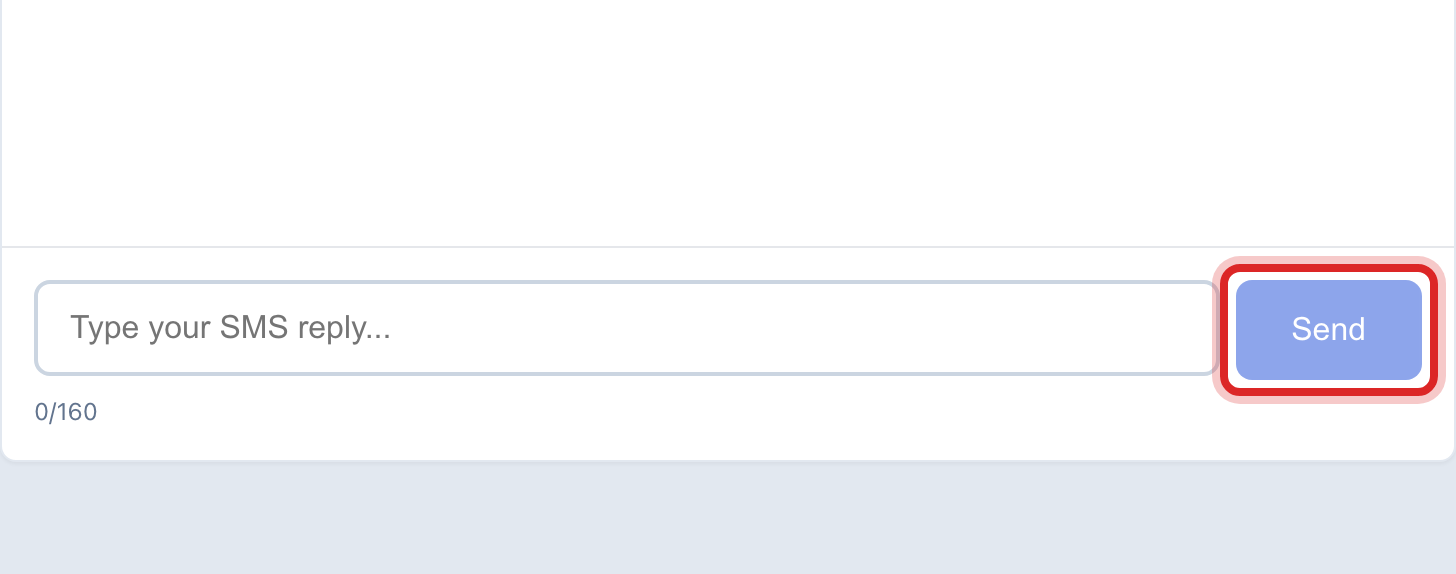
Click Send. Your reply goes back the same way they wrote to you, text or email.
You are done when
Your reply shows at the bottom of the conversation, and the customer drops out of the unread count.
If something looks different
The list is empty. Nobody has replied yet. Replies only come in after you have sent something, and only from customers who have a cell phone or email on file.
A reply says STOP. The customer has asked not to get texts. Utilops has already marked them opted out. Do not text them again; call or mail instead.
You want someone else to handle it. Click the customer, then use the assign button at the top of the conversation to hand it to a coworker.