
Appearance
7. Check a finished job
When you need this: a supervisor looks over a finished job and writes down whether it was done right. The record stays with the work order. Over time you can see which jobs pass and which need a second visit.
Steps
On the left side of the screen, click Work Orders, then click Quality Control.
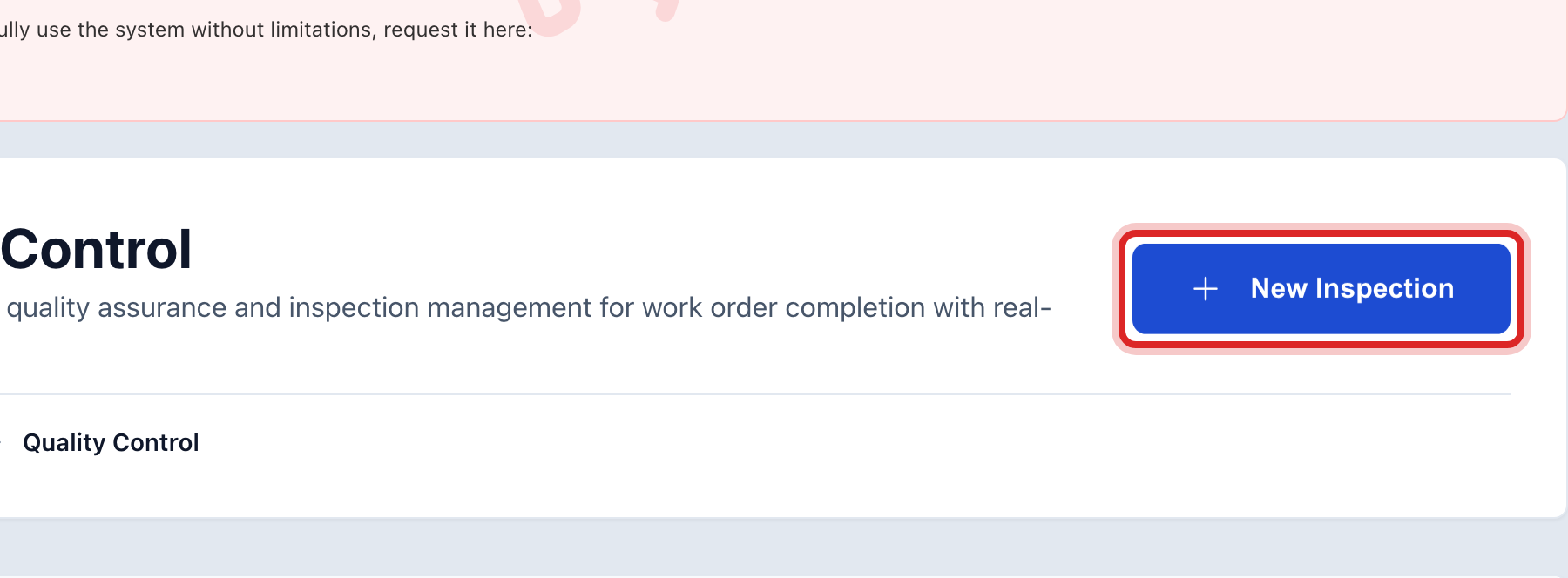
Click New Inspection at the top right.
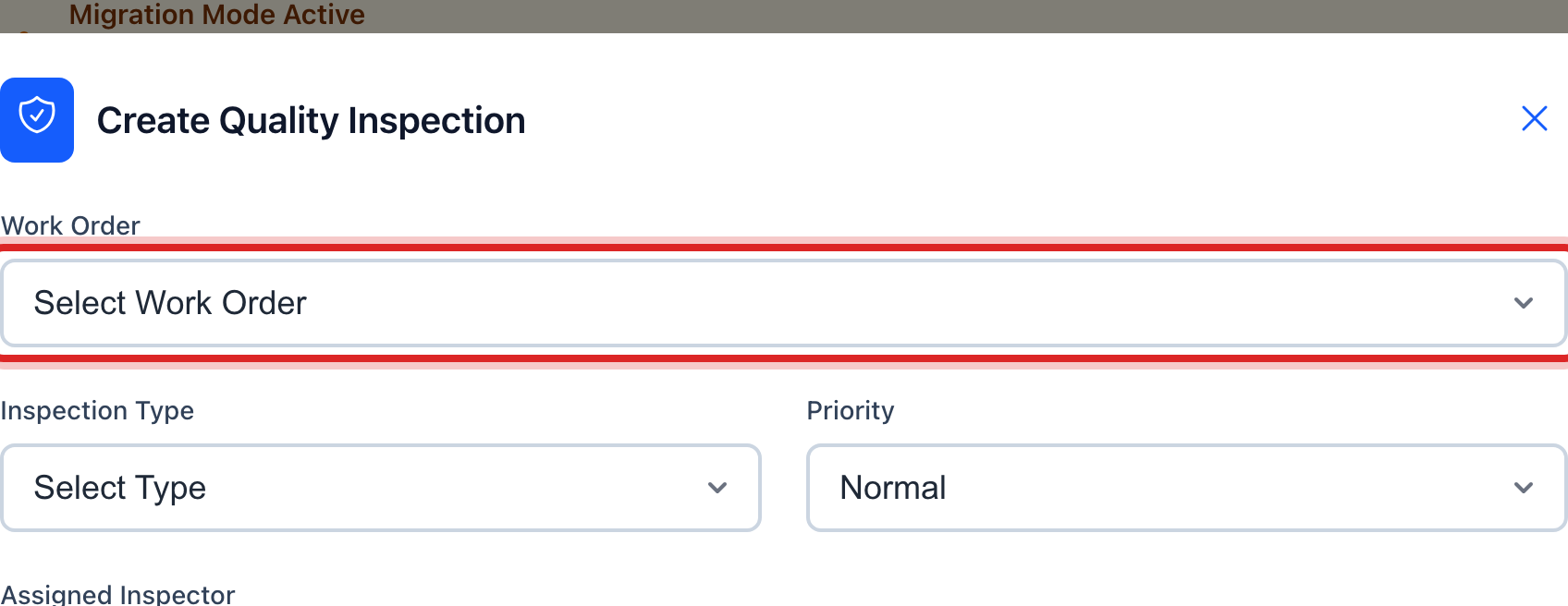
Pick the Work Order. Only finished jobs are in the list.
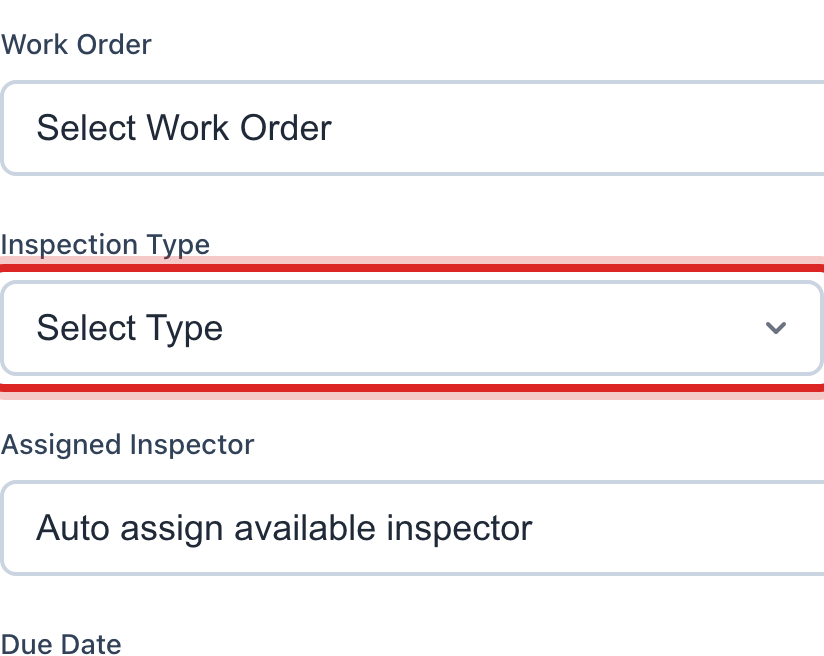
Pick the Inspection Type. For a normal check, pick Completion Inspection.
Set Status to Completed if you have already looked at the job.
Type a Score from 0 to 100.

Pick the Result, Pass or Fail. Add a line under Notes if something needs a second visit.
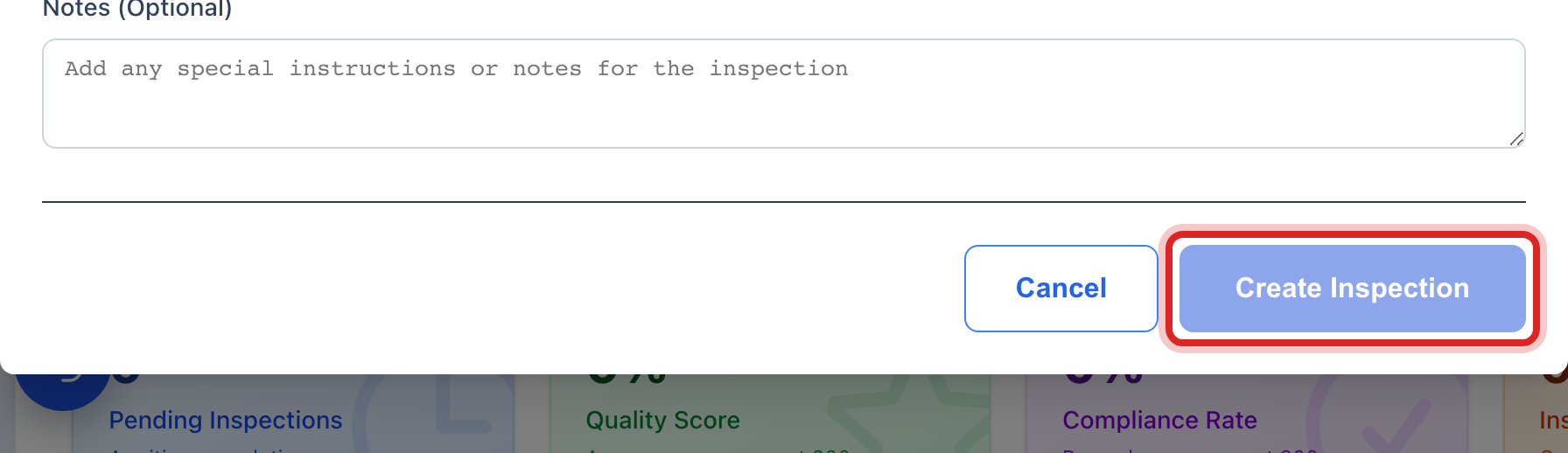
Click Create Inspection.
Made a mistake? Click Undo on the green message that appears, or open Show me how at the top and pick Undo a mistake.
You are done when
The inspection shows under Quality Inspections History with its score and result.
If something looks different
You will look at the job later. Leave Status as Pending and pick the Assigned Inspector. The job waits under Pending Inspections until they start it.
You check the same things every time. Make a checklist once under Quality Checklists, then pick it under Quality Checklist on the inspection.
The Work Order list is empty. No job has been marked Completed yet. Close a job first, lesson 1.
The page says Advanced Feature. Quality Control is turned off for your utility. Ask your administrator to turn it on. There is no extra charge.