
Appearance
8. Set a reminder for a coworker or the office
When you need this: the chlorine order has to go in by Friday. The office is closed Monday. Everyone needs to know. A reminder here shows on every staff member's calendar and home page, not just yours.
Steps
On the left side of the screen, click Settings at the very bottom, then click Reminder Management. The page is called Reminders Calendar.
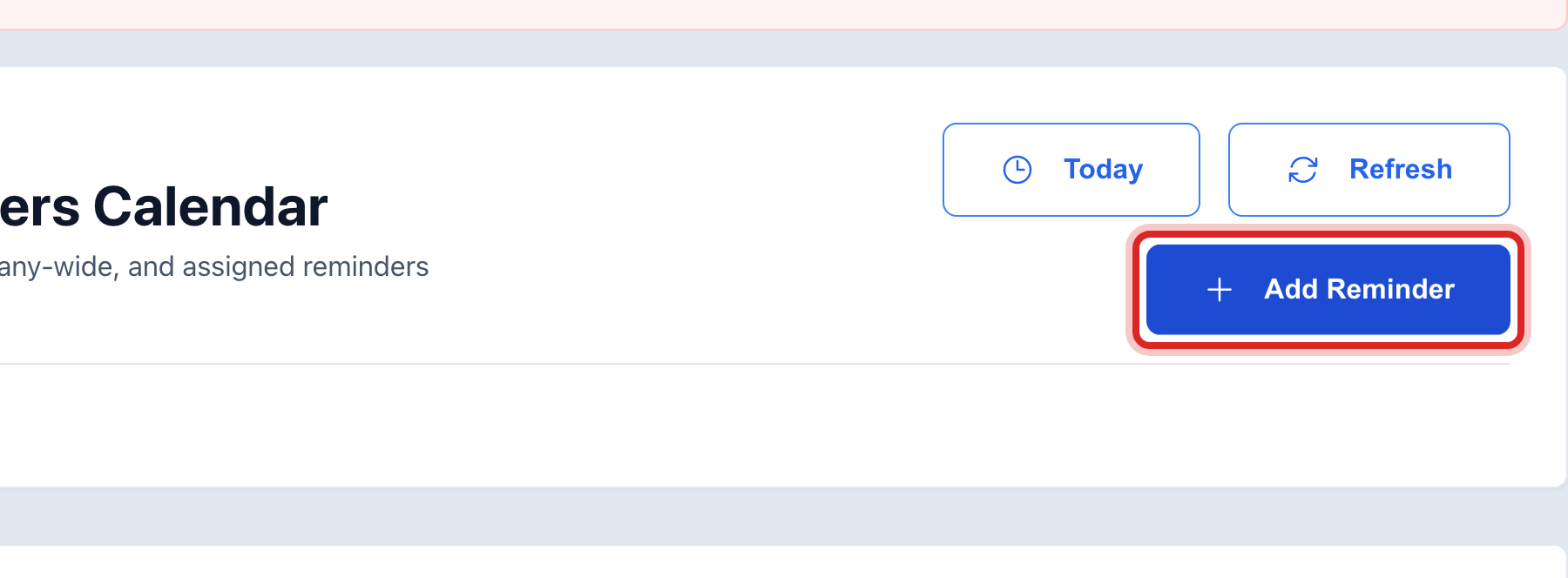
Click the blue Add Reminder button at the top.
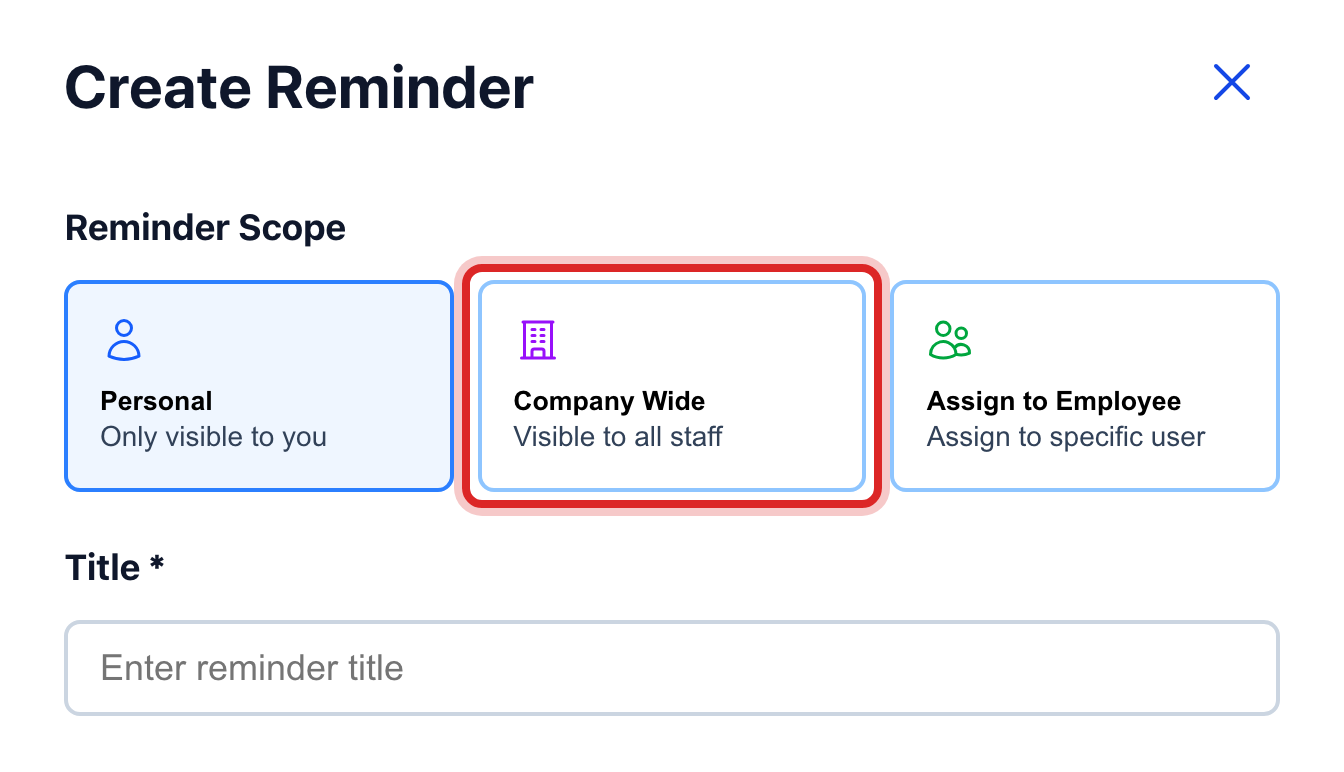
A window opens. Under Reminder Scope, click Company Wide. Everyone on staff will see it.
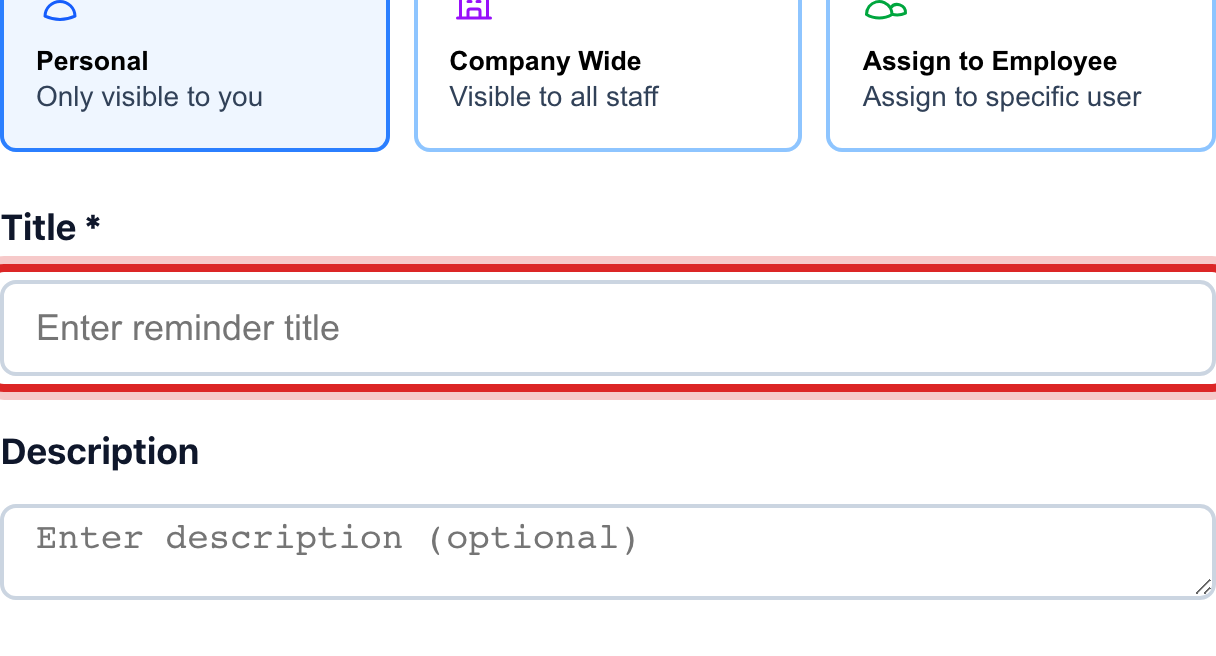
Click in the Title box. Type what needs doing, like "Order chlorine".
Pick a Type and a Priority from the lists.
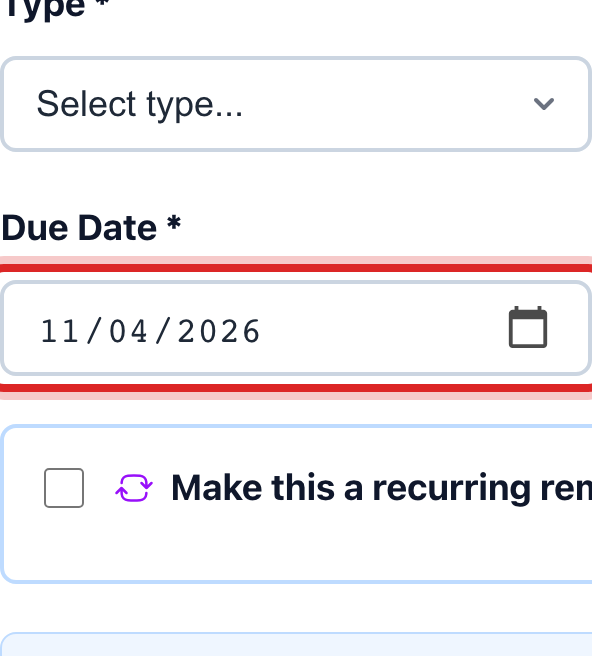
Pick the Due Date and the Due Time.
Click the blue Create Reminder button.
Made a mistake? Click Undo on the green message that appears, or open Show me how at the top and pick Undo a mistake.
You are done when
The reminder shows on the calendar on its day. It also shows on every staff member's My Calendar and on their home page that morning.
If something looks different
It is for one person. Under Reminder Scope, click Assign to Employee and pick them in the Assign To list. Only they see it.
It is just for you. Click Personal. Or add it on My Calendar instead. Dashboard and My Calendar, lesson 5.
It repeats. Tick Make this a recurring reminder. Pick how often under Repeat and when it ends under Ends.
It is done. Click the reminder, then click Complete. To change it, click Edit.
You cannot add one. Only some roles may add office reminders. Ask your administrator.