
Appearance
1. Update your own name and phone number
When you need this: you got married and your last name changed. You have a new cell phone. Your name shows on every note and work order you touch, so keep it right. Each person changes their own.
Steps
On the left side of the screen, click Settings at the very bottom, then click User Preferences. The page is called My Profile.
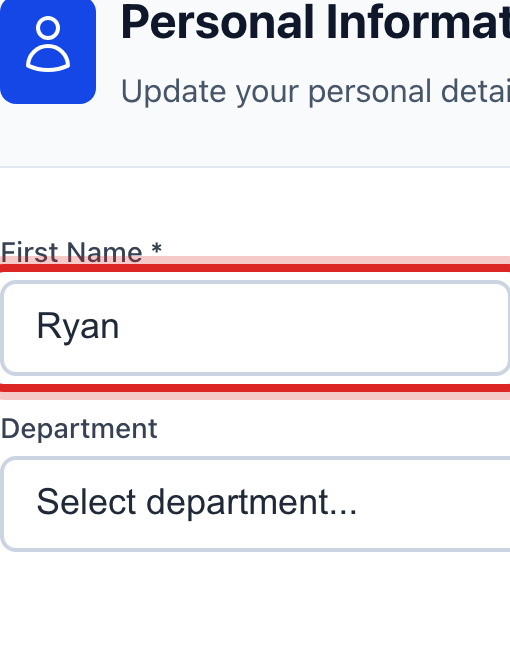
In the Personal Information card, click in the First Name box or the Last Name box. Fix what needs fixing.
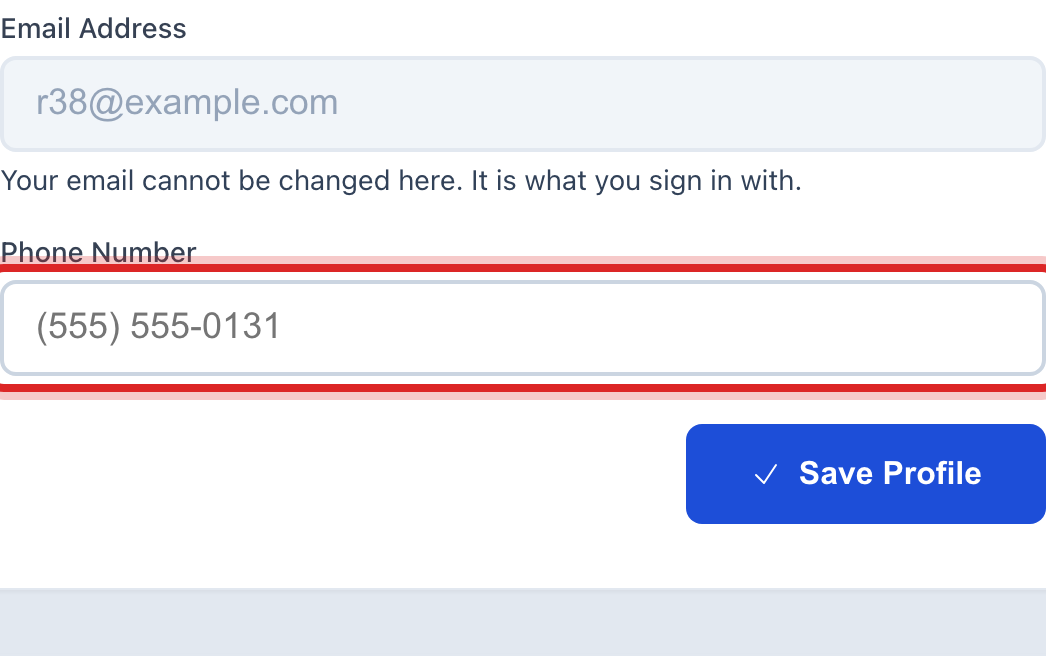
Click in the Phone Number box. Type your number.
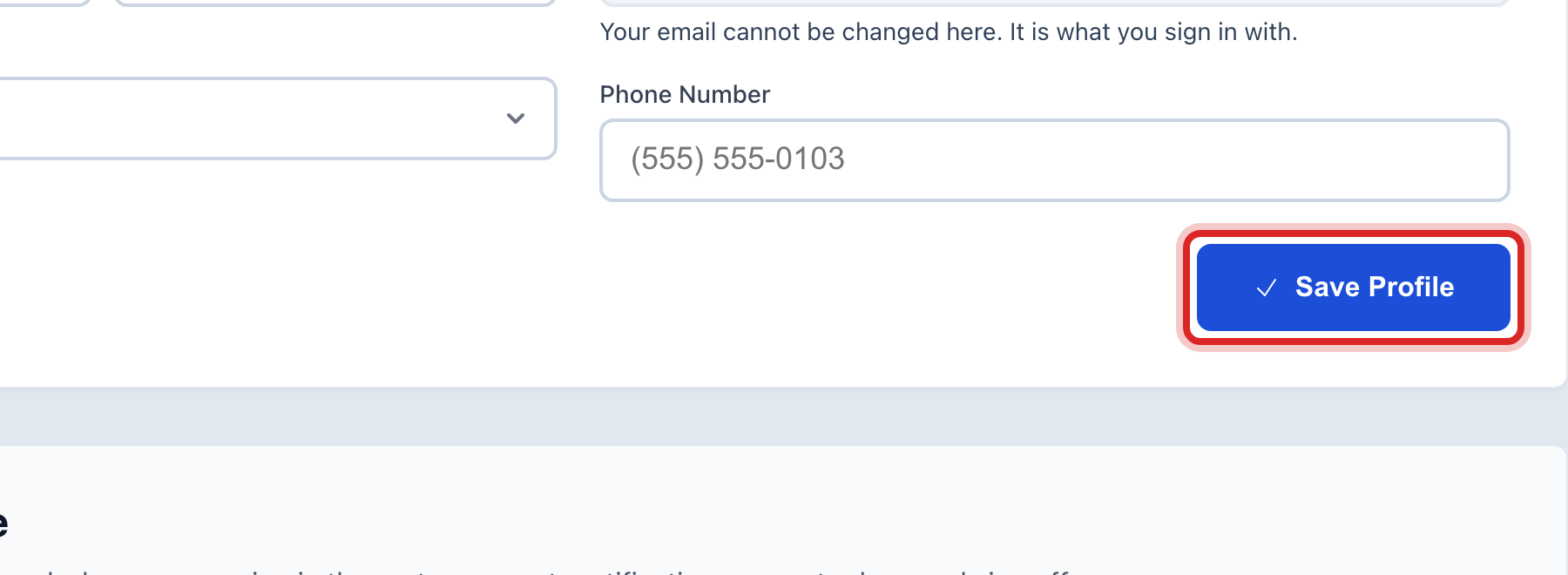
Click the blue Save Profile button.
Made a mistake? Click Undo on the green message that appears, or open Show me how at the top and pick Undo a mistake.
You are done when
A green message says your profile was saved. Your name at the top right of the screen reads the new way.
If something looks different
You cannot change the Email Address box. Your email is your sign in name. An administrator changes it for you under User Management.
You do not see Settings on the left. Click your name at the top right instead and pick your profile. It is the same page.
You want to change your password. That is the next lesson. It is on this same page, lower down.
The Department list is wrong. Pick the right one. It only changes how your name is grouped on lists.