
Appearance
4. Reset a coworker's password
When you need this: a coworker is locked out and cannot remember their password. The fastest fix is an email that lets them pick a new one. You never need to know their password, and you should not.
Steps
On the left side of the screen, click Settings at the very bottom, then click User Management.
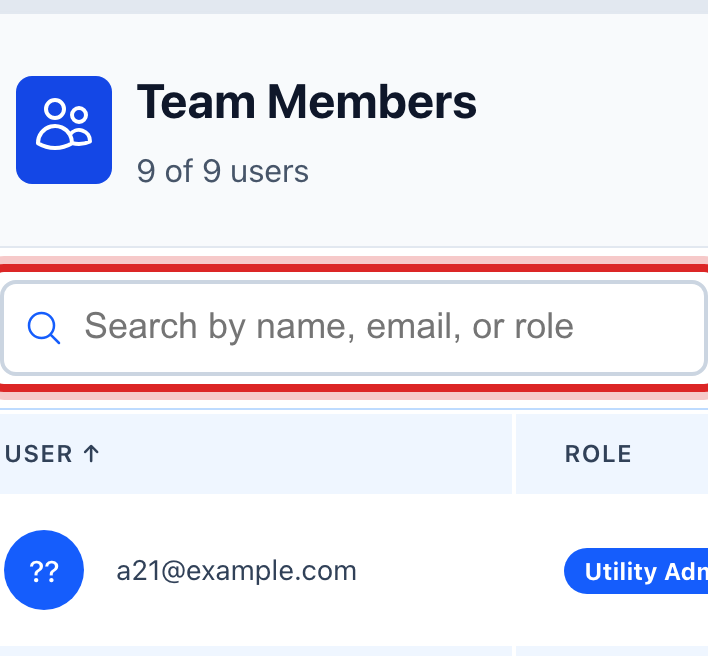
Scroll to the Team Members table. Click in the search box and type part of their name.
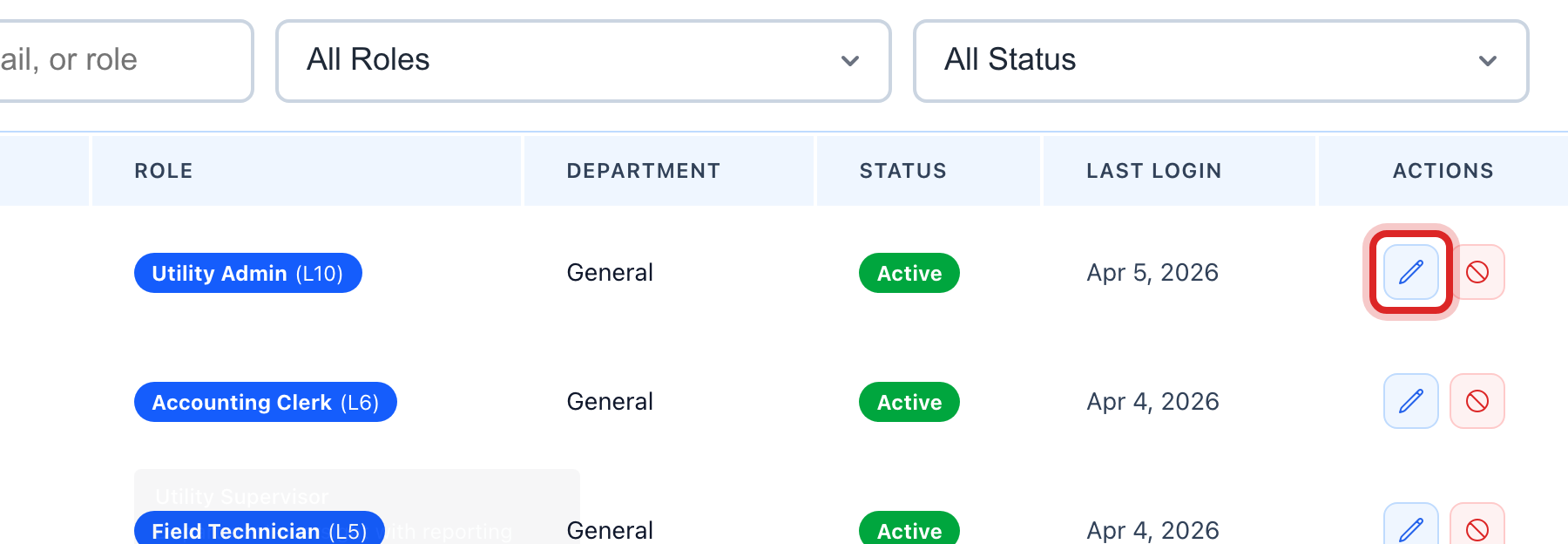
Find their row. At the right end, click the Edit User button. A window opens.
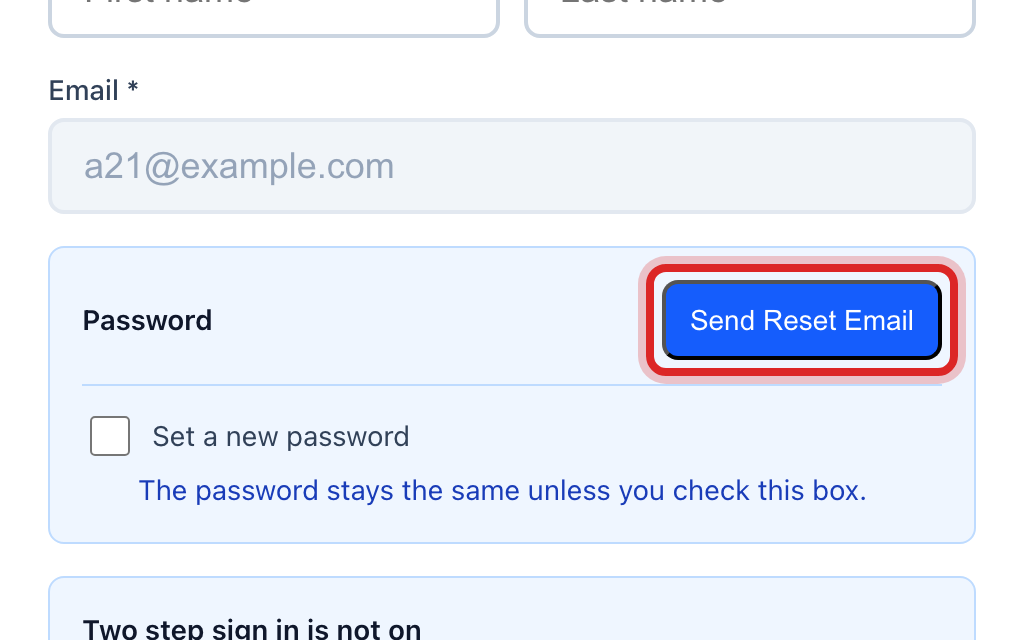
In the window, find the Password line. Click Send Reset Email.
Tell them to check their email. The link in it lets them pick a new password. Then click Cancel to close the window.
You are done when
A green message says the email was sent. Nothing else about the person changed.
If something looks different
They cannot get email right now. In the same window, tick Set a new password. Type one in the New Password box and again in Confirm Password. Tick the box that asks them to choose their own at their next sign in. Then click Update User and tell them the password.
Their phone for two step sign in is lost. In the same window, click Reset two step sign in, then Yes, reset it. They set it up again the next time they sign in.
You do not see the Edit User button. Only a utility administrator can do this. Ask yours.
They forgot their email address too. It is the first thing on their row.