
Appearance
4. Get a form from the library and change it
When you need this: you need a late notice, a boil water letter, a leak adjustment form. Do not start from a blank page. The library has ready made templates for your state. Install one, change the words to match your office, and it is yours.
Steps
On the left side of the screen, click Template Library, then click Browse Templates.
Click in the Search box and type what you need, like "late notice". The Category and State lists narrow it down.
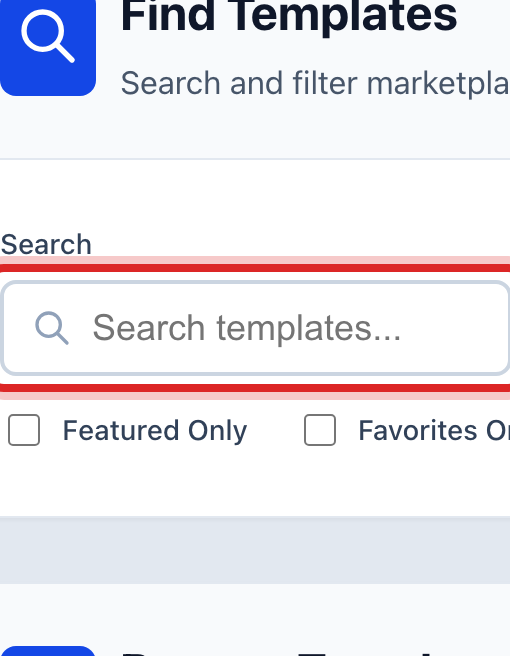
Each card is one template. Click Preview on a card to read it first. When you find the right one, click Install on its card.
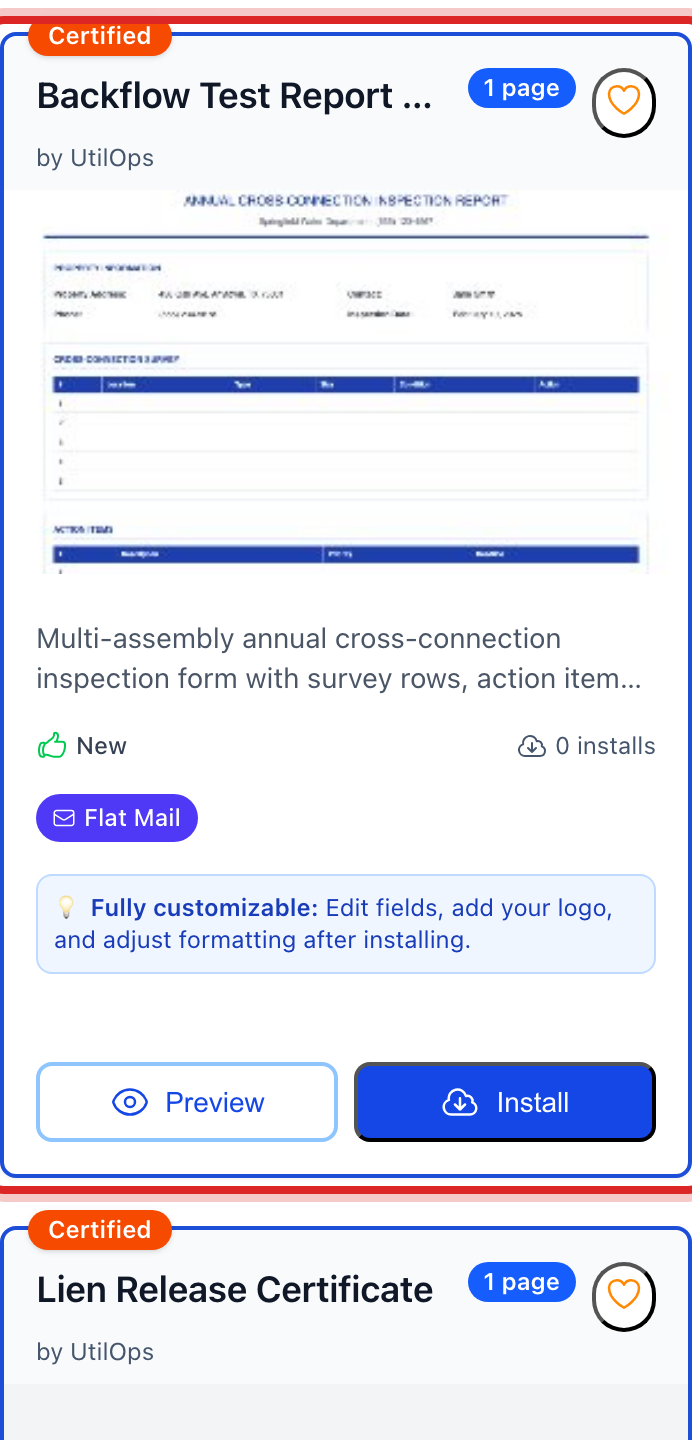
A small window asks if you are sure. Click Install.
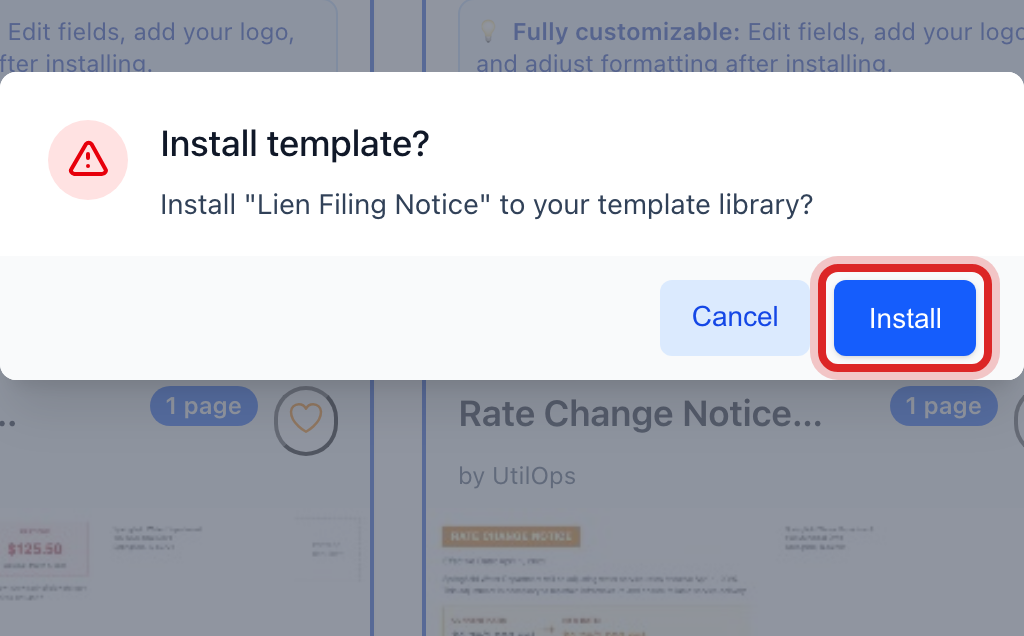
On the left, click Template Library, then click My Installed Templates. Your new template is a card here. Click Edit on it.
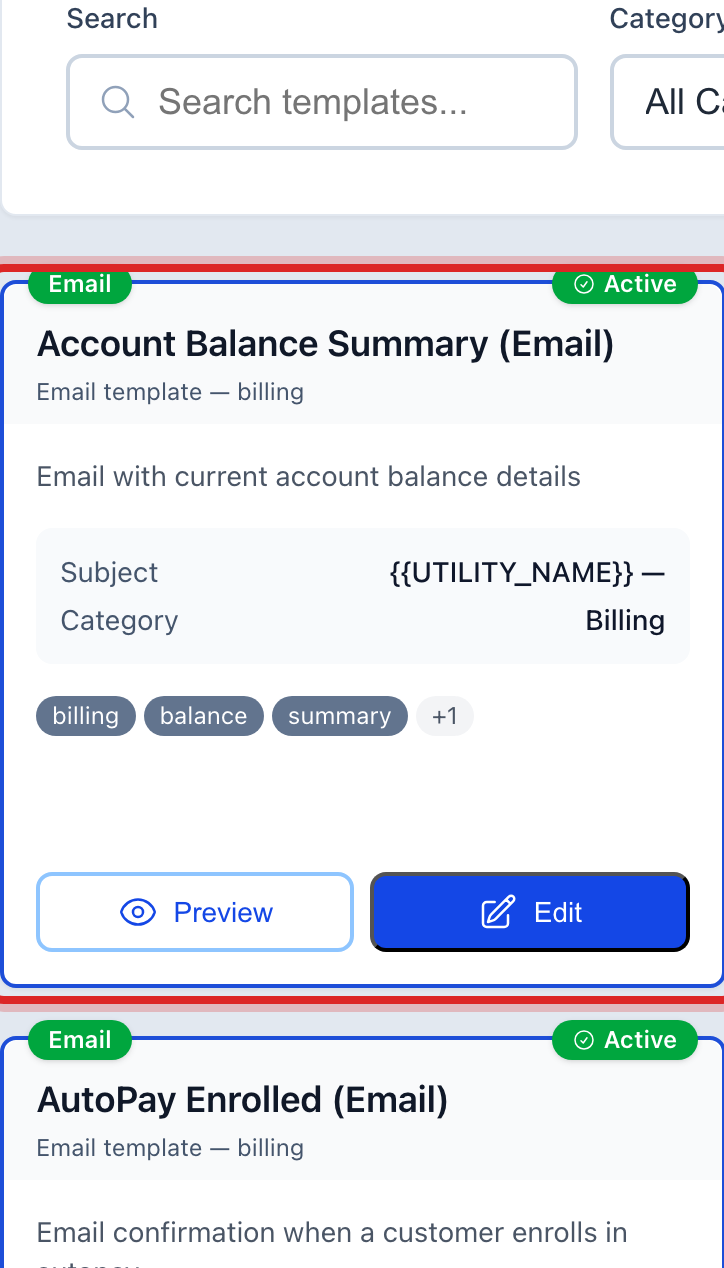
The editor opens. Change the words the way you would in a letter. The fields in curly braces, like the customer name, fill in on their own for each customer. Leave those alone.
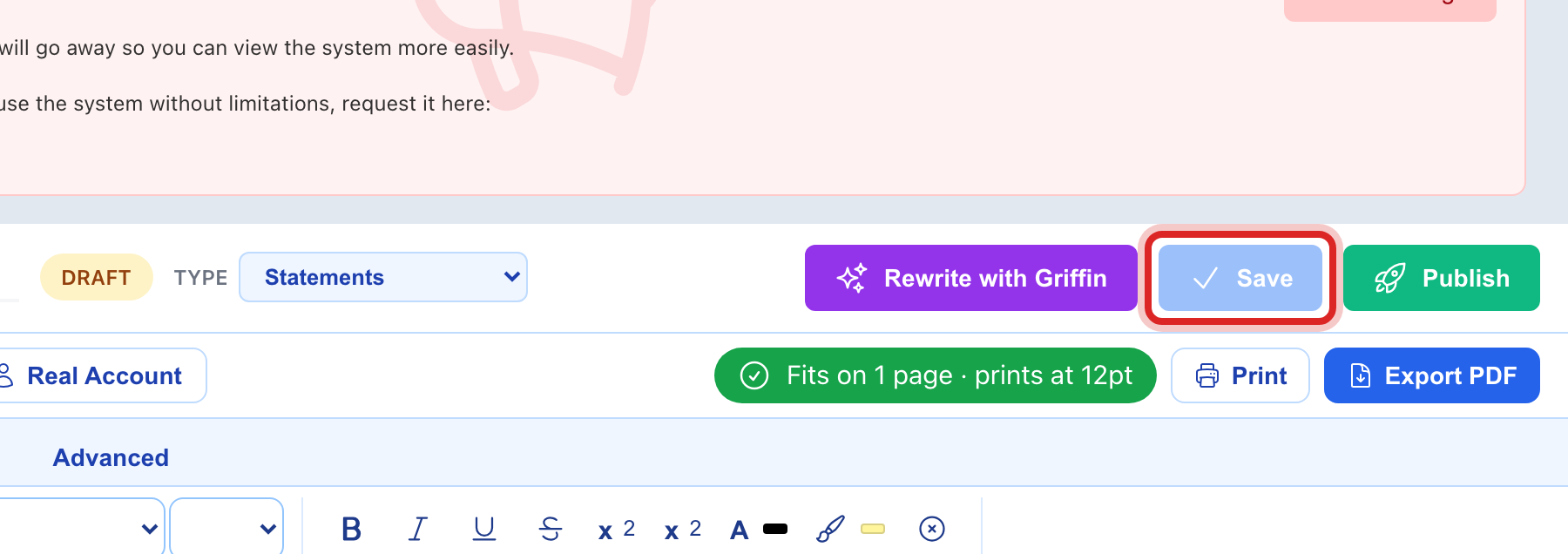
Click Save at the top.
Made a mistake? Click Undo on the green message that appears, or open Show me how at the top and pick Undo a mistake.
You are done when
The template shows under My Installed Templates and under Documents, then All Templates. Every letter you make from it uses your words.
If something looks different
You have your own form already, on paper or in a file. On the left, click Template Library, then Create Template, then Upload Document. Utilops reads your form and turns it into a template. Import HTML takes a web file.
You want it written for you. On Create Template, click Describe Your Letter. Say what the letter should say and Griffin writes a first draft. Nothing is saved until you click Save.
The card says Installed already. Someone in your office installed it. Find it under My Installed Templates.
Nothing comes up for your state. Clear the State list. Many templates work in every state.