
Appearance
6. Move one customer out and the next one in
When you need this: the renter on Oak Street leaves Friday and a new family moves in Saturday. One job closes the old account, makes the final bill, and opens the new account at the same meter. The page asks one question per screen. Nothing happens until the last screen.
Steps
On the left side of the screen, click Customer Management, then click Move Out / Move In.
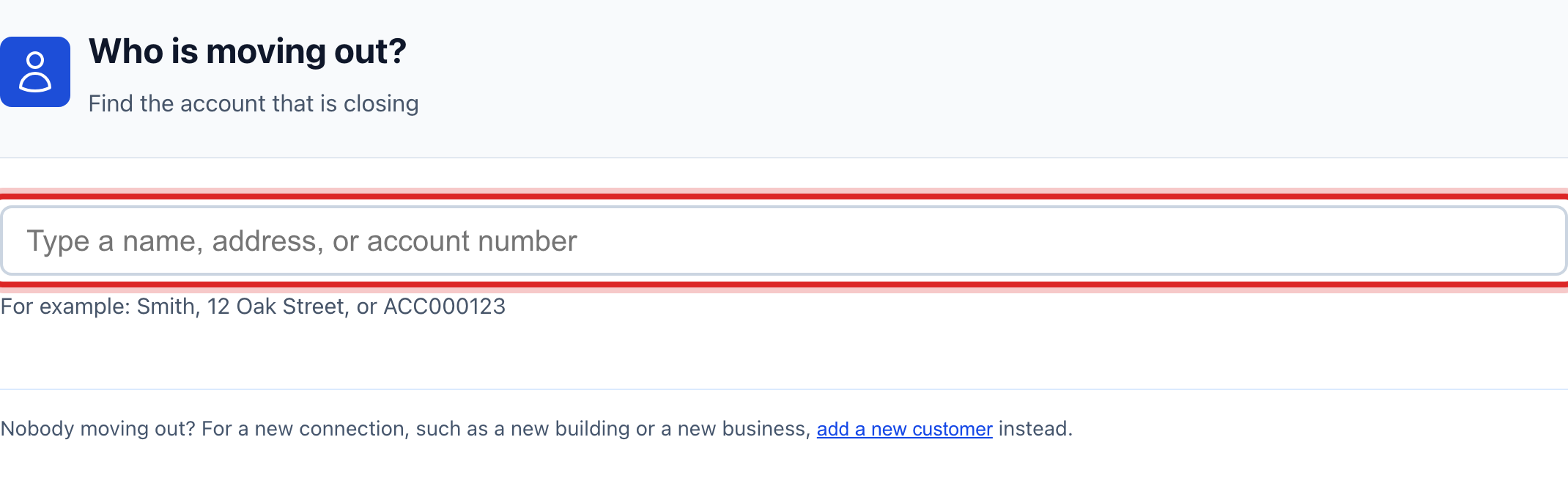
Type the name, the address or the account number of the person leaving. Click them in the list. Then click This is the right account.
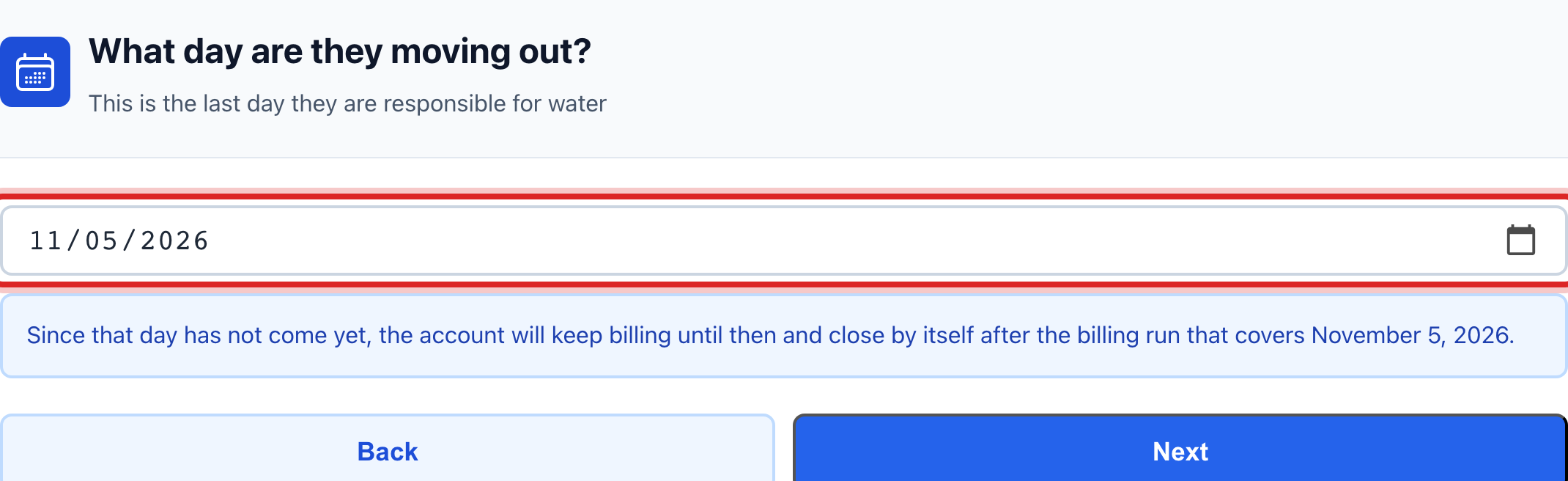
Pick the day they move out. Click Next.
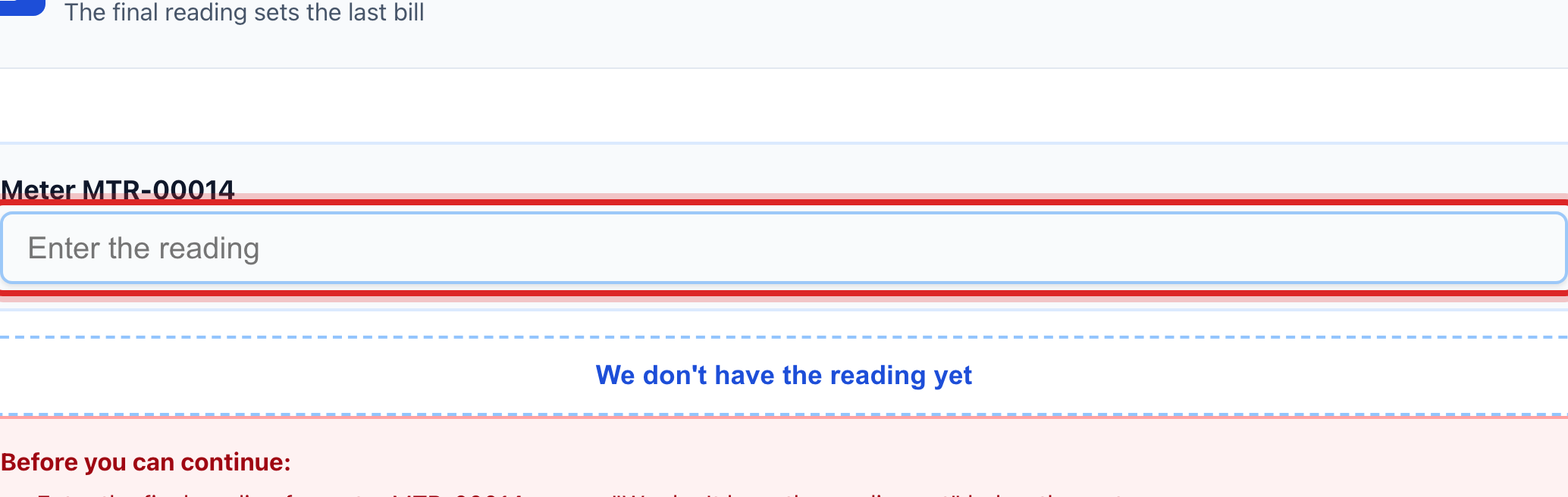
Type what the meter reads. One box shows for each meter. Click Next.
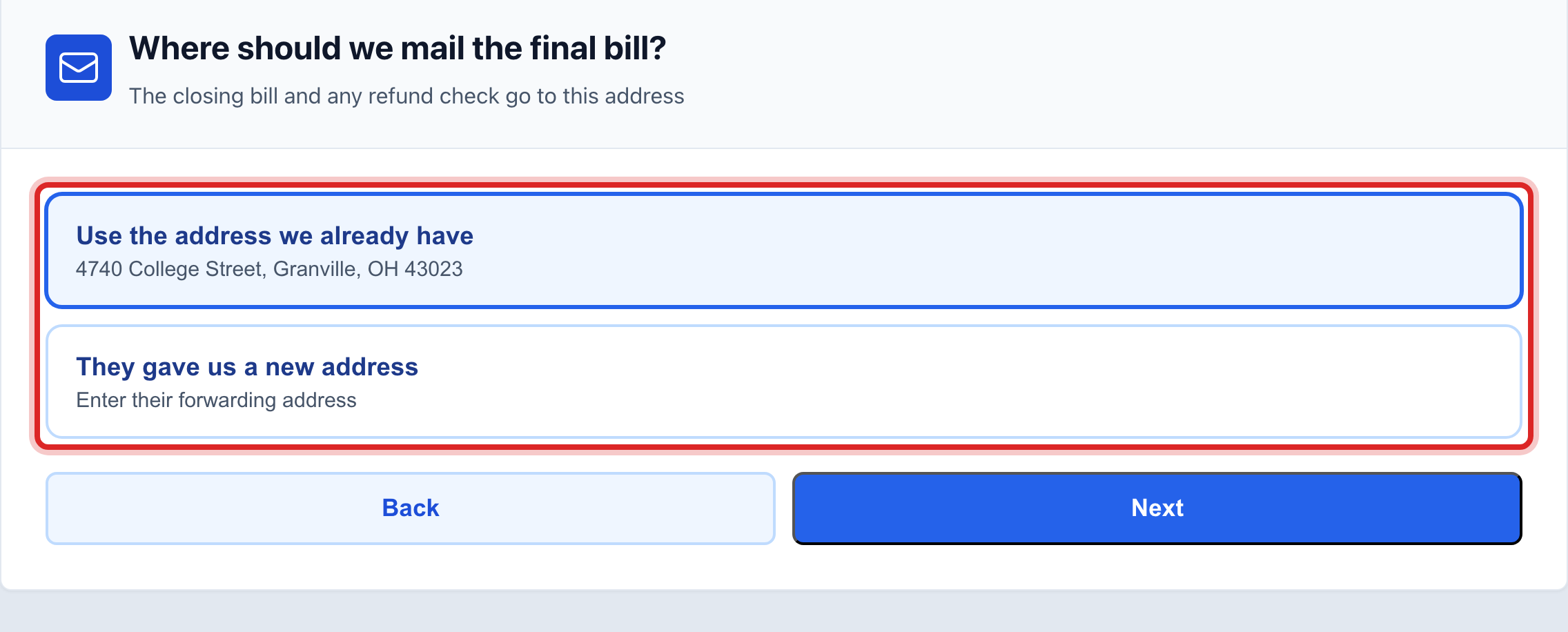
Say where the final bill goes. Keep the address you have, or type the new one. Click Next.
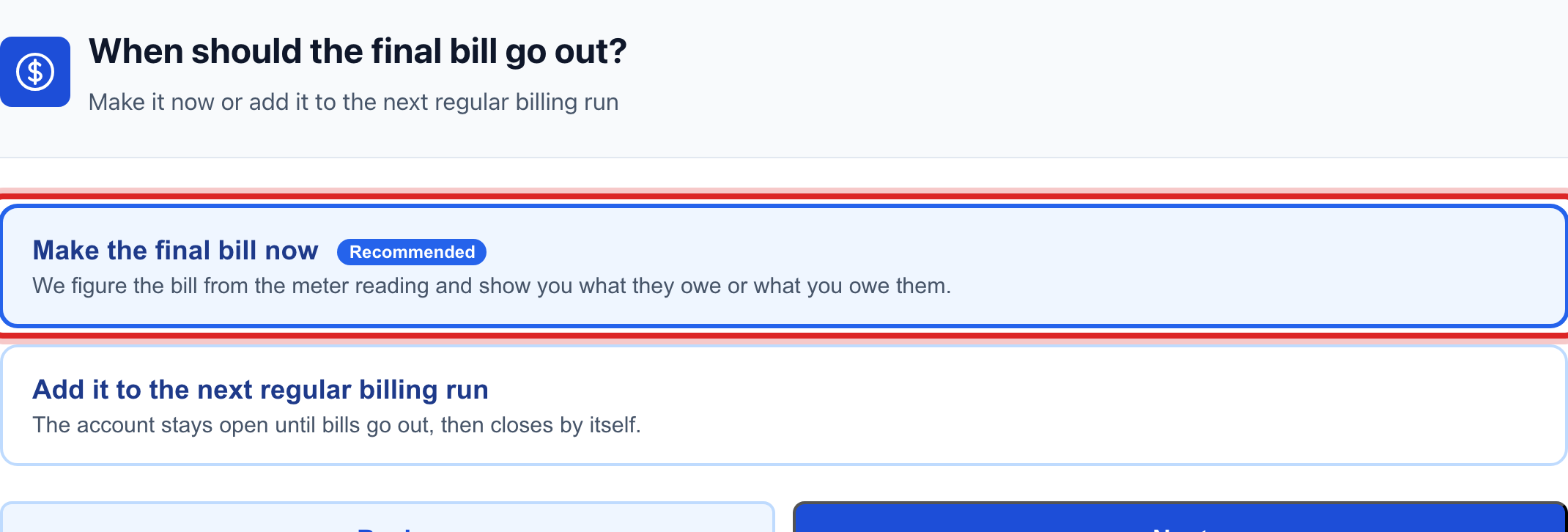
Say when the final bill goes out. Most offices pick Make the final bill now. Click Next.
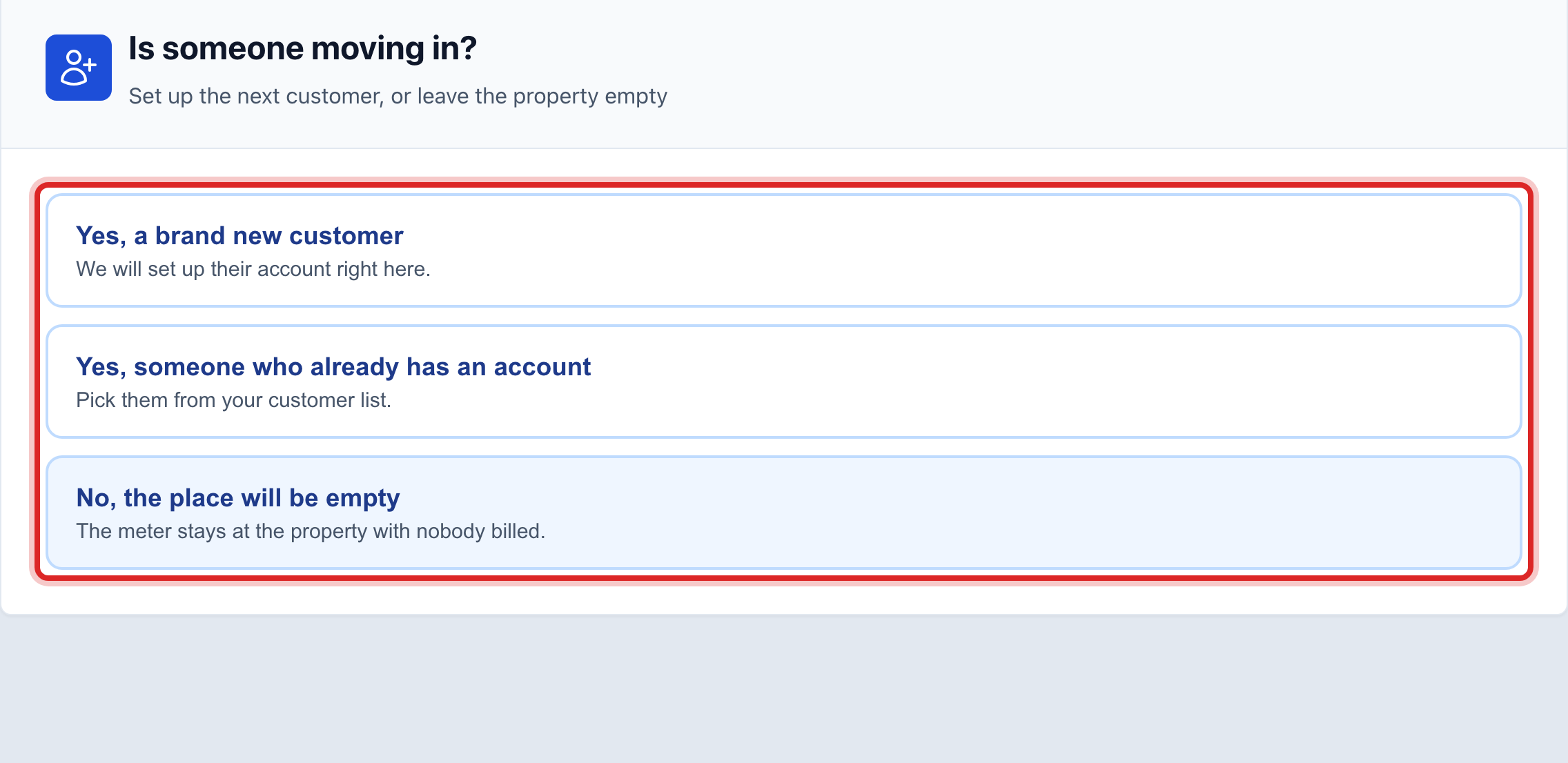
Say who is moving in. Pick Yes, a brand new customer and type their name and phone. Or pick Yes, someone who already has an account and find them. Or pick No, the place will be empty. Click Next.
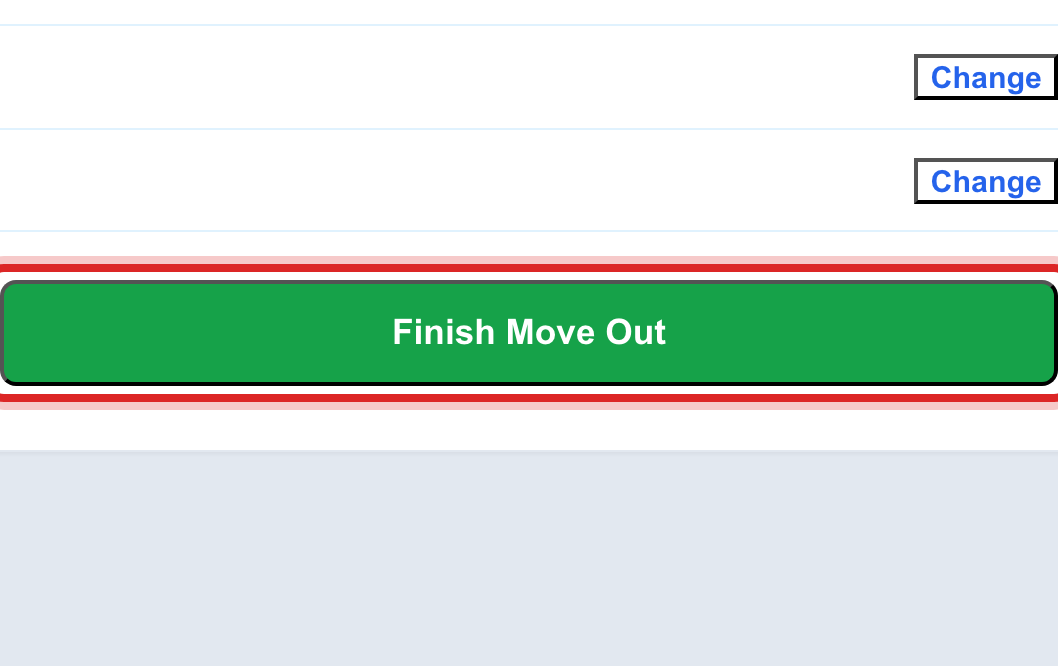
Read the last screen. It lists every change. Click Change beside anything that is wrong. When it is right, click Finish Move Out.
Made a mistake? Click Undo on the green message that appears, or open Show me how at the top and pick Undo a mistake.
You are done when
The last screen says All done. It shows the final bill, the deposit you held, and the closing balance. If someone moved in, a Go to the new customer button opens their page.
If something looks different
You do not have the meter reading yet. On the reading screen, click We don't have the reading yet. Pick an estimate from their normal use, or send a work order to get the read.
They move out next month. Pick that day anyway. The account closes itself on the day you picked.
Nobody is moving out, it is a brand new connection. Use lesson 2 instead. The link at the bottom of the first screen takes you there.
You left part way through. Come back to the page. It offers to Pick up where you left off.
Gas as well as water. A gas meter shows its own reading box and its own turn on question. Water only offices never see them.