
Appearance
7. Add a service line to the inventory
When you need this: the lead and copper rule wants a list of every service line and what it is made of, on your side of the meter and on the customer's side. When a crew digs one up, or a new house is tied in, write it down here. The same list feeds the lead service line page on your public website.
Steps
On the left side of the screen, click Compliance, then click Service Line Inventory.
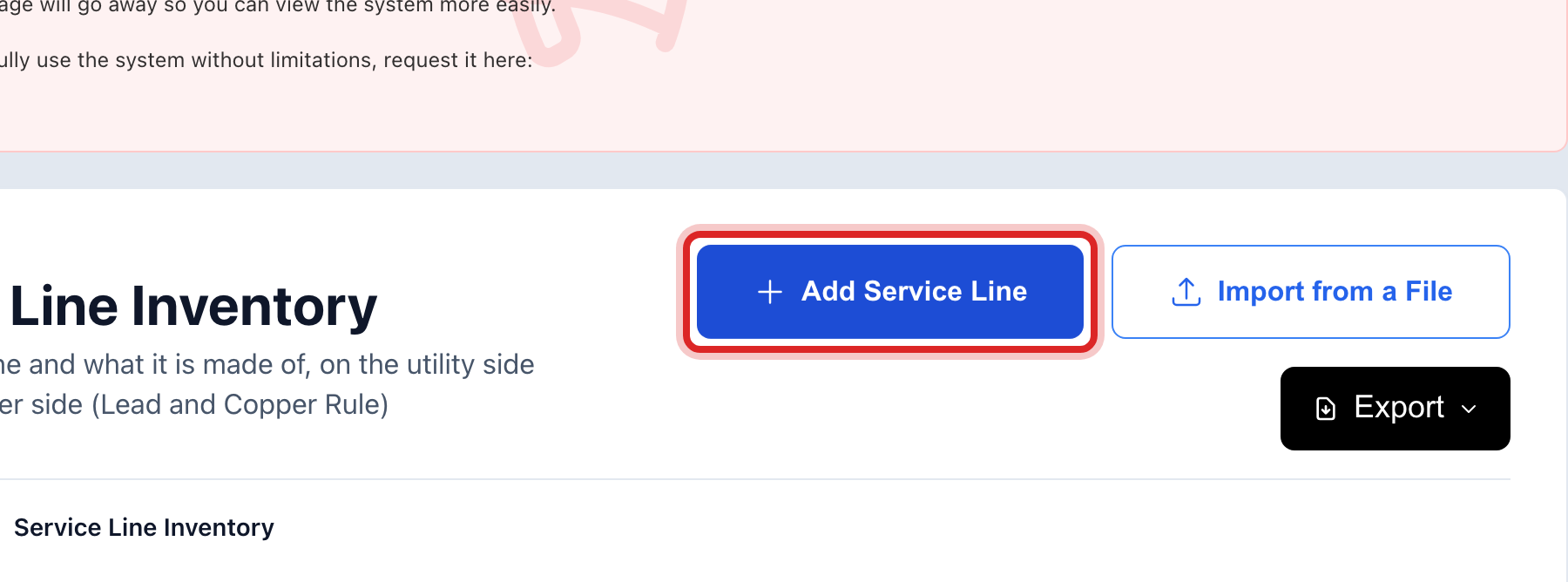
At the top right, click Add Service Line. A window opens.
Type the Service Address. Add the Account Number and Meter Number if you have them, so the line ties to the customer.
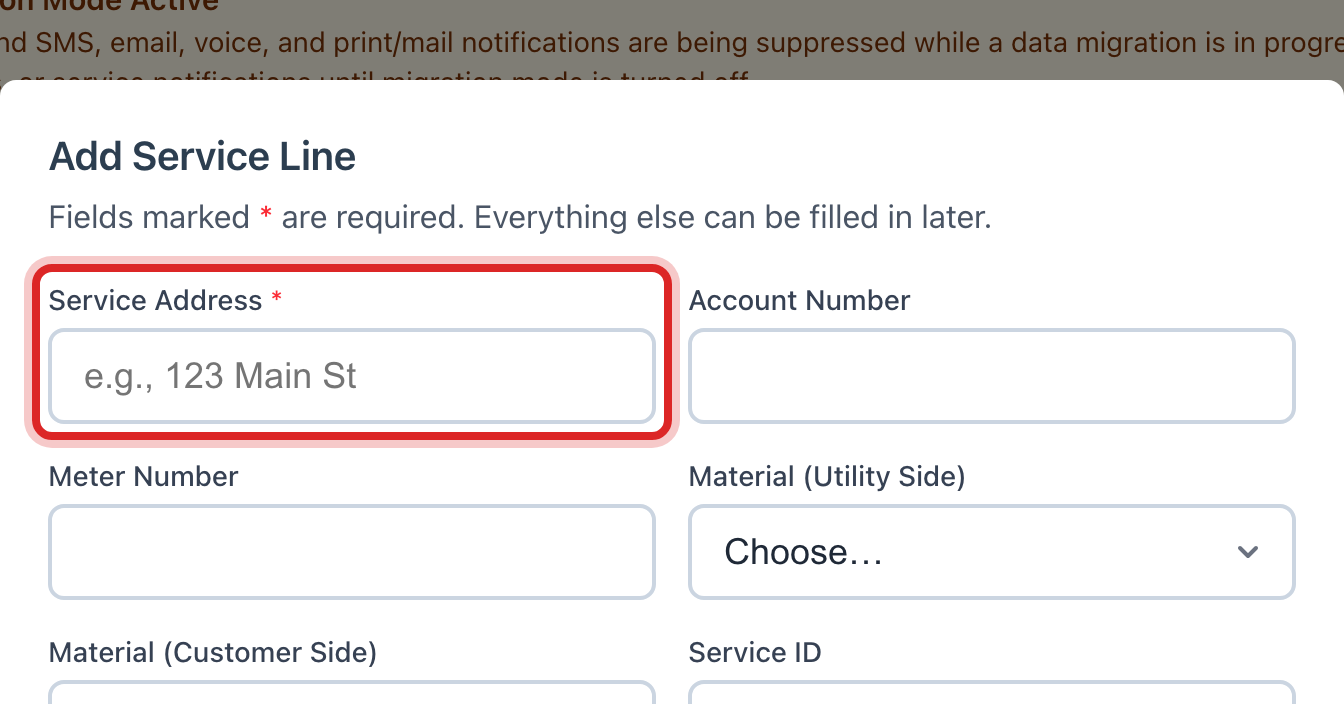
Pick Material (Utility Side), what the pipe is made of from the main to the meter. Pick Material (Customer Side), from the meter to the house. Pick Unknown if nobody has seen it.
Fill in Installed or Replaced On if you know the dates. The rest is extra.
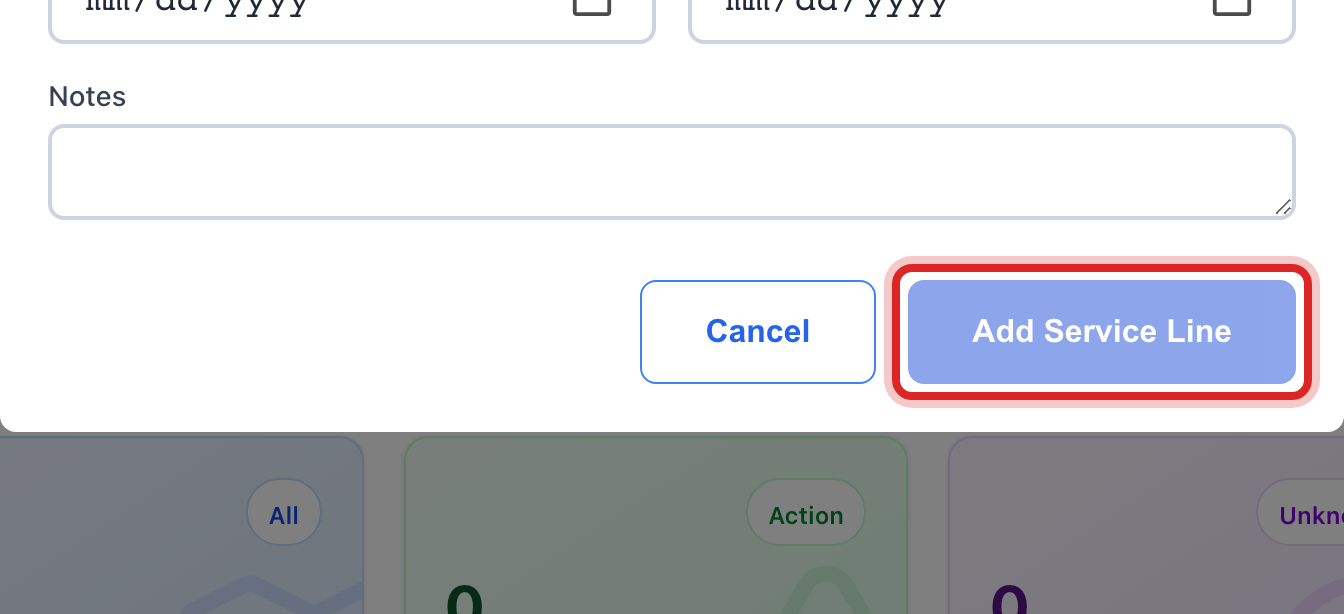
Click the blue Add Service Line button at the bottom.
Made a mistake? Click Undo on the green message that appears, or open Show me how at the top and pick Undo a mistake.
You are done when
A green message says the service line was added. It is in the list, and the four boxes at the top count it: Lead or Galvanized and Material Unknown are the ones the state cares about.
If something looks different
You have the whole list in a spreadsheet. Click Import from a File at the top instead. It takes you to the Import Center with the right kind already picked.
A lead line was replaced. Open its row, set Replaced On to the date, and change the material. It moves from Lead or Galvanized to Replaced.
Treatment Chemicals looks the same. It is. Add Chemical, fill in the delivery, the amount and where it is stored, and save.
You cannot click Add Service Line. Only staff who may edit compliance records can. Ask your administrator.