
Appearance
2. Check the deadline calendar
When you need this: the first of every month. This is every date the state and the EPA hold you to, in one place. The monthly report, the yearly water quality report, lead and copper, your license renewal. Look once a month and nothing sneaks up on you.
Steps
On the left side of the screen, click Compliance, then click Deadline Calendar. The page is called Compliance Calendar at the top.
At the top of the calendar, click List. The month grid turns into three lists.
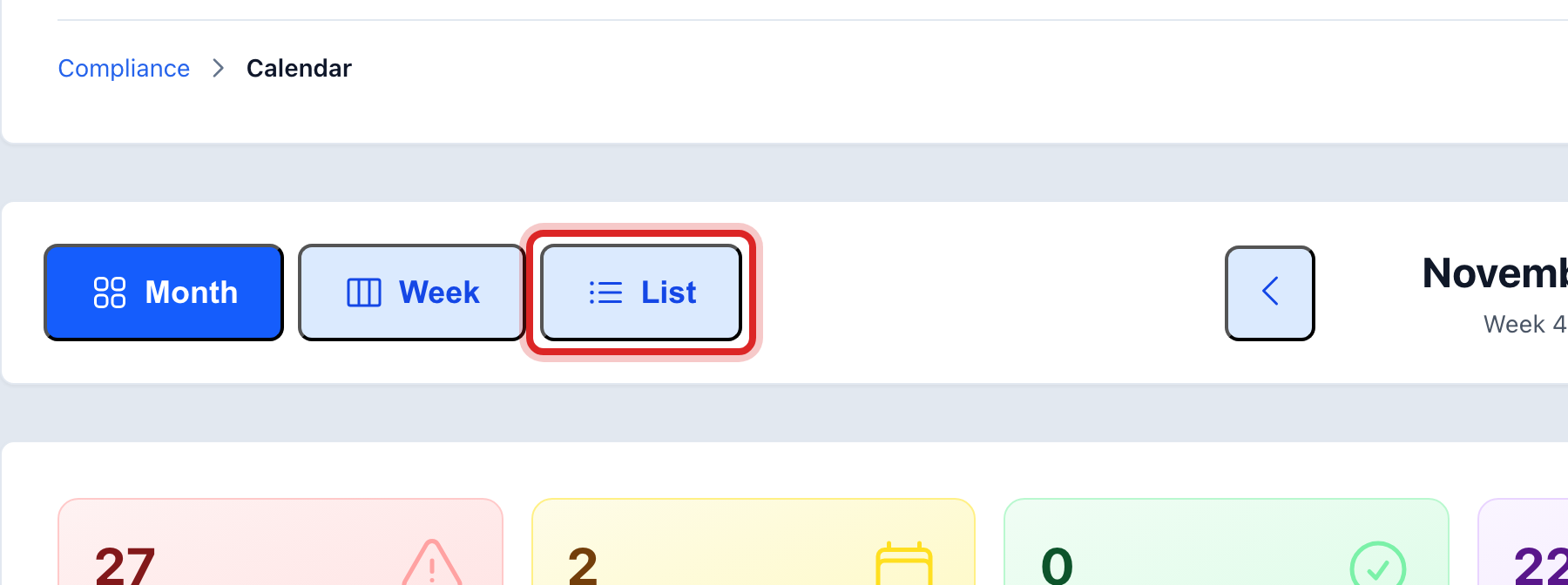
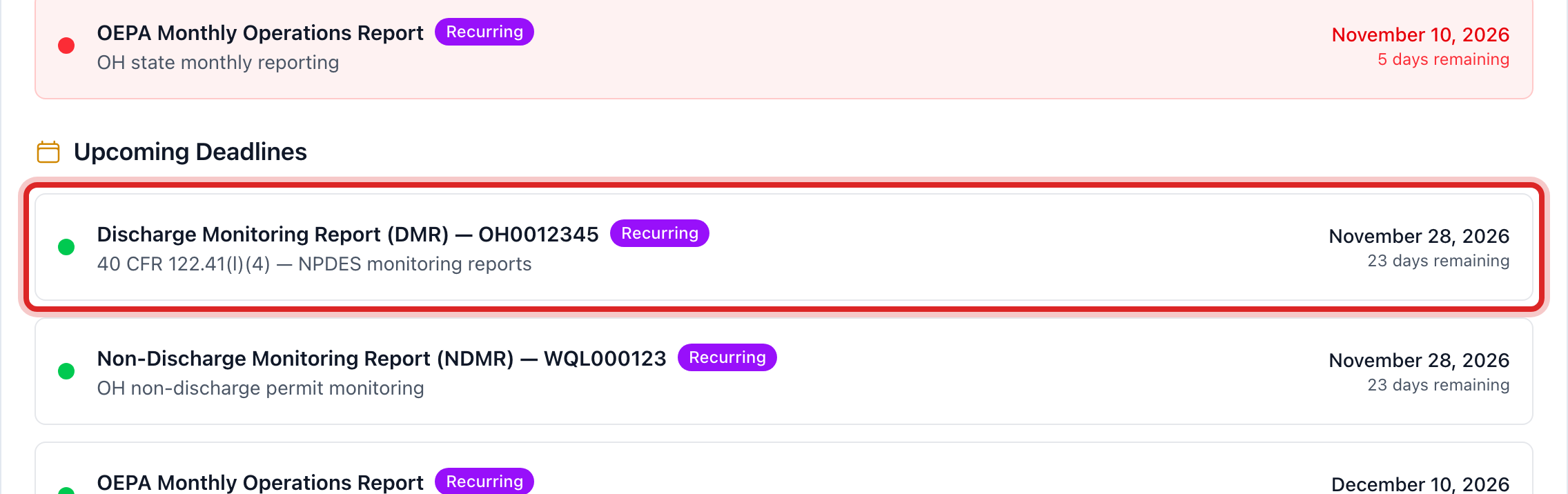
Read Critical Deadlines first. These are overdue or due in the next few days. Then Upcoming Deadlines. Recently Completed is what is already done.
Click a deadline. A window opens with the Regulation, the Description, and how often it repeats.
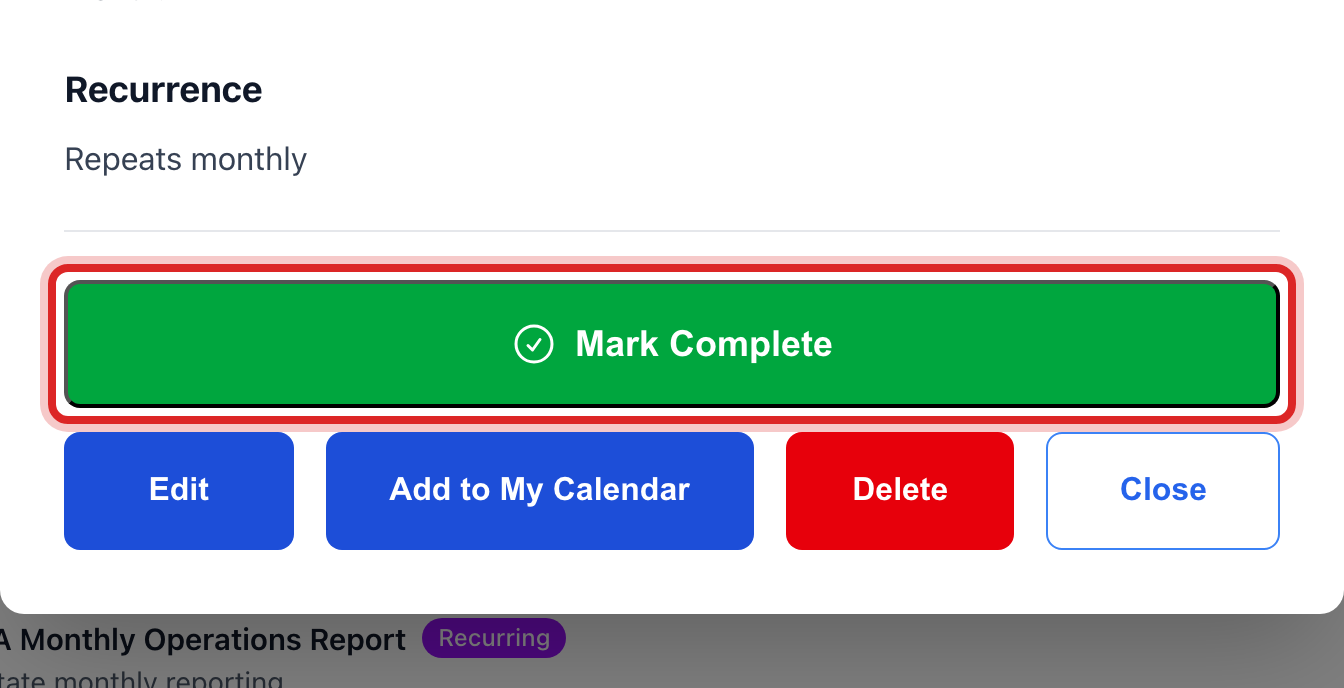
When the thing is done, click Mark Complete in that window. A repeating deadline makes its next date on its own.
Made a mistake? Click Undo on the green message that appears, or open Show me how at the top and pick Undo a mistake.
You are done when
The deadline moves to Recently Completed. If it repeats, the next one is in Upcoming with its new date. The reminder emails for it stop.
If something looks different
The calendar is empty. No deadlines have been added yet. Lesson 3 shows how. Reports you mark as filed add their own.
You want it on your phone. Click a deadline, then Add to My Calendar. It goes to the same calendar as your work orders and your meetings.
A deadline is wrong. Click it, then Edit. Fix the date or the title and click Update Deadline.
You filed a report and the deadline is still there. On Report Generator, Mark as Filed asks which deadline the report meets. Pick it there and the deadline closes on its own.