
Appearance
3. Add a deadline
When you need this: your operator license renews every two years. The yearly water quality report is due July 1. The state wants the lead and copper samples every three years. Put each one on the calendar once, say how often it repeats, and Utilops reminds you from then on.
Steps
On the left side of the screen, click Compliance, then click Deadline Calendar.
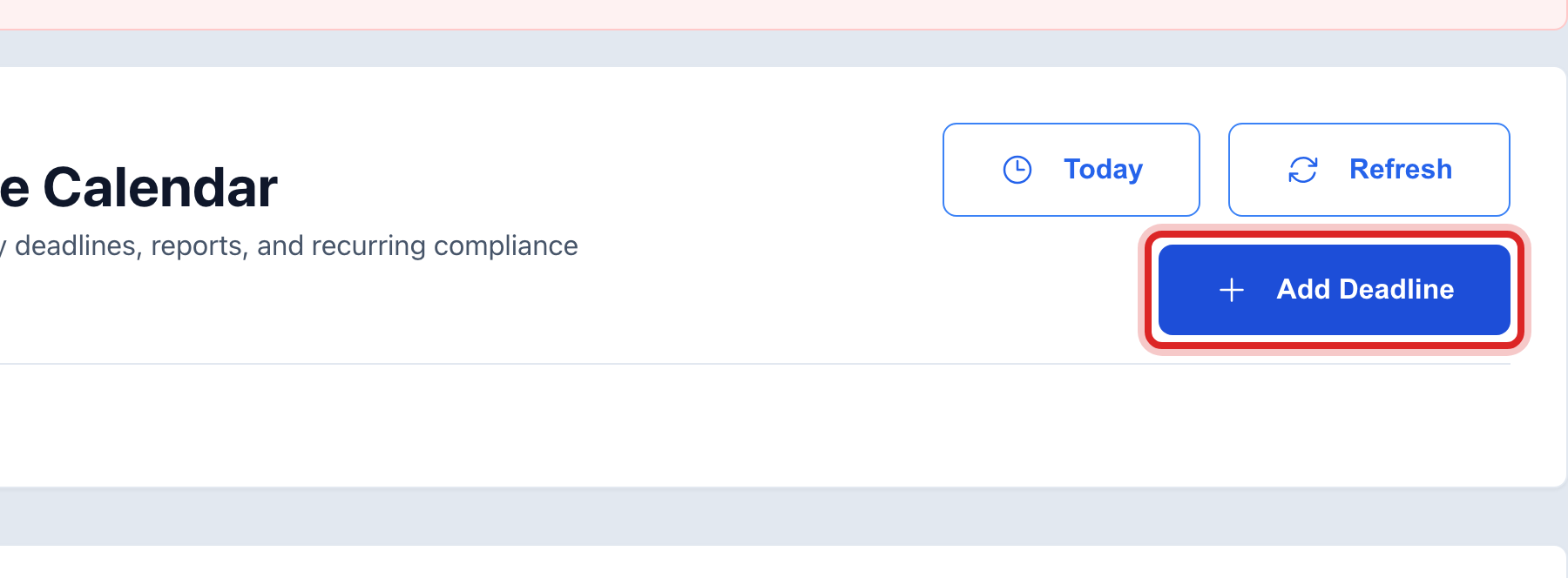
At the top right, click Add Deadline. A window opens.
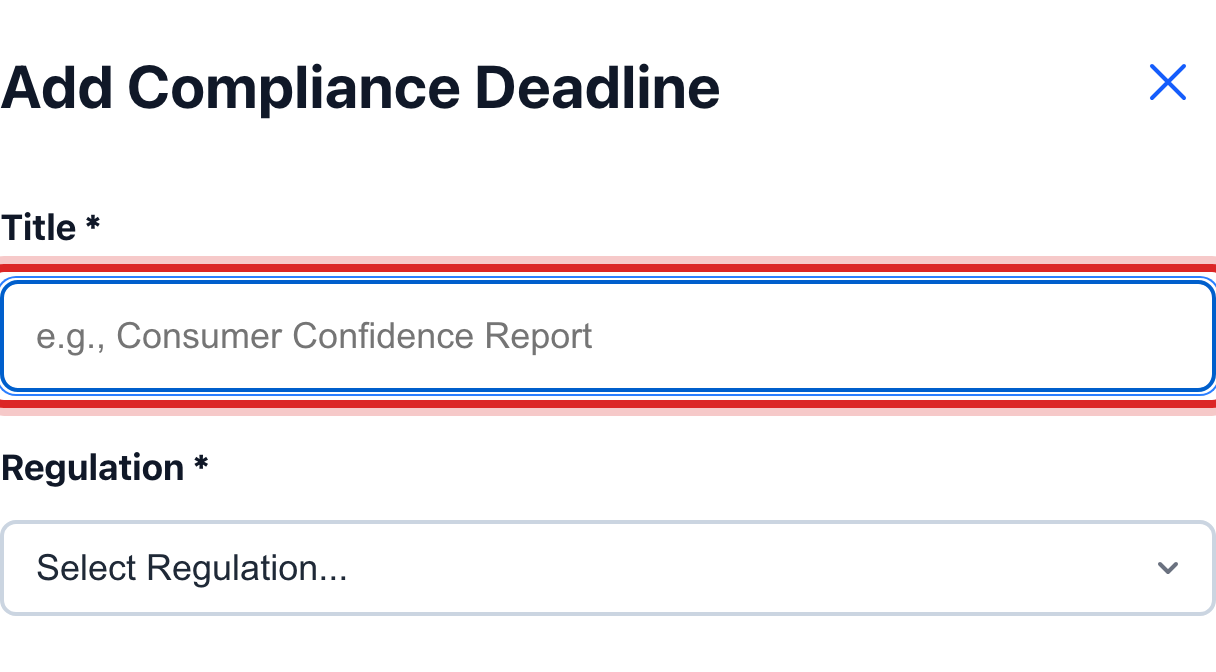
Type the Title, like Consumer Confidence Report.
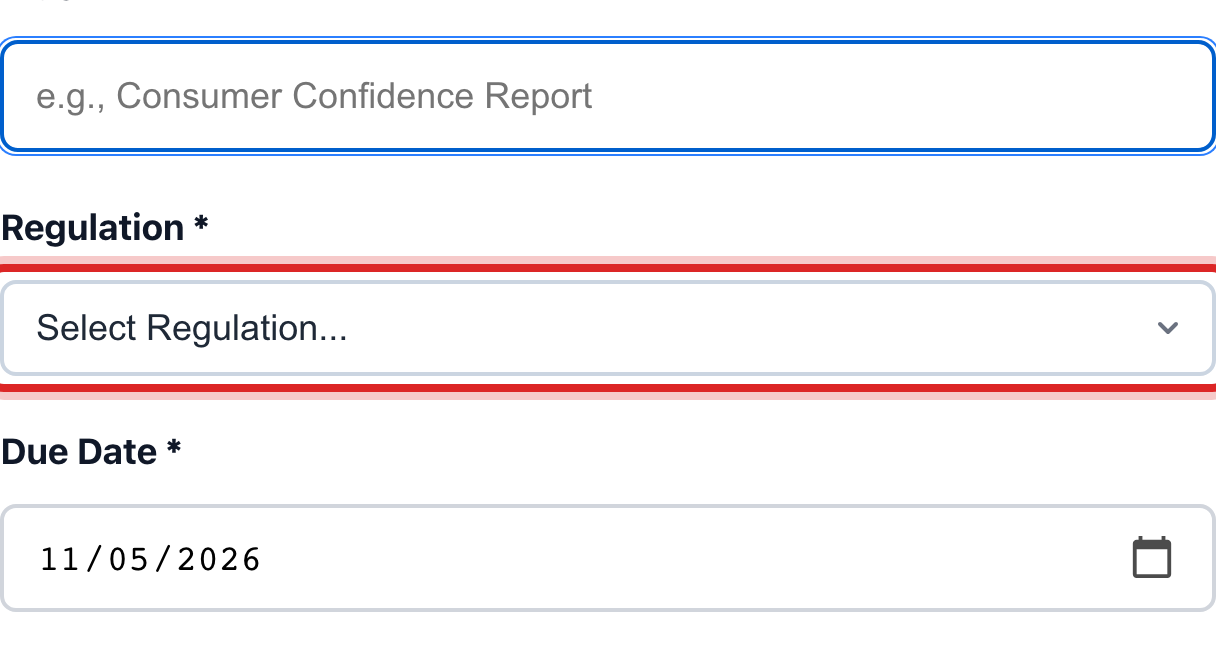
Pick the Regulation it belongs to. Pick Other if none fits.
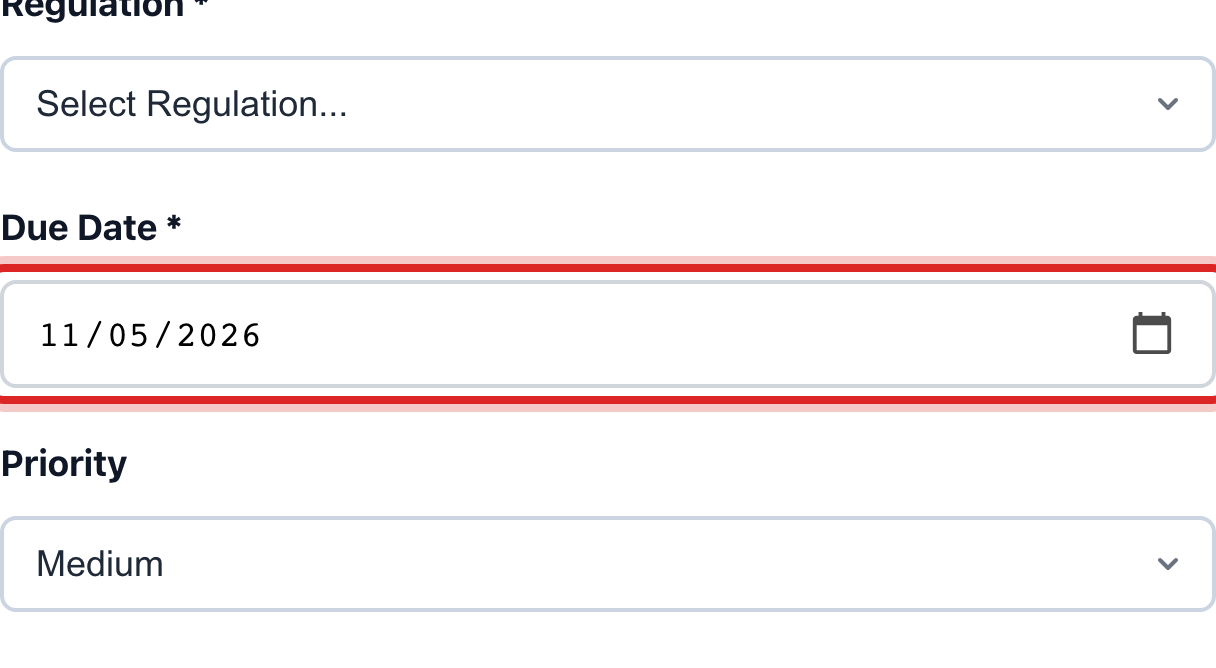
Set the Due Date. For a repeating one, this is the next time it is due.
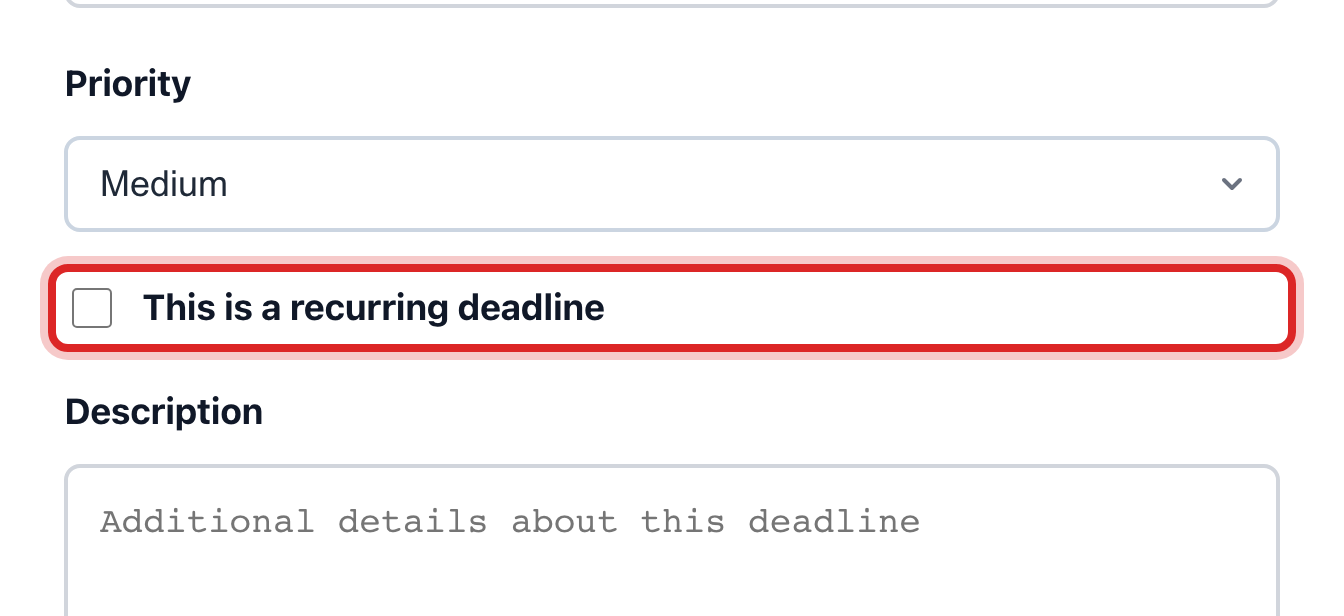
Tick This is a recurring deadline. Under Repeat, pick Yearly. Leave Ends on Never.
Click the blue Save Deadline button.
Made a mistake? Click Undo on the green message that appears, or open Show me how at the top and pick Undo a mistake.
You are done when
A green message says the deadline was saved. It is on the calendar on that day, and in Upcoming Deadlines in the List view.
If something looks different
It only happens once. Leave the recurring box unticked.
It is every three years. Under Repeat, pick Custom, then type 3 and pick Year(s).
You want it on your phone too. Tick Also add to My Calendar before you save.
The window has a day already filled in. You clicked a day on the month grid. That is a shortcut to this same window with the date set.