
Appearance
5. Even out a customer's bills every month
When you need this: a customer on a fixed income wants the same bill every month. Summer watering makes July high and January low. Budget Billing charges one flat amount each month, and the difference is settled at true up time.
Steps
On the left side of the screen, click Billing & Payments, then click Plans & Subscriptions.
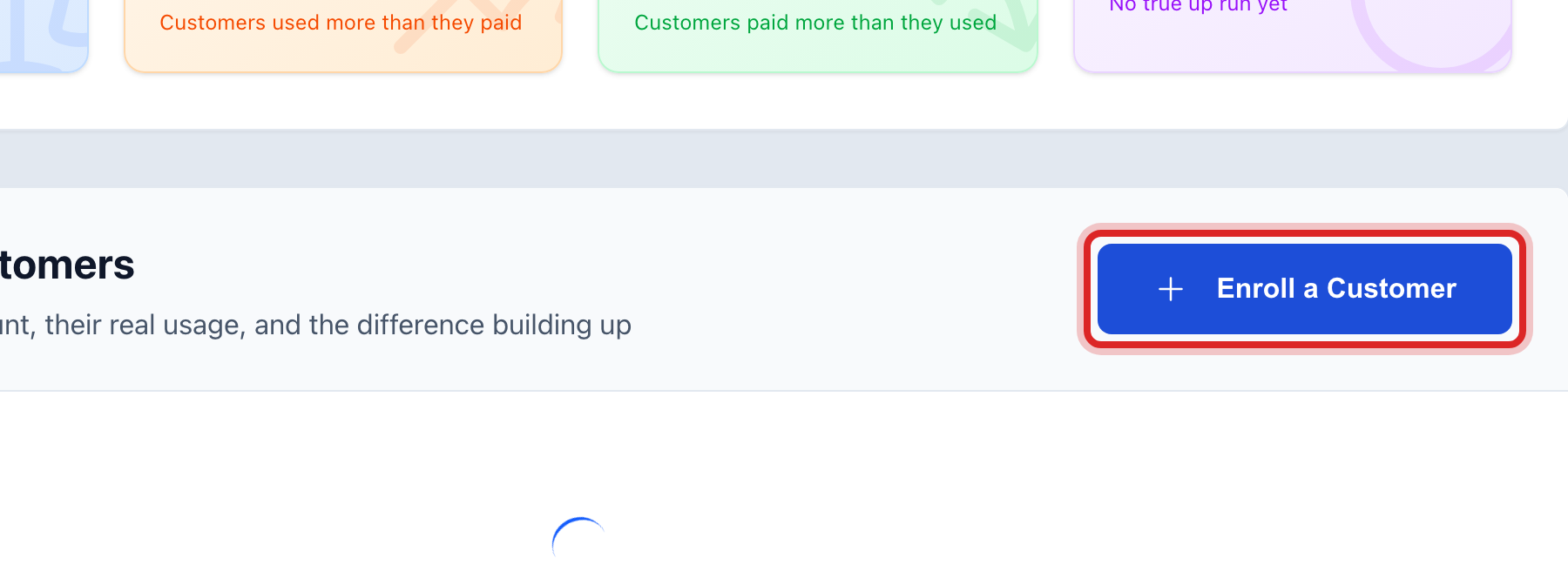
Click the Budget Billing box at the top, then click Enroll a Customer.
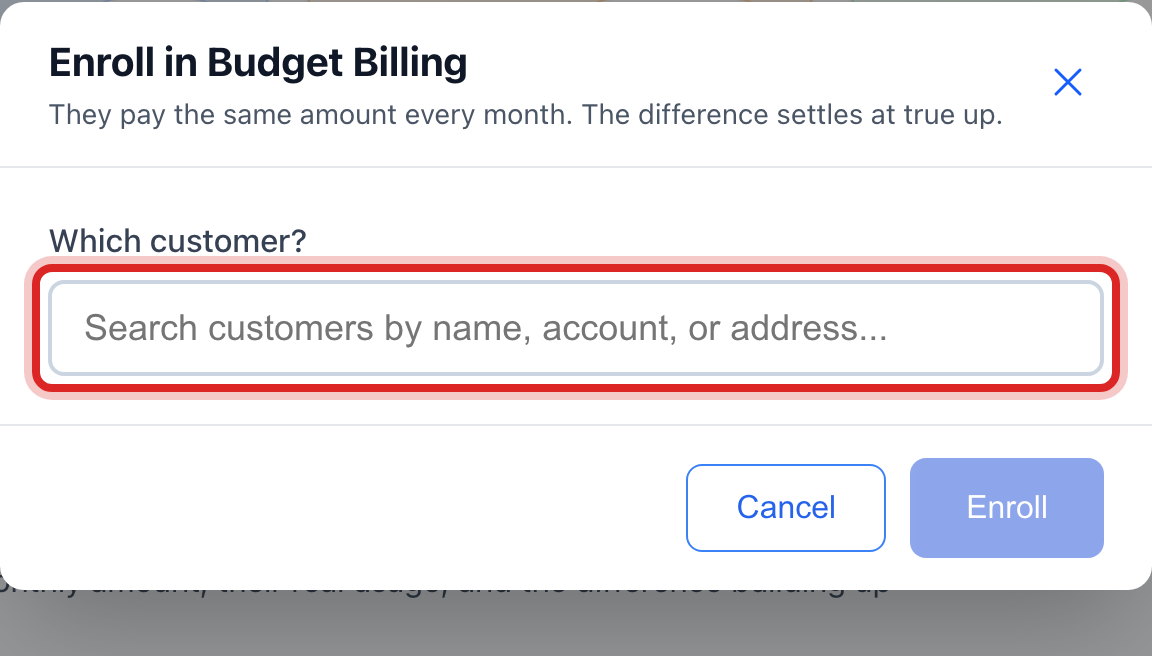
Under Which customer?, type the name or account number and click the customer.
Under Monthly amount, Utilops shows their average bill for the last 12 months and suggests an amount. Click Use to take it, or type your own.
Read the sentence in the blue box. Then click Enroll.
Made a mistake? Click Undo on the green message that appears, or open Show me how at the top and pick Undo a mistake.
You are done when
The customer shows under Enrolled Customers with their monthly amount, their real usage, and the difference building up.
If something looks different
It is time to settle up. Tick the customers in the list and click Settle Selected. Read the sentence, then click Settle Now. The difference goes on their next bill as a charge or a credit.
Budget billing is not offered for this customer type. Your utility only offers it to some customer types, like homes. The window tells you.
There is no suggested amount. The customer has less than a year of bills. Type what you expect their average to be.
The customer wants out. Settle their balance first, then remove them from the list.