
Appearance
3. Add a fee to the bills in a cycle
When you need this: the bills for this month are made but not sent yet, and a few of them need one more line. A service call. A reconnect fee. A late fee for last month. You add the fee to those bills here, then finish the run.
Steps
On the left side of the screen, click Billing & Payments, then click Cycle Adjustments.
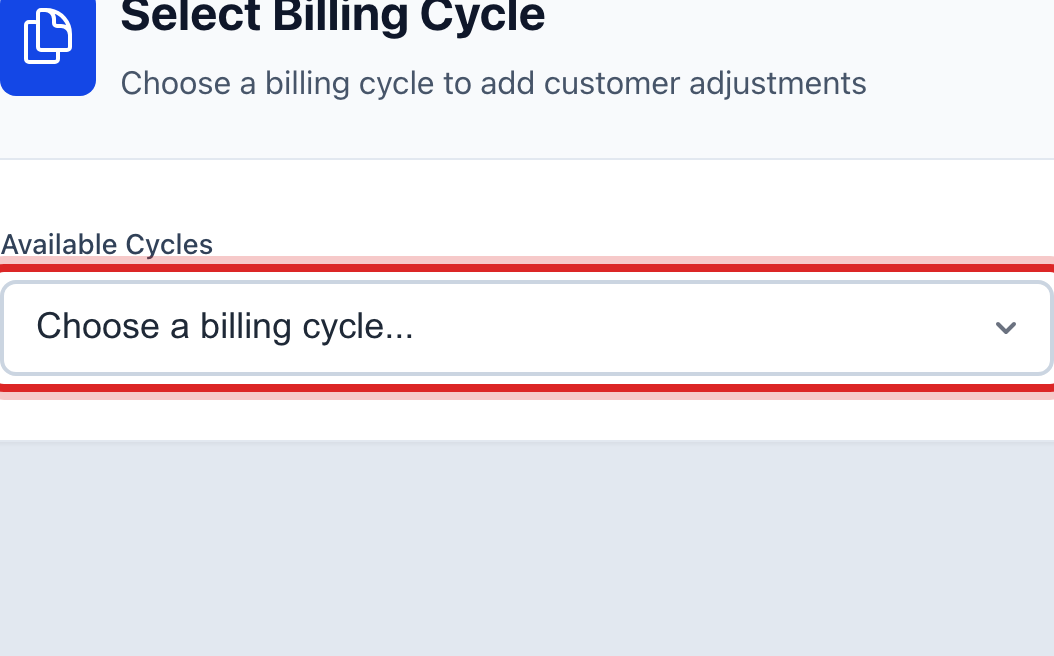
Under Available Cycles, pick the billing cycle you are working on. The bills in it load below.
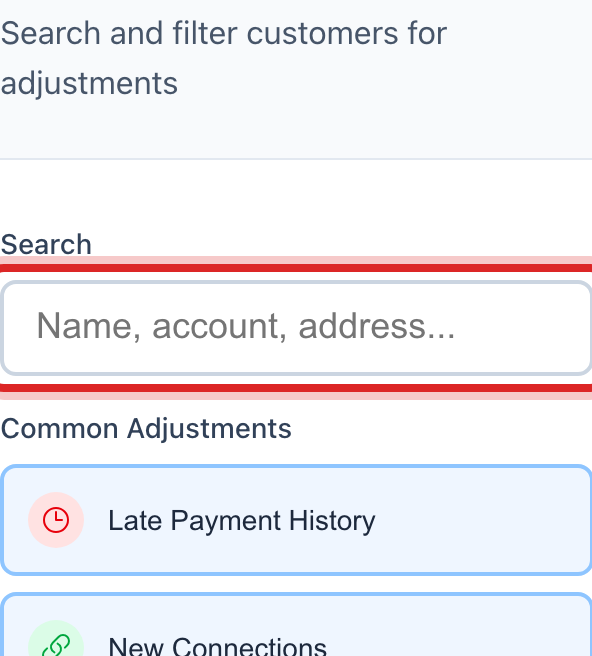
Under Find Customers, type a name, account number or address in the Search box.
Find the customer and click Add Fee on their row.
A window opens with your fee list. Click each fee you want to add. The total shows at the bottom.
Click Add Fees. The fee shows under the customer's name with a remove button beside it.
When every fee is on, click Finalize All Bills at the top right. The bills are now ready to send.
Made a mistake? Click Undo on the green message that appears, or open Show me how at the top and pick Undo a mistake.
You are done when
The fee is listed under the customer in the cycle, and the bill total has gone up by that amount.
If something looks different
The cycle list is empty. There is no billing run waiting. This page only works between making the bills and finishing the run. Start a run under Run Billing first.
You want the same fee on several bills. Tick the box beside each customer, then click Add Same Fee to All.
The fee you need is not in the list. Fees come from Fee Schedules under Rates and Tariffs. Add it there, then come back.
You do not see Finalize All Bills. Only people who may run billing can finish a run. Ask your administrator.