
Appearance
7. Make a new kind of log
When you need this: the state asks for a new number nobody was writing down. Or your plant has a round the standard cards do not cover. You make a form for it. Each box on the form is one thing the operator writes down.
Steps
On the left side of the screen, click Operations Logs, then click Log Types.
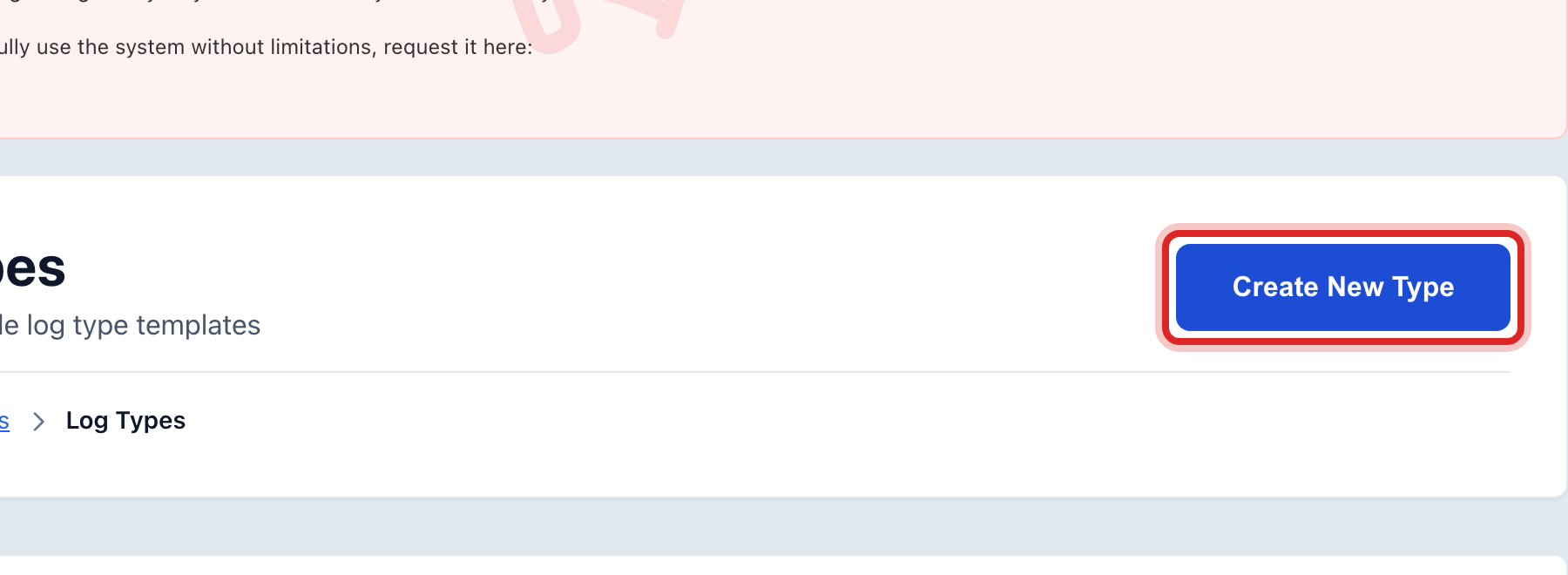
Click Create New Type at the top right.
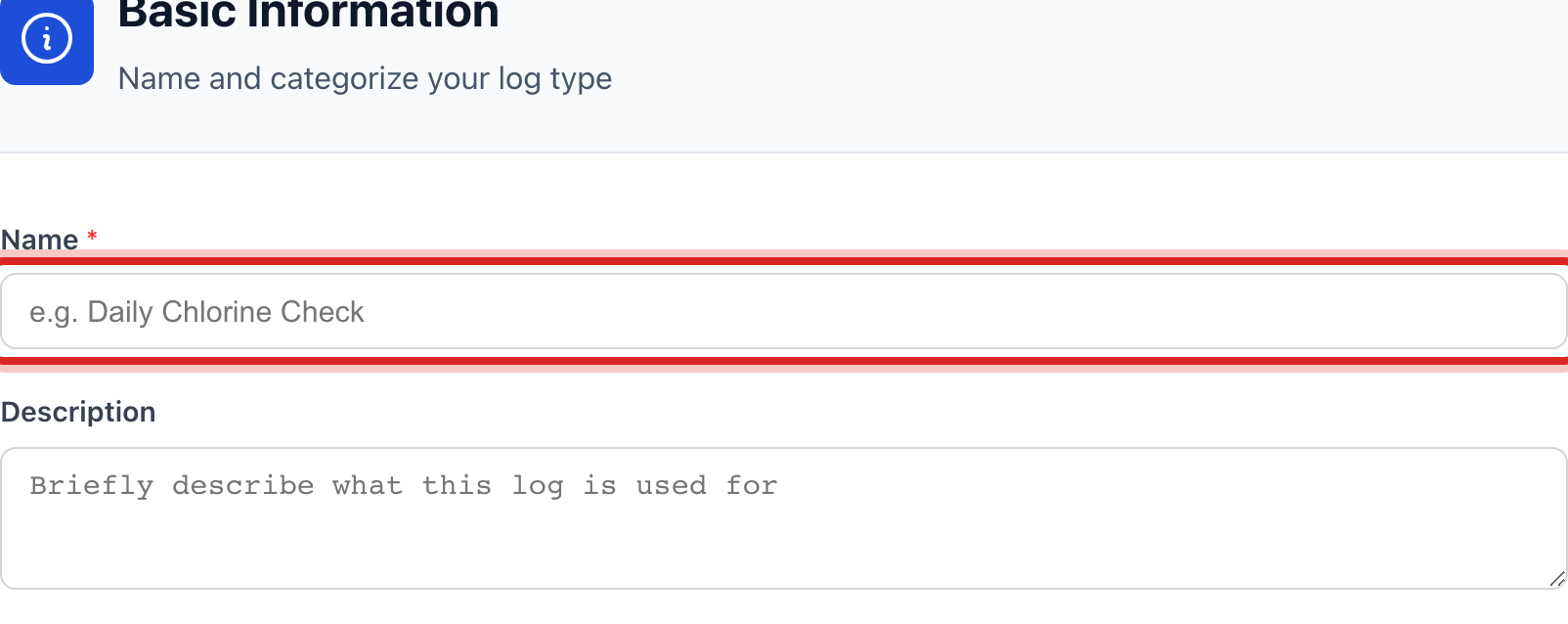
Under Basic Information, type the Name the operator will see on the card, like Tank Level Check.
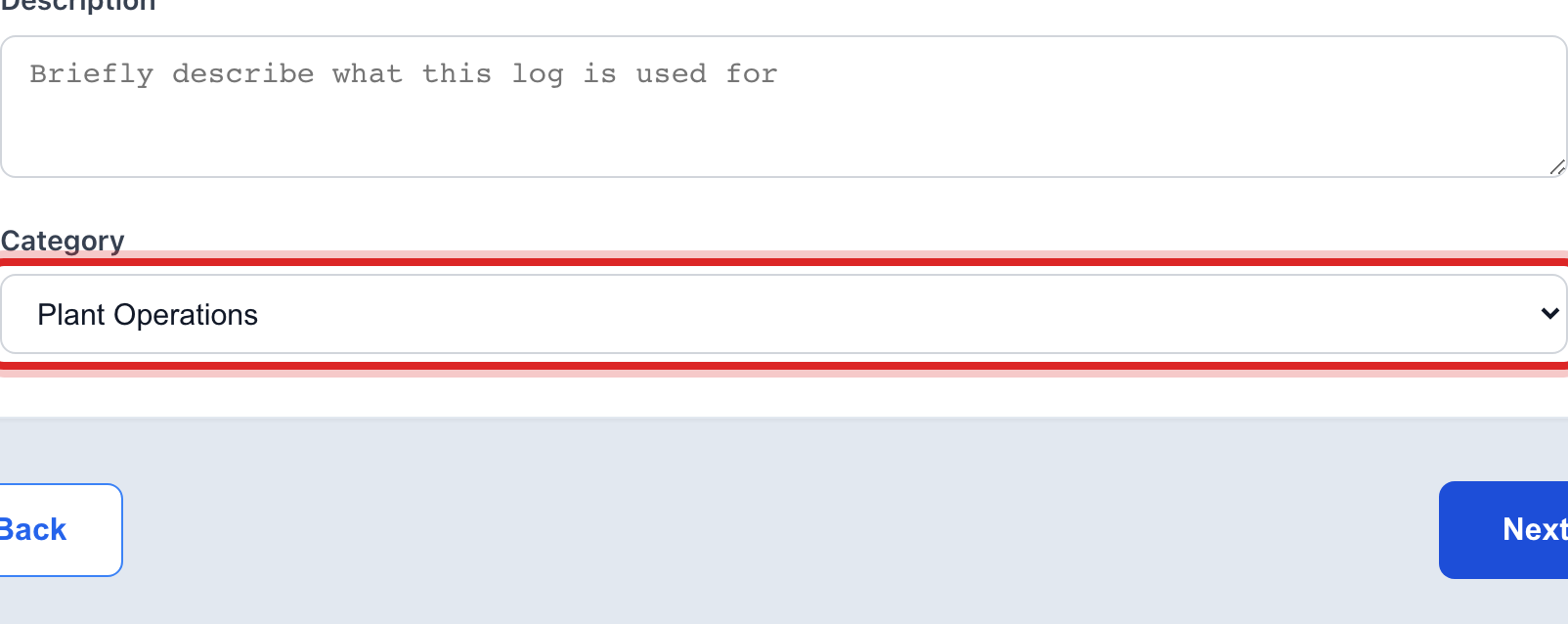
Pick a Category, like Plant Operations or Field Operations.
Click Next.
Under Form Fields, click Add Field.
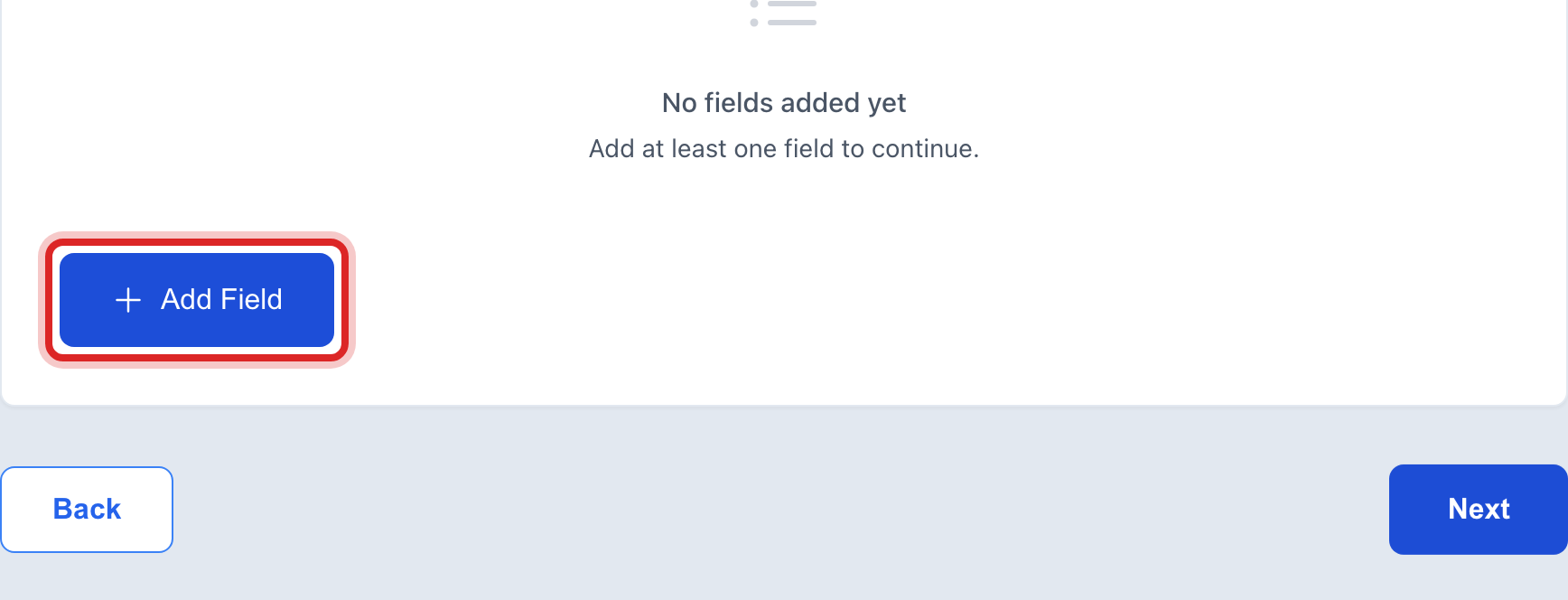
Type the Field Label. That is the name of the box, like Tank level.
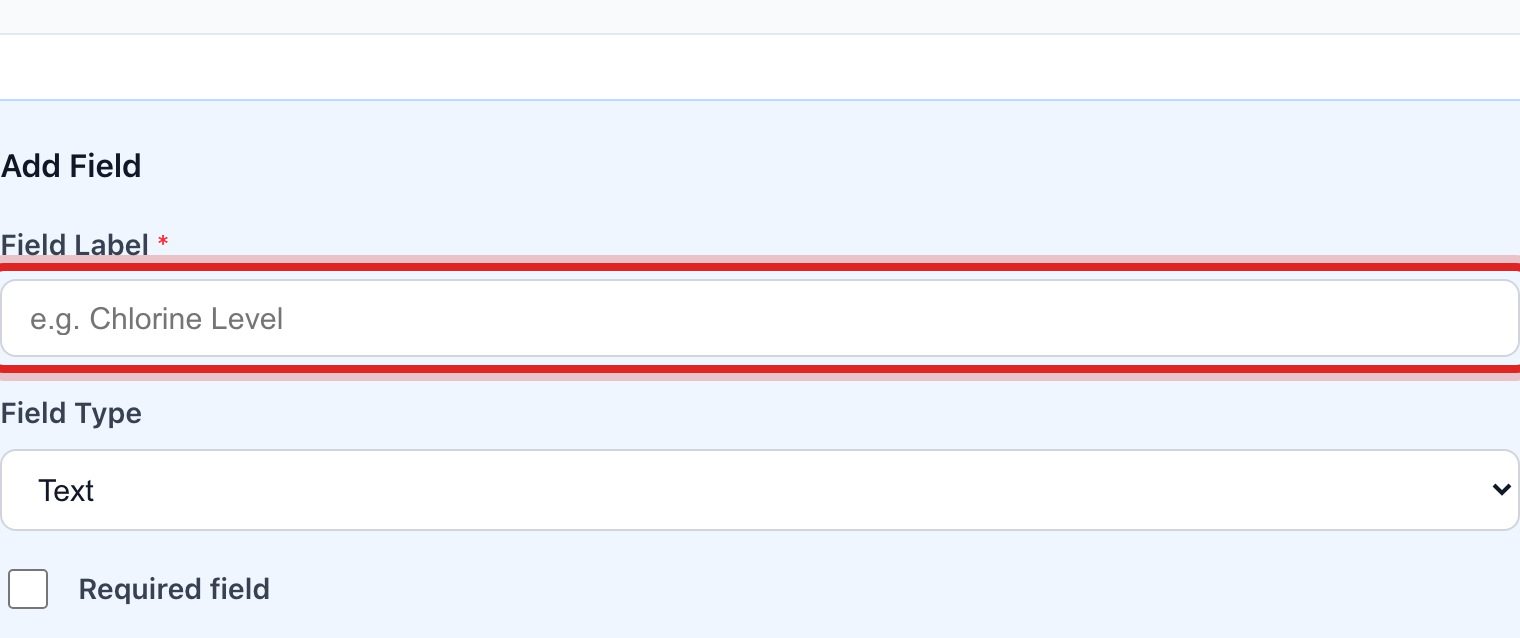
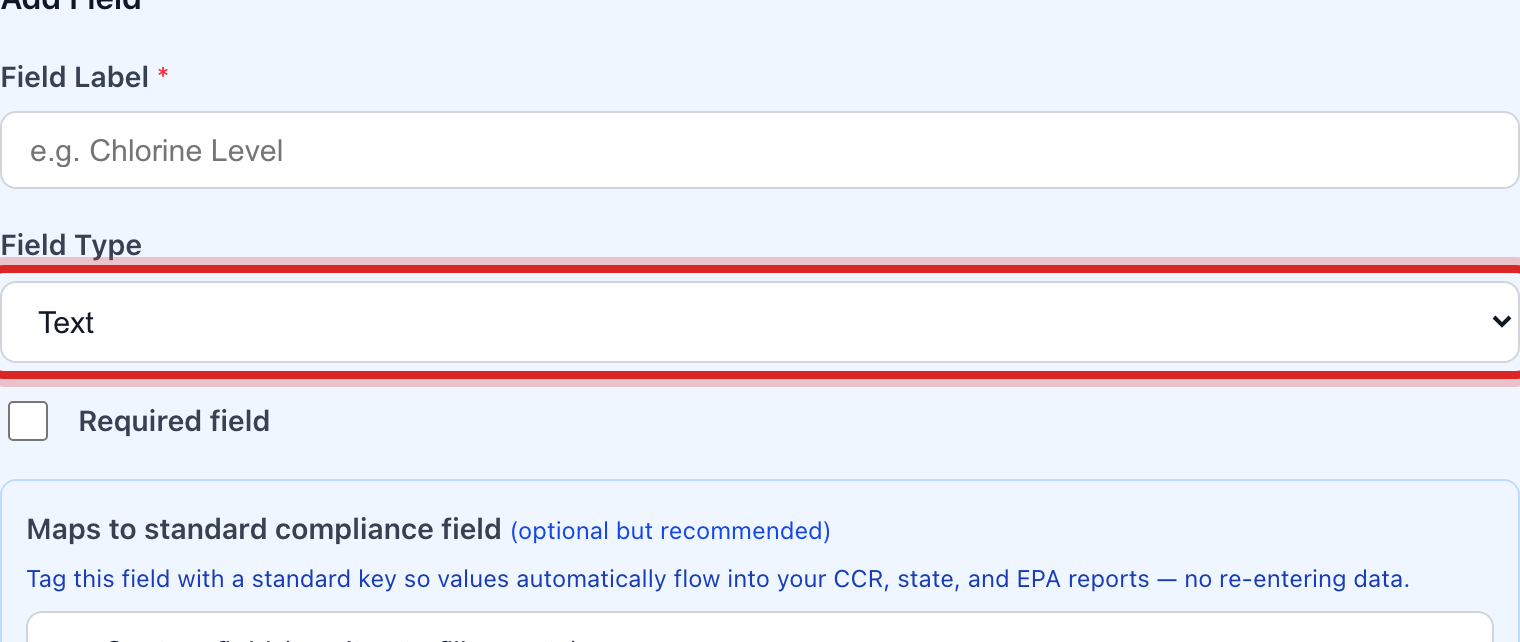
Pick the Field Type. A number for a reading, text for a note, a checkbox for yes or no. Tick Required field if the box must be filled in.
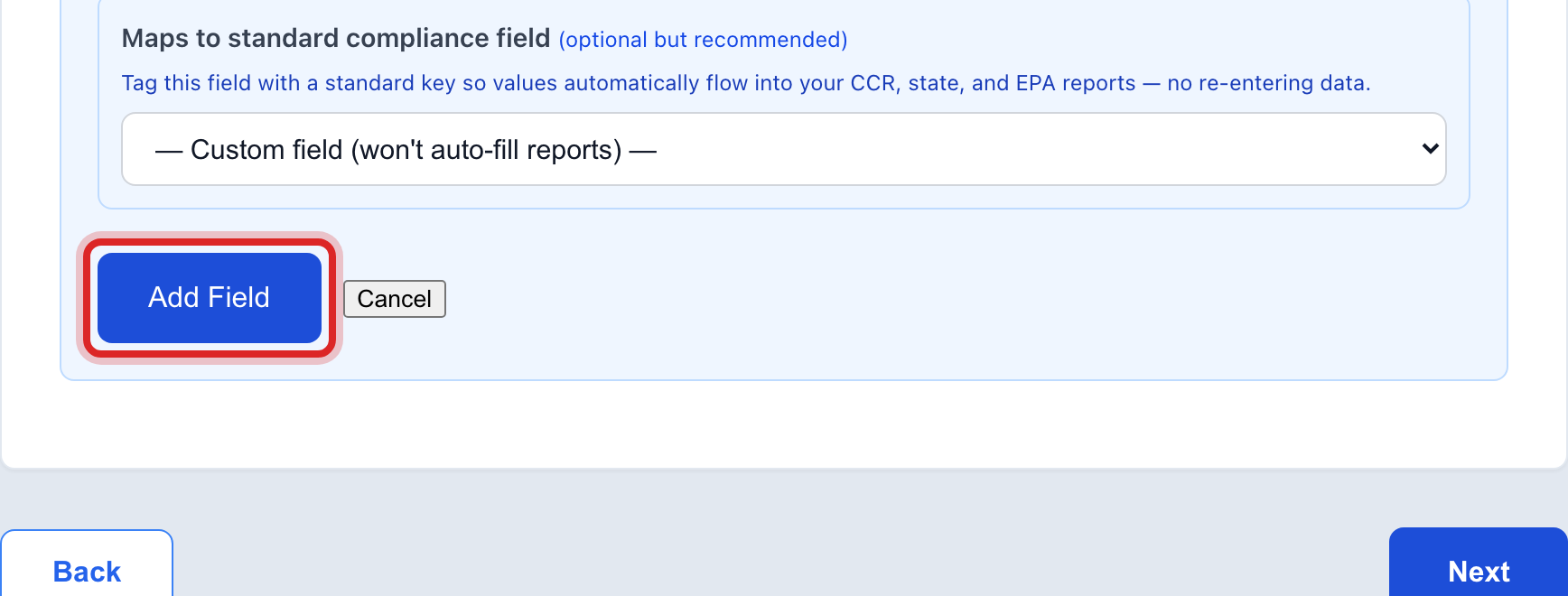
Click Add Field at the bottom of the box. Do steps 6 to 9 again for each box the form needs.
Click Next. Under Workflow, click Submit Only if nobody needs to sign off, or Submit, then Approve if a supervisor does.
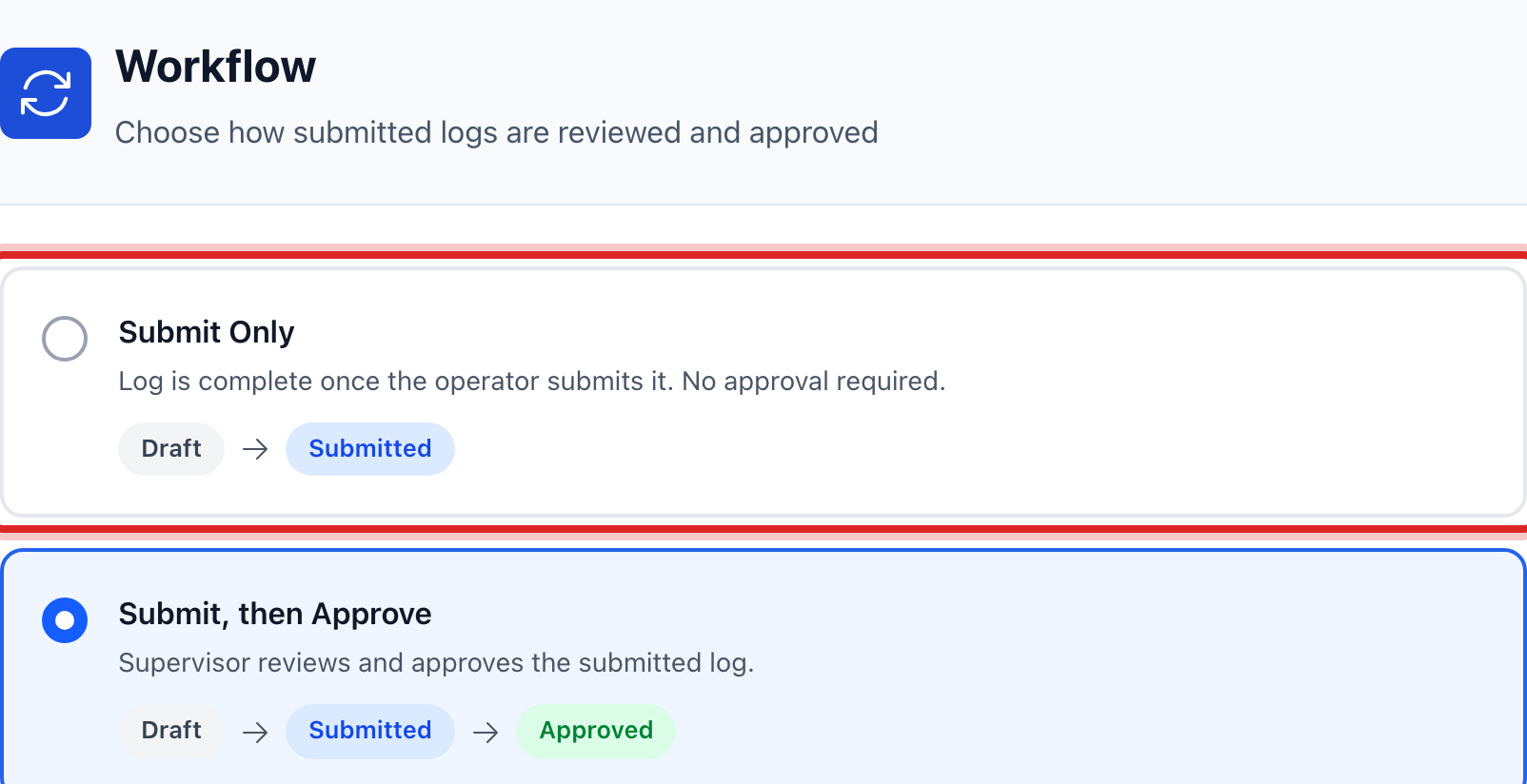
Click Next, read the Review page, then click Save Log Type.
Made a mistake? Click Undo on the green message that appears, or open Show me how at the top and pick Undo a mistake.
You are done when
The new type is in the list under Log Types. The operator sees it as a card under Create Log, under Custom Log Types. Set how often it is due in lesson 6.
If something looks different
The number goes on a state report. When you add the field, pick it under Maps to standard compliance field. The monthly report then fills in from the log by itself.
A reading has a safe range. Type the Min and Max. A number outside the range is flagged when the operator types it.
You want to change a card that came with Utilops. The ones marked System cannot be edited. Make your own with the boxes you want and have the crew use that one.
You do not see Log Types on the left. Only administrators may make log types. Ask yours.