
Appearance
1. See what is due today
When you need this: you start your shift and want to know which rounds are due. The Operations Logs home page lists them for you, with a button that opens the right form.
Steps
On the left side of the screen, click Operations Logs, then click Dashboard.
Look at My Pending Logs. Each row is one round that is due, with the name of the log and when it is due.
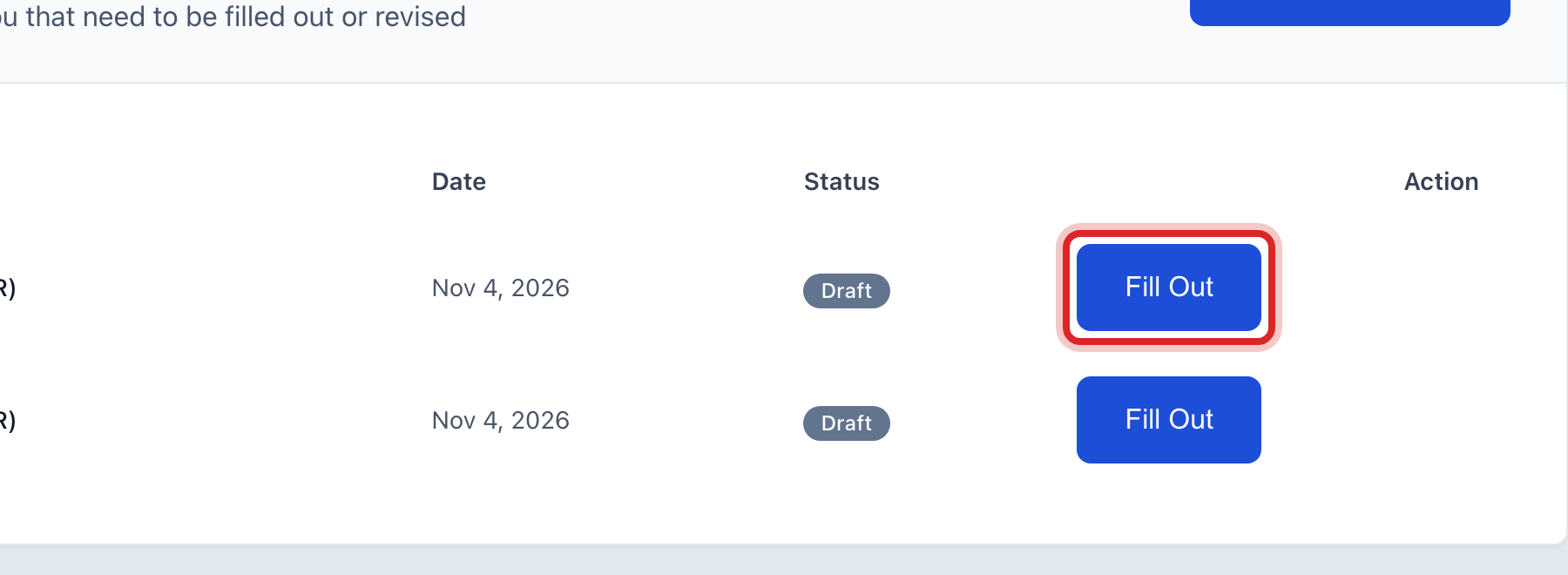
Click Fill Out on the first row.
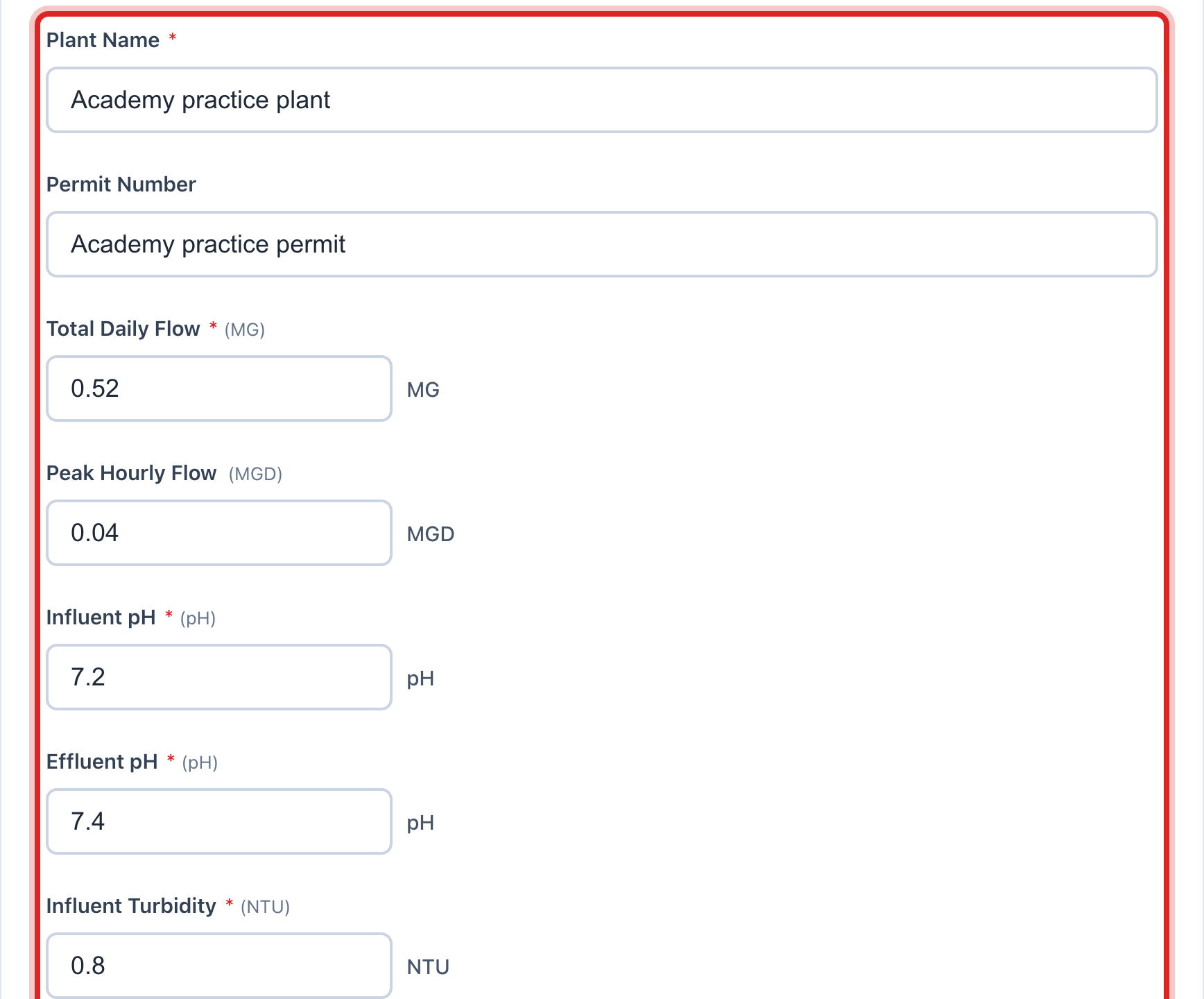
The form for that round opens. Log Date is already today. Type your numbers in the boxes. A red star means the box has to be filled in.
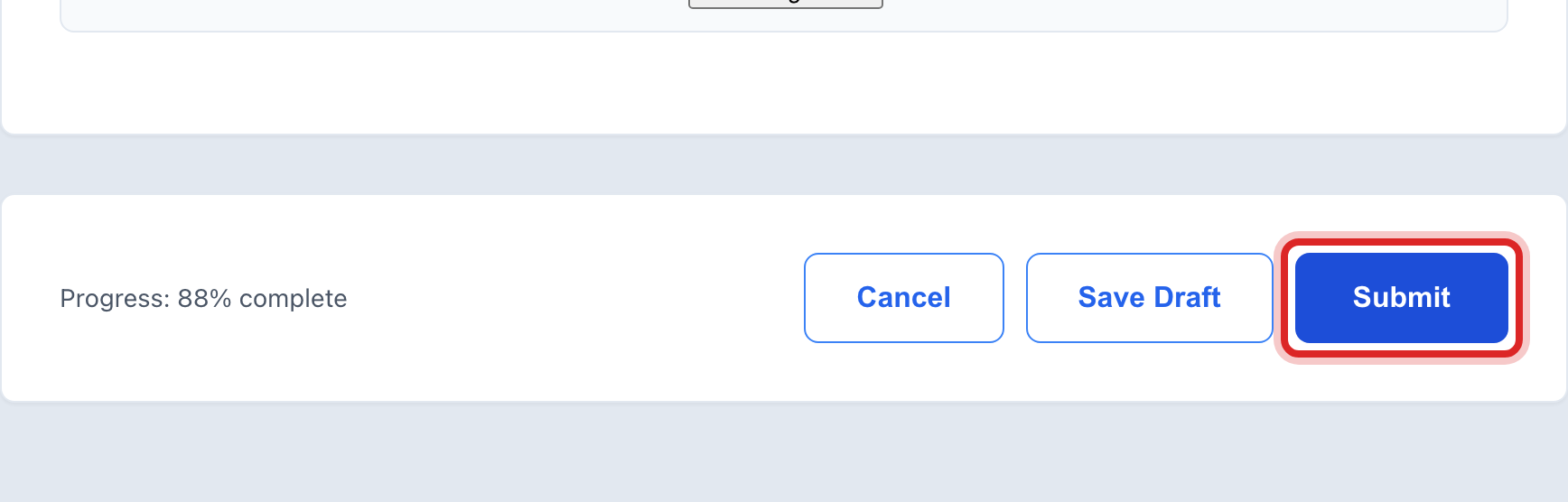
Click the blue Submit button at the bottom.
Made a mistake? Click Undo on the green message that appears, or open Show me how at the top and pick Undo a mistake.
You are done when
A green message says the log was submitted. You are back on the home page, the row is gone from My Pending Logs, and the log shows under Recent Submissions.
If something looks different
The list is empty. Nothing is due right now, or no round has been assigned to you yet. Lesson 6 shows how the office sets that up.
A row says Revise instead of Fill Out. A reviewer sent that log back. Lesson 3 shows how to fix it.
The round you did is not listed. Click Create Log at the top of the list and pick the card for it. Quick start page 19 shows how.
You are not done reading yet. Click Save Draft instead of Submit. The log waits for you under My Logs, lesson 2.