
Appearance
6. Set how often a round is due
When you need this: the well round is every day. The tank check is every Monday. The backflow log is once a month. An assignment says which log, how often, and who. From then on it shows under My Pending Logs for that person on the right day.
Steps
On the left side of the screen, click Operations Logs, then click Assignments.
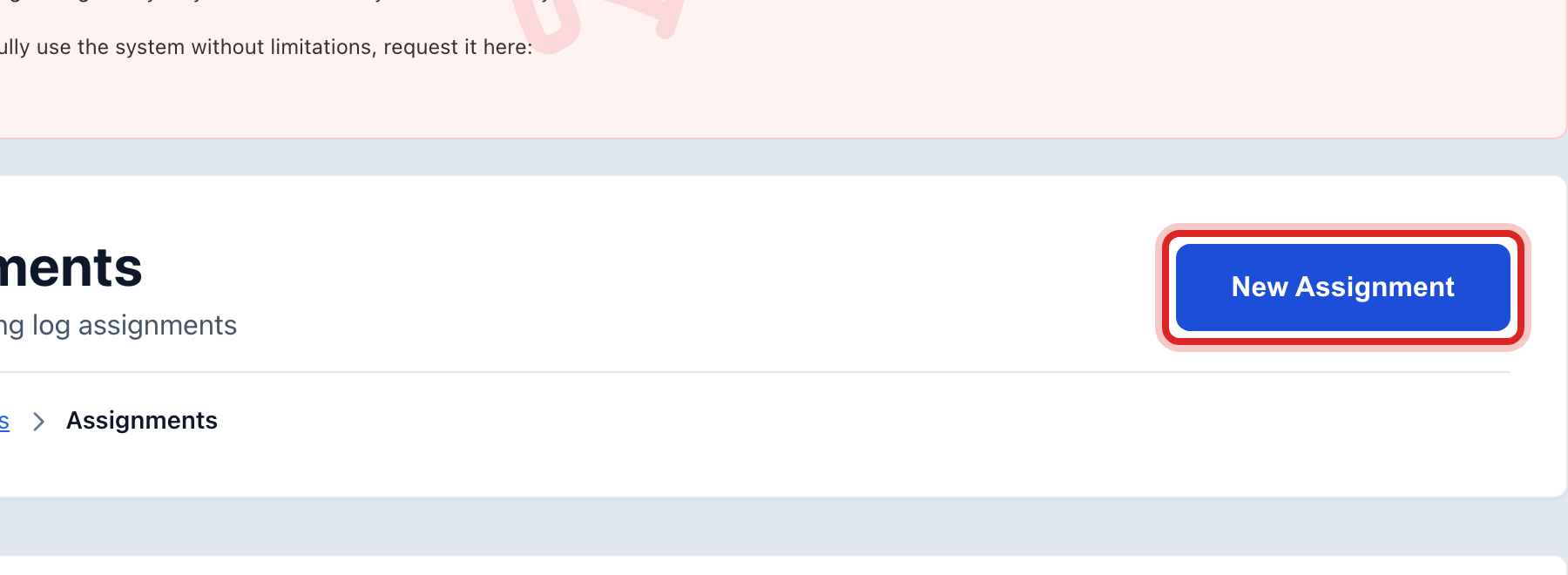
Click New Assignment at the top right.
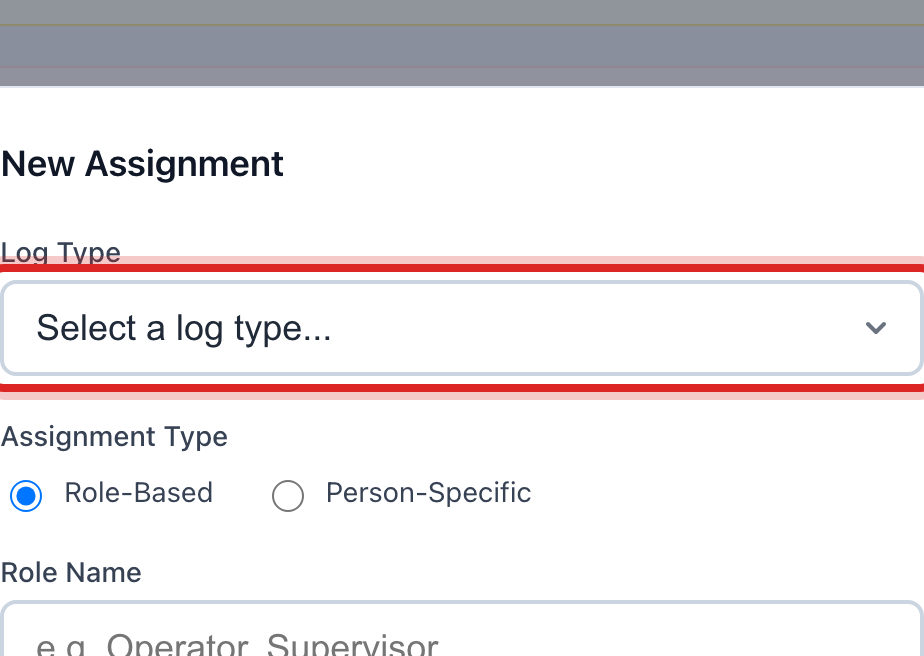
Pick the Log Type. That is the form the round uses.
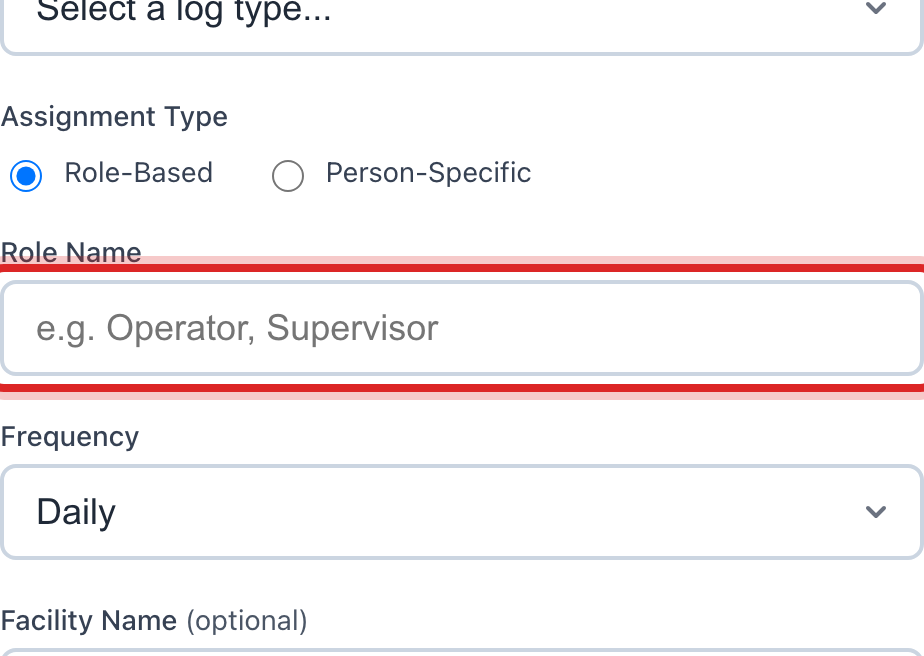
Under Assignment Type, leave Role-Based picked. Then type the Role Name, like Operator. Everyone with that role sees the round.
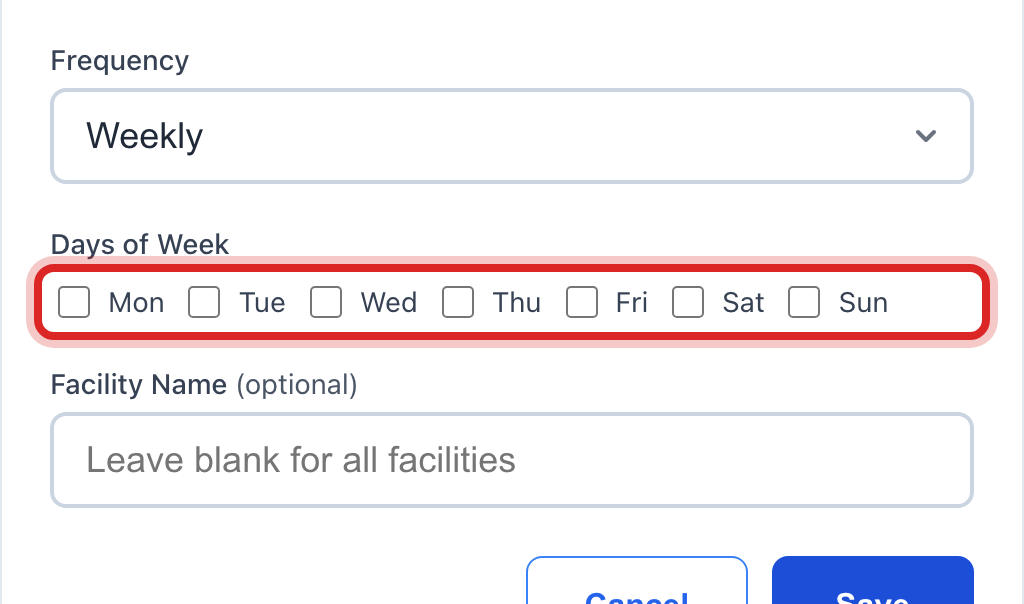
Pick the Frequency. Daily, Weekly, Monthly or Per Shift.
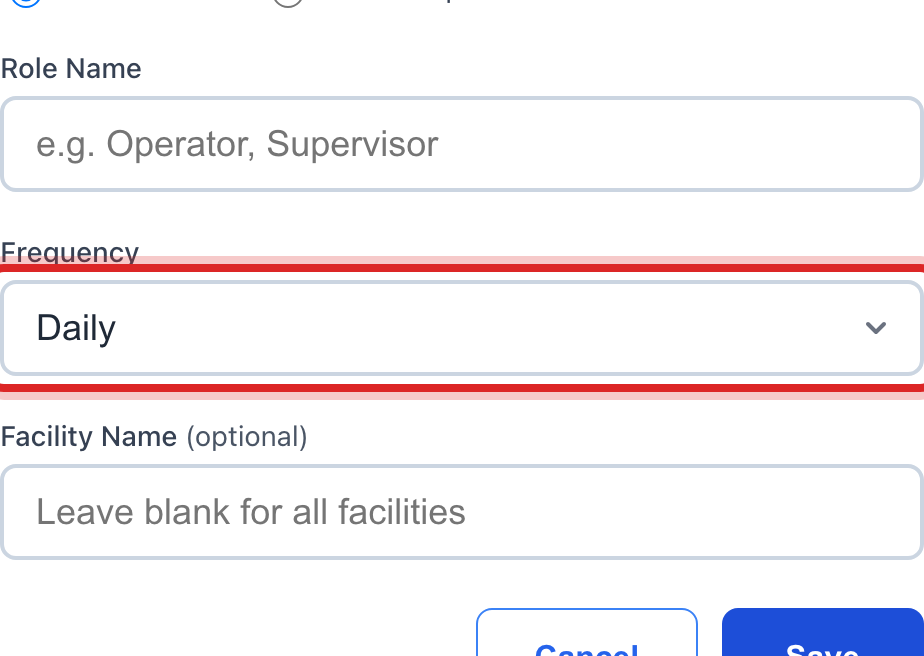
For Weekly, tick the Days of Week it is due. For Monthly, pick the Day of Month.
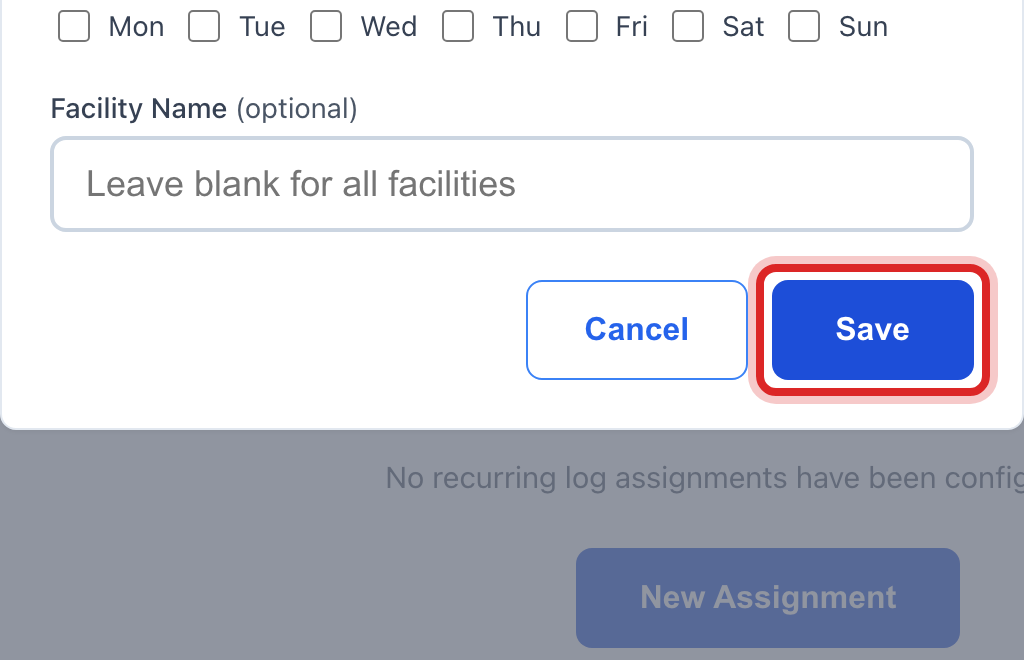
Click Save.
Made a mistake? Click Undo on the green message that appears, or open Show me how at the top and pick Undo a mistake.
You are done when
The assignment is in the list with the status Active. The round shows under My Pending Logs for that person on the next day it is due.
If something looks different
One person, not a role. Pick Person-Specific under Assignment Type, then pick the Person.
You have more than one plant or well. Type the Facility Name. Leave it blank and the round is for every facility.
The round is on hold for the season. Click the pause button at the right end of its row. The button reads Pause, and then Activate when you want it back.
You do not see Assignments on the left. Only administrators may set assignments. Ask yours.