
Appearance
2. Finish a log you started
When you need this: you filled in half a log this morning and clicked Save Draft. Now you have the rest of the numbers. Your draft is waiting under My Logs.
Steps
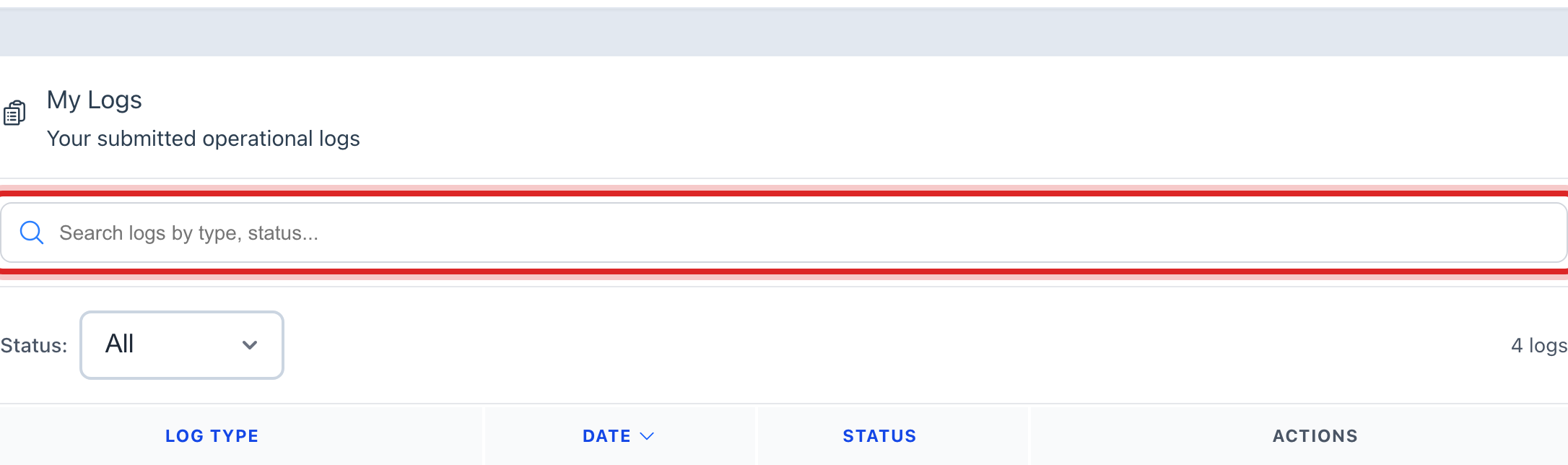
On the left side of the screen, click Operations Logs, then click My Logs. Every log you have made is here, newest first.
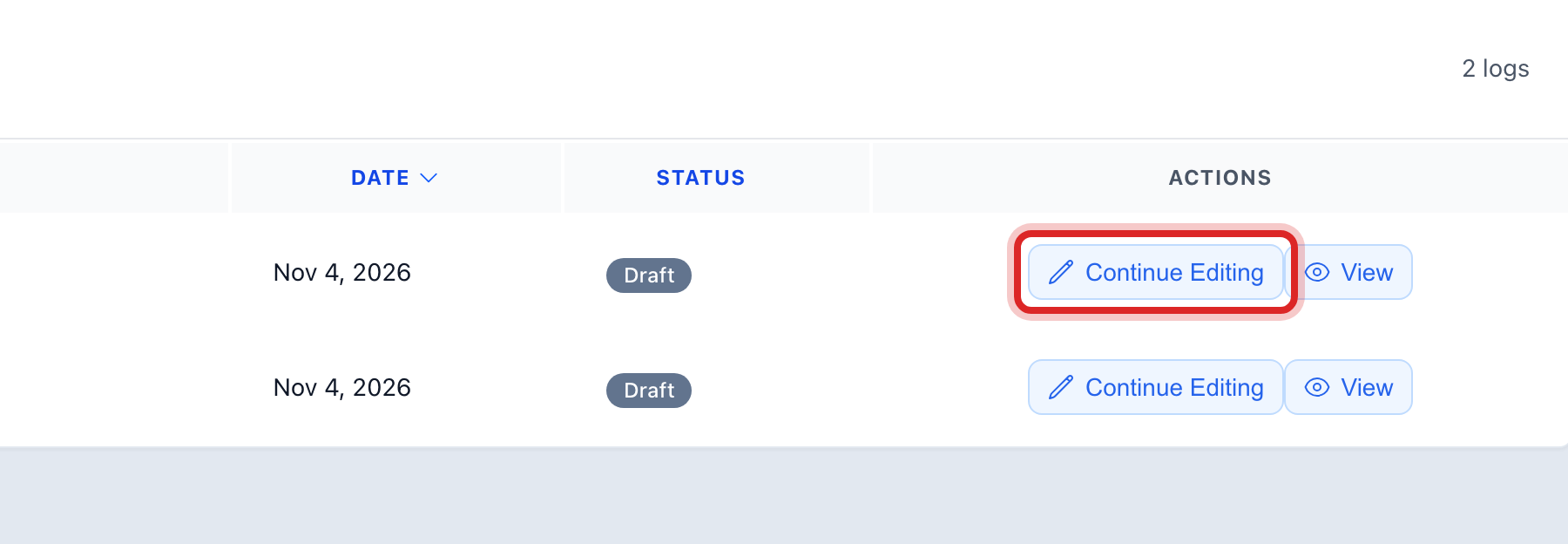
Find the row that says Draft. If the list is long, click in the search box and type the name of the log.
Click the pencil button at the right end of the row. Its name is Continue Editing.
The form opens with what you typed this morning still in it. Fill in the rest.
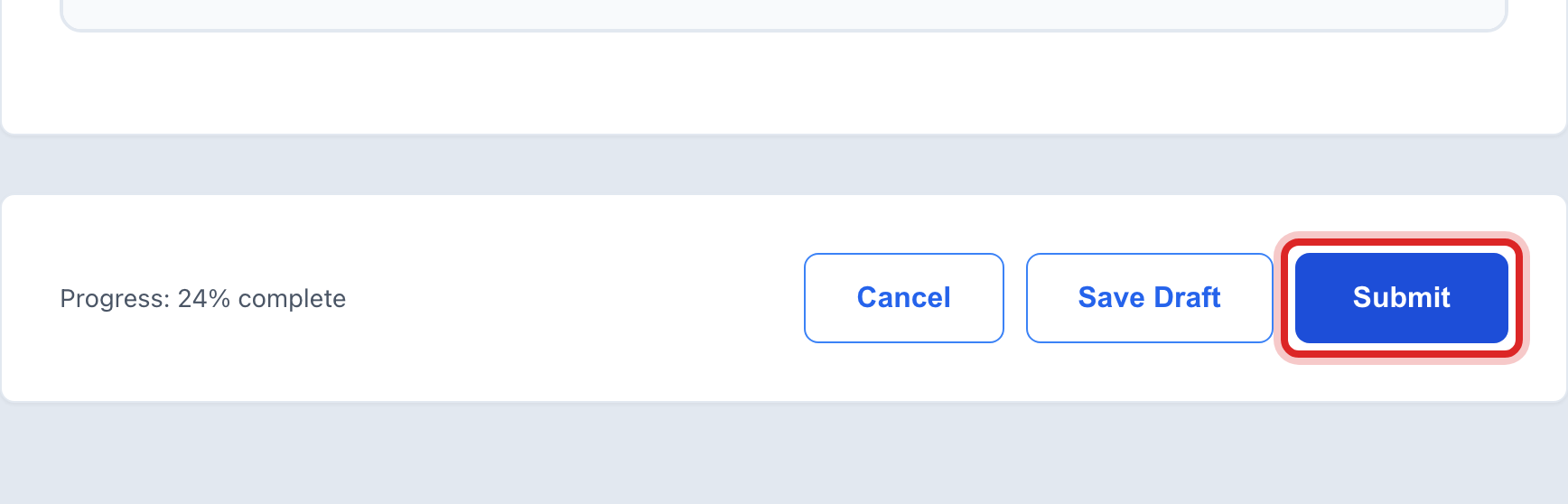
Click the blue Submit button at the bottom.
Made a mistake? Click Undo on the green message that appears, or open Show me how at the top and pick Undo a mistake.
You are done when
A green message says the log was submitted. The row under My Logs now reads Submitted.
If something looks different
There is no pencil on the row. The log was already submitted. You can only look at it, with the eye button. If a number is wrong, ask your reviewer to send it back.
You are on a phone. The row is a card, and the button says Continue.
You still are not done. Click Save Draft again. The form also saves itself as you type.