
Appearance
4. Find an old log
When you need this: the state inspector asks what the chlorine was on the third of last month. The board asks who checked the tank. Every log anyone ever submitted is here.
Steps
On the left side of the screen, click Operations Logs, then click All Logs.
Click in the search box at the top of the list. Type the name of the log, the operator's name, or the status.
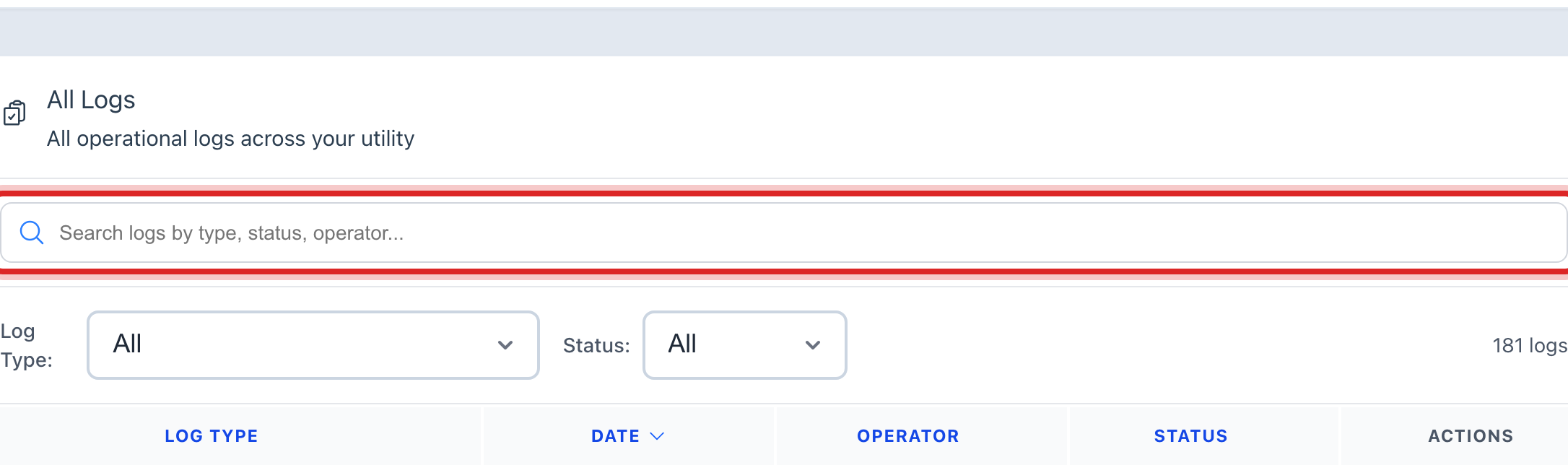
Use the Log Type and Status lists beside it to narrow the list more.
Find the row and click the eye button at the right end. Its name is View.
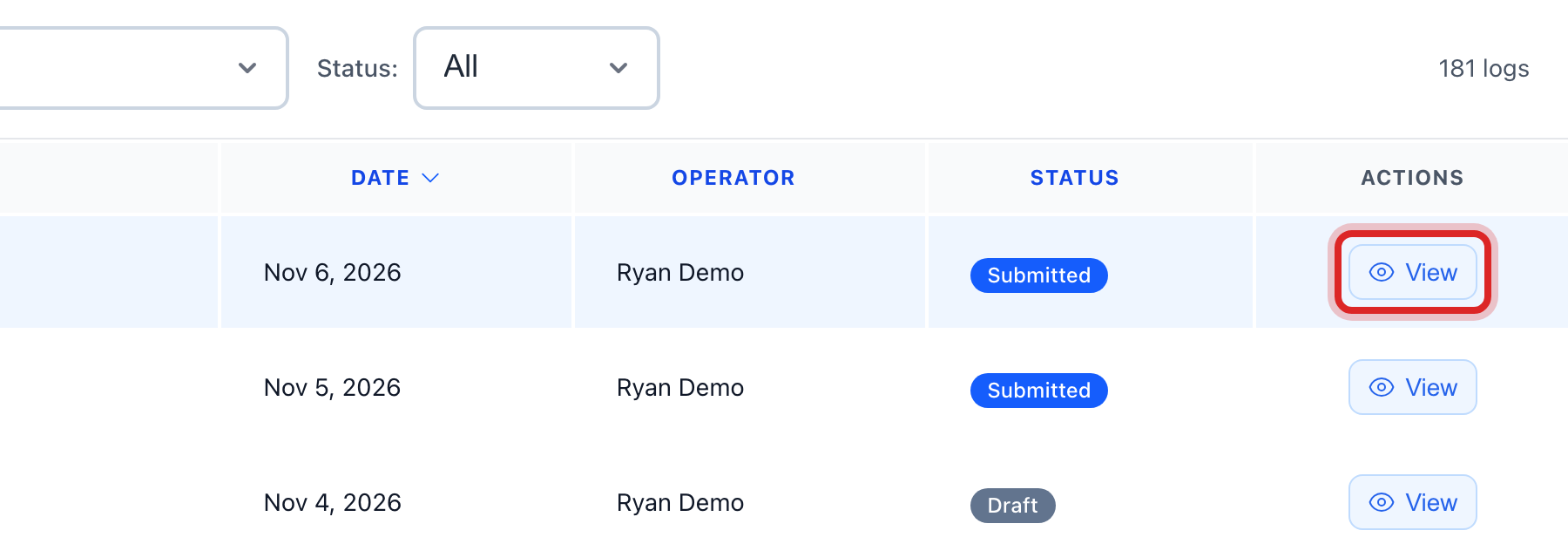
The log opens. Log Details shows every number that was typed. Status & Workflow shows who submitted it, who approved it, and when.
You are done when
You can read the number the inspector asked for, and who wrote it down, on one page.
If something looks different
The row you need is not there. The list shows the newest logs first. Scroll to the bottom and click Load more.
You only want your own. Use My Logs instead. It is the same list, just yours.
The old logs are on paper. Click Import Operating Report at the top. It brings in a past month's report so the numbers are in Utilops too. Only some roles see this button.
A log is in the wrong month. Only a reviewer can send it back. Ask them to use Return for Correction, lesson 5, then fix the Log Date.