
Appearance
4. Sign up with a mailing company
When you need this: you do not want to print, fold, stuff and stamp hundreds of bills at the office. A mailing company does that for you. Utilops sends them the pages. This is the one thing that is not part of your monthly price: you pay the mailing company for the postage and printing.
Steps
On the left side of the screen, click Integrations, then click Print & Mail Services. The Marketplace opens showing only mailing companies.
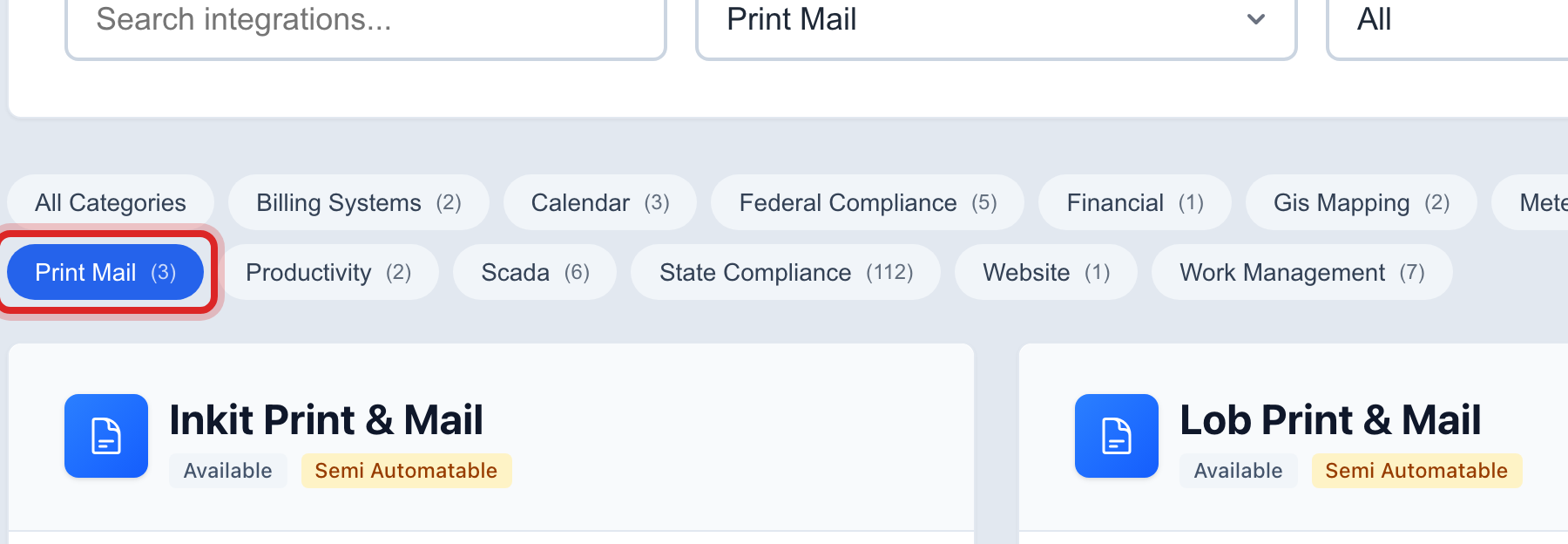
Read the cards. Each one is a company you can sign up with. Click Visit followed by the company name to read about their prices on their own site.
Sign up with the company on their site first. They give you an account and a key.
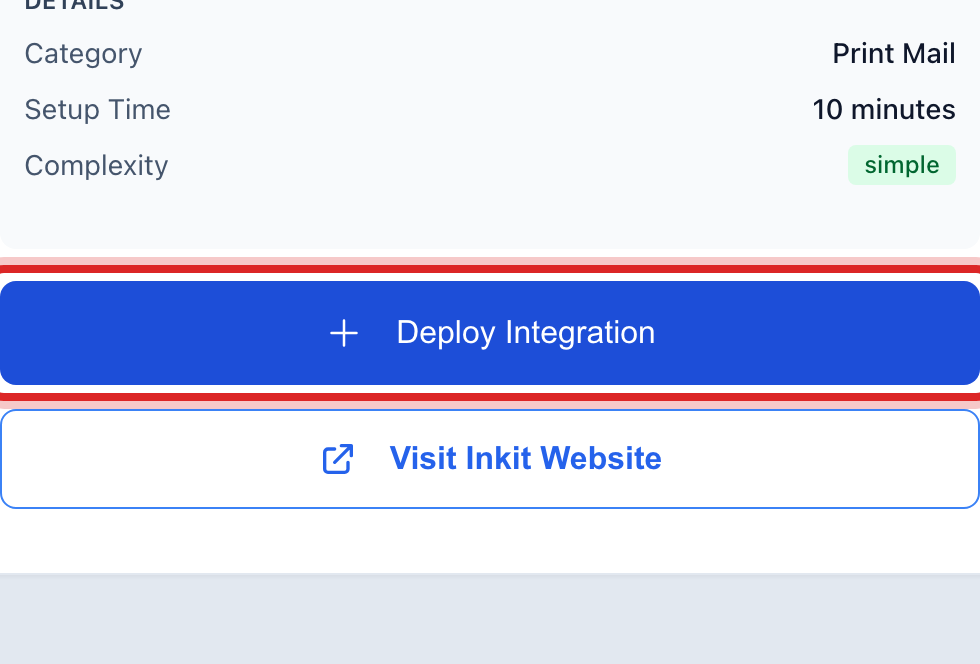
Back here, click the blue Deploy Integration button on that company's card.
On the set up page, type the key they gave you. Click Test Connection, then click the blue save button at the bottom of the page.
Made a mistake? Click Undo on the green message that appears, or open Show me how at the top and pick Undo a mistake.
You are done when
Under Billing & Payments, then Send Notices, and under Documents, the mailing company now shows as a way to send. Lesson 5 shows how to watch the letters go out.
If something looks different
You print at the office. You do not need this. Utilops makes the pages; you print them on your own printer.
You have no cards here. Nobody has added a mailing company to the Marketplace for your area yet. Call Utilops.
Texts and emails cost nothing. Only paper through the post office costs extra. Send what you can by text or email first.