
Appearance
6. Bring back a record you deleted
When you need this: you deleted a customer, a meter, a work order or a note, and you need it back. Nothing you delete in Utilops is gone right away. It waits in the Recycle Bin for 30 days.
Steps
On the left side of the screen, click Data Management, then click Recycle Bin.
The three boxes at the top say how many records are in the bin, how many can be restored with one click, and how many leave within 7 days.
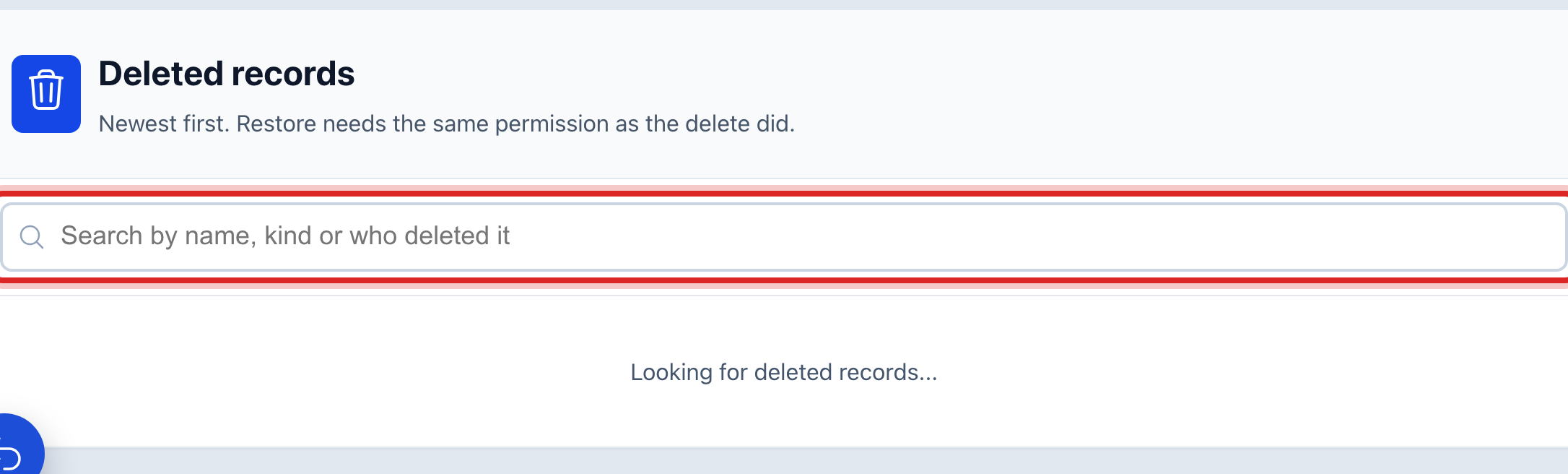
Find the record. Click in the search box and type its name, its kind, or the name of the person who deleted it.
Check the Days left column. A number of 7 or less shows in orange. Restore those first.
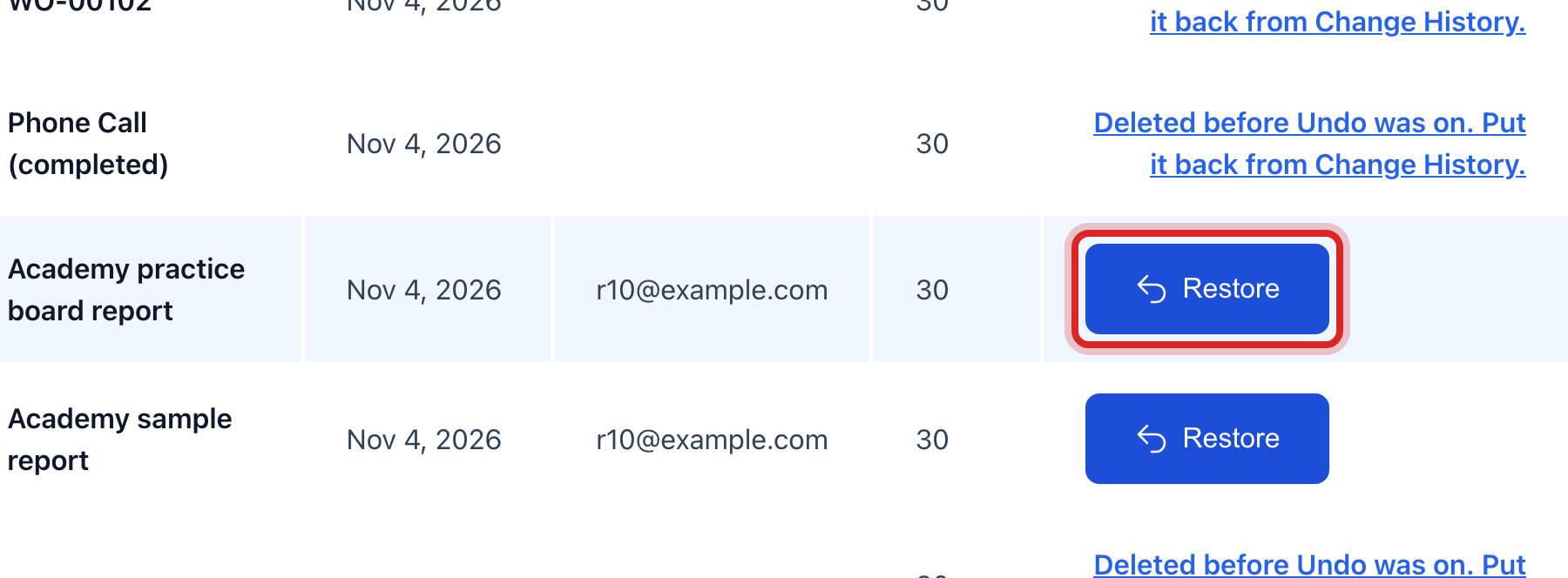
Click the blue Restore button on the row. A window says what will come back. Click to say yes.
Made a mistake? Click Undo on the green message that appears, or open Show me how at the top and pick Undo a mistake.
You are done when
The row leaves the bin. The green message says the record is back. Open it where it lives, like Customer Management, and it reads the way it did before.
If something looks different
The row has no Restore button. It says Deleted before Undo was on. Click those words. They take you to Change History, where you can put it back the older way.
You cannot restore it. Putting a record back needs the same permission as deleting it. Ask someone who could have deleted it.
It is older than 30 days. It is gone for good. If it was a customer, make the account again.