
Appearance
2. Find a ticket
When you need this: a customer calls back and asks what happened with their problem. Or your boss asks what is still open. Every ticket is on one page. Type a name or a ticket number and it comes up.
Steps
On the left side of the screen, click Customer Support, then click Search Tickets.
Click in the big search box. Type the ticket number, the customer's name, a word from the subject, or the street.
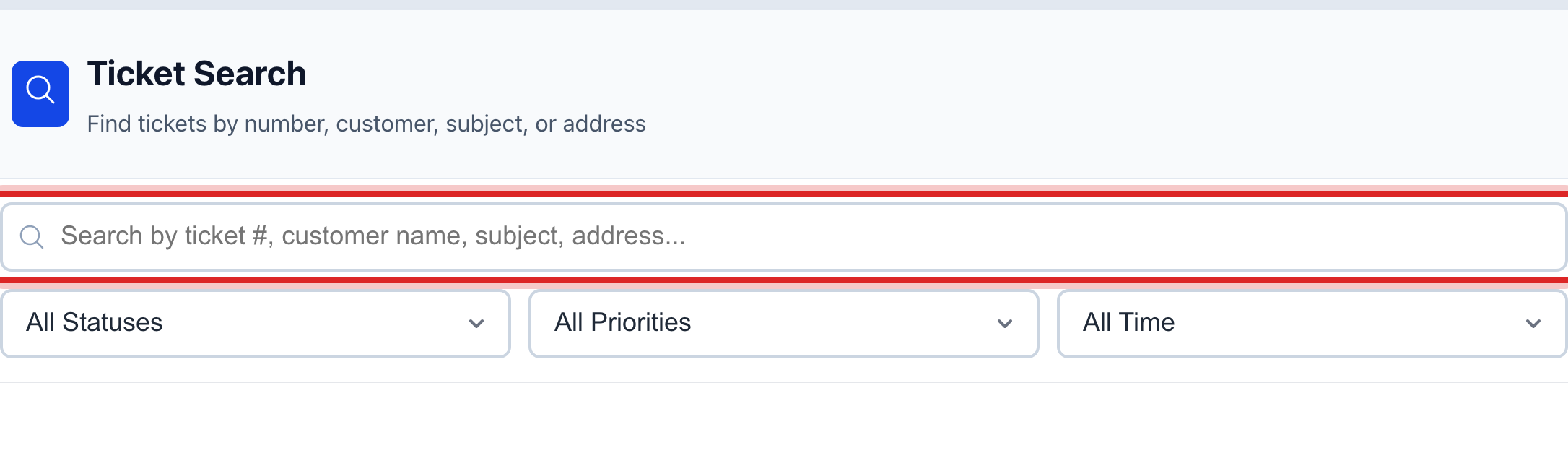
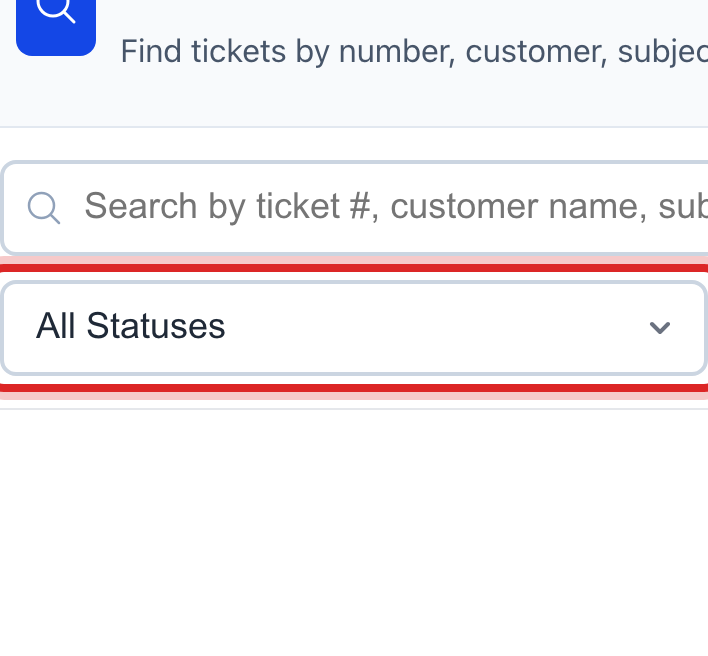
To see only the open ones, click the Status list under the box and pick Open. The other lists pick by priority and by date.
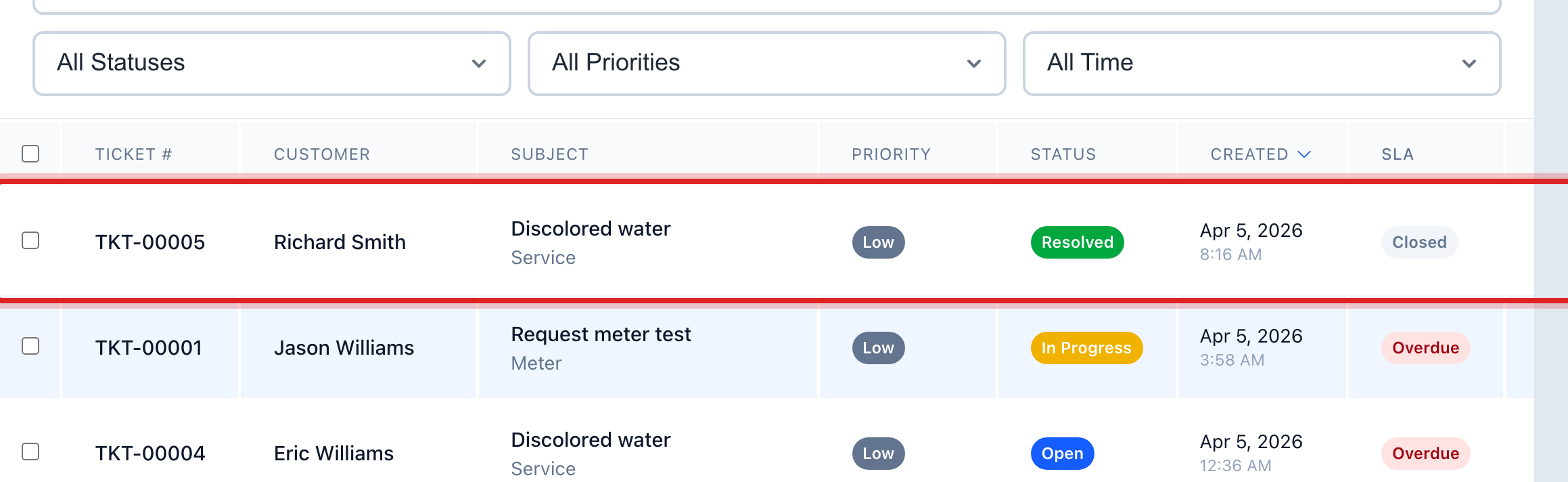
The matches show in the table. The ticket number is on the left and the status is on the right. Click the row.
The ticket page opens with everything about it.
You are done when
You see the ticket number at the top of the page, with the subject and the status under it.
If something looks different
No tickets show up. Click Clear Filters at the top of the card. A filter may be hiding them.
You want every ticket for one customer. Open the customer's page under Customer Management and click the Support Tickets button. They are all there.
You need to hand a pile of tickets to one person. Tick the boxes on the left of the rows and click Reassign in the blue bar.