
Appearance
7. Retire an asset
When you need this: the old pump came out and the new one went in. The hydrant was removed when the road was widened. Do not delete the record. Mark it retired, so the history stays, and so the new one can be added as its own record.
Steps
On the left side of the screen, click Asset Management, then click Inventory.
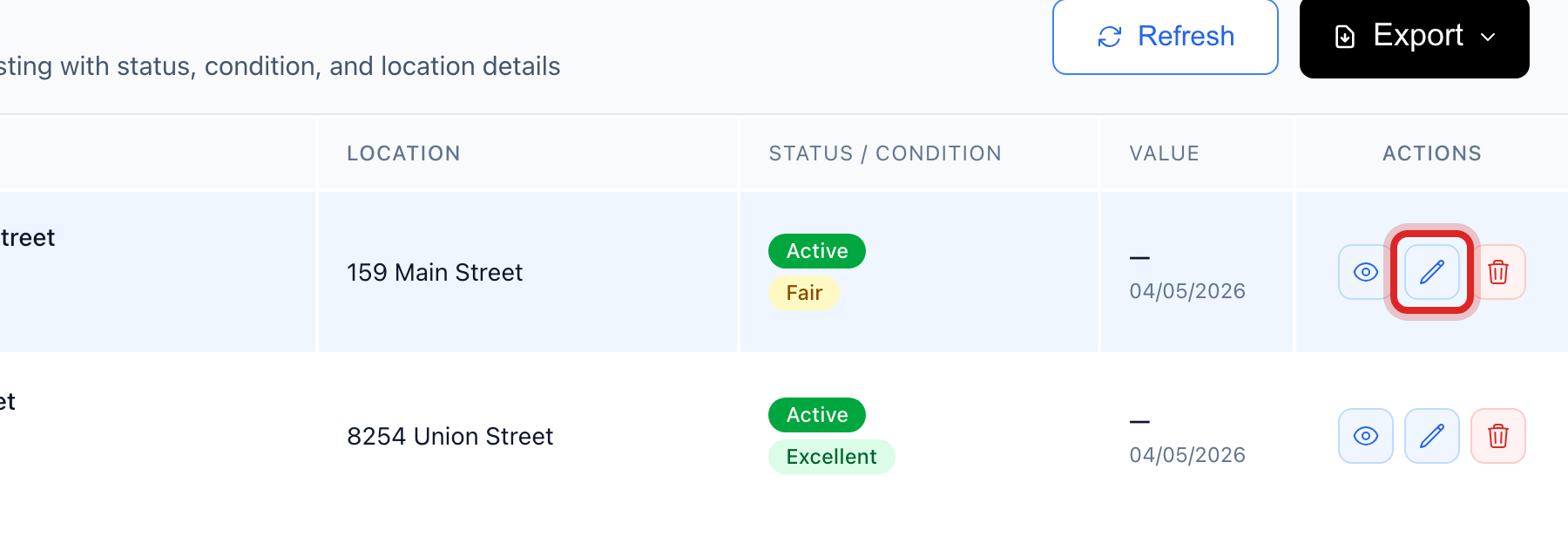
Find the row and click the pencil button at the right end. It is called Edit. The full form opens.
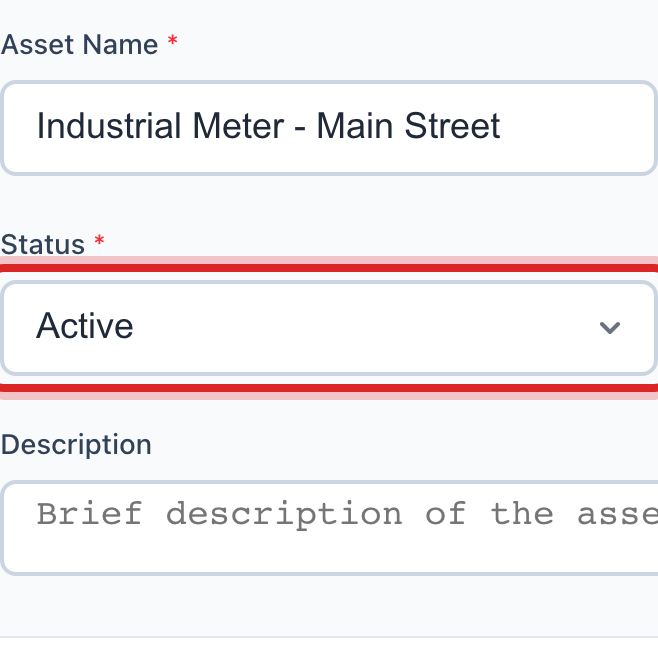
Change Status to Retired.
Scroll to Additional Notes and say why and when, like Replaced 3/2026, new pump is WP-014.
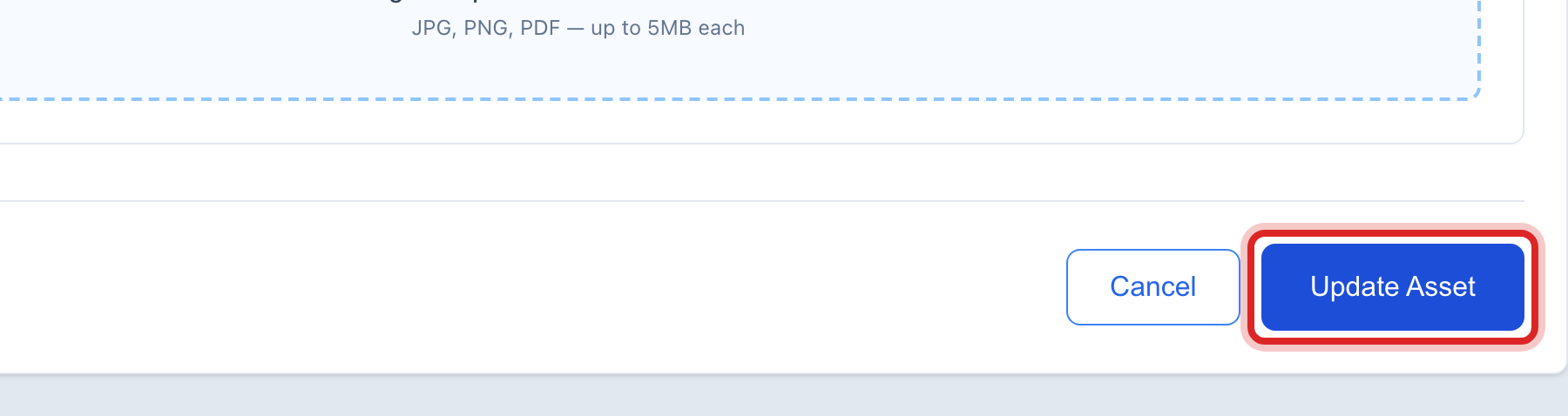
Scroll to the bottom and click the blue Update Asset button.
Made a mistake? Click Undo on the green message that appears, or open Show me how at the top and pick Undo a mistake.
You are done when
A green message says the asset was updated. The row shows Retired, and Active Assets at the top of Inventory goes down by one.
If something looks different
It is only out for repair. Pick Under Maintenance instead. It goes back to Active when the work is done.
Its pin should come off the map. Retired assets still show their pin. Clear the Latitude and Longitude boxes on the same form if you want it gone.
It had maintenance scheduled. Those jobs stay on the calendar. Delete them under Maintenance Scheduler.
It was bought with grant money. The accounting side keeps its own record. Fixed Assets under Accounting is where it is written off.