
Appearance
7. Undo a mistake
When you need this: you paused the wrong schedule. You deleted a saved report you still wanted. You added the wrong email address to the board report. The things you save in Reports and Analytics can be taken back. Here are the four ways, quickest first.
Steps
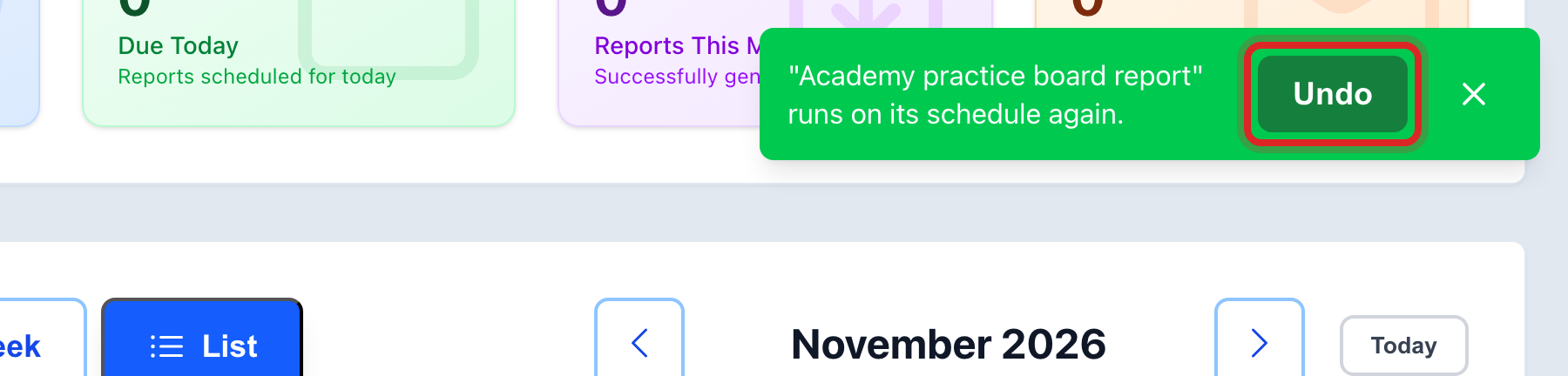
When you save something, a green message shows at the top right of the screen. It has an Undo button. Click it and the change goes away. The button stays for five minutes.
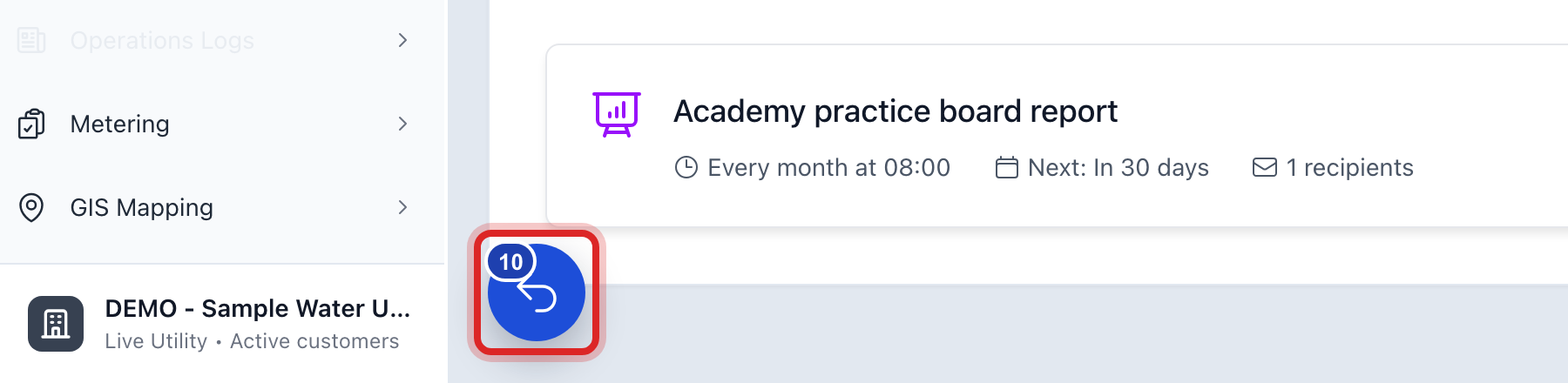
Missed the green message? Look in the bottom left corner for a round blue button with a number on it. Click it. The name of the button is Recent actions.
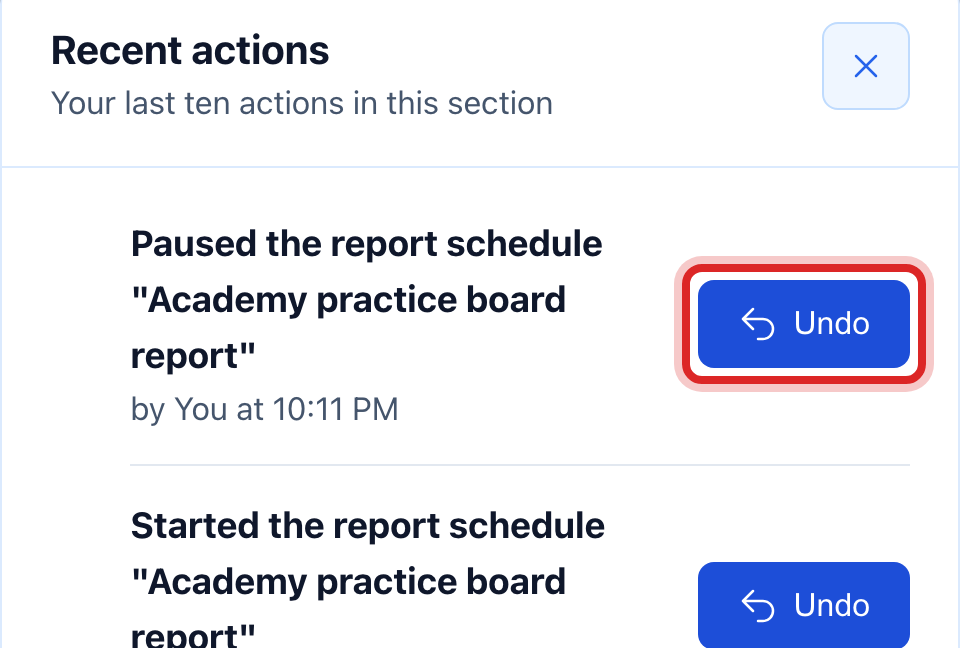
Your last ten actions in this part of Utilops are listed, newest first. Click Undo beside the one you want back. A window tells you what it will do. Click to say yes.
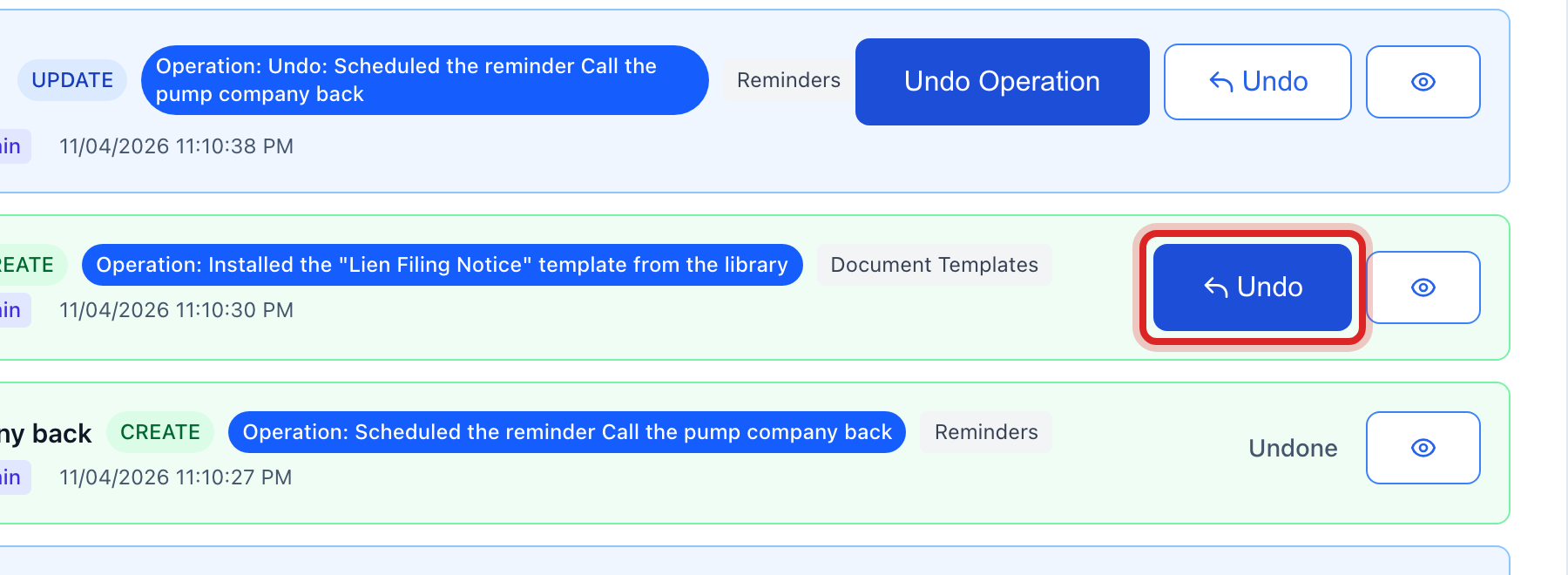
Older than that? On the left side of the screen, click Data Management, then click Change History. Pick a Time Period, click Apply Filters, find the row, and click Undo.
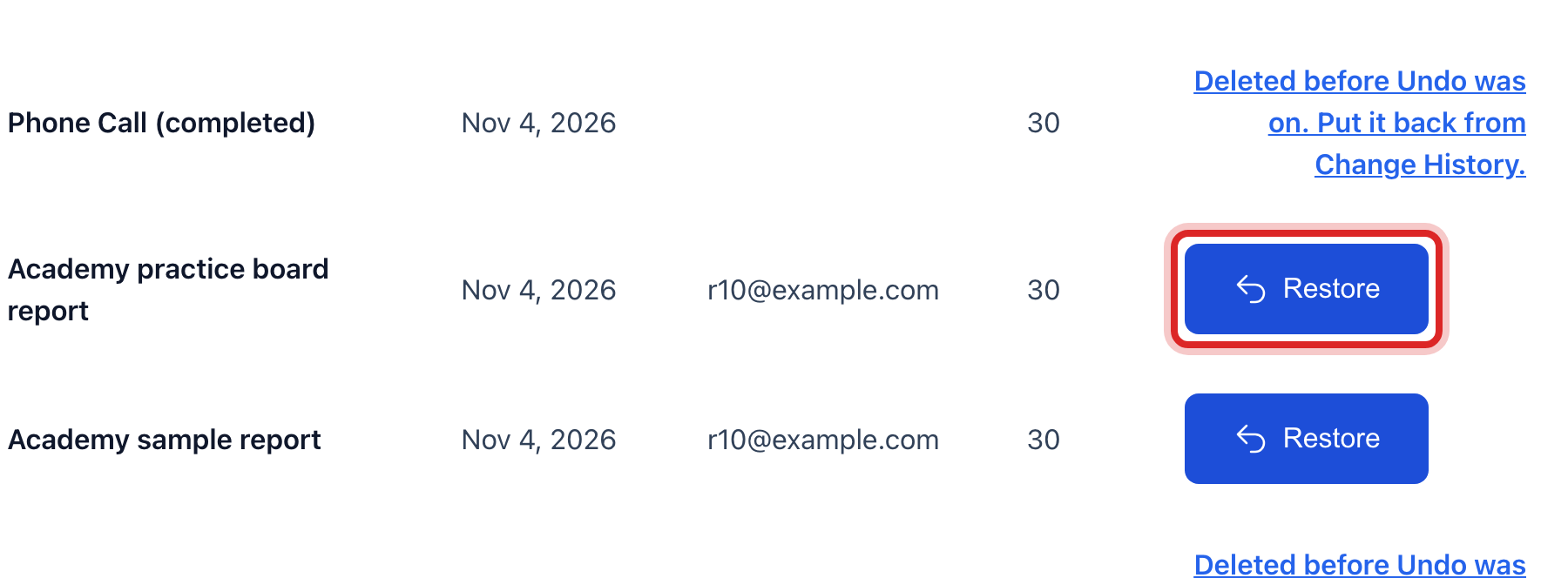
Deleted something by mistake? On the left, click Data Management, then click Recycle Bin. What you delete waits there for 30 days. Find the row and click Restore.
What you cannot take back here
- A report that was emailed. The people on the list have it. If it went to the wrong person, fix the schedule, then tell them to disregard it.
- A report or export you ran. There is nothing to undo. It only read your records. If you do not want it listed, delete the row under Recent Exports.
- A file you already downloaded. It is on your computer. Delete it there.
Made a mistake? Click Undo on the green message that appears, or open Show me how at the top and pick Undo a mistake.
You are done when
The record reads the way it did before. The green message says it was undone, and the row in Change History reads Undone.
If something looks different
The green message has no Undo button. That action cannot be taken back. The message says what to do instead. Read it before you close it.
A schedule you deleted is not in Recent actions. Look in the Recycle Bin. Deleted things go there, not to the list.
Someone changed the same record after you did. Utilops says so and offers to undo both at once.
You do not see Data Management on the left. Only some roles may open it. Ask your administrator.