
Appearance
6. Put your Utilops calendar on your phone or Outlook
When you need this: you are in the truck, not at a desk. Your work orders, reminders and deadlines can show up on the calendar you already carry, on your iPhone, in Outlook or in Google Calendar. Set it up once. After that, anything that lands on your Utilops calendar lands on your phone too.
Steps
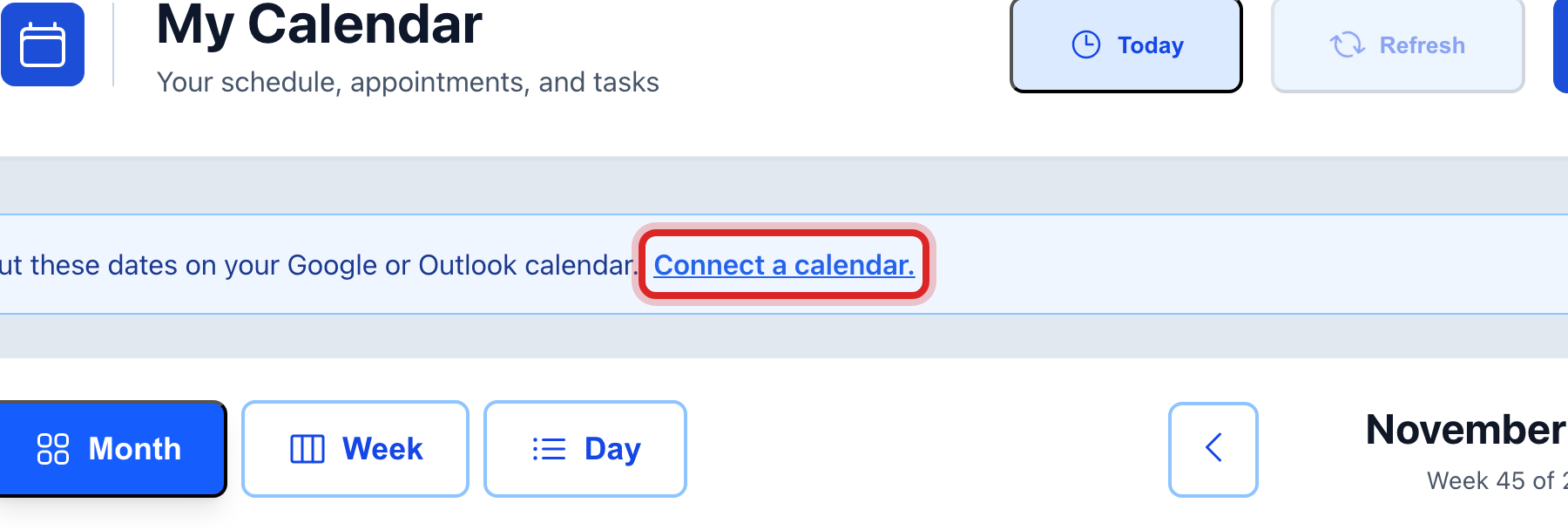
On the left side of the screen, click My Calendar. In the blue bar at the top, click Connect a calendar.
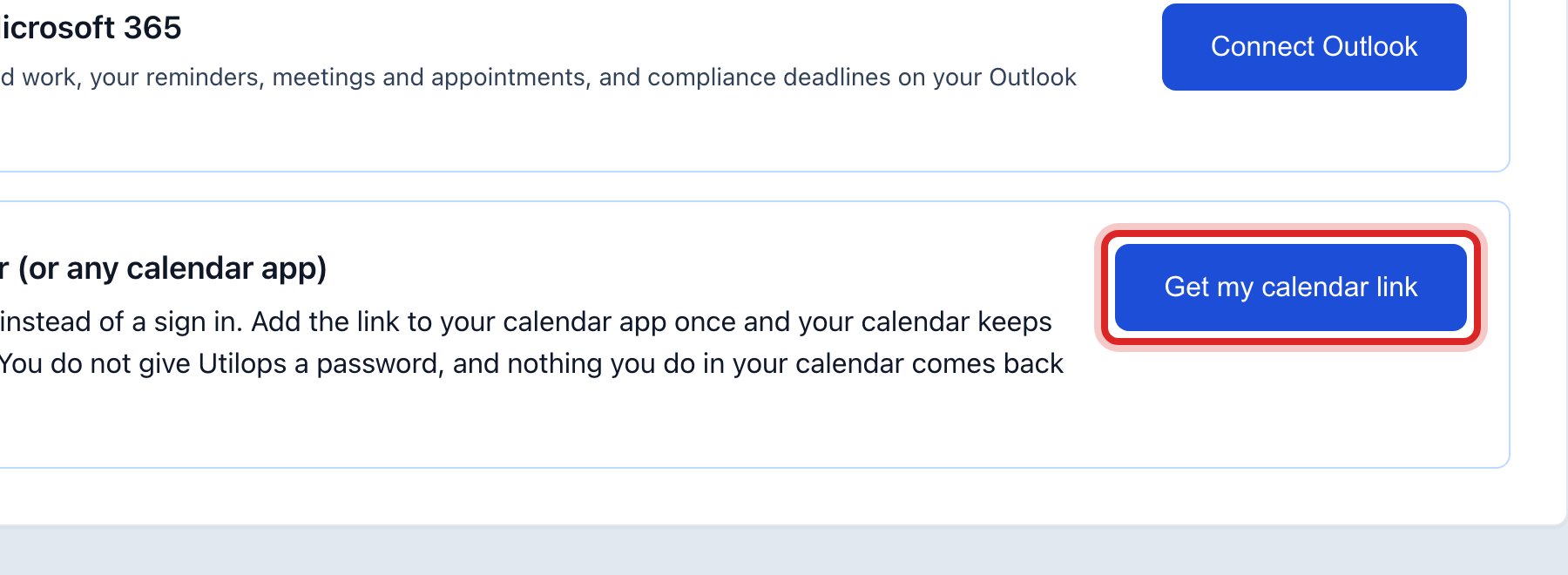
The page that opens is called My Calendar Integrations. Scroll to the card Apple Calendar (or any calendar app). Click Get my calendar link.
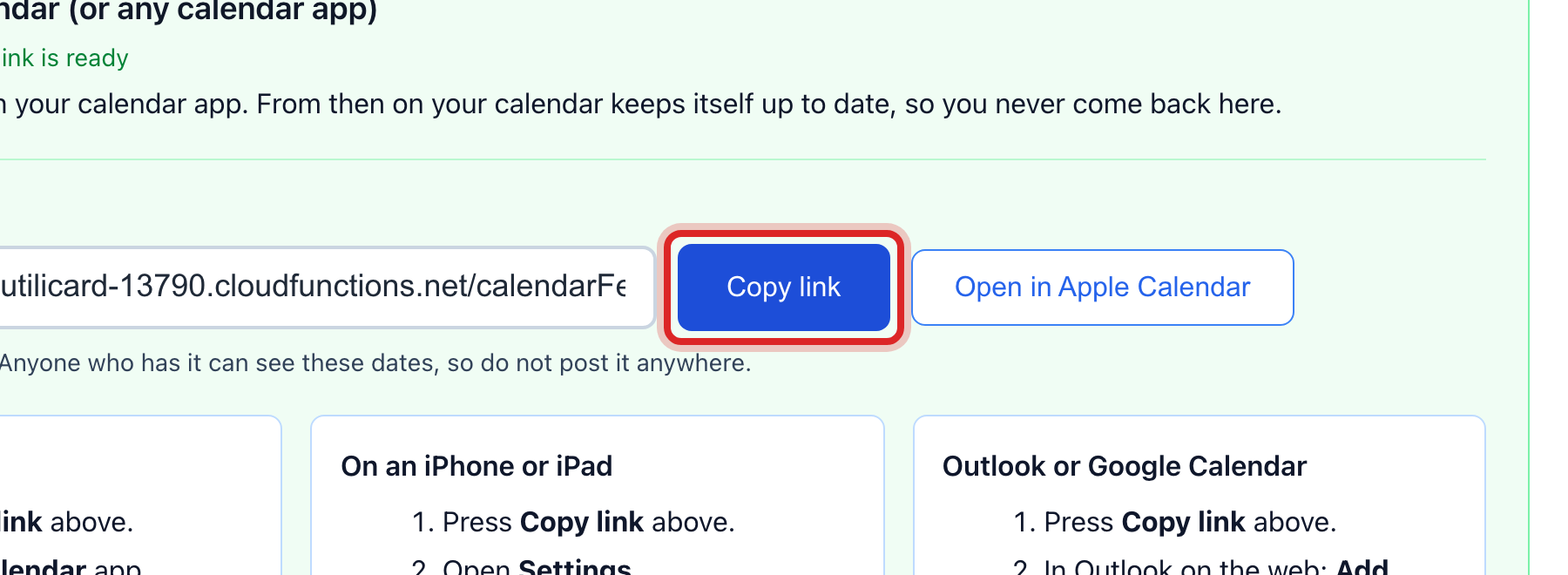
A link appears under Your calendar link. Click Copy link.
Now add it to your phone. The card lists the taps for an iPhone, for a Mac, and for Outlook or Google. On an iPhone: open Settings, tap Calendar, then Accounts, then Add Account, then Other, then Add Subscribed Calendar. Paste the link and tap Next, then Save.
Under What goes to this calendar, tick or untick what you want on your phone. Work orders, your reminders, and compliance deadlines are each a tick box.
Made a mistake? Click Undo on the green message that appears, or open Show me how at the top and pick Undo a mistake.
You are done when
Your phone's calendar shows a new calendar named for Utilops. Your items are on it. New items arrive within the hour.
If something looks different
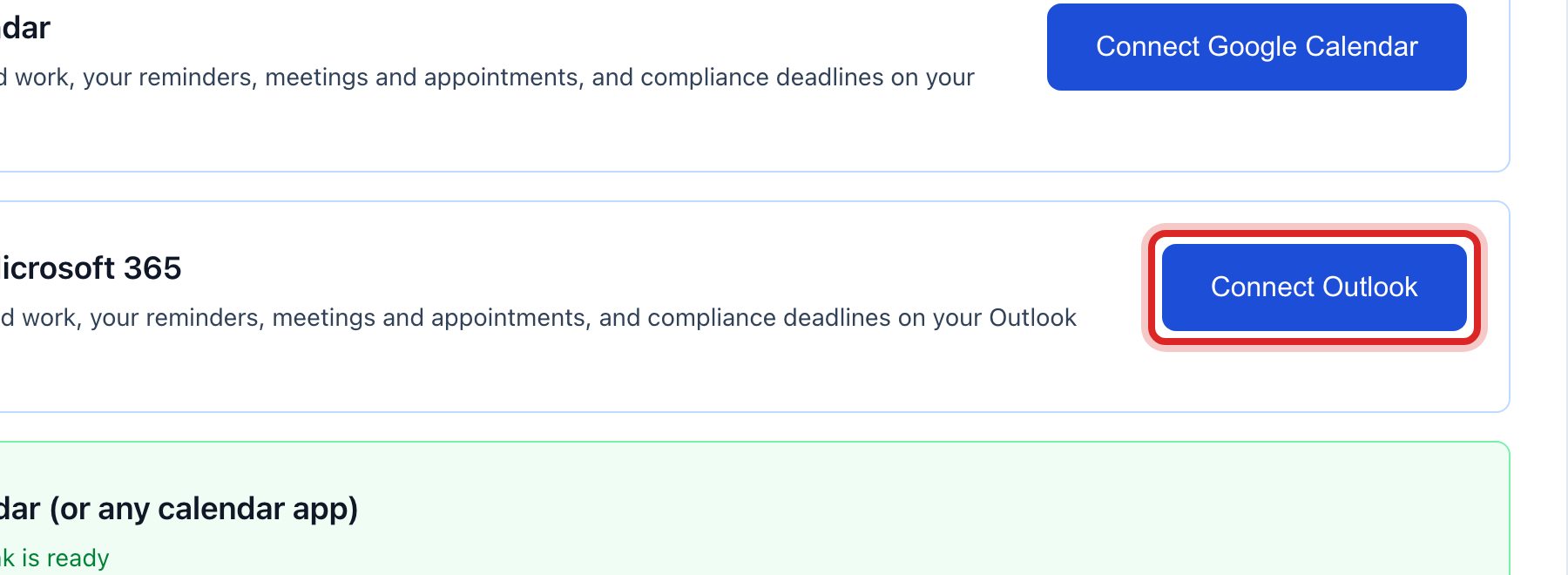
You use Outlook or Google Calendar. The quicker way is the Connect Outlook or Connect Google Calendar button higher on the same page. You sign in once, and changes show within a minute. Cancelled items come off on their own.
The blue bar says Change what goes there. You already connected a calendar. Click it to change what is sent.
You think someone else has your link. On the Apple card, click Make a new link, then Yes, make a new link. The old link stops working. Add the new one to your phone.
You want it off your phone. Delete the subscribed calendar on the phone, or click Disconnect under Outlook or Google.
You cannot find the blue bar. It takes a moment to load. If it never shows, click your name at the top right and look for calendar there.